

What is Adobe Podcast?
Adobe Podcast is your web-based solution for creating high-quality spoken audio with remarkable ease. Designed to eliminate the technical barriers of traditional audio production, it leverages powerful AI to help you record, edit, and enhance your voice directly in your browser, ensuring your message always sounds professional and clear.
Key Features
Here are the core capabilities that make achieving professional audio simple:
🎙️ Professional-Grade Recording: Record high-fidelity audio solo or seamlessly with remote guests. Adobe Podcast Studio captures each participant's audio on individual tracks (in 16-bit 48k WAV), ensuring quality and flexibility in editing, even if internet connections vary.
✨ AI-Powered Enhance Speech: Transform standard recordings into studio-quality audio with a single click. This intelligent feature effectively removes unwanted background noise and echo, allowing your voice to stand out clearly and professionally.
📝 Intuitive Text-Based Editing: Edit your audio as easily as you edit a document. Adobe Podcast Studio transcribes your recording accurately using the same technology found in Adobe Premiere Pro. Simply cut, copy, and paste text to cut, copy, and arrange your audio segments.
🔬 AI Mic Check Analysis: Get the best sound before you even hit record. The AI Mic Check analyzes your microphone and recording environment, providing actionable guidance to optimize your setup for the best possible audio quality.
🎵 Pre-Edited Royalty-Free Music: Access a curated library of podcast-ready music, including intros, outros, transition sounds, and background tracks, to add polish and production value to your content without licensing worries.
How Adobe Podcast Solves Your Problems
Adobe Podcast directly addresses the common challenges faced by creators aiming for professional audio quality without extensive technical knowledge or expensive equipment:
Achieve Studio Sound Anywhere: Don't have access to a soundproof booth? The AI Enhance Speech feature makes your recordings sound as if they were captured in a professional studio by intelligently cleaning up audio imperfections.
Simplify Complex Editing: Tedious audio waveform editing is replaced by familiar text editing. You can quickly refine your story and flow by simply working with the transcript.
Ensure Quality Remote Collaboration: Recording with guests is streamlined, and the platform ensures high-quality capture of each voice independently, making post-production significantly easier.
Optimize Your Setup Instantly: The AI Mic Check takes the guesswork out of setting up your microphone and space, guiding you to capture the best possible raw recording quality from the start.
Use Cases
Adobe Podcast is versatile and ideal for a range of spoken audio projects:
Podcasting: Record solo episodes, conduct remote interviews, enhance existing audio segments, and edit your entire podcast using the intuitive text editor.
Voiceovers: Create clear, compelling voiceovers for videos, presentations, online courses, or advertisements, ensuring your narration sounds polished and professional.
Educational Content: Record lectures, tutorials, or audio notes with confidence, knowing the platform will help you achieve clear sound quality for your audience.
Why Choose Adobe Podcast?
Adobe Podcast stands out by bringing powerful, AI-driven audio tools to a simple, web-based interface. It uniquely combines professional-grade recording capabilities with incredibly user-friendly text-based editing and intelligent features like AI Enhance Speech and Mic Check, making high-quality audio production accessible to everyone, regardless of their technical background.
Conclusion
Adobe Podcast empowers you to focus on your message, not the complexities of audio production. With its accessible web interface, intelligent AI features, and intuitive text-based editing, it provides a straightforward path to creating professional-sounding podcasts and voiceovers.
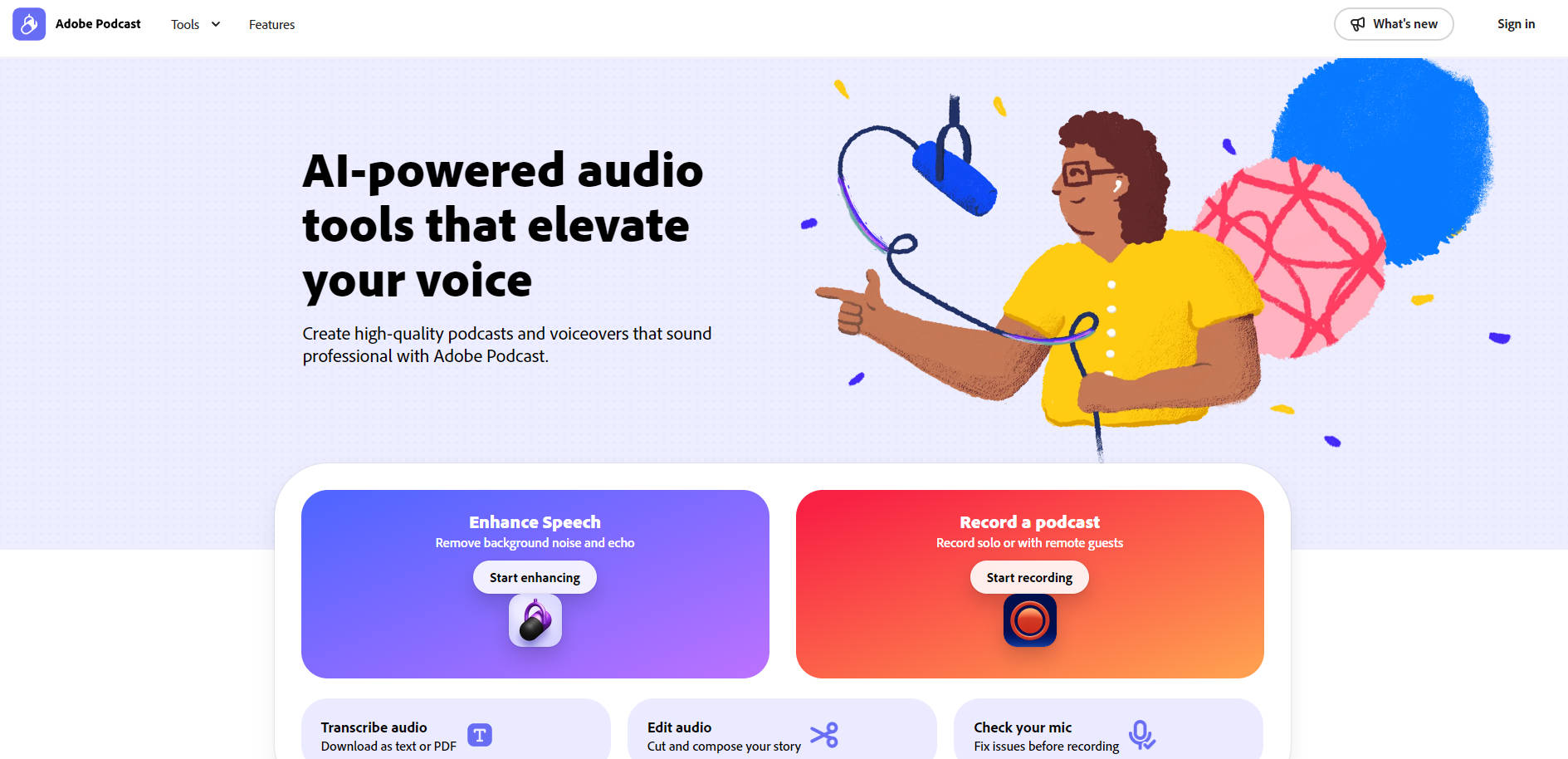
More information on Adobe Podcast
Top 5 Countries
14.4%
10.81%
8.48%
4.08%
2.93%
United States
India
Brazil
Mexico
United Kingdom
Traffic Sources
1.73%
0.16%
0.04%
4.41%
39.77%
53.88%
social
paidReferrals
mail
referrals
search
direct
Source: Similarweb (Sep 24, 2025)
Adobe Podcast was manually vetted by our editorial team and was first featured on 2023-03-07.
Related Searches
Adobe Podcast Alternatives
Load more Alternatives-

Adobe Enhance Speech is an AI-powered audio filter designed to improve the sound quality of spoken audio recordings
-
-

Enhance audio quality effortlessly with Audo Studio – an AI-powered software for noise reduction and one-click cleaning. Perfect for podcasters, video creators, and online course creators.
-

MakePodcast is an AI-driven tool designed to streamline the process of generating professional-quality podcasts.
-