

What is AI Webcam Effects?
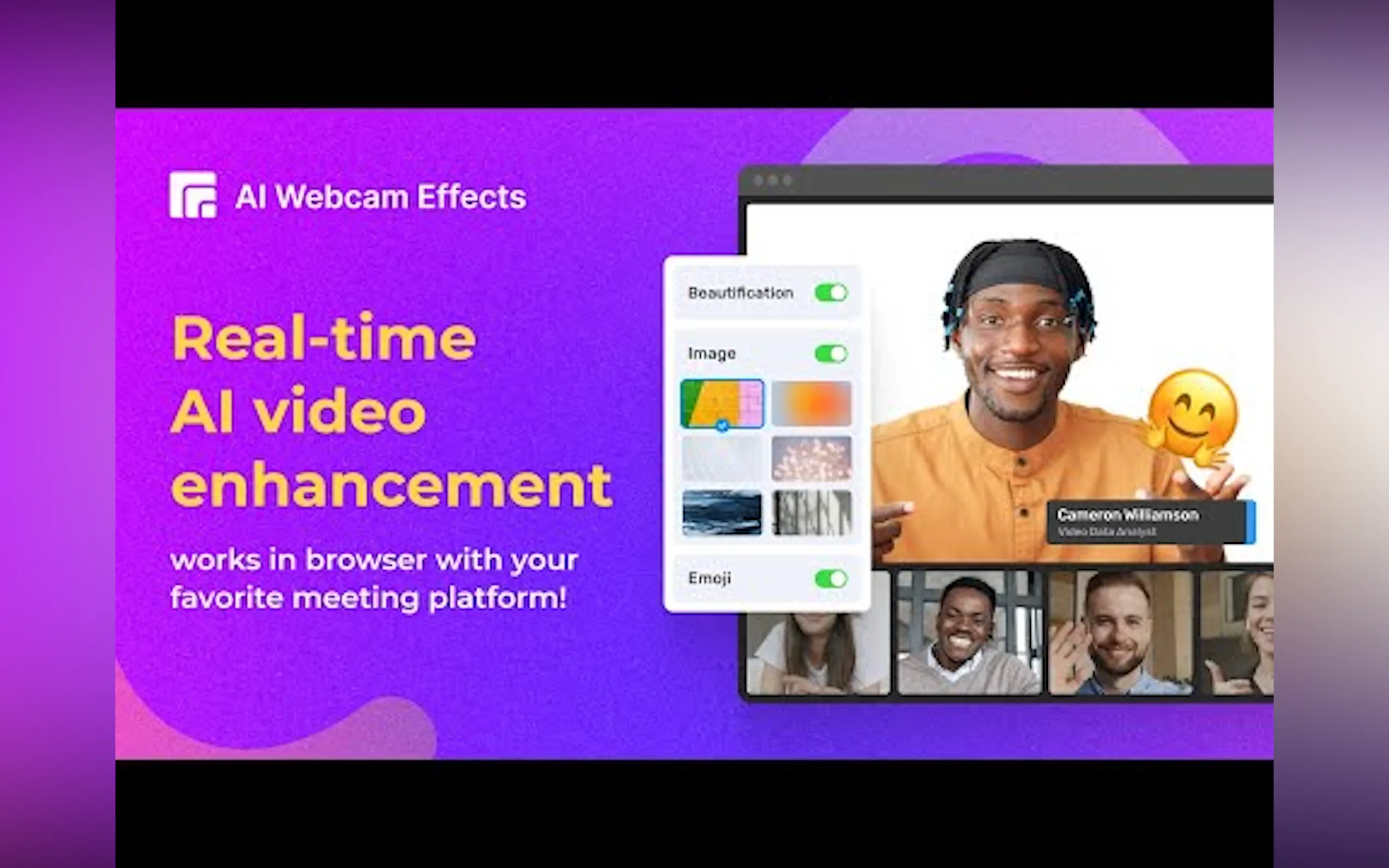
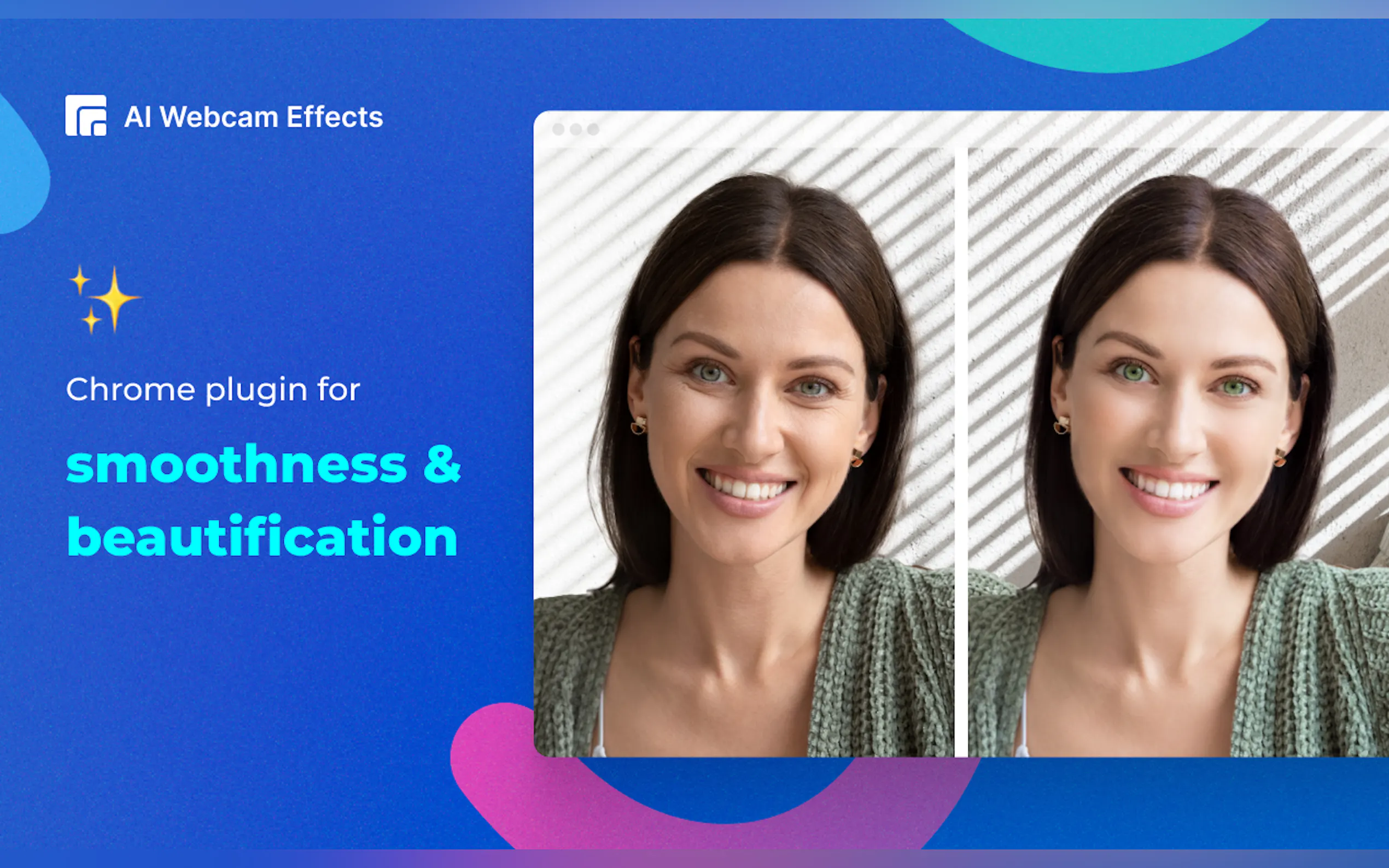
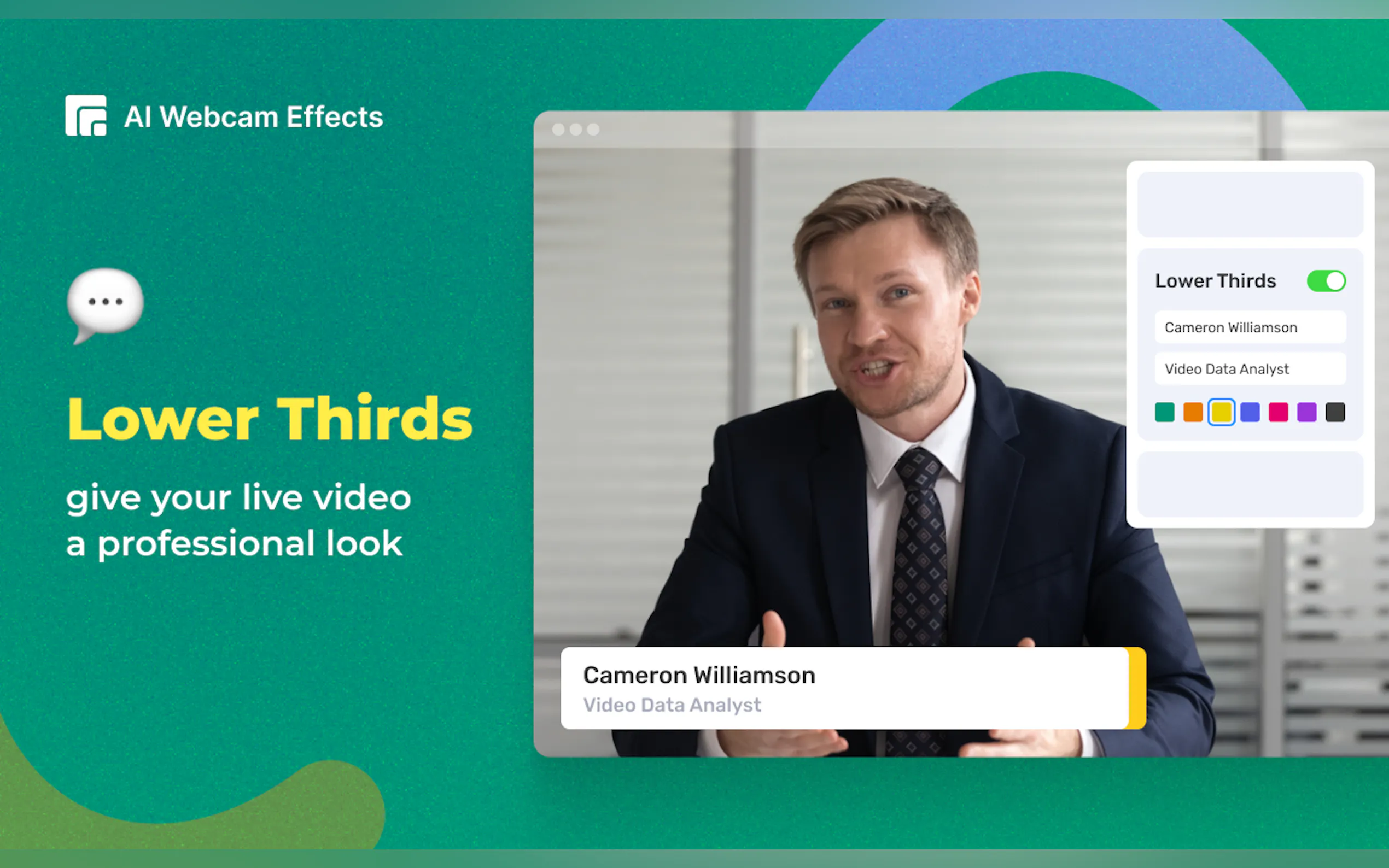
The Webcam Effects Chrome Plugin is a versatile extension designed to enhance your video streaming experience across any browser-based platform. It offers a suite of features including virtual backgrounds, custom video layouts, background blurring, smart zoom, and integration with Emojis and Giphy. This plugin leverages advanced AI technology to improve video clarity and engagement, making it an essential tool for both professional and casual video calls.
Key Features
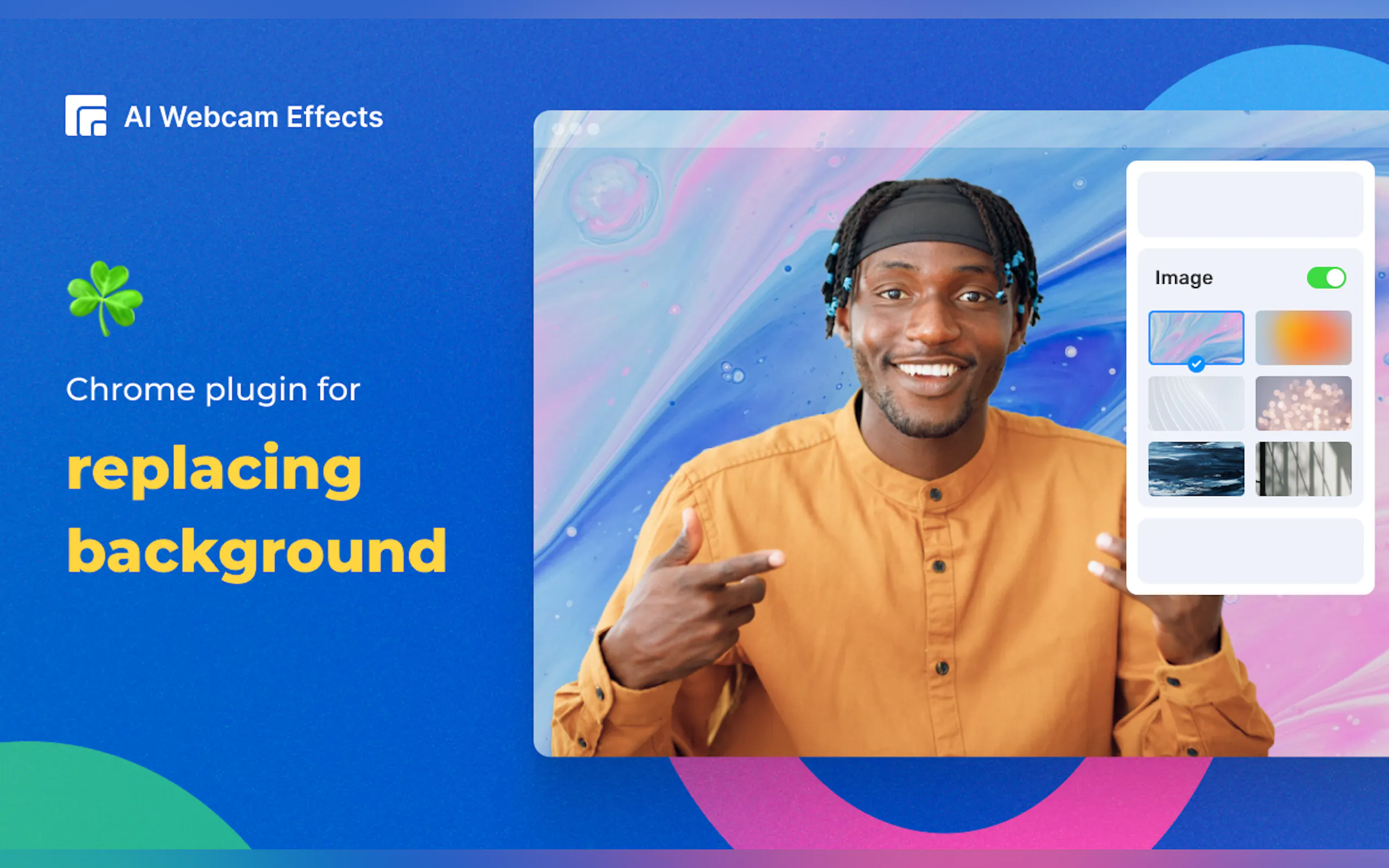
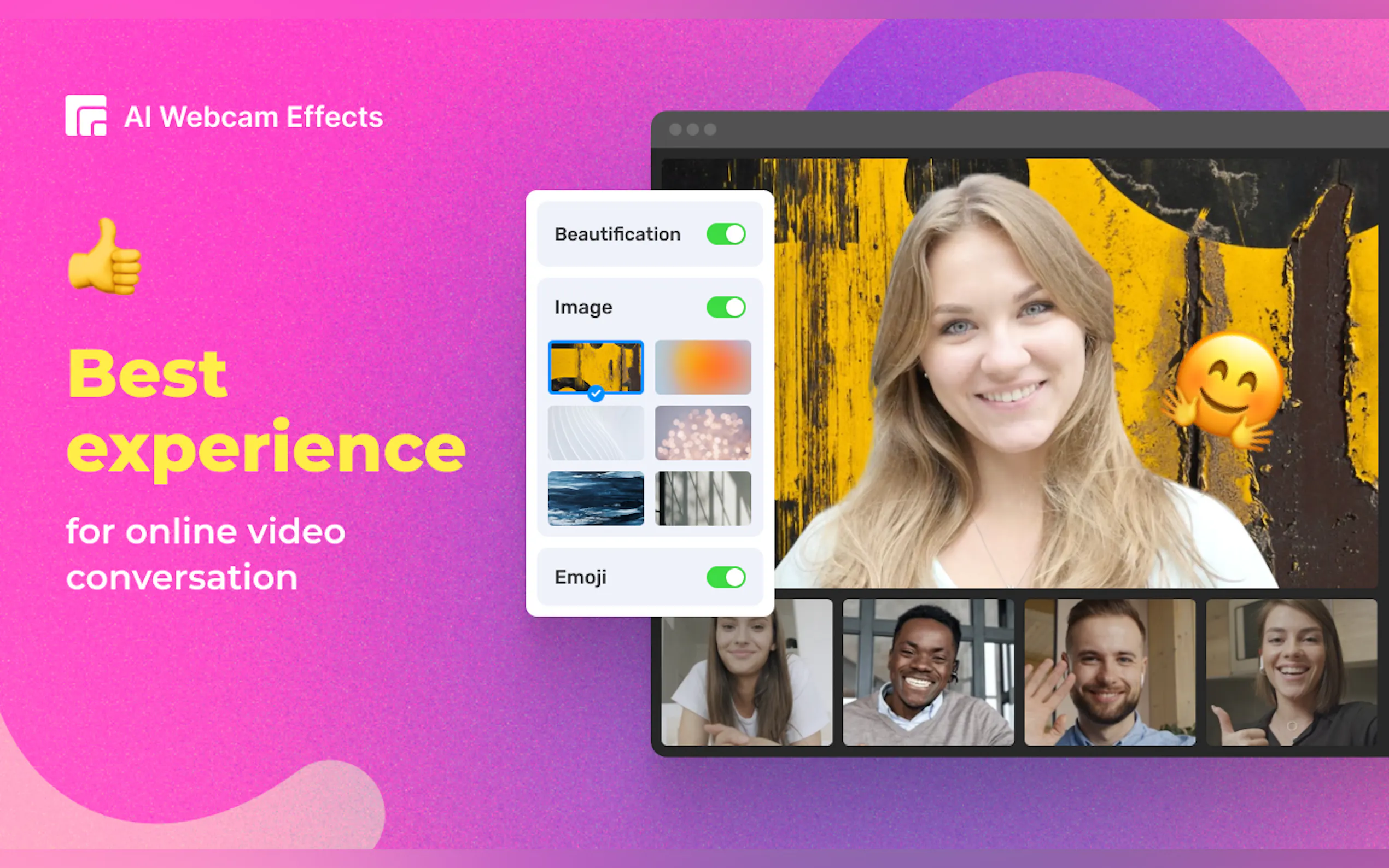
📸 Virtual Backgrounds: Instantly replace your video call background with a solid color, personalized image, or dynamic video to create a unique virtual environment.
🖼️ Custom Layouts: Optimize your video layout by positioning your face strategically and streaming relevant content to enhance viewer engagement.
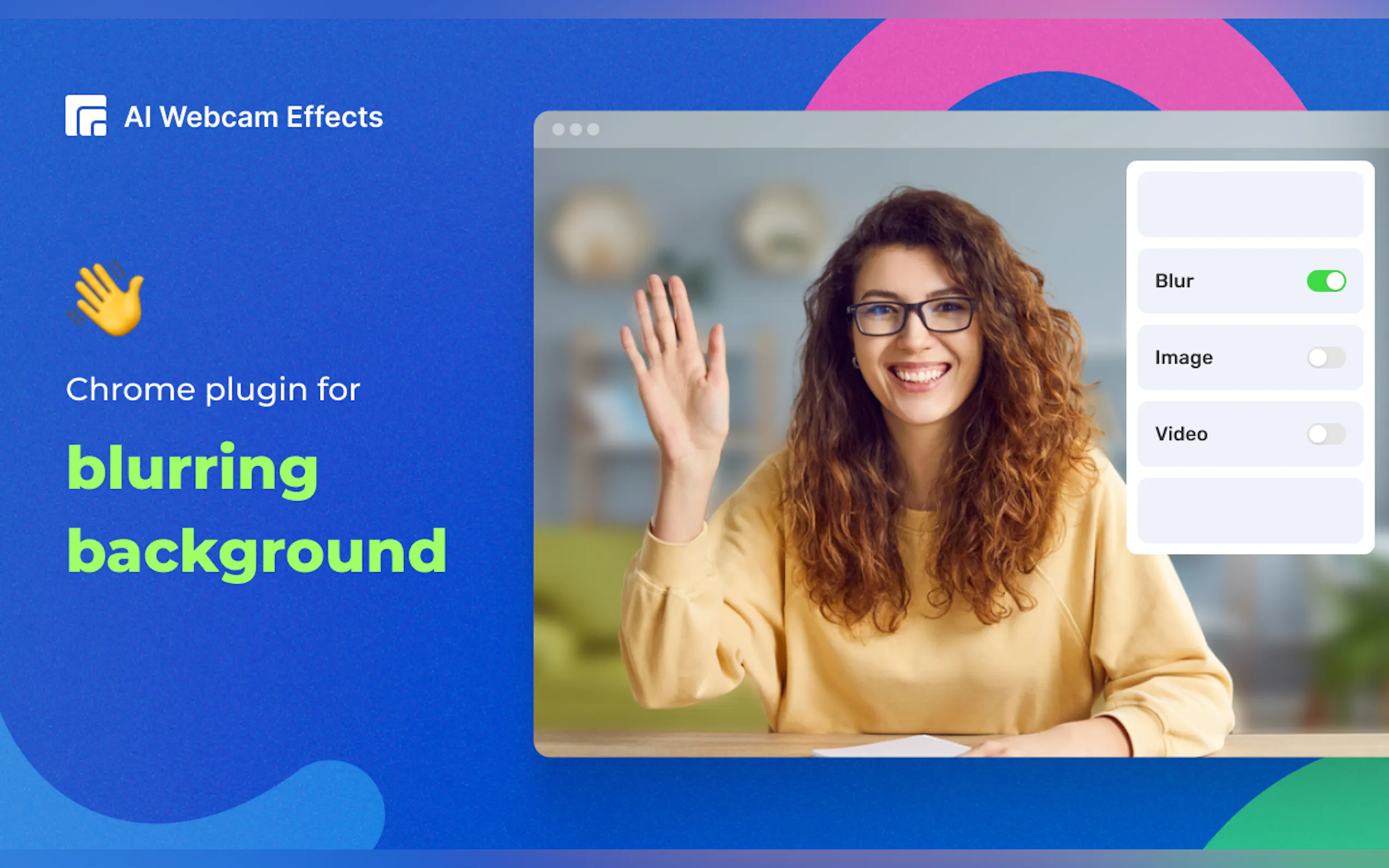
🌫️ Background Blur: Automatically blur your webcam’s background using AI, ensuring you remain the focal point with increased clarity.
🔍 Smart Zoom: Enjoy real-time auto-framing that keeps you centered and in focus, delivering a professional look during video calls.
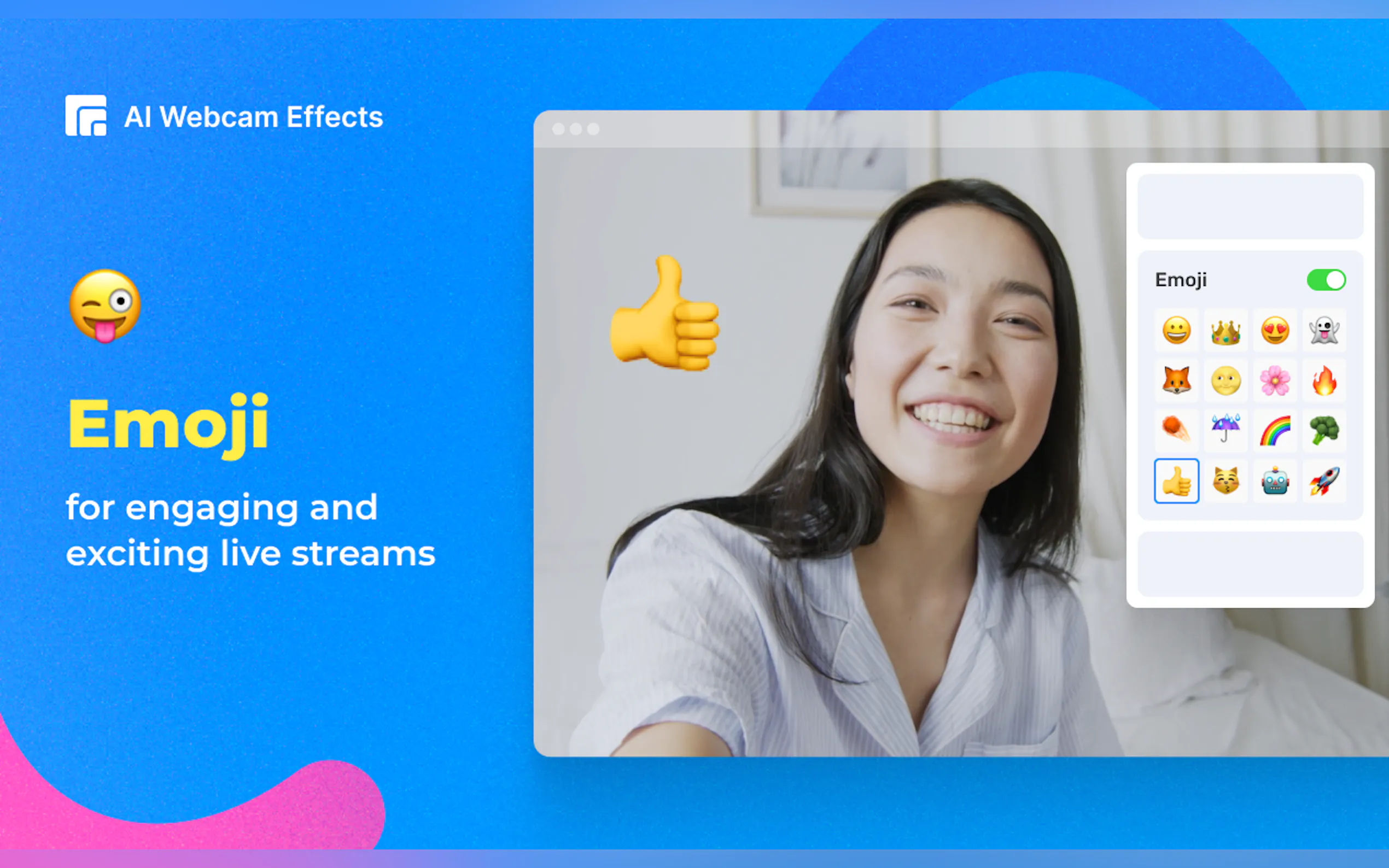
🎉 Emoji and Giphy Integration: Spice up your video calls with real-time Emojis and Giphy animations, adding fun and expressive visuals to your conversations.
Use Cases
Remote Work: Maintain a professional appearance during virtual meetings by using background blur or custom backgrounds to hide distractions.
Online Teaching: Use custom layouts to present educational content effectively while keeping students engaged.
Casual Chats: Enhance your video calls with friends by integrating Emojis and Giphy for a more interactive and enjoyable experience.
Conclusion
The Webcam Effects Chrome Plugin is your go-to tool for elevating your video streaming experience. Its powerful features ensure you look professional, stay focused, and keep your audience engaged. Whether you're working remotely, teaching online, or just chatting with friends, this plugin makes your video calls more dynamic and enjoyable. Install it today from the Chrome Web Store and experience the difference firsthand.
FAQs
How do I install the Webcam Effects Chrome Plugin?
Simply visit the Chrome Web Store, search for "Webcam Effects Chrome Plugin," and click "Install." The plugin will be added to your browser in seconds.
Is the Webcam Effects Chrome Plugin compatible with all browsers?
Yes, it supports all Chromium-based browsers, including Chrome, Edge, and Opera, ensuring wide accessibility across different platforms.
Can I use the plugin on different operating systems?
Absolutely! The plugin is compatible with Windows, Mac, and Linux, providing a seamless experience regardless of your operating system.


More information on AI Webcam Effects
Launched
2023-01
Pricing Model
Free Trial
Starting Price
Global Rank
1433246
Follow
Month Visit
17.7K
Tech used
Google Analytics,Google Tag Manager,Cloudflare CDN,Google Fonts,HTTP/3,PHP
Top 5 Countries
20.7%
20.26%
18.97%
7.87%
4.36%
United States
India
Philippines
Germany
Vietnam
Traffic Sources
4.85%
1.02%
0.11%
8.23%
43.28%
42.29%
social
paidReferrals
mail
referrals
search
direct
Source: Similarweb (Sep 24, 2025)
AI Webcam Effects was manually vetted by our editorial team and was first featured on 2023-07-05.
Related Searches
AI Webcam Effects Alternatives
Load more Alternatives-

-

Deep-Live-Cam, an AI-powered open-source virtual camera. Real-time face swap, one-click deepfake, multi-platform. Ideal for streaming, conferencing. Ethical use. Try now!
-

Animate any image with your face! xpression camera is the AI virtual camera that transforms your look in real-time for video calls, streams & content.
-

-