

What is AionUi?
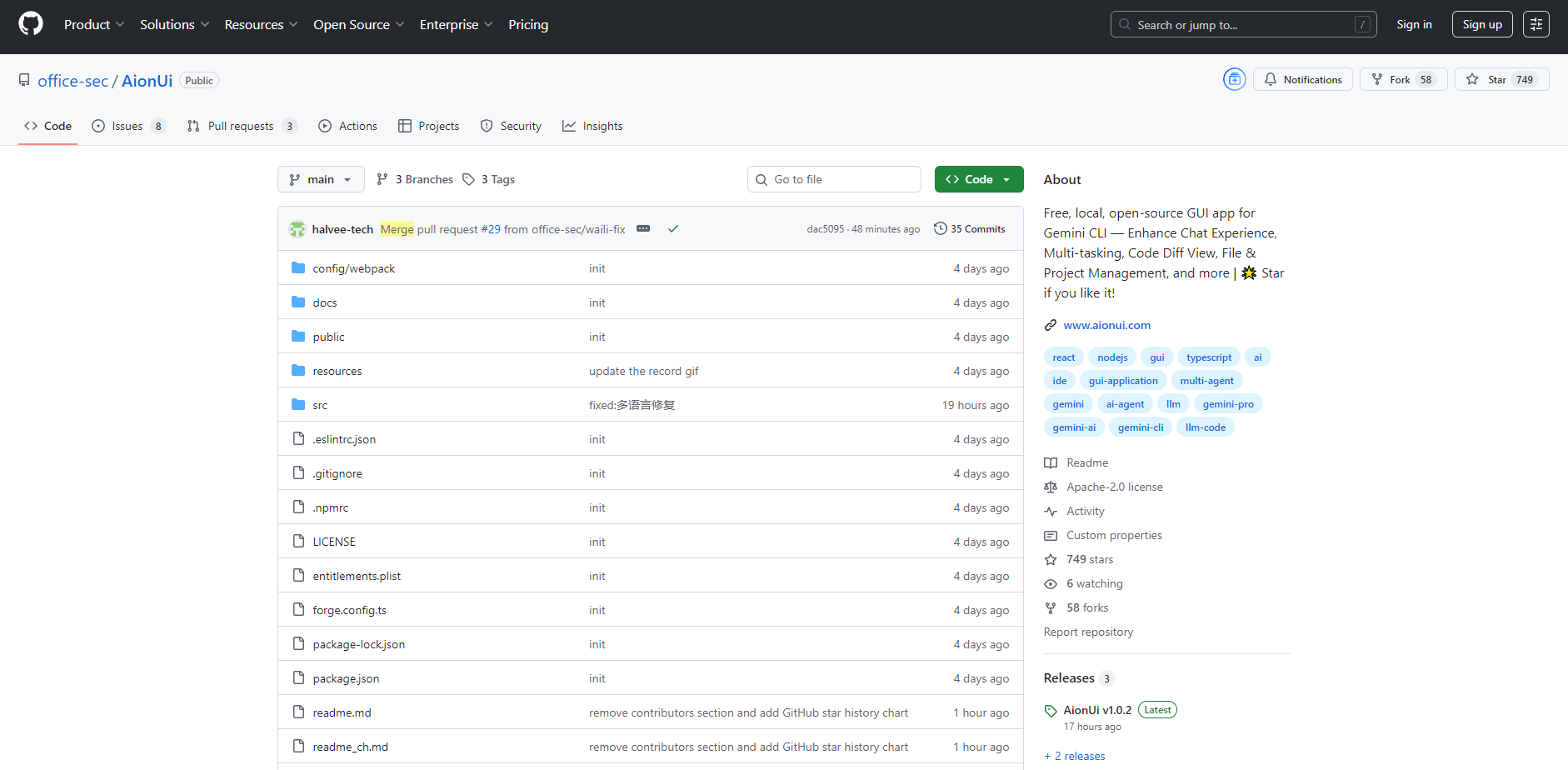
AionUi is a free, local, and open-source graphical user interface (GUI) application designed to transform your command-line AI experience. It provides a modern, intuitive chat interface that directly addresses the limitations of traditional CLI tools, offering a more efficient and natural way for everyday users to interact with multiple AI models and agents.
Key Features
✨ Multi-Agent Integration: Seamlessly connect and manage various terminal AI agents, including Gemini CLI, Claude Code, and Qwen Code, all from a unified interface. AionUi dynamically detects your CLI agents, provides secure authentication, and monitors them in real-time, streamlining your multi-tool AI workflows.
🖼️ Intelligent AI Image Generation & Editing: Leverage the power of Gemini 2.5 Flash Image Preview, one of the most advanced image models available, for intelligent image generation, editing, and recognition. AionUi also supports other leading AI image models, ensuring high-quality output and versatile creative control.
📁 Simplified File Management: Move beyond cumbersome commands with intuitive file management. AionUi enables drag-and-drop file uploads for AI processing, batch renaming, smart classification, and AI-assisted organization. You can even perform code comparisons (before/after) directly within the interface for development tasks.
💬 Enhanced Chat Experience: Break free from single-conversation limitations. AionUi supports multiple independent conversations, each with its own memory, allowing you to handle diverse tasks simultaneously without confusion. Enjoy a modern chat interface, permanent local storage for all your interactions, and the flexibility to use various AI models beyond just Gemini.
🚀 Development Efficiency Boost: Accelerate your coding projects with integrated Function Calling (complete Gemini API support), beautiful code rendering for clearer formatting, and intelligent tool scheduling that automatically selects the most suitable AI tools for your development needs.
Use Cases
Accelerate Code Development & Review: Use AionUi to generate code, receive refactoring suggestions, and fix bugs efficiently across multiple AI agents. You can drag and drop code files for AI analysis and compare changes visually, making development cycles faster and more precise.
Streamline Data & Document Processing: Leverage AI to create, organize, analyze, and beautify Excel files, or generate comprehensive reports and document summaries. AionUi’s file management and multi-model support enable you to tailor AI assistance for specific data tasks.
Boost Creative & Learning Workflows: Generate compelling copywriting, brainstorm ideas, or collect inspiration using diverse AI models. For learning, AionUi acts as a knowledge Q&A assistant, explaining complex concepts and helping you organize information more effectively.
Unique Advantages
AionUi stands out by addressing critical gaps in traditional AI interaction and offering distinct benefits:
Beyond the Command Line: As a free, local, open-source GUI app, AionUi liberates you from the complexities of the command-line interface. It solves common pain points like cumbersome file selection, lost conversations, and the lack of natural chat interactions often found in CLI tools.
True Multi-Model Flexibility: Unlike single-model solutions, AionUi integrates and supports a wide array of AI platforms, including Gemini, OpenAI, ModelScope, OpenRouter, and custom endpoints. This allows you to select the optimal AI model for each specific task, from code generation to creative writing, ensuring you always have the right tool.
Robust API Key Management: For advanced users, AionUi offers an intelligent Multi-API Key Rotation Service. This ensures high availability and reliability through automatic key rotation, intelligent error recovery with automatic retries, and smart rate limit handling, minimizing downtime and maximizing successful API calls.
Conclusion
AionUi empowers everyday users and professionals alike to harness the full potential of AI through a modern, efficient, and user-centric interface. By unifying multiple AI agents and models, it simplifies complex workflows and enhances productivity across development, creative, and organizational tasks.
Explore AionUi today and experience a smarter way to interact with AI.
More information on AionUi
Launched
Pricing Model
Free
Starting Price
Global Rank
Follow
Month Visit
<5k
Tech used
AionUi was manually vetted by our editorial team and was first featured on 2025-08-11.
Related Searches
AionUi Alternatives
Load more Alternatives-

-
-

MultitaskAI is a powerful browser-based chat interface that transforms how you interact with AI. Connect directly to leading models from OpenAI, Anthropic, and Google using your own API keys—ensuring complete privacy and control over your data.
-
Chat with multiple AIs in one app. Powered by ChatGPT, Google Gemini, Claude AI, Mistral AI, Cohere AI and Dall-E 3
-

Build AI chat UIs faster with assistant-ui! Open-source React library with primitives, integrations, and wide LLM support.