

What is AVCLabs Video Blur AI?
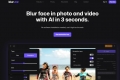
AVCLabs Video Blur AI is an innovative AI-powered video editing software designed to automate the process of blurring faces, license plates, backgrounds, and custom objects in videos. This powerful tool utilizes advanced AI algorithms to significantly reduce the time and effort required for video blurring tasks, making it an ideal solution for video editors, content creators, and anyone looking to streamline their video editing workflow.
Key Features:
🪄 AI-Powered Face Blurring:Automatically detects and blurs faces in videos with high accuracy, even in challenging conditions like crowds or fast motion.
🚗 Automatic License Plate Blurring:Accurately identifies and blurs license plates in videos, ensuring privacy and compliance.
🏞️ Intelligent Background Blurring:Creates professional-looking blurred backgrounds with adjustable depth of field and foreground expansion.
🎯 Custom Object Blurring & Tracking:Allows users to select and blur any object in a video frame, applying tracking for dynamic blurring throughout the video.
⚙️ Multiple Blur Task Management:Offers the ability to manage multiple blur tasks within a single project, simplifying complex blurring workflows.
Use Cases:
A news editor uses AVCLabs Video Blur AI to quickly blur the faces of witnesses in an interview, protecting their identities.
A YouTube vlogger uses the software to automatically blur license plates in their travel videos before sharing them online.
A filmmaker utilizes the custom object blur feature to obscure sensitive information on a computer screen in a scene.
Conclusion:
AVCLabs Video Blur AI revolutionizes the video blurring process by automating previously tedious and time-consuming tasks. Its advanced AI-powered features enable users to achieve professional-grade blurring effects with unprecedented ease and efficiency. By reducing workload and improving output quality, AVCLabs Video Blur AI empowers users to focus on the creative aspects of video editing while ensuring privacy and compliance.
FAQs:
1. What video formats does AVCLabs Video Blur AI support?
AVCLabs Video Blur AI supports a wide range of input video formats including MP4, MOV, AVI, MKV, and more. Output formats include MP4, MKV, MOV, AVI, and WEBM.
2. Is AVCLabs Video Blur AI compatible with both Windows and Mac?
Yes, AVCLabs Video Blur AI is available for both Windows (Windows 10/11 64-bit) and macOS (macOS 12 and above, including M-Series Silicon chip).
3. Can I try AVCLabs Video Blur AI before purchasing?
Yes, AVCLabs offers a free trial version of Video Blur AI that allows you to test its features and functionality before making a purchase.
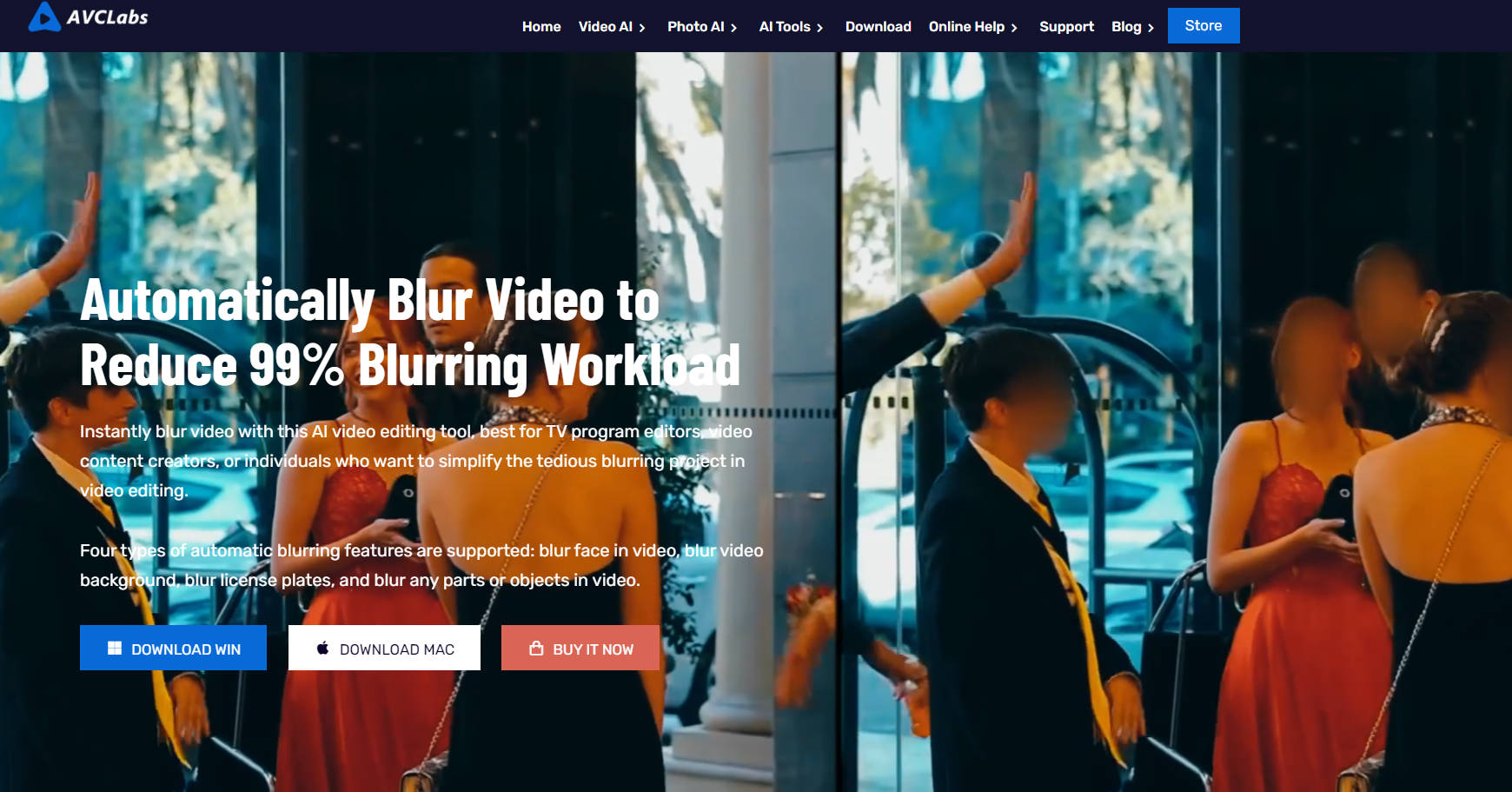
More information on AVCLabs Video Blur AI
Top 5 Countries
13.31%
7.24%
6.29%
3.71%
3.65%
United States
Russia
India
France
Japan
Traffic Sources
3.36%
0.81%
0.1%
7.75%
55.12%
32.85%
social
paidReferrals
mail
referrals
search
direct
Source: Similarweb (Sep 24, 2025)
AVCLabs Video Blur AI was manually vetted by our editorial team and was first featured on 2024-11-17.
Related Searches
AVCLabs Video Blur AI Alternatives
Load more Alternatives-
AVCLabs: Remove video backgrounds 100% free with AI technology. Enhance videos, convert formats, and create professional content. AI-powered solutions for multimedia.
-
Boost video quality, upscale resolution, colorize black-and-white footage, & more. AVCLabs Video Enhancer AI brings new life to your videos with AI-powered algorithms.
-
Protect video privacy effortlessly with Nero Blur Face! An AI - powered video editor, it auto - detects and blurs faces, license plates, logos. Choose from 10+ mask effects. Ideal for content creators, parents & pros.
-
-

Optimize your video experience with VideoProc Converter AI. Enjoy fast processing, original quality, and a wide range of codecs and formats.