

What is Command Center?
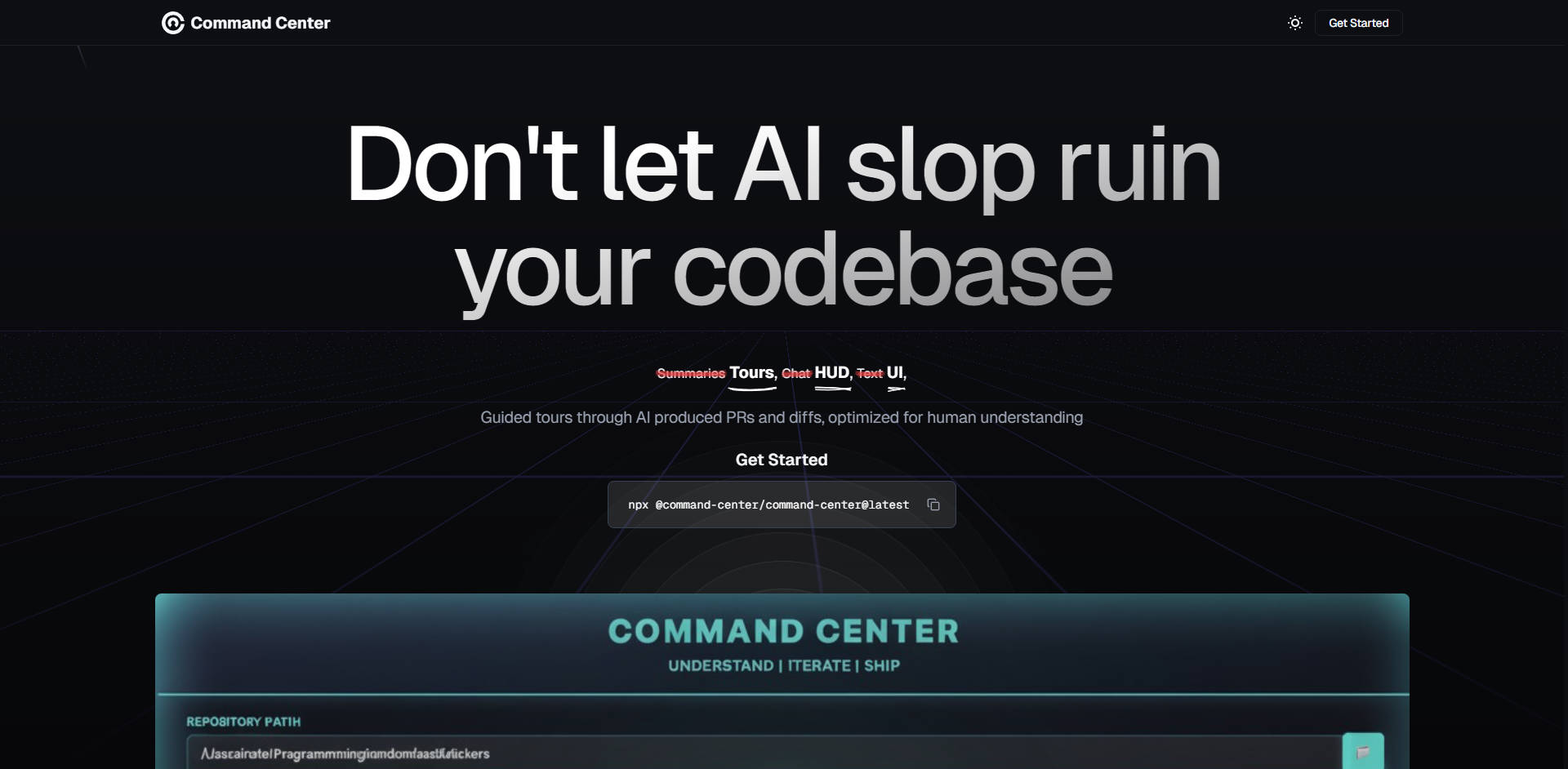
Command Center is the specialized Post-IDE environment engineered to manage, review, and elevate the quality of code generated by AI agents. It directly addresses the critical industry challenge of "AI slop" by providing human-optimized tools necessary to quickly understand, verify, and guide complex AI-produced Pull Requests (PRs) and code diffs. If your engineering workflow relies on autonomous agents for tasks like refactoring or feature development, Command Center provides the essential oversight required to maintain the highest quality bar.
Key Features
Command Center provides the necessary infrastructure and interfaces for developers to confidently integrate AI agents without sacrificing code integrity.
✨ Human-Optimized Walkthroughs: Gain immediate clarity on complex AI changes. Command Center provides guided tours through AI-produced PRs and diffs, summarizing the agent’s intent and logic to help you understand code modifications as quickly as humanly possible. This is crucial for verifying large refactors or complex extractions.
🔄 Realtime Diff Viewer: Observe agent modifications live as they occur. This feature delivers a traditional GitHub-style diff viewer that updates in real time while the AI agent is actively modifying your code. You gain instant, transparent visibility into the agent’s actions, speeding up the verification process.
🛠️ Agent-Native Environment Setup: Ensure your agents are operating with full context. Command Center makes any codebase "Agent-Native," enabling AI agents to test the application and read logs just as a human developer would. This significantly improves the reliability and accuracy of AI-driven changes.
↩️ Undo AI Mistakes with Snapshots: Maintain control and stability in volatile environments. When an agent introduces errors or unintended consequences, you can simply restore a previous snapshot of the codebase instantly. This eliminates the need for manual cleanup or creating extra, messy commits.
💬 Direct Line-by-Line Feedback: Meet the highest quality standards without writing the code yourself. Developers can give specific, line-by-line feedback directly to the agent from the code review interface, guiding the AI to refine its output and ensuring the final code adheres to your team’s standards.
Use Cases
Command Center is designed to integrate seamlessly into modern AI-augmented development cycles, delivering tangible efficiency and quality gains.
Validating Complex Refactoring PRs: When an AI agent extracts a large method or optimizes a core module, the resulting diff can be overwhelming. Using Command Center's optimized walkthroughs, you quickly grasp the structural changes and the extracted logic (e.g., seeing a complex
allocateBlockmethod cleanly segmented into a new private helper method), allowing for rapid, informed approval.Rapid Quality Control and Iteration: If an agent attempts to fix a bug but misinterprets the root cause, you don't need to manually intervene. Instead, you use the line-by-line feedback feature to highlight the specific block of code and instruct the agent on the necessary correction, initiating a rapid, focused iterative loop until the quality bar is met.
Scaling Agent Deployment: For teams utilizing multiple specialized agents (e.g., one for security checks, one for performance optimization), Command Center allows you to control these agents in their own isolated environments. This feature—the "Agent Army" control—enables parallel execution and minimizes context-switching overhead, ensuring agents can work independently and efficiently.
Conclusion
Command Center delivers the essential control, visibility, and quality assurance necessary for professional teams leveraging AI agents. By moving beyond the limits of traditional development environments, it ensures that your agents deliver quality code, not "slop."
Ready to step into the Post-IDE era?
Explore how Command Center can help you maximize agent performance and ensure code integrity.
More information on Command Center
Launched
2023-05
Pricing Model
Free Trial
Starting Price
Global Rank
Follow
Month Visit
<5k
Tech used
Top 5 Countries
100%
Canada
Traffic Sources
100%
0%
Direct
Search
Source: Similarweb (Jun 25, 2024)
Command Center was manually vetted by our editorial team and was first featured on 2023-10-11.
Command Center Alternatives
Load more Alternatives-

Deploy code agents that plan, build, and review with full context, robust integrations, and production-ready results. Backed by enterprise-grade support. Ship faster with Codegen.
-

-
Autonomous multi-agent coding framework that plans, builds, and validates software for you.
-

-

Codex CLI: AI-powered code generation, refactoring, & testing directly in your terminal. Safe, controlled, & open source!