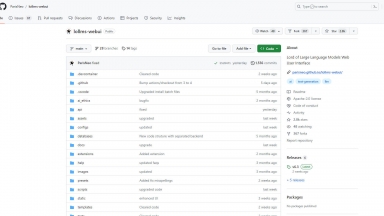
 LoLLMS Web UI
 Open WebUI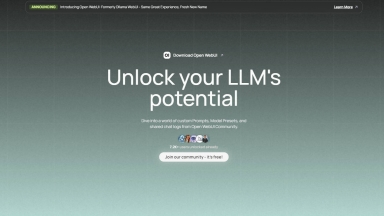
LoLLMS Web UI
| Launched | 2023 |
| Pricing Model | Free |
| Starting Price | |
| Tech used | |
| Tag | Music Generators |
Open WebUI
| Launched | 2024-2 |
| Pricing Model | Free |
| Starting Price | |
| Tech used | Google Analytics,Google Tag Manager,Svelte(Kit),Gravatar,Gzip,Nginx,Ubuntu |
| Tag | Web Design,Chrome Extension |
LoLLMS Web UI Rank/Visit
| Global Rank | 0 |
| Country | |
| Month Visit | 0 |
Top 5 Countries
Traffic Sources
Open WebUI Rank/Visit
| Global Rank | 63556 |
| Country | United States |
| Month Visit | 792629 |
Top 5 Countries
Traffic Sources
Estimated traffic data from Similarweb
What are some alternatives?
LLMWizard - LLMWizard is an all-in-one AI platform that provides access to multiple advanced AI models through a single subscription. It offers features like custom AI assistants, PDF analysis, chatbot/assistant creation, and team collaboration tools.
Web LLM - Bringing large-language models and chat to web browsers. Everything runs inside the browser with no server support.
liteLLM - Call all LLM APIs using the OpenAI format. Use Bedrock, Azure, OpenAI, Cohere, Anthropic, Ollama, Sagemaker, HuggingFace, Replicate (100+ LLMs)
LM Studio - LM Studio is an easy to use desktop app for experimenting with local and open-source Large Language Models (LLMs). The LM Studio cross platform desktop app allows you to download and run any ggml-compatible model from Hugging Face, and provides a simple yet powerful model configuration and inferencing UI. The app leverages your GPU when possible.