 Skylight
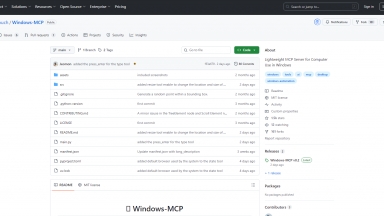
 Windows-MCP
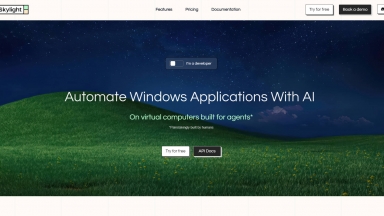
Skylight
| Launched | 2025-03 |
| Pricing Model | Freemium |
| Starting Price | $20 /month |
| Tech used | Next.js,Vercel,Gzip,Webpack,HSTS |
| Tag | Task Automation,Infrastructure,No-code |
Windows-MCP
| Launched | |
| Pricing Model | Free |
| Starting Price | |
| Tech used | |
| Tag | Task Automation,Developer Tools,Test Automation |
Skylight Rank/Visit
| Global Rank | |
| Country | Taiwan |
| Month Visit | 531 |
Top 5 Countries
Traffic Sources
Windows-MCP Rank/Visit
| Global Rank | |
| Country | |
| Month Visit |
Top 5 Countries
Traffic Sources
Estimated traffic data from Similarweb
What are some alternatives?
Agent S - Automate GUIs like a human with Agent S, the open-source framework for intelligent UI automation. Learn from experience!
Skyvern - Revolutionize browser-based workflows with Skyvern, an innovative AI tool. Automate complex tasks without scripts, using LLMs and computer vision. Boost productivity and save time!
Pig - Pig is an API for launching and interacting with Windows virtual desktops. Ideal for teams building automations, it enables AI agents to operate like humans.
Bytebot - Bytebot is an open-source AI desktop agent that grants artificial intelligence its own complete computer. Unlike browser-only or API-based tools, it operates within a containerized Linux desktop, allowing it to use any application, navigate websites, and process documents through natural language commands, mimicking human interaction.