 Timebolt
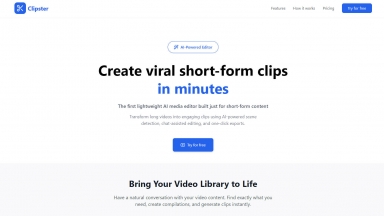
 Clipster Studio
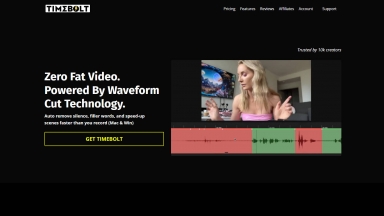
Timebolt
| Launched | 2019-04 |
| Pricing Model | Freemium |
| Starting Price | $17/mo |
| Tech used | Ruby,React,Cloudflare,jsDelivr |
| Tag | Video Editor |
Clipster Studio
| Launched | 2025-02 |
| Pricing Model | Free Trial |
| Starting Price | $9/month |
| Tech used | Vercel,HSTS |
| Tag | Video Editor |
Timebolt Rank/Visit
| Global Rank | 912754 |
| Country | United States |
| Month Visit | 35350 |
Top 5 Countries
Traffic Sources
Clipster Studio Rank/Visit
| Global Rank | |
| Country | France |
| Month Visit | 181 |
Top 5 Countries
Traffic Sources
Estimated traffic data from Similarweb
What are some alternatives?
ChatCut - ChatCut: AI video editing that understands you. Use natural language prompts to instantly edit long-form footage & interviews. Cut hours, not content.
BeepThatOut - BeepThatOut: AI profanity editor for creators. Automatically bleeps swears in videos & podcasts. Save time, protect monetization. Web-based & easy.
Cutback - Focus on creativity, not repetitive tasks. Cutback automates video editing in Premiere Pro: rough cuts, multi-cam, transcription & more.
AutoCut - AutoCut AI plugin for Premiere Pro & DaVinci Resolve. Dramatically reduce manual video editing tasks: remove silences, add captions, zoom & B-rolls. Save time, create more.
Tailored Labs - Create professional videos instantly with AI prompts. Replace complex editing with simple commands and get high-quality results fast.