

What is Descript?
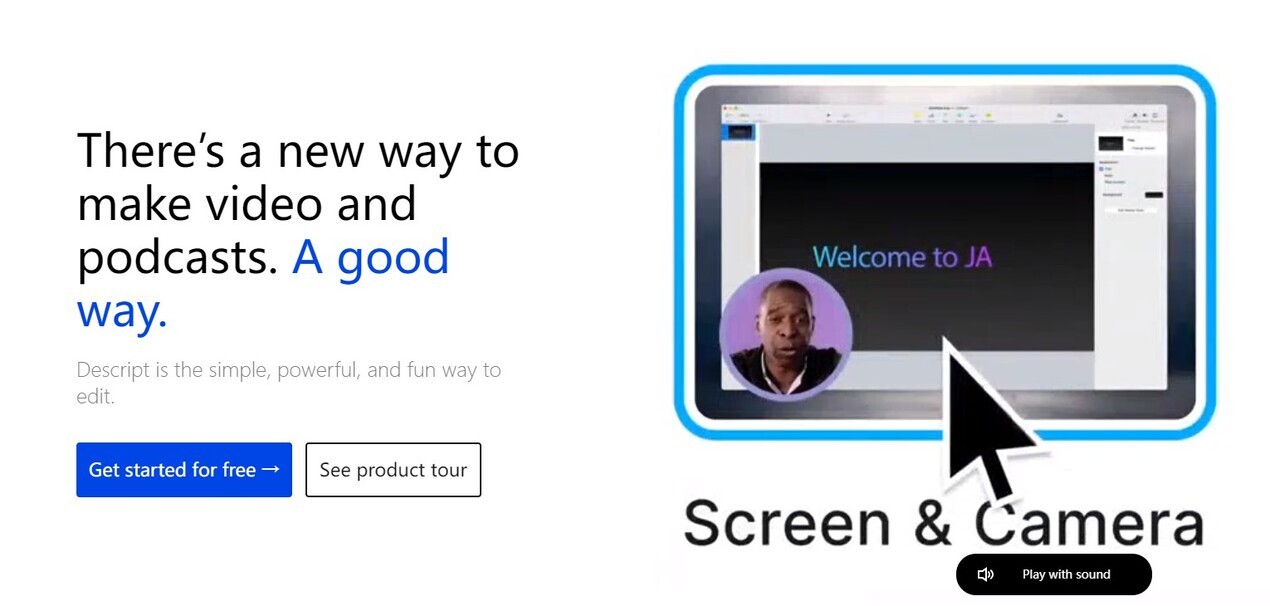
Creating high-quality video and podcast content often feels complex and time-consuming. You need to capture attention, maintain audience engagement, and keep up with demand, even without extensive technical skills or a large production team. This is where Descript comes in. It's a comprehensive tool designed to make editing as intuitive as working with a document, empowering anyone to produce professional videos, podcasts, and social clips efficiently.
Key Features
Descript transforms the editing process with powerful, accessible tools:
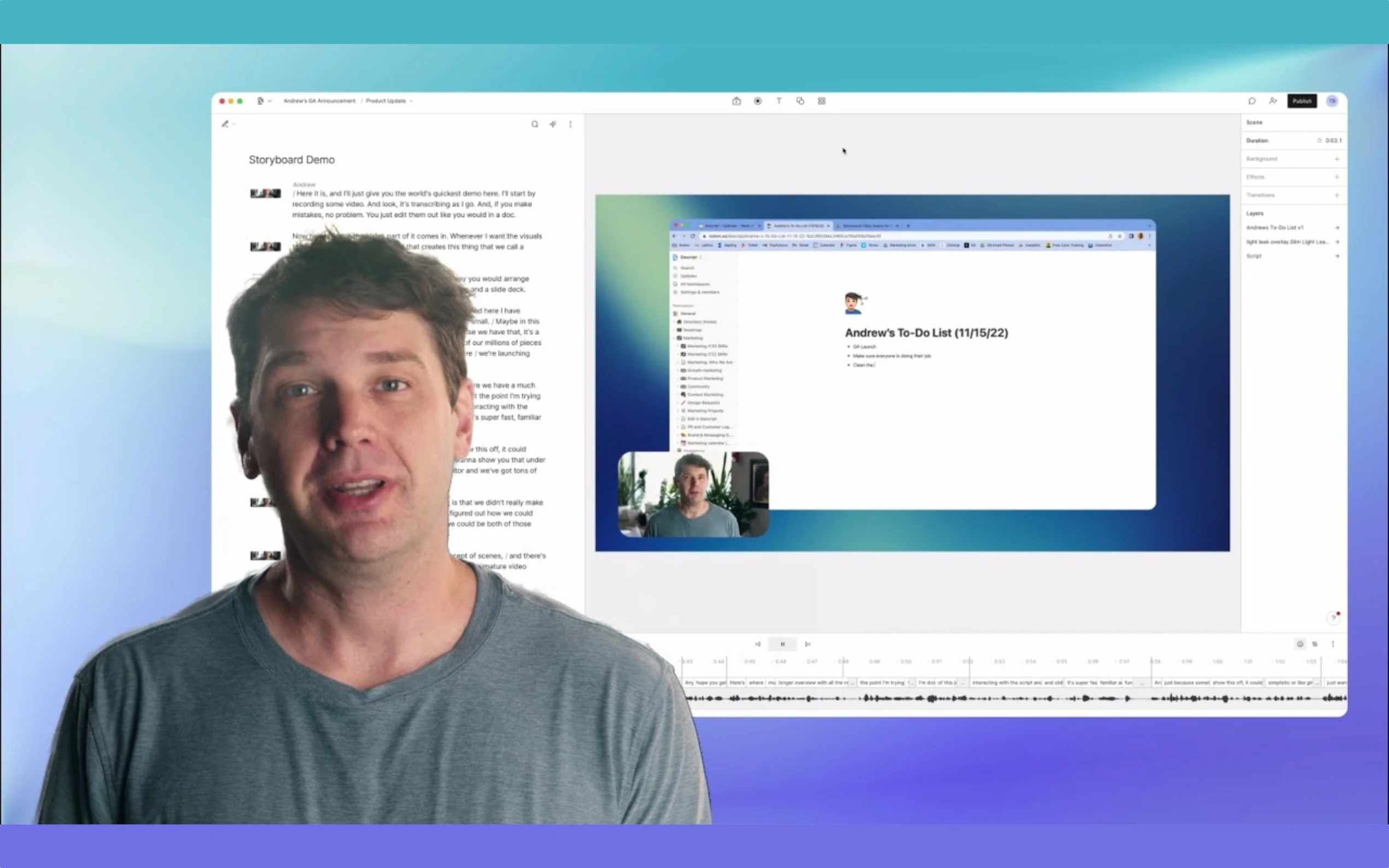
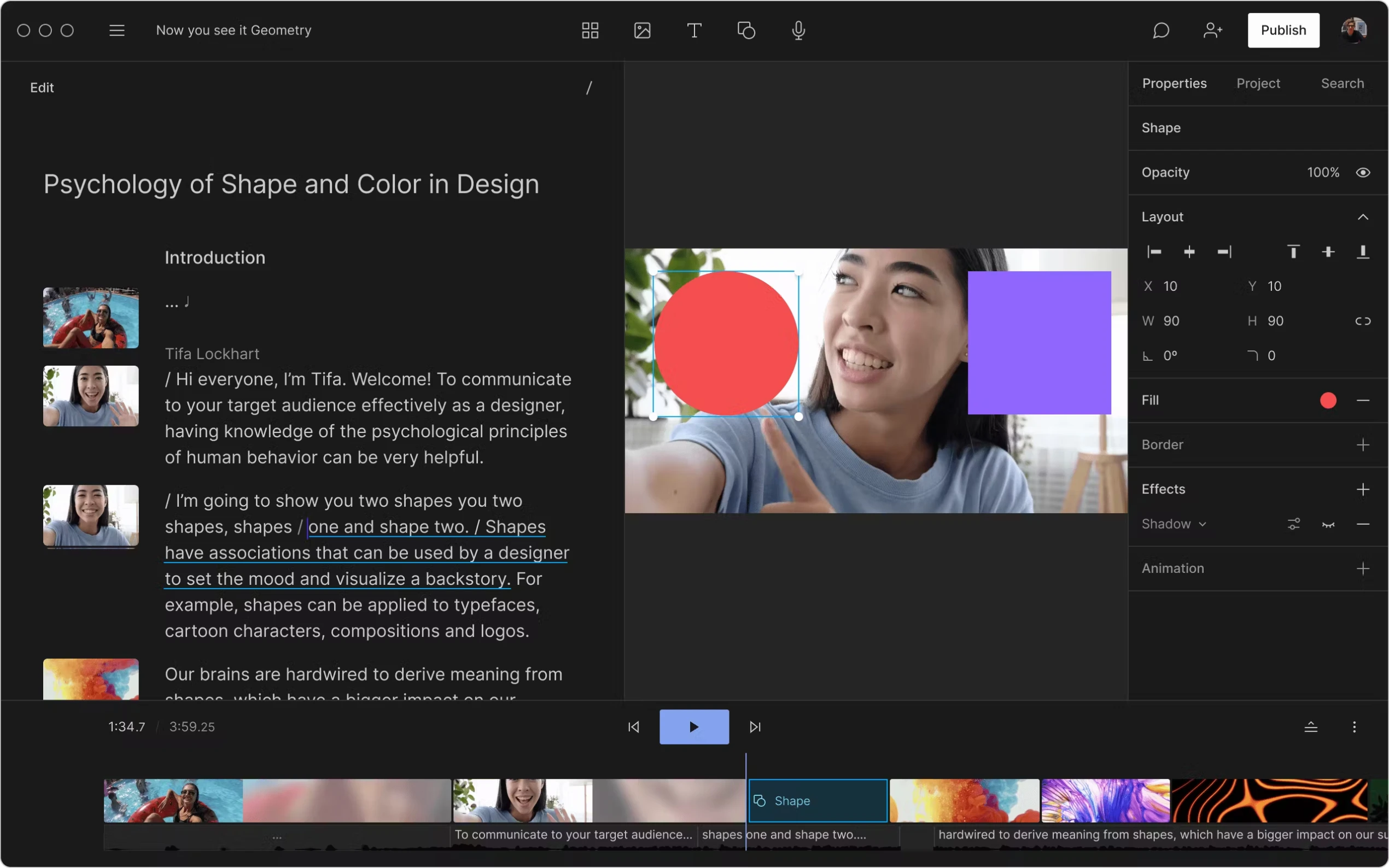
✍️ Text-Based Editing: Edit your audio and video simply by editing a transcript. Delete words or sentences in the text, and Descript automatically removes the corresponding media. Copy and paste text to rearrange sections. This fundamental feature makes editing incredibly fast and familiar.
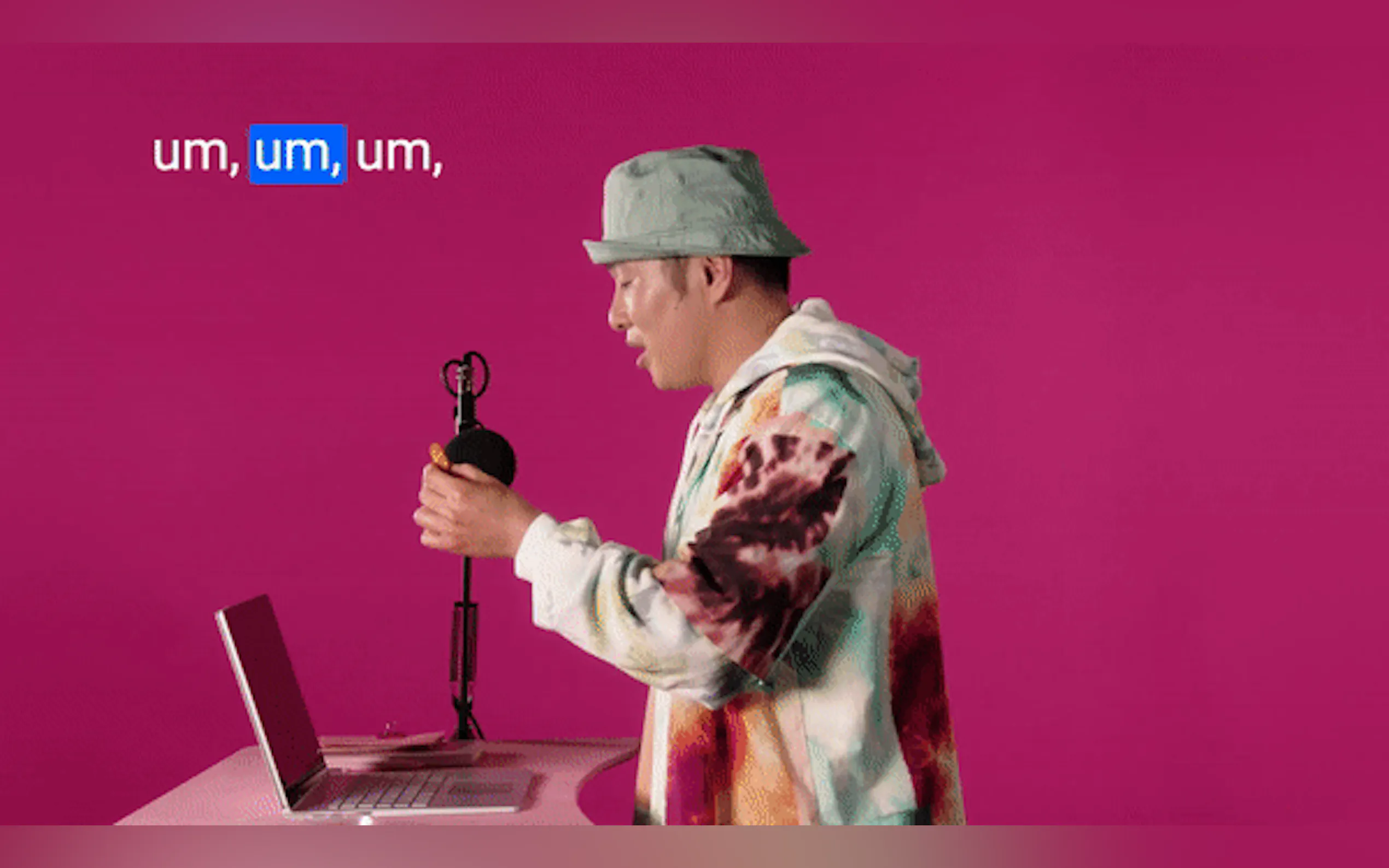
🤖 Integrated AI Editing Tools: Enhance your content quality automatically. Features like Studio Sound clean up audio, removing noise and improving voice clarity without expensive equipment. Remove Filler Words instantly cuts out "ums," "uhs," and other distractions, saving hours of manual work.
👁️ AI Visual Enhancements: Improve your on-screen presence effortlessly. Eye Contact adjusts your gaze so it appears you're looking directly at the camera, even if you're reading a script. Green Screen automatically removes and replaces your background without the need for a physical green screen.
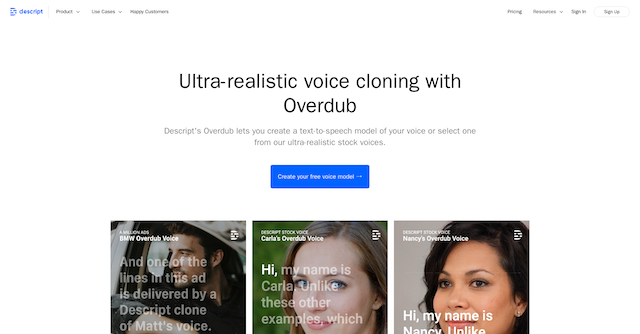
🗣️ AI Speech & Avatars: Expand your creative possibilities and reach. AI Speech allows you to generate realistic voiceovers using stock voices or even a clone of your own voice. Avatars let you create videos where an AI representation speaks your script, perfect for staying off-camera or generating diverse content quickly.
💡 Underlord AI Assistant: Get intelligent help with complex edits and creative tasks. Underlord understands your intent, can make suggestions, perform bulk edits (like adding layouts or bleeping words), write scripts, convert content into video, and help refine your project's energy and flow.
How Descript Solves Your Problems
Descript addresses common challenges in content creation, making it accessible and efficient:
Simplifies Complex Editing: You no longer need to master traditional timeline editors for basic edits. The text-based approach makes cutting, rearranging, and refining content as easy as editing a document.
Automates Tedious Tasks: AI features handle time-consuming chores like noise reduction, filler word removal, and background replacement, freeing you to focus on the creative aspects.
Boosts Production Speed & Volume: By streamlining workflows and automating edits, Descript helps you create more content, faster, enabling you to meet the demands of audiences and platforms.
Empowers Anyone to Create: Whether you're a marketing professional, educator, salesperson, or creator with no prior video experience, Descript provides the tools to produce polished, professional-looking and sounding content.
Use Cases
See how Descript fits into your workflow:
Creating Engaging Marketing Videos: Quickly edit product demos, tutorials, or social media clips by simply refining the transcript. Use layouts, stock media, and AI features like Green Screen and Studio Sound to add polish and professionalism without extensive effort.
Producing High-Quality Podcasts: Record remote interviews with crystal clarity using Rooms, then edit the multi-track audio effortlessly by editing the combined transcript. Use Remove Filler Words and Studio Sound to clean up the final product before publishing.
Developing Internal Communications & Training: Record screen shares for tutorials or webinars, then use text-based editing to trim, refine, and add captions for accessibility. Leverage AI avatars or voice cloning for consistent narration across multiple training modules.
Why Choose Descript?
Descript stands out by fundamentally changing how you interact with audio and video. Its text-based editing core, combined with a powerful suite of AI tools and an intuitive interface, makes professional-grade content creation accessible to a much wider audience. You get a single tool that handles transcription, editing, screen recording, and AI enhancements, significantly simplifying your workflow and boosting output.
Conclusion
Descript redefines video and podcast editing, making it intuitive, fast, and accessible through its innovative text-based approach and integrated AI capabilities. It's a powerful solution for anyone looking to create compelling content without needing specialized technical skills.
Explore how Descript can streamline your content creation process and help you produce more, high-quality video and audio.
FAQ
How does text-based editing work? When you import audio or video, Descript automatically transcribes it. You then edit the media file directly by highlighting, deleting, cutting, copying, and pasting the corresponding text in the transcript view.
Do I need prior editing experience to use Descript? No. Descript is designed to be approachable for beginners. If you can edit a document, you can perform core editing tasks in Descript. The AI features automate many complex processes.
What types of files can I create with Descript? You can create standard video files (MP4), audio files (MP3, WAV), and various export formats suitable for platforms like YouTube, social media, and podcast hosting.

More information on Descript
Top 5 Countries
35.87%
5.41%
5.38%
4.86%
3.67%
United States
Philippines
India
United Kingdom
Australia
Traffic Sources
1.16%
0.35%
0.07%
6.01%
45.13%
47.29%
social
paidReferrals
mail
referrals
search
direct
Source: Similarweb (Sep 24, 2025)
Descript was manually vetted by our editorial team and was first featured on 2023-03-07.
Related Searches
Descript Alternatives
Load more Alternatives-
Industry-leading accuracy and speed, with powerful tools for correction and collaboration.
-

-

Tutorial AI: Create studio-quality software tutorials & product demos fast. AI automates scripting, narration & editing. Edit videos like a document!
-

Adobe Podcast: Create professional podcasts & voiceovers easily with AI. Record, edit via text, enhance sound for studio quality anywhere.
-

Create professional videos instantly with AI prompts. Replace complex editing with simple commands and get high-quality results fast.