

What is MailBuddy?
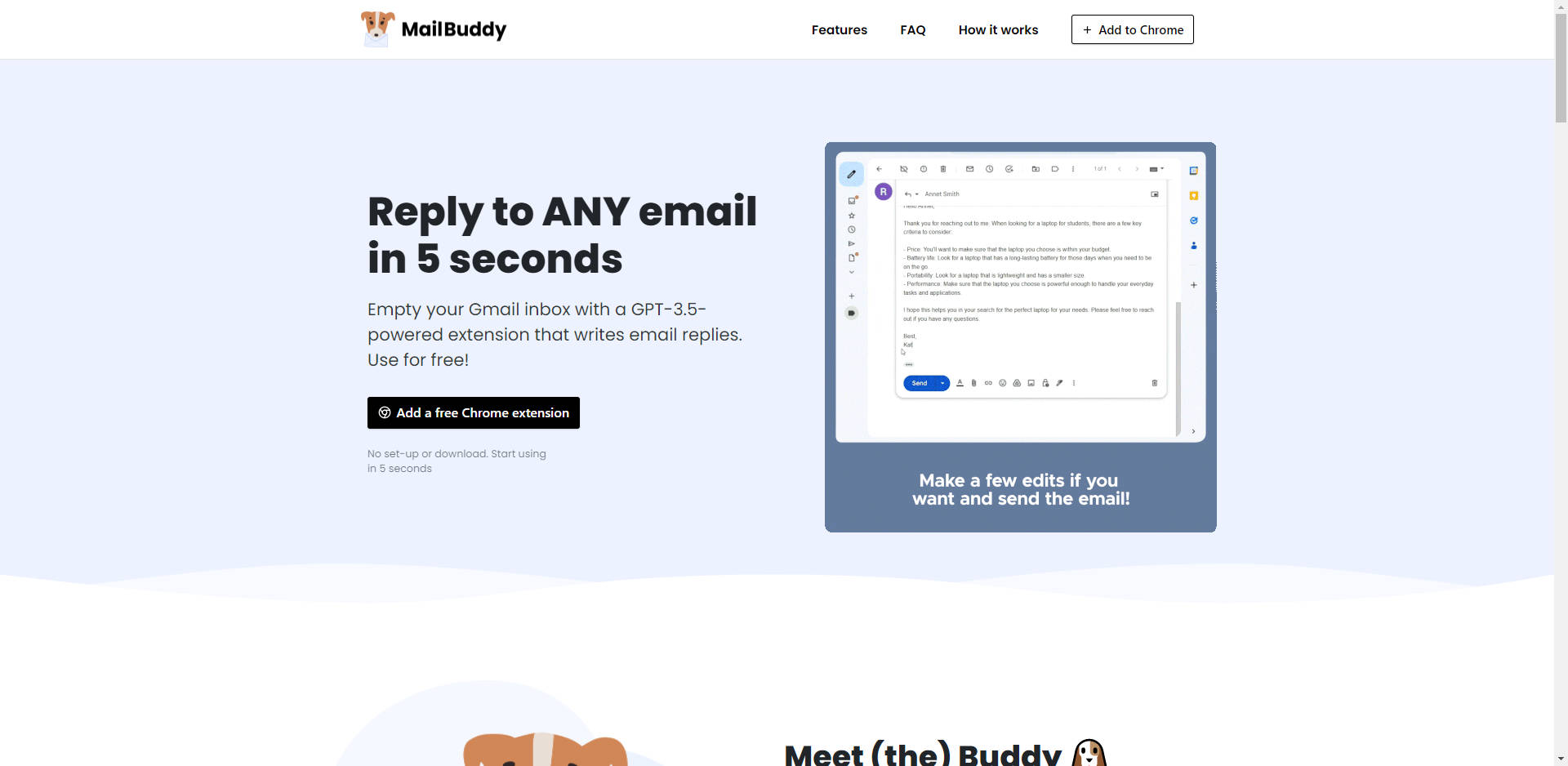
MailBuddy is a game-changing Chrome extension designed to revolutionize the way you handle your Gmail inbox. Powered by advanced GPT-3.5 technology, this extension allows you to reply to any email in just five seconds. With its user-friendly interface and powerful AI capabilities, MailBuddy helps you empty your inbox efficiently, saving you valuable time and effort.
Key Features
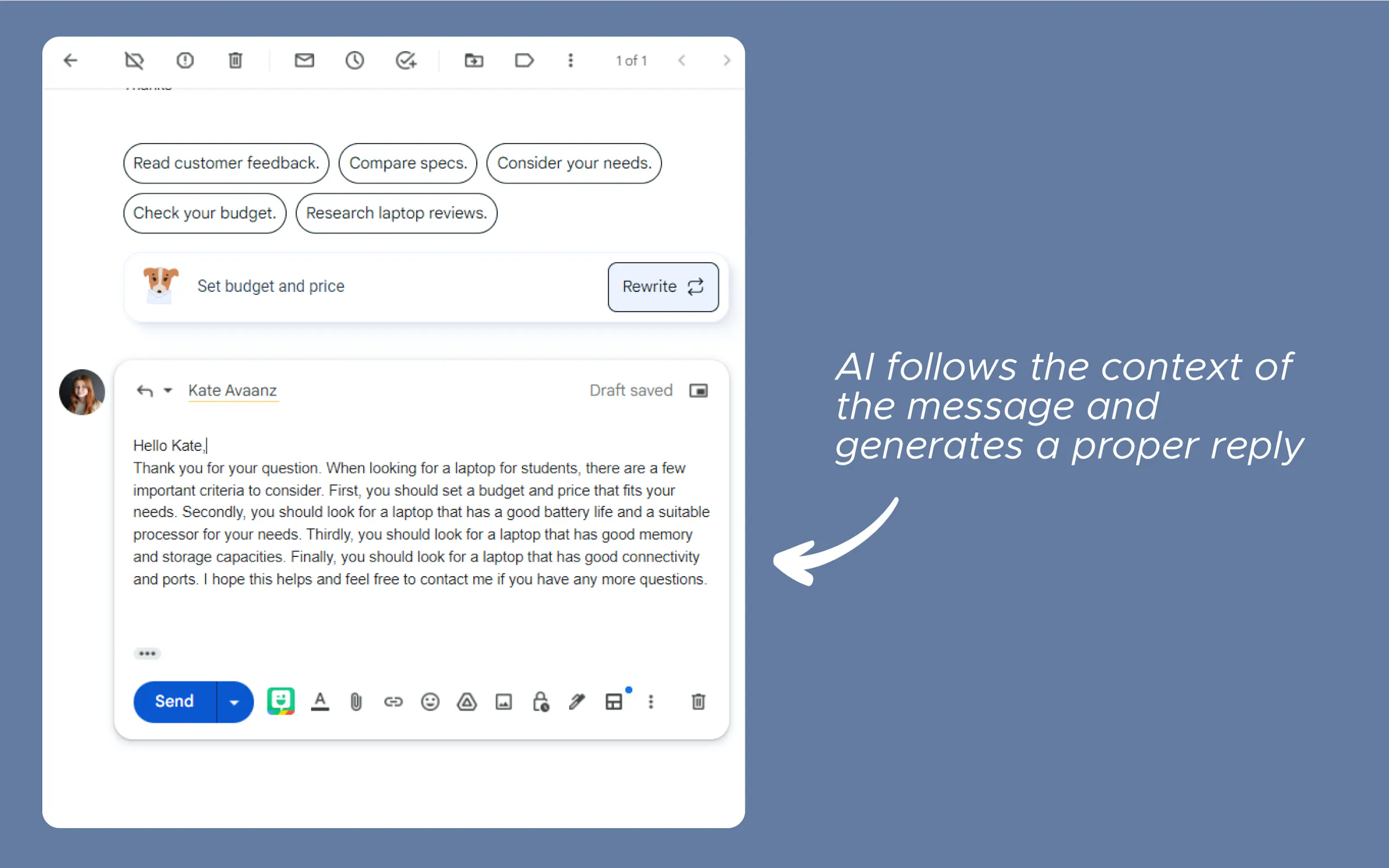
🚀 Instant Email Replies: MailBuddy analyzes incoming emails and crafts appropriate responses in seconds, based on the context.
🤖 AI-Powered Writing: Leveraging GPT-3.5 technology, MailBuddy generates replies that sound natural and human-like.
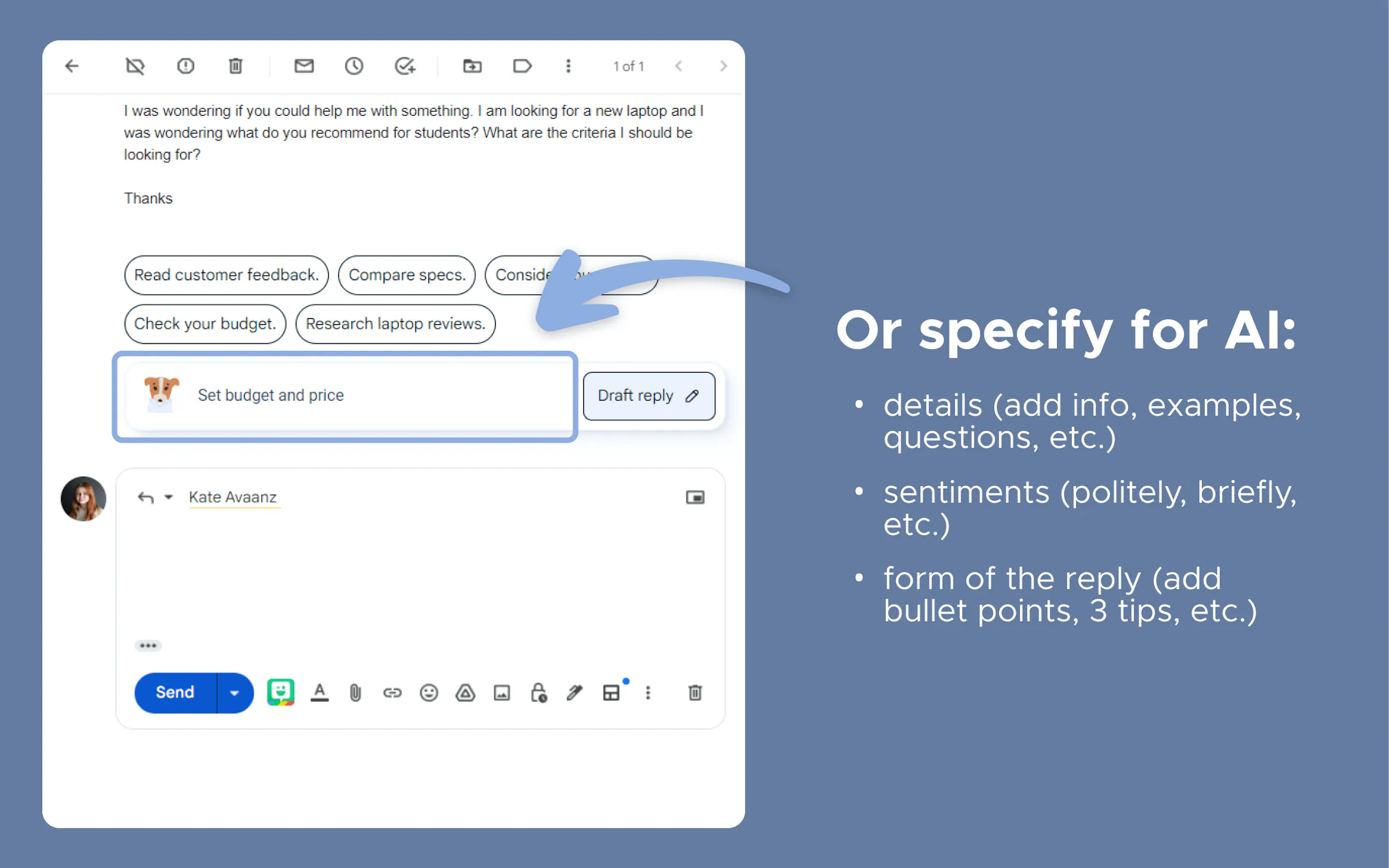
🎯 Customizable Responses: You have control over the tone and style of the replies, whether you need them to be polite, formal, funny, or brief.
📬 Direct Gmail Integration: Works seamlessly within your Gmail mailbox, eliminating the need for additional windows or tabs.
🆓 Free and Easy to Use: No setup or download required. Simply install the extension and start using it directly from Gmail.
Use Cases
Efficient Customer Service: Quickly respond to customer inquiries, improving response times and customer satisfaction.
Streamlined Communication: Handle routine corporate emails with ease, freeing up time for more important tasks.
Personal Productivity: Manage your personal email efficiently, keeping your inbox organized and clutter-free.
How It Works
Installation: Visit the MailBuddy extension page, click “Add extension,” and confirm the installation in the pop-up window.
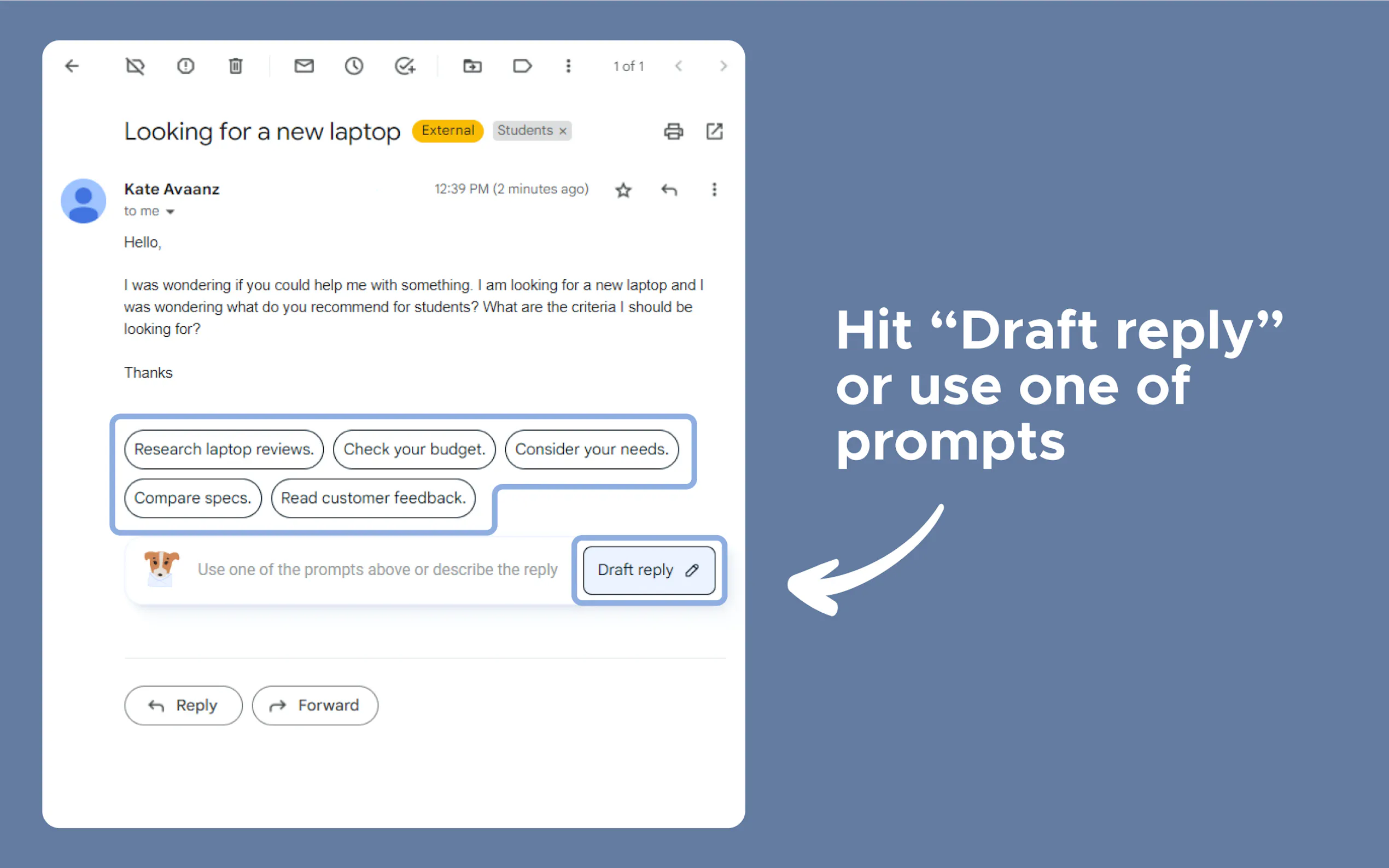
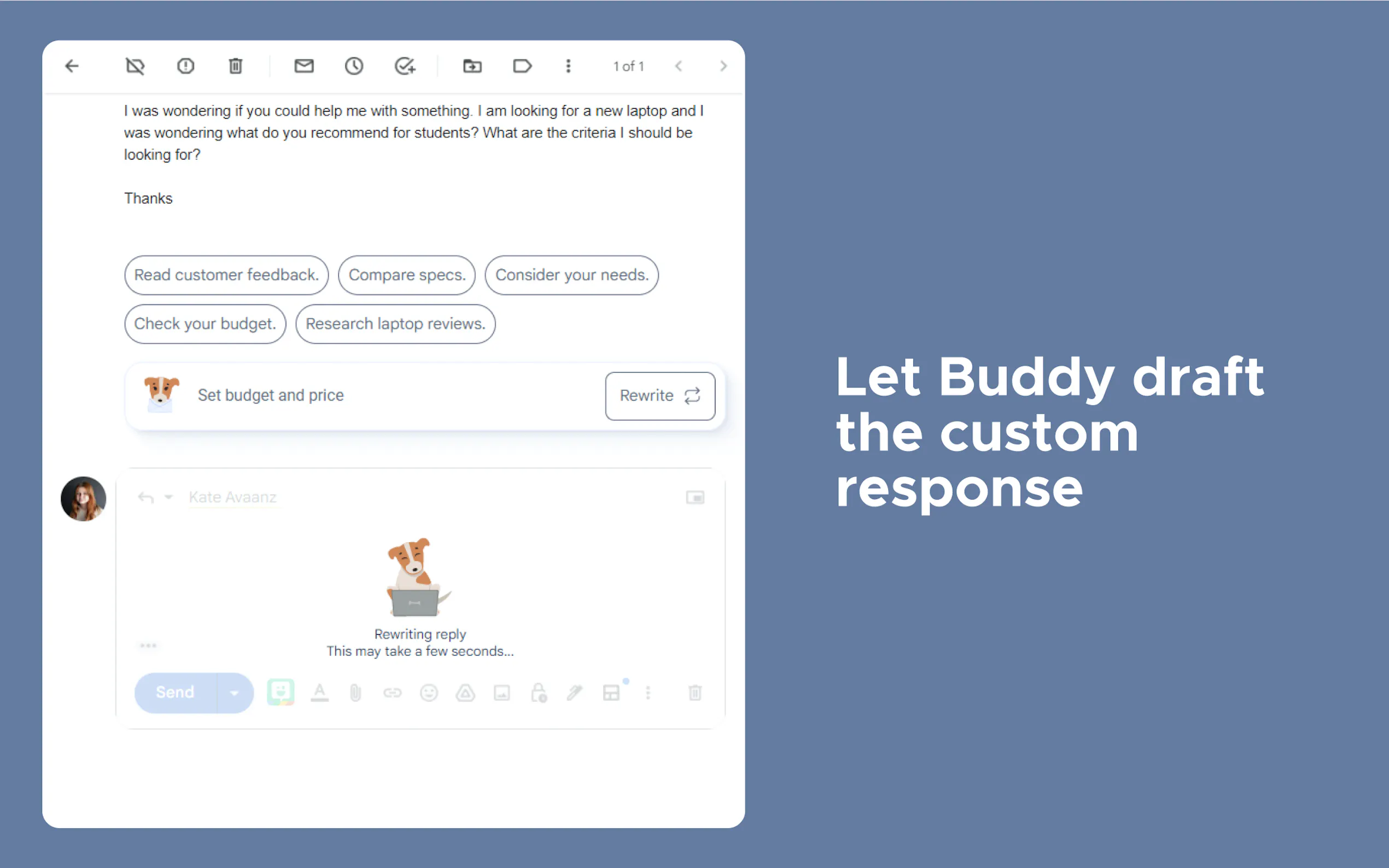
Usage: Open your Gmail, select an email to reply to, and click the “reply” button. MailBuddy’s panel will appear, where you can generate a reply or specify the AI’s response.
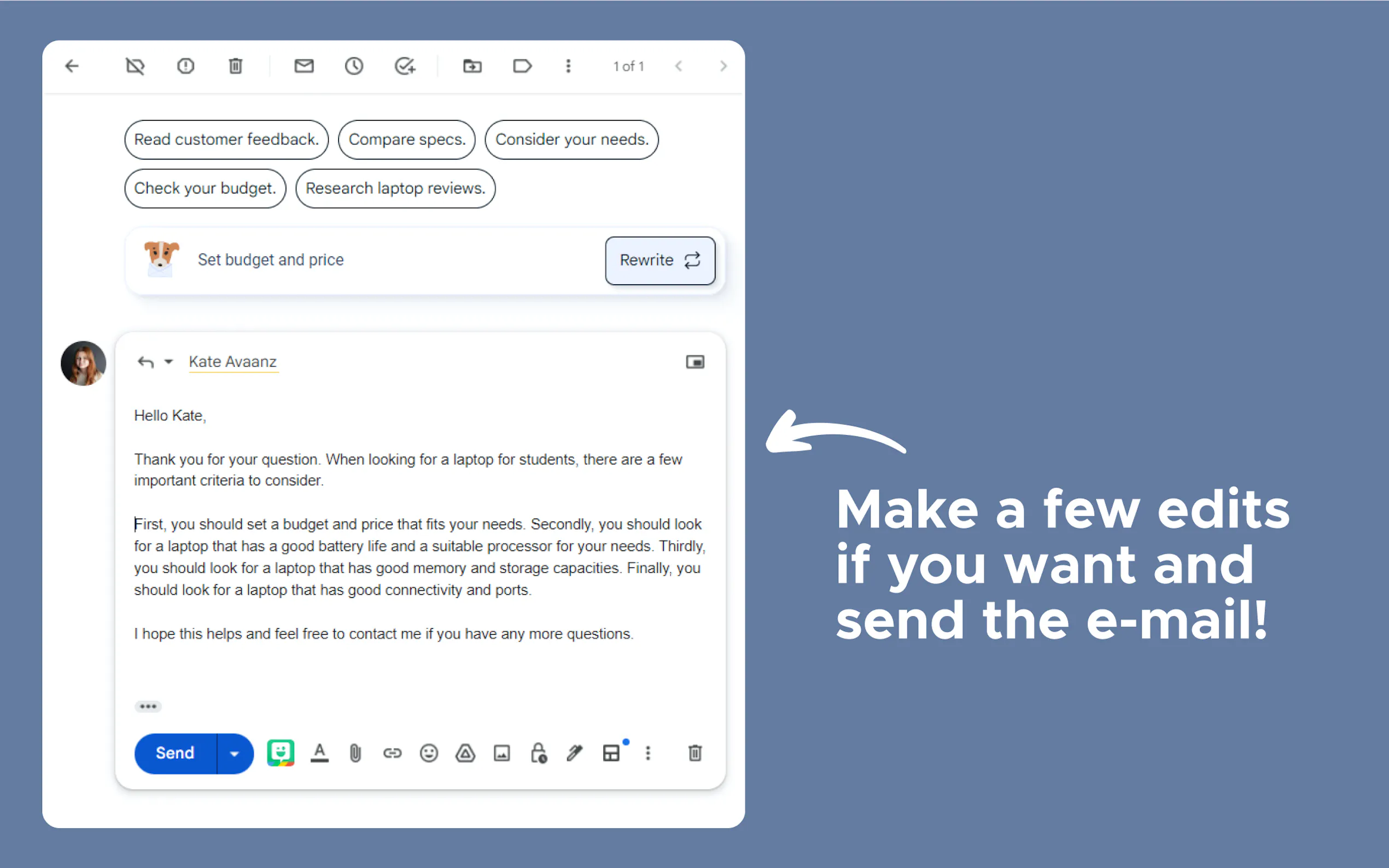
Customization: Direct MailBuddy to write responses with specific sentiments or formats, like adding bullet points or writing briefly.
Control: Review and edit the AI-generated responses before sending, ensuring they meet your standards.
Conclusion
MailBuddy is more than just an email extension; it’s your personal email assistant, helping you tackle the daunting task of managing your inbox. With its advanced AI capabilities and user-centric design, MailBuddy streamlines your email communication, allowing you to focus on what truly matters. Experience the efficiency and convenience of MailBuddy today and transform the way you handle your emails!



More information on MailBuddy
Launched
2023-01
Pricing Model
Free
Starting Price
Global Rank
10223971
Follow
Month Visit
<5k
Tech used
Google Tag Manager,Google Fonts,HSTS,YouTube
Top 5 Countries
67.84%
15.44%
13.36%
3.36%
Vietnam
United States
Germany
Canada
Traffic Sources
5.92%
1.06%
0.18%
12.83%
44.58%
34.39%
social
paidReferrals
mail
referrals
search
direct
Source: Similarweb (Sep 24, 2025)
MailBuddy was manually vetted by our editorial team and was first featured on 2023-08-23.
Related Searches
MailBuddy Alternatives
Load more Alternatives-

AI Mail Assistant powered by ChatGPT - Revolutionize your Gmail inbox with AI. Generate quick responses, translate, summarize & improve email drafts.
-

Save time and improve email efficiency with SimpleMail, an AI-powered tool. Features include quick composition, email summarization, and AI-generated replies. Try it for free during the Open Beta period!
-

MailMaestro: AI email assistant for Outlook & Gmail. Draft emails instantly, summarize threads, & manage your inbox faster. Boost productivity & save time.
-

-
