

What is Photolapse AI?
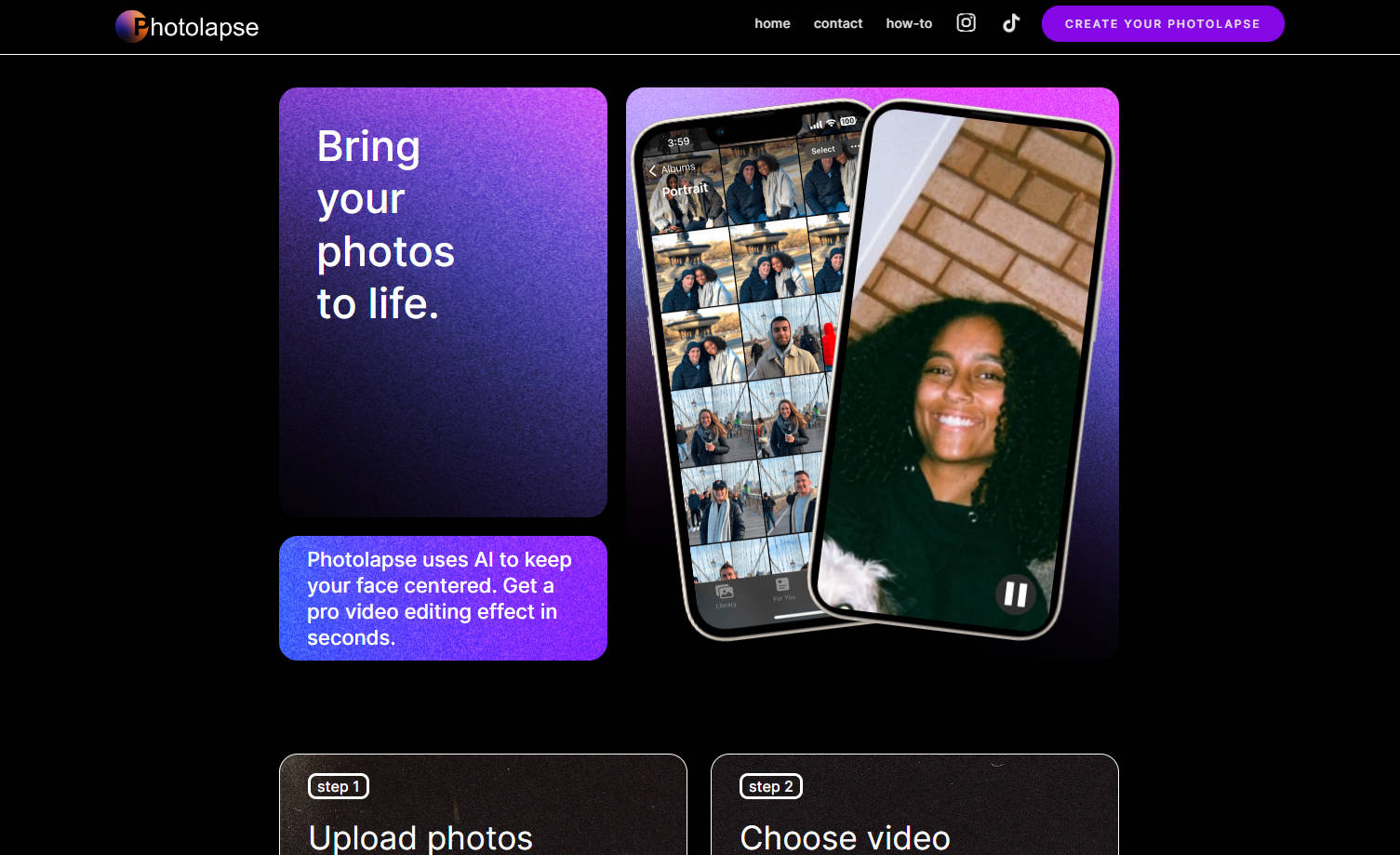
Photolapse, the AI-driven video creation tool, transforms your photo collection into captivating cinematic time-lapse videos. By automatically centering your subject's face and offering customizable settings, it crafts mesmerizing flashcut videos without the need for expert video editing skills. Ideal for personal projects, digital storytelling, and creative content on social media, Photolapse turns your cherished moments into moving stories.
Key Features:
Automagic Face-Centric Focus:Photolapse intelligently identifies and centers your subject's face, ensuring every photo you input smoothly transitions into a professional-looking video.
Customizable Video Dynamics:Adjust the video settings to speed up or slow down the playback of your photo montage, deciding how long each image appears and how many times.
Effortless Creation Process:Upload up to 200 photos, tweak video settings to your preference, preview the video for free, then download your high-quality creation without watermarks for just $5.99.
Use Cases:
Digital Storytelling: Quickly turn your travel photo album into an engaging time-lapse video, weaving a story that captures the essence of your journey.
Celebratory Records: Celebrate a loved one's milestone—like a birthday or anniversary—with a video montage reflecting their journey from baby to adulthood, captivating friends and family.
Social Media Content Creation: Enhance your Instagram or TikTok presence by seamlessly integrating a flashcut video, showcasing yourself or your subject through the years.
Conclusion:
Photolapse simplifies complex video editing techniques, delivering Hollywood-style flashcut videos right at your fingertips. Perfect for sharing on social media, personal storytelling, or creative digital projects, it's the go-to tool for transforming static images into unforgettable video experiences. Don't just share your photos; bring your world to life with Photolapse—transform your collection, delight your audience, and leave a lasting impression.
FAQs:
1. What makes Photolapse different from regular video editing software?Photolapse uses AI to automatically center your subject's face in the video, simplifying the process of creating complex flashcut videos without requiring deep editing knowledge—all in a few simple steps.
2. Can I use photos from different sources and events in one video?Absolutely! Photolapse can handle photos from various sources, including different events and people. It automatically orders photos based on your subject's estimated age, ensuring a coherent visual story.
3. What if I want to add music or other effects to my Photolapse video?The video created with Photolapse serves as your project's foundation. You can easily add background music, filter effects, or other enhancements using additional video editing software or platforms like Instagram or TikTok, maximizing your video's impact.
More information on Photolapse AI
Launched
2023-08
Pricing Model
Paid
Starting Price
Global Rank
4317271
Follow
Month Visit
<5k
Tech used
Google Analytics,Google Tag Manager,Webflow,Amazon AWS CloudFront,Google Fonts,jQuery,Gzip,OpenGraph,HSTS
Top 5 Countries
60.04%
37.65%
2.31%
United States
Germany
United Kingdom
Traffic Sources
6.53%
1.14%
0.06%
4.11%
7.72%
80.4%
social
paidReferrals
mail
referrals
search
direct
Source: Similarweb (Sep 24, 2025)
Photolapse AI was manually vetted by our editorial team and was first featured on 2024-07-28.
Related Searches
Photolapse AI Alternatives
Load more Alternatives-

-

Transform photos into engaging AI videos instantly with Photo to Video AI. Create dynamic content for social media, marketing & stories, no editing required.
-

PicMotionAI turns your photos into stunning AI motion videos. Effortlessly create scroll-stopping content for social media & marketing without editing.
-

-