

What is Pismo for Mac?
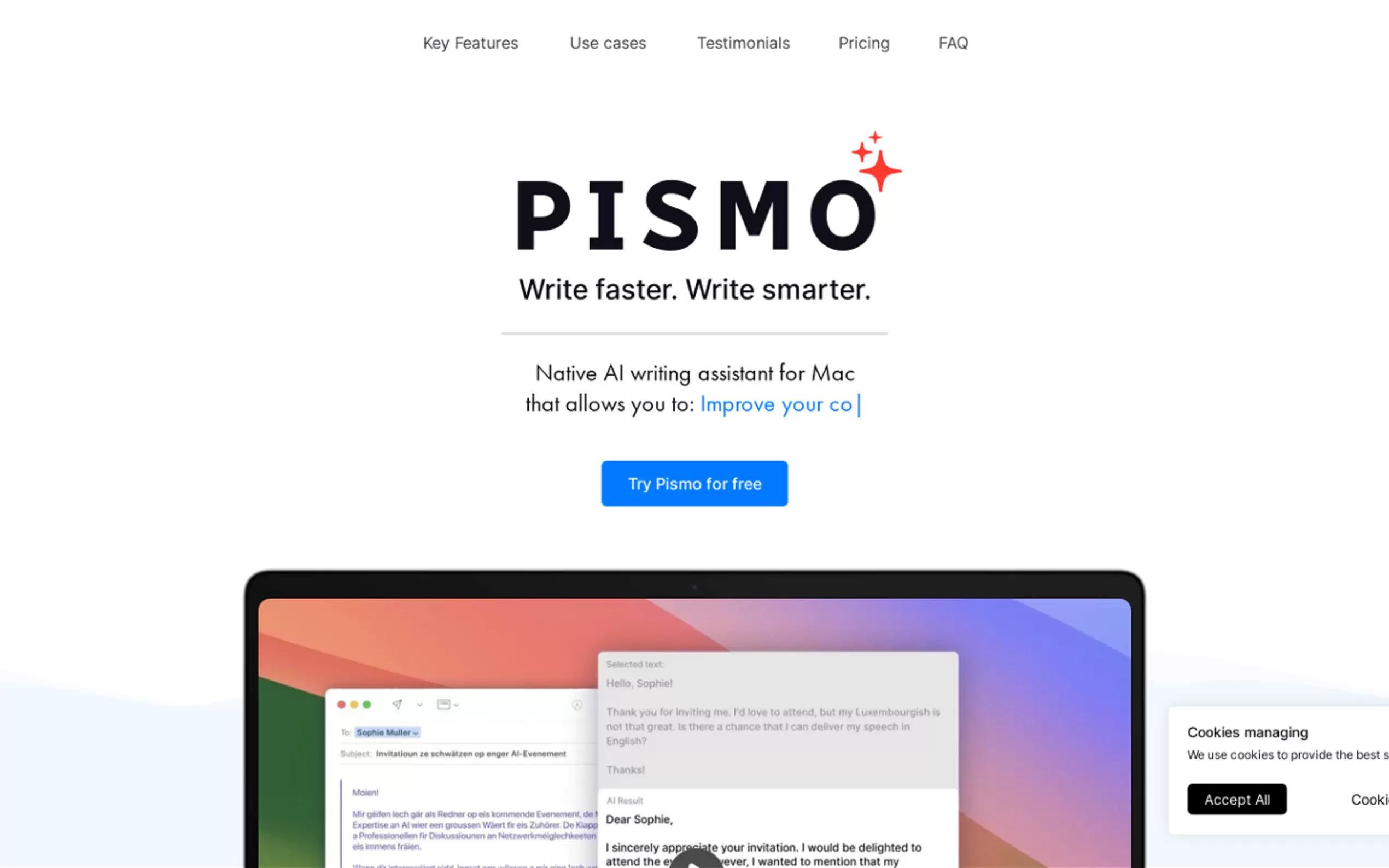
Pismo is the essential AI writing application designed for Mac and Windows users who demand efficiency and accuracy across their entire digital workspace. It solves the significant friction of context switching by integrating seamlessly across all your desktop applications—from email and documents to messengers and browsers. Pismo empowers you to refine, translate, and generate content instantly, enabling you to write faster and smarter without ever leaving your current workflow.
Key Features
Pismo eliminates the need to copy and paste text into external web tools, providing immediate access to AI assistance via a convenient, native desktop application.
✍️ Ubiquitous Desktop Integration
Unlike browser extensions or standalone web editors, Pismo is a native application that operates across your entire operating system. You can use AI to write and edit text directly within email clients, messaging apps, document editors, and web browsers, ensuring your AI writing tool is always precisely where you need it.
⚡️ Customizable Prompts and Hotkeys
Achieve maximum efficiency by defining your own custom AI prompts for specific tasks, then activating them instantly with personalized keyboard shortcuts. This capability allows you to tailor Pismo to niche professional requirements, transforming complex writing tasks into one-click actions.
🌍 Instant Multilingual Translation
Break down language barriers instantly. Pismo allows you to translate selected text into multiple languages with a single hotkey press, ensuring your messages are clear and contextually appropriate for global clients or overseas colleagues. The tool leverages advanced AI models for accurate and highly contextual translations.
💡 Comprehensive Text Refinement and Tone Adjustment
Beyond simple spell check, Pismo utilizes AI-powered suggestions to enhance the overall quality and clarity of your writing. You can instantly adjust the tone (e.g., from informal to professional), modify the text length (to summarize long documents or expand brief notes), and eliminate all spelling and grammar errors, ensuring every piece of communication is polished.
Use Cases
Pismo is designed to streamline critical daily tasks, boosting productivity across professional, academic, and personal contexts.
Compose Persuasive Professional Emails: Quickly draft a complex email, then use Pismo's tone adjustment feature to ensure it sounds formal and authoritative. If you receive a lengthy report, use the summarization feature to distill the core points into a bulleted list before replying.
Streamline Global Collaboration: When working with international teams, instantly translate incoming client emails or chat messages into your native language, and then translate your composed response back, ensuring clear and immediate communication without relying on separate web translators.
Rapid Content Drafting and Refinement: If you are drafting a product description or a social media post, use a custom hotkey to generate an initial draft based on a few bullet points. Then, use Pismo to adjust the complexity and style to match your target audience, all while remaining in your content creation tool.
Why Choose Pismo?
Pismo stands out in the crowded field of AI writing assistants by prioritizing seamless access, customization, and user privacy above all else.
Eliminate Context Switching: Pismo’s dedicated native application design means you avoid the constant interruption of copying text, opening a browser tab, pasting, processing, and then copying the result back. This integration is crucial for deep work and maximizing daily productivity.
Workflow Customization is Core: The ability to create unlimited custom prompts and assign them dedicated hotkeys provides a level of personalization unmatched by basic grammar checkers. You are not limited to pre-set functions; you define the AI's role in your specific workflow.
Secure and Private by Design: We value your privacy. Pismo explicitly states that it does not store or process the texts you work with. Your personal data is securely transferred and stored according to high security standards, providing peace of mind as you handle sensitive communication.
Conclusion
Pismo is the powerful, desktop-integrated solution for anyone looking to maximize their writing efficiency and accuracy. By providing instant AI assistance across every application you use, Pismo helps you move beyond tedious editing and focus on impactful communication.
More information on Pismo for Mac
Launched
2023-7
Pricing Model
Free Trial
Starting Price
€6,25 / month
Global Rank
5626347
Follow
Month Visit
<5k
Tech used
Google Analytics,Google Tag Manager
Top 5 Countries
84.43%
11.45%
4.11%
United States
Italy
United Kingdom
Traffic Sources
10.62%
0.93%
0.07%
6.39%
48.64%
33.23%
social
paidReferrals
mail
referrals
search
direct
Source: Similarweb (Sep 24, 2025)
Pismo for Mac was manually vetted by our editorial team and was first featured on 2023-11-01.
Related Searches
Pismo for Mac Alternatives
Load more Alternatives-
Quickly fix grammar, reply to emails, change writing styles. Works with any macOS app. Designed for speed and efficiency.
-

-
SourcePilot: The private desktop AI editor. Get fast, contextual writing assistance & keep all your data secure and local. Own your IP.
-

-
