

What is Presentations.ai?
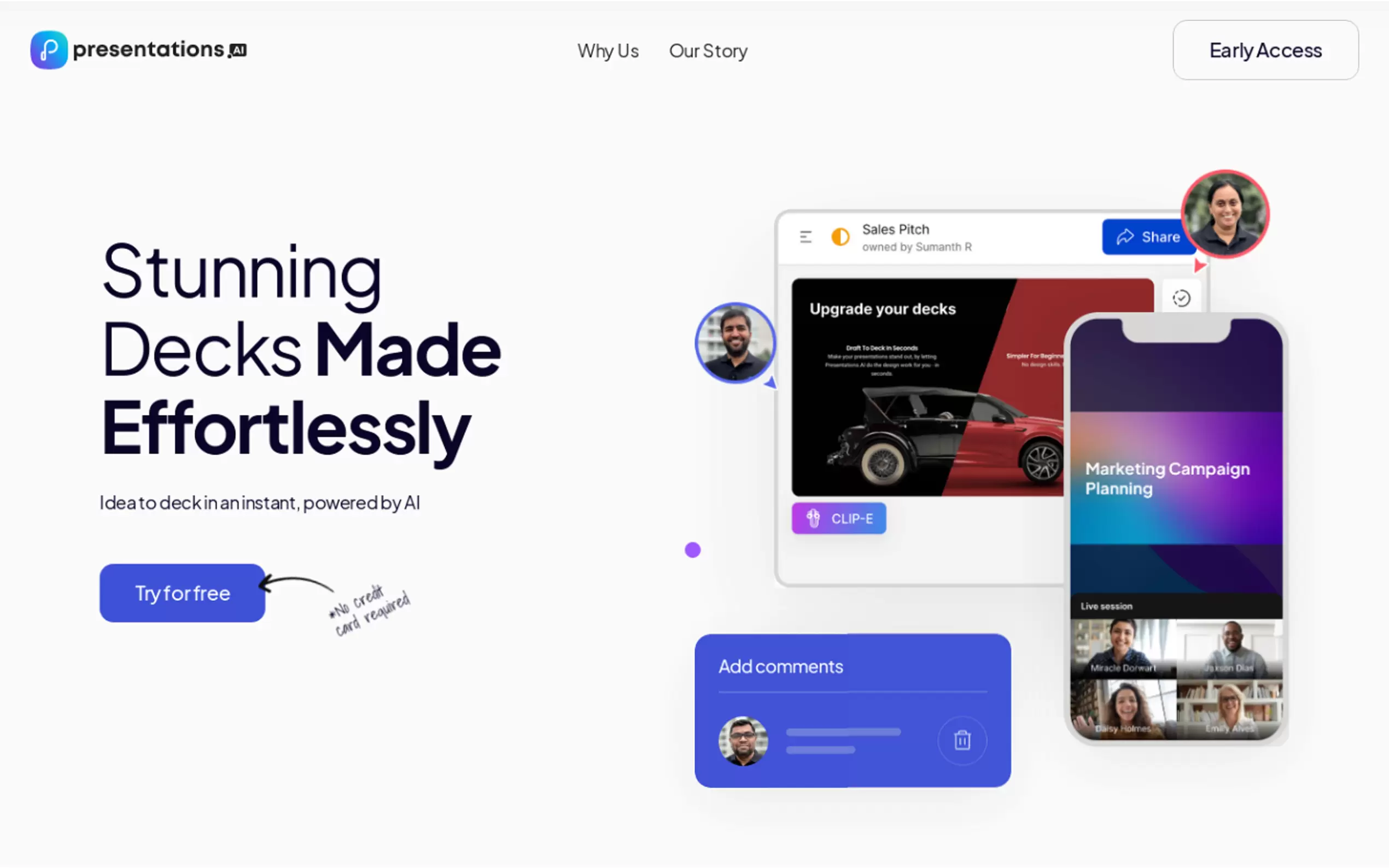
Creating presentations can often be a time-consuming and daunting task. Presentations.AI simplifies this process by transforming your ideas into visually engaging slides in seconds. Whether you're preparing a business pitch, an educational lecture, or a project update, this AI-powered tool streamlines the workflow, allowing you to focus on delivering your message rather than struggling with design.
Key Features:
Effortless Creation: Generate complete presentations from simple text prompts. Describe your vision, and the AI constructs the initial structure and design for you.
Personalized Design: Receive design suggestions tailored to your content and style preferences, ensuring a unique and professional look.
Adaptable Templates: Use templates that dynamically adjust to your content, maintaining a polished appearance even after extensive edits.
PowerPoint Compatibility: Export your presentations to PowerPoint format for seamless integration into existing workflows.
Brand Sync: Automatically align your slides with your brand’s visual identity, including colors, fonts, and logos, for consistent branding across all presentations.
Seamless Sharing: Share presentations effortlessly via links, with real-time synchronization and access controls for collaborative work.
Analytics & Tracking: Gain insights into audience engagement by tracking views and interactions, helping you optimize your content for greater impact.
Multi-Device Compatibility: Access, edit, and present your work from any device—desktop, tablet, or smartphone.
Multilingual Support: Create presentations in multiple languages to connect with a global audience.
Use Cases:
Business Pitch:
As a startup founder seeking funding, you can input your core business proposition into Presentations.AI. The tool generates a visually compelling pitch deck, complete with sections like market analysis, competitive landscape, and financial projections, all aligned with your brand. Refine the content and export it to PowerPoint for your investor meeting.Educational Lecture:
Professors can input lecture outlines into Presentations.AI, which then generates visually appealing slides with relevant imagery and a clear structure. Customize the design, add interactive elements, and share the presentation with students via a simple link.Project Update:
Project managers can input project data into Presentations.AI to generate comprehensive reports. The tool creates visually clear progress indicators, milestones achieved, and upcoming tasks, which can be shared in real-time during meetings to keep stakeholders informed.
Conclusion:
Presentations.AI empowers users to create professional, engaging presentations quickly and efficiently. By leveraging AI, it saves valuable time and ensures your message is delivered effectively. With its adaptable features and user-friendly interface, Presentations.AI is an essential tool for anyone looking to create impactful presentations.
More information on Presentations.ai
Top 5 Countries
21.04%
7.07%
4.91%
2.97%
2.83%
India
Indonesia
United States
France
Brazil
Traffic Sources
1.11%
0.48%
0.05%
3.91%
64.84%
29.61%
social
paidReferrals
mail
referrals
search
direct
Source: Similarweb (Jan 3, 2026)
Presentations.ai was manually vetted by our editorial team and was first featured on 2023-07-12.
Related Searches
Presentations.ai Alternatives
Load more Alternatives-

-
Create stunning presentations effortlessly with AI Presentation Maker! Choose from a variety of templates, customize to your brand, and generate professional slides in minutes. Collaborate, export, and impress your audience.
-

Create professional slides effortlessly with SlidesAI.io, an AI-powered tool that offers automatic summarization, sub-titles, and paragraph analysis. Boost your presentations now!
-

Create amazing presentations 10x faster with AI. Just enter a topic or some text and let Present AI
-

SlideTeam's AI Presentation Maker uses advanced AI to create professional presentations in seconds. Customize for brand consistency. Compatible with major platforms. Effortless content creation. Ideal for pitches, campaigns, and training. Empower your presentations!