
What is VideoWatermarkRemove?
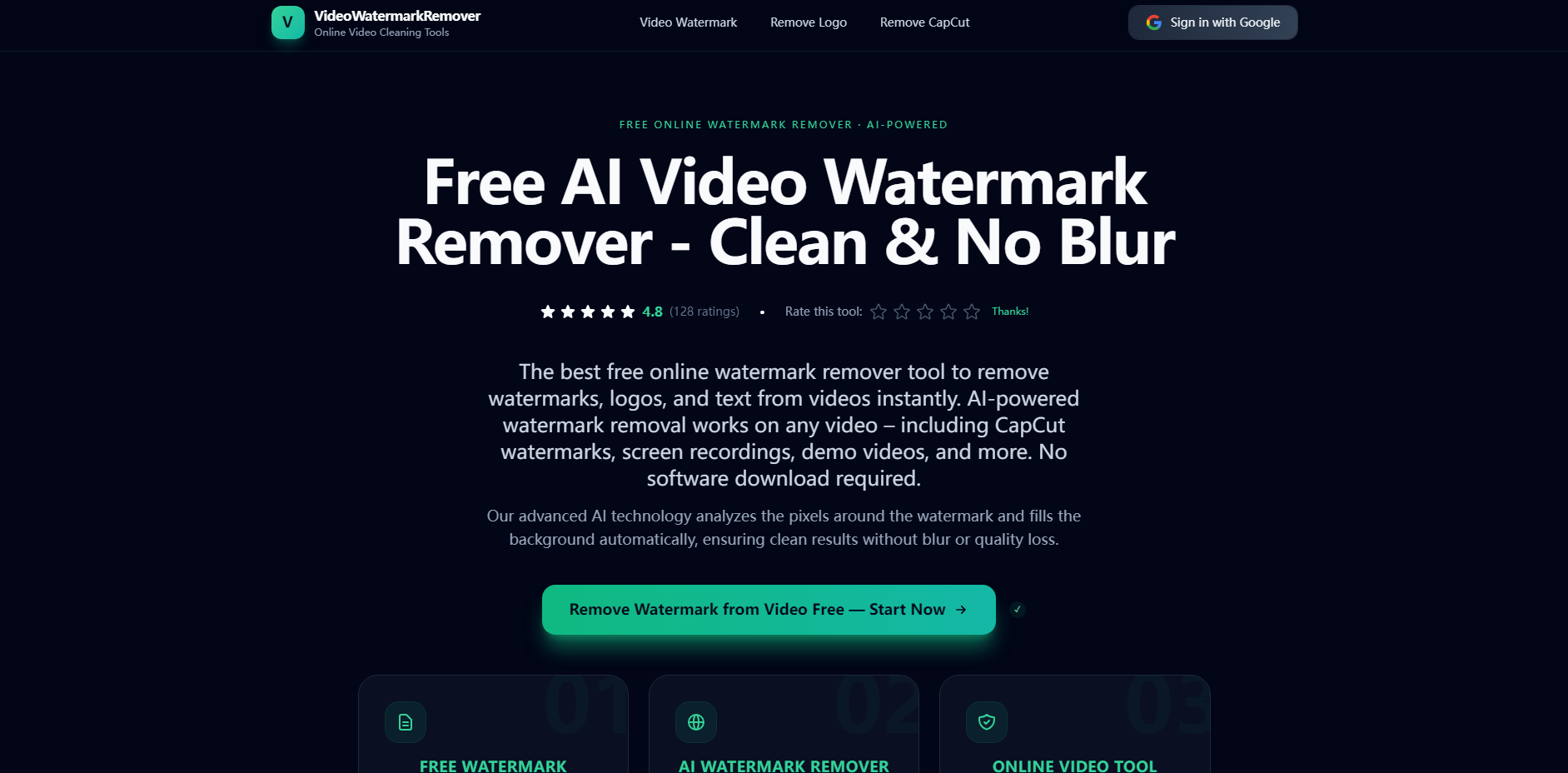
VideoWatermarkRemove is the powerful, web-based AI tool designed for content creators and editors who need truly clean video exports. Leveraging advanced AI inpainting technology, it instantly erases watermarks, logos, and text overlays by intelligently reconstructing the underlying background pixels. This solution ensures professional-quality results without the typical blurring or quality loss associated with traditional removal methods, making it ideal for repurposing content quickly and efficiently.
Key Features
VideoWatermarkRemove moves beyond simple masking and blurring. It provides intelligent, pixel-level reconstruction to deliver seamless, professional video cleanup directly in your browser.
✨ Advanced AI Inpainting Unlike basic tools that blur or crop, our AI analyzes surrounding pixels to intelligently reconstruct the background texture where the watermark once was. This delivers clean, natural-looking video segments, preserving the original scene integrity.
🎯 Automated & Precision Detection The tool automatically detects common elements like CapCut ending tags, TikTok logos, and repeated labels. For custom watermarks, you can use manual precision brushing, allowing the AI to identify edges and blend colors for perfect removal in seconds.
🖼️ High-Fidelity Quality Preservation Designed to minimize quality loss during re-encoding, the tool preserves your video’s original resolution, frame rate, and clarity as much as possible. You achieve clean results without the artifacts or noticeable blurring that often ruins high-quality source footage.
🔒 Free, Secure, and Cross-Platform Access this powerful AI functionality for free, directly through any standard web browser (Windows, Mac, iOS, Android). Your files are processed securely on the server and automatically deleted, ensuring complete privacy and convenience without needing software downloads.
Use Cases
Whether you are a social media creator or a professional editor, VideoWatermarkRemove streamlines critical content workflows by removing unwanted visual noise.
1. Seamless Cross-Platform Repurposing
If you edit short-form vertical content using tools like CapCut, you often need a clean export for platforms like YouTube Shorts, Instagram Reels, or Facebook. Use the specialized CapCut remover tool to instantly strip the ending tag or template watermark from your final export. This saves you the time and effort of having to reopen and re-edit the original project file just to clean up the branding.
2. Cleaning Demo Reels and Screen Recordings
When creating software tutorials, product demonstrations, or internal training videos, screen recording tools often embed timestamps, trial watermarks, or text overlays. Simply upload the footage, and the AI will detect and remove these generic watermarks and repeated labels frame-by-frame, ensuring your professional demo reel or tutorial remains distraction-free and focused on the content.
3. Rebranding and Asset Cleanup
Agencies or content teams often deal with legacy video assets containing outdated branding, static corner logos (bugs), or channel badges. Utilize the Logo Removal tool to target and erase fixed brand marks. This is ideal for re-branding projects, reusing licensed footage, or preparing client deliverables that require a standardized, brand-neutral appearance.
Why Choose VideoWatermarkRemove?
Our focus is on delivering results that look professionally edited, not simply obscured. We provide tangible value through superior technology and user-focused design.
- Pixel-Level Integrity: We provide genuine background restoration via AI inpainting. This is the crucial difference from basic content-aware fill functions that often leave visible patches or smudges. The tool restores natural textures, making the removal virtually invisible.
- Specialized Toolset: Instead of a one-size-fits-all approach, we offer dedicated tools for different scenarios (Generic Watermarks, Static Logos, CapCut Endings). This specialization ensures the underlying AI model is optimized for the specific challenges each type of watermark presents, leading to higher accuracy.
- Speed and Accessibility: The entire process—upload, AI analysis, removal, and download—is engineered for speed, often completing short videos in under a minute. Being entirely browser-based means you can achieve high-quality results instantly without occupying local storage or computational resources.
Conclusion
VideoWatermarkRemove provides the speed and accuracy required to finalize content efficiently. By replacing blurring with intelligent pixel reconstruction, this tool empowers creators to achieve professional, clean videos quickly and securely.
More information on VideoWatermarkRemove
Launched
Pricing Model
Free
Starting Price
Global Rank
Follow
Month Visit
<5k
Tech used
VideoWatermarkRemove was manually vetted by our editorial team and was first featured on 2025-12-06.