

Click outside to close
What is Spikes Studio?
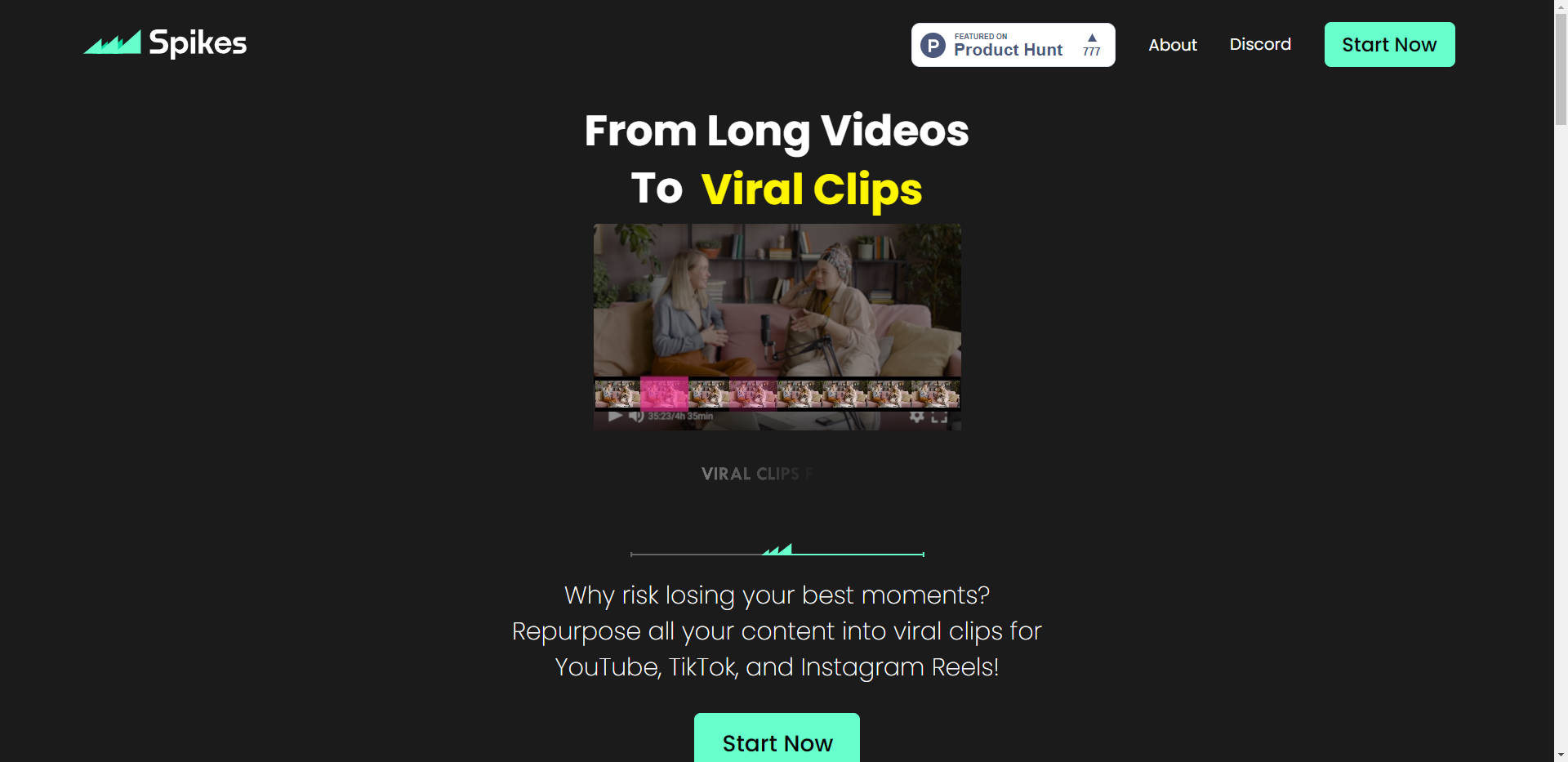
Spikes Video Editor is a cutting-edge generative AI video editing tool designed to transform lengthy videos into viral clips with just one click. This revolutionary software offers a range of powerful features to simplify video editing, enhance productivity, and cater to content creators across various platforms. Whether you're a tech expert or a casual user, Spikes Video Editor makes video editing effortless and efficient.
Key Features:
Editing with Precision:Spikes Video Editor provides an intuitive editing environment that allows you to effortlessly refine your videos. You can trim, extend, or customize your clips with control over even the smallest details, ensuring your video matches your vision.
Captions for Retention:Boost viewer engagement with automatic captions, as 80% of increased retention in short-format videos is attributed to captions. Spikes Video Editor ensures that your content is not only visually appealing but also accessible.
Twitch Broadcast Auto-Processing:For Twitch streamers, Spikes AI offers seamless auto-generation of captivating shorts immediately after your stream ends, eliminating the need for time-consuming manual editing. In one click, you can edit short-form content for platforms like TikTok or Instagram Reels, saving you 30 minutes to 2 hours per video.
Use Cases:
Spikes Video Editor finds its versatility in various scenarios:
Content Creators:Content creators can save time and effort by automating the editing process. Spikes' AI streamlines the transformation of long-form content into short, shareable clips, enhancing discoverability.
Twitch Streamers:Streamers looking to expand their audience can benefit from the automatic processing of Twitch broadcasts. This not only saves time but also contributes to a 25% growth in viewership by diversifying content across platforms.
Mobile Editing:With Spikes GO!, you can edit videos on the go, ensuring your content remains consistent and engaging regardless of your location.
Global Reach:Spikes Video Editor supports 99+ languages, making it a valuable tool for content creators aiming to resonate with a global audience.
Conclusion:
Spikes Video Editor offers an innovative solution for content creators and streamers alike. Its powerful features, including precision editing, automatic captions, and Twitch support, streamline the video editing process, saving time and improving content quality. Whether you're a beginner or an experienced creator, Spikes Video Editor empowers you to create compelling, shareable content effortlessly. Unlock the potential for increased engagement, retention, and growth in viewership with this cutting-edge AI tool. Choose Spikes Video Editor to simplify video editing and enhance your content creation journey.
More information on Spikes Studio
Top 5 Countries
14.34%
4.46%
4.38%
3.97%
3.94%
United States (14.34%)
United Kingdom (4.46%)
India (4.38%)
Mexico (3.97%)
Russia (3.94%)
Traffic Sources
3.4%
9.26%
49.94%
36.52%
social (3.4%)
paidReferrals (0.76%)
mail (0.12%)
referrals (9.26%)
search (49.94%)
direct (36.52%)
Source: Similarweb (Sep 24, 2025)
Spikes Studio was manually vetted by our editorial team and was first featured on 2023-08-30.
Spikes Studio Alternatives
Spikes Studio Alternatives-

Discover free AI tools and create your own with our user-friendly platform. Empower your projects with cutting-edge AI technology today!
-

Spikex AI - a game-changer for YouTube creators! Get AI-powered metadata, trending ideas & script gen. Quick wrap, analytics, & a creativity playground.
-

Vmaker AI is an online AI video editor that turns your raw videos into wow videos in minutes.
-

Spingle.ai: AI video editor built by pros. Automate culling & footage selection in Premiere Pro. Save hours, boost creativity & storytelling.
-

Transform and enhance your videos with Video Editor AI. Utilize AI-powered editing, intuitive interface, and a wide range of effects for professional results. Try it now!