

What is Suno Tools?
Suno AI Tools offers an innovative platform for generating and downloading AI-generated music for free. With Suno V3, users can easily create unique AI music compositions, fostering creativity and musical exploration.
Key Features:
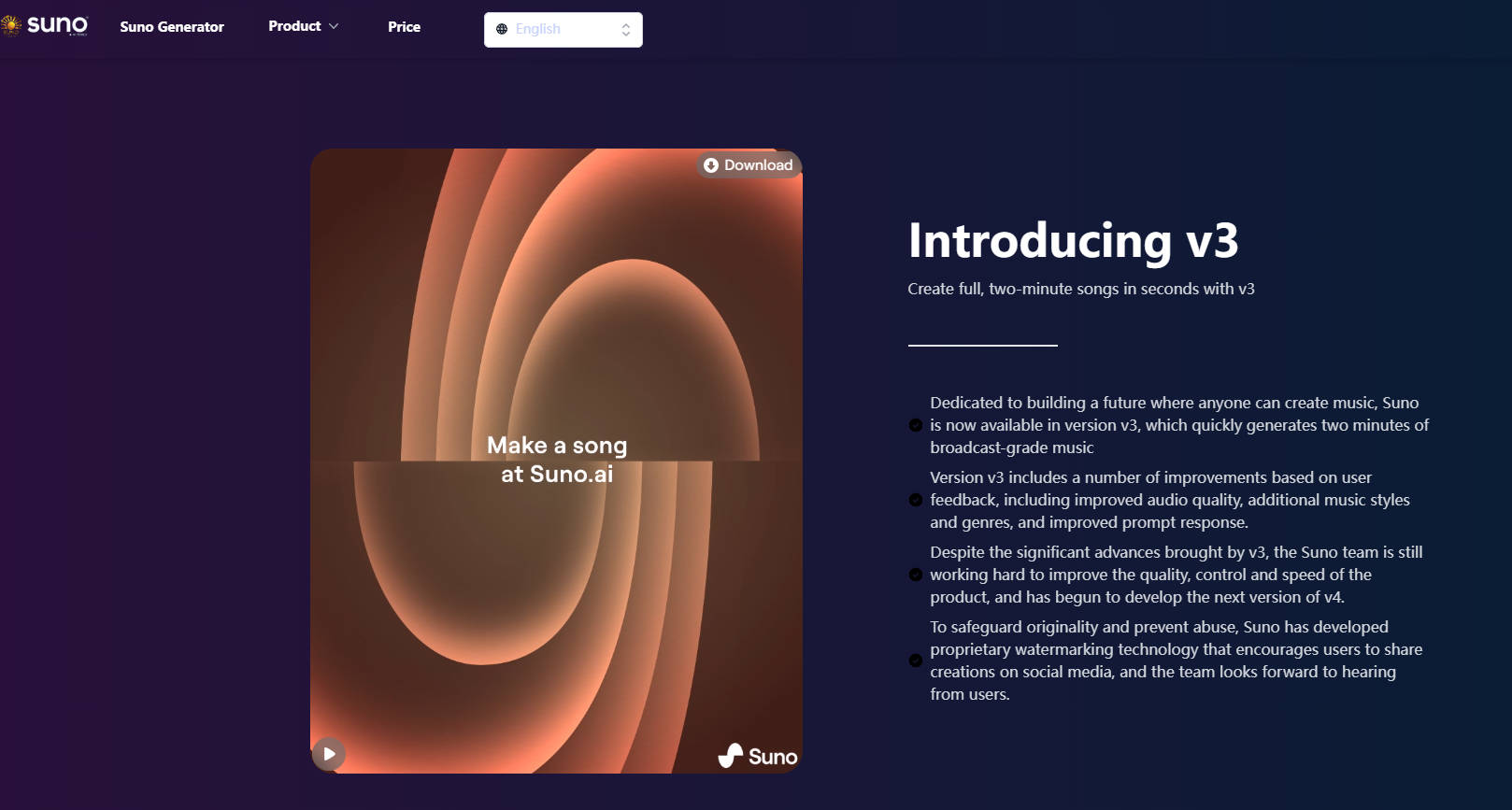
🎶 Instant Music Generation: Create full, two-minute songs in seconds with Suno V3, catering to both novice and experienced musicians.
🌟 Diverse Music Styles: Explore a wide range of music styles and genres, from blues to abstract hip hop, ensuring versatility and creativity in every composition.
🎨 Picture-to-Music Generation: Harness the power of AI to generate music based on uploaded images, offering a novel and interactive approach to music creation.
Use Cases:
Aspiring Musicians: Easily create original compositions for personal enjoyment or professional use, empowering musicians of all levels to express their creativity.
Content Creators: Enhance videos, podcasts, and other multimedia projects with AI-generated soundtracks, adding depth and emotion to visual content.
Educators: Integrate AI-generated music into educational materials and presentations, fostering engagement and creativity in learning environments.
Conclusion:
Suno AI Tools revolutionizes music creation by democratizing access to high-quality, AI-generated compositions. Experience the power of Suno V3 today to unlock your musical potential and elevate your creative projects.
FAQs:
What are the main functions of the website?
Suno AI's music generation capability can create music based on user-provided keywords or uploaded images, offering configuration options for music generation.
Are there any charges for the functions? How is the pricing determined?
New users receive a trial for 2 songs and can then purchase the basic version for $5/month, which includes 200 songs per month and access to most features. Visit the pricing page for specific details.
How to integrate with the Suno API of this website?
The website will open up the Suno API in the future, enabling integration with your product. Pricing will align with the official website.
Why is there no response when I click the 'Generate' button?
After generating a song, wait for the background processing task, typically taking 15 seconds to 1 minute. Results can be found in your works later.
More information on Suno Tools
Launched
2024-03
Pricing Model
Paid
Starting Price
$5/ month
Global Rank
35978157
Follow
Month Visit
<5k
Tech used
Microsoft Clarity,Cloudflare CDN,Nuxt.js,Gzip,HTTP/3,OpenGraph
Top 5 Countries
100%
India
Traffic Sources
41.1%
39.65%
13.59%
3.64%
1.11%
0.22%
Search
Direct
Referrals
Social
Paid Referrals
Mail
Source: Similarweb (Jan 21, 2025)
Suno Tools was manually vetted by our editorial team and was first featured on 2024-04-12.
Related Searches
Suno Tools Alternatives
Load more Alternatives-

-

Suno.ai v3 is an amazing AI music service. Although the official API is not yet available, we couldn't wait to integrate its capabilities somewhere.
-

-
-

Suno AI Music is a music generation tool, generate suno ai music for free, create your suno ai songs and download it for free