

Click outside to close
What is VideoFusion?
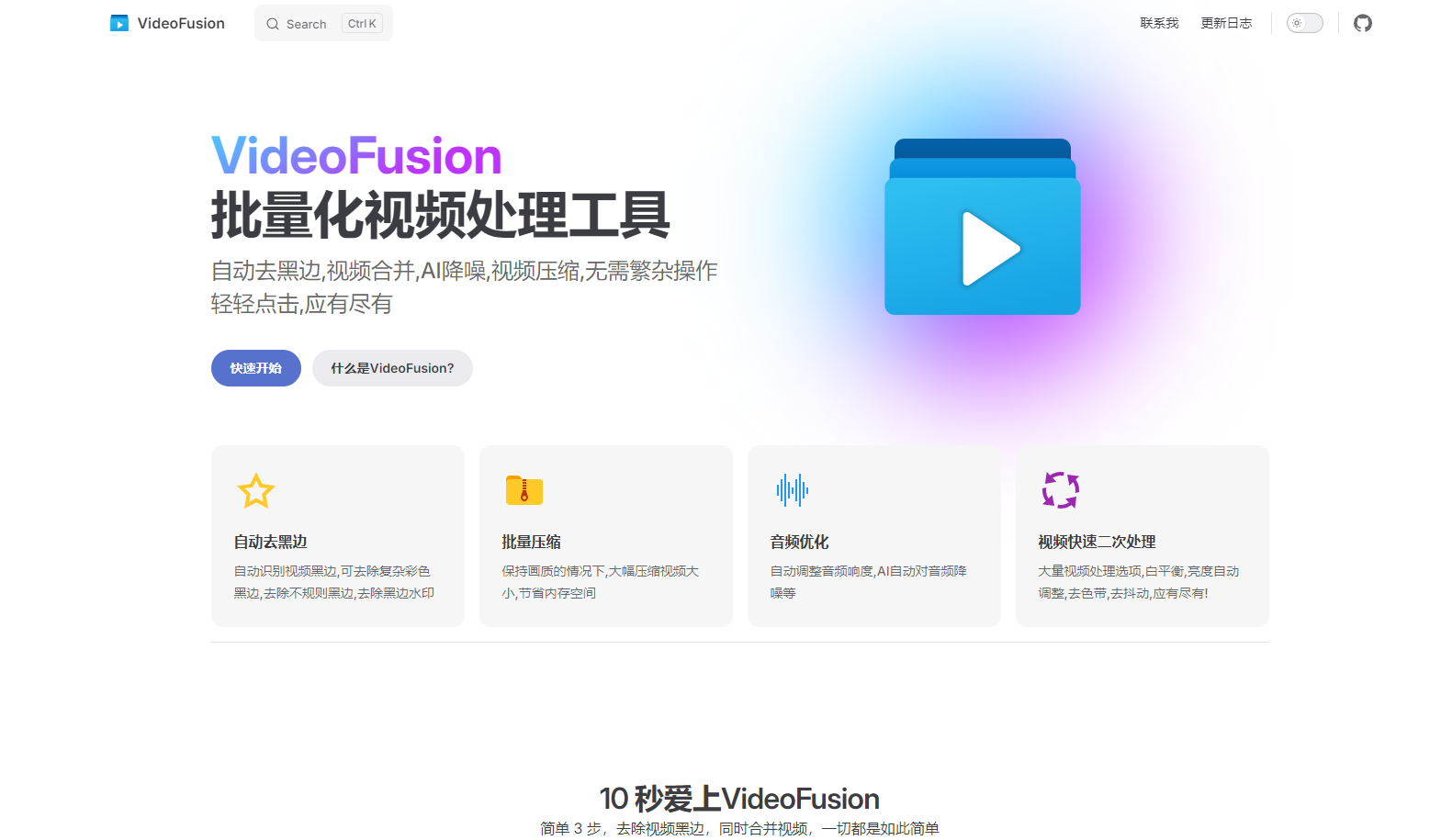
Do you have a collection of videos that need a quick touch-up, but you don't want to spend hours learning complex editing software? VideoFusion is a user-friendly, all-in-one video processing tool designed to simplify common video tasks. It handles everything from removing black bars to merging clips and optimizing audio, all with just a few clicks. No complicated settings, no technical expertise required – just streamlined video enhancement.
Key Features:
🎬 Automate Black Bar Removal: Intelligently detects and eliminates black bars from your videos, even complex, colorful, or irregular ones, including those with watermarks.
📦 Compress Videos in Bulk: Significantly reduce video file sizes without sacrificing noticeable visual quality. Free up valuable storage space on your devices.
🔊 Enhance Audio Quality: Automatically adjust audio loudness and leverage AI-powered noise reduction to create clearer, more enjoyable sound.
🛠️ Streamline Secondary Video Processing: Access a wide range of automated video enhancement options, including white balance correction, brightness adjustment, de-banding, and stabilization.
Use Cases:
Vlog Optimization: You've filmed a series of vlogs on your phone, but some have inconsistent audio levels, and a few have annoying black bars. Using VideoFusion, you can batch process all the clips, automatically correcting the audio, removing the black bars, and compressing them for easy sharing online—all in one go.
Family Footage Cleanup: You have a collection of old family videos, some with shaky footage and distracting background noise. VideoFusion helps you stabilize the videos, reduce the noise, and adjust the brightness, making them more pleasant to watch and preserve those precious memories.
Consolidate Downloaded Clips:You downloaded a lot of videos from the internet, and you want to merge them into a single, and compress them to save storage space. VideoFusion provides a one-click solution, which merge them and compress them without sacrificing visual quality.
Conclusion:
VideoFusion is the ideal solution for anyone who wants to quickly and easily improve their videos without the hassle of professional editing software. Its intuitive interface and powerful batch processing capabilities make it perfect for everyday users who value simplicity and efficiency. Get professional-looking results without the steep learning curve.
More information on VideoFusion
Launched
Pricing Model
Free
Starting Price
Global Rank
Follow
Month Visit
<5k
VideoFusion was manually vetted by our editorial team and was first featured on 2025-03-21.
VideoFusion Alternatives
VideoFusion Alternatives-

Improve video quality with the video enhancer from Fotor. Adjust settings for brightness, contrast, saturation and more. No skills required, no installation.
-

Cutout.pro's AI Video Enhancer. Automatically improve video quality up to 2K. Upscale, sharpen, reduce noise, stabilize. User-friendly for all. Enhance memories or create pro content.
-

Elevate your video editing with Vidio.ai’s AI technology. From In-Video Clip Search to Auto Editing, enhance your videos effortlessly. Try now!
-

Aiseesoft Video Enhancer is the first and best AI video enhancement software. It boasts the latest Artificial Intelligence technology and enables you to enhance video quality, upscale video resolution, remove video noise.
-

Fotor's online video object removal tool helps you quickly erase people, filters, text, logos, and moving elements from videos using AI-powered technology.