

What is ViewerKit?
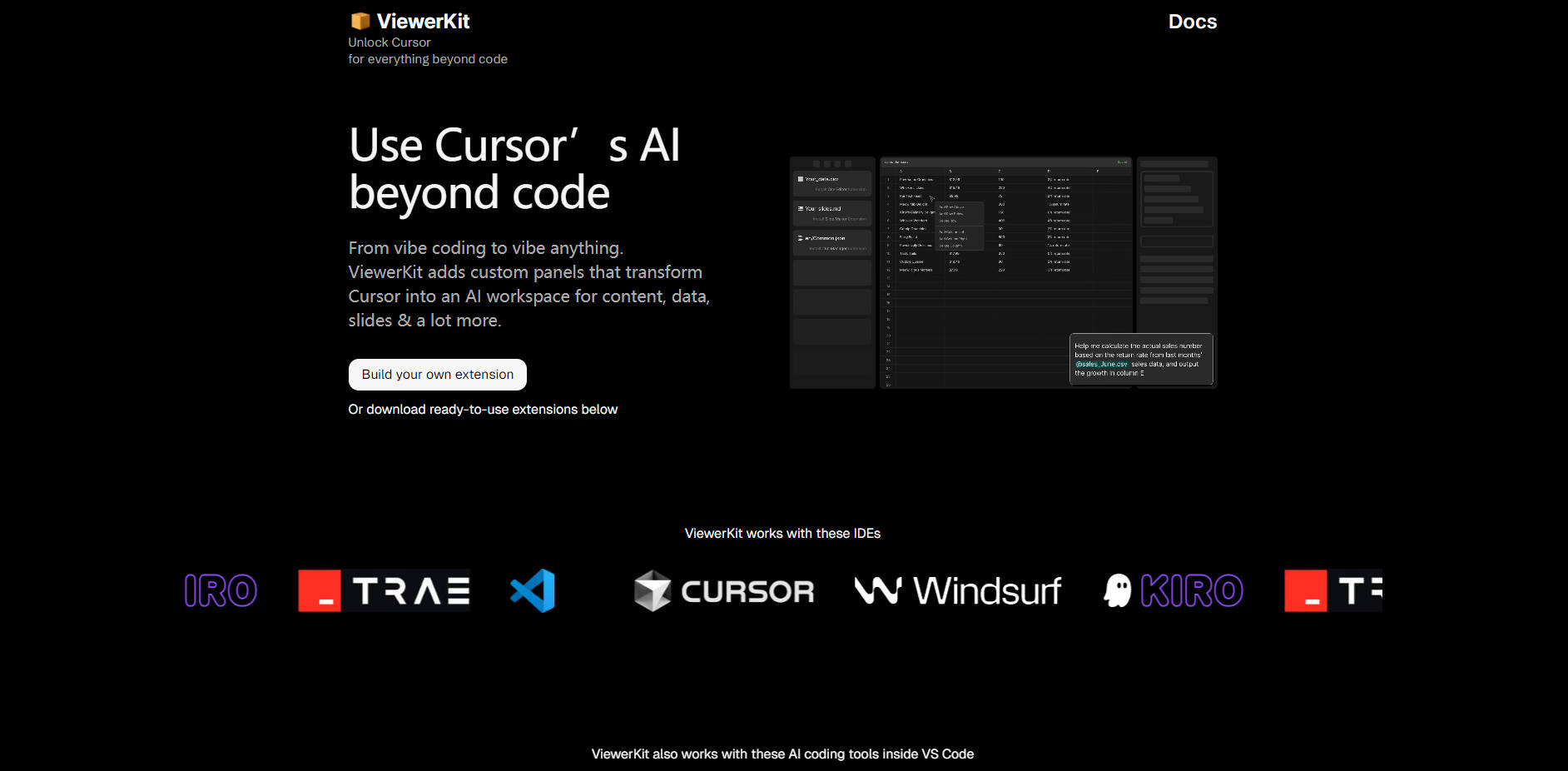
ViewerKit is a powerful extension framework designed for users of AI-powered code editors like Cursor and VS Code. It solves a common challenge: while these editors are excellent for code, their interface limits their use for other tasks. ViewerKit transforms your editor into a versatile, all-in-one AI workspace with custom visual panels for data, content, presentations, and more, eliminating the need to constantly switch between different tools.
Key Features
⚡️ Install Ready-to-Use Extensions: Instantly add powerful new capabilities to your editor. Start with pre-built viewers for common file types, like an interactive spreadsheet for CSV files, a slide deck generator for Markdown, or a unified dashboard for managing scattered i18n translation files.
🛠️ Build Your Own Custom Interfaces: Move beyond pre-built solutions with the open-source ViewerKit Toolkit. This framework provides the essential foundation—including smart file handling, auto-saving, and conflict resolution—allowing you to create a personalized AI-powered tool for your specific workflow.
🤖 Leverage "Vibe Coding" for Creation: The toolkit is uniquely optimized for AI-assisted development. You don't need to be an expert extension developer; simply describe your requirements in a prompt, and let your editor's AI agent use the ViewerKit template to build the custom interface you need.
Use Cases
ViewerKit bridges the gap between your AI agent and your files, enabling you to stay in flow.
Streamline Data Analysis: A data analyst receives a
.csvfile. Instead of exporting it to another application, they open it directly in Cursor. ViewerKit’s CSV Viewer displays it as an editable spreadsheet. They can then instruct the AI agent—"remove duplicate rows and calculate the average of column C"—and watch the changes update live in the visual interface.Generate Presentations Instantly: A developer needs to create slides for a team meeting. They outline the content in a Markdown file. With the Slide Maker extension, that file is instantly rendered as a professional presentation inside the editor. They can use the AI to refine content and see the slide updates in real-time without ever leaving their workspace.
Create a Bespoke Project Dashboard: A project manager needs to manage complex JSON configuration files. Using the ViewerKit Toolkit, they use a single prompt to generate an extension that displays these files as a user-friendly form. This simplifies editing for the whole team and reduces the risk of manual syntax errors.
Why Choose ViewerKit?
ViewerKit isn't just another set of tools; it represents a more efficient and personalized way to work with AI.
Consolidate Your Workflow: Why pay for and juggle multiple AI tools? ViewerKit allows you to leverage the powerful AI agent you already know and trust for a much broader range of tasks. This reduces context switching and keeps all your work history in one centralized place.
Go Beyond Fixed Features: Most software offers a static feature set. ViewerKit provides a solid, open-source foundation for you to build upon. Instead of adapting your workflow to a tool, you can now create a tool that is perfectly adapted to your workflow.
Make Software Truly Personal: ViewerKit is built on the idea that software should be customizable. By providing a toolkit optimized for AI-assisted creation, it empowers you to build the exact features you need, turning a general-purpose code editor into your personal, highly-specialized AI agent hub.
Conclusion:
Stop hacking your code editor for non-coding tasks and start building a workspace that truly works for you. ViewerKit provides the tools and the framework to transform your IDE into a seamless, powerful, and fully customized AI-native environment.
Explore the ready-made extensions or dive into the open-source toolkit to build your first custom AI interface today.
More information on ViewerKit
Launched
2025-06
Pricing Model
Free
Starting Price
Global Rank
13057880
Follow
Month Visit
<5k
Tech used
ViewerKit was manually vetted by our editorial team and was first featured on 2025-08-21.
Related Searches
ViewerKit Alternatives
Load more Alternatives-

-

-

-

Tired of copy-pasting? BringYourAI links VSCode to any AI chat. Attach code, debug faster, and generate smarter code. Elevate your dev workflow.
-

BuilderKit is a highly modular NextJS AI Boilerplate designed to expedite the development and deployment of AI applications.