

What is Voquill?
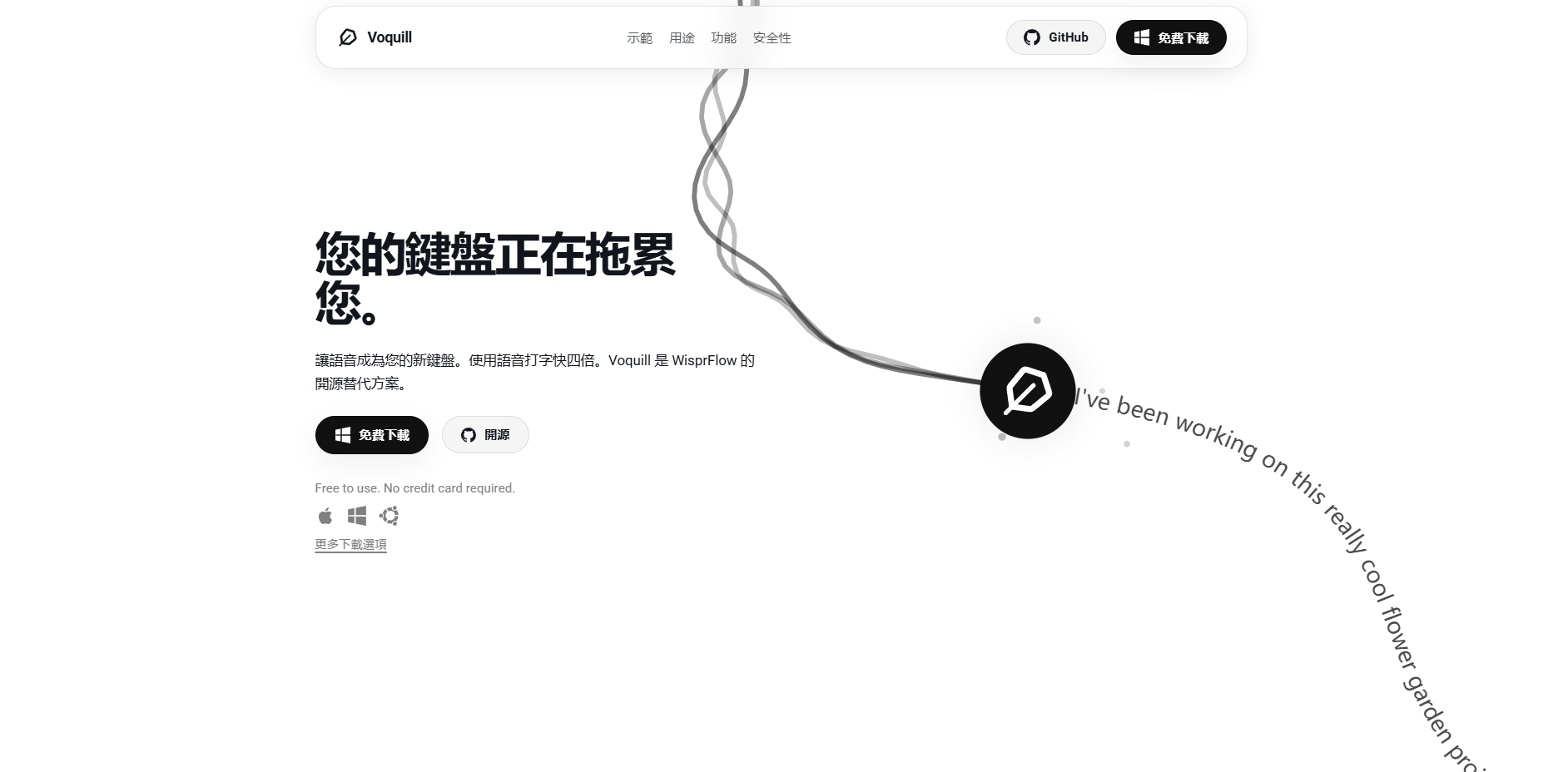
Stop letting your fingers slow down your thoughts. Voquill is a professional-grade, open-source speech-to-text workspace that allows you to use your voice as a high-speed keyboard across your entire operating system.
Whether you are drafting a complex report or sending a quick message, Voquill bridges the gap between thinking and typing. By reaching speeds of approximately 220 words per minute, you can capture ideas as quickly as you speak them, effectively bypassing the physical limitations of a traditional QWERTY layout.
Key Features
🎙️ System-Wide Voice Input Voquill functions as a universal overlay that works in any text field on macOS, Windows, and Linux. This means you can dictate directly into your browser, code editor, or email client without needing specific integrations for each application.
✨ AI-Powered Text Refinement The built-in post-processing pipeline automatically cleans your transcriptions by removing filler words, hesitations, and false starts. You can speak naturally and conversationally, and the AI ensures the final text is polished, professional, and ready to use.
🔒 Privacy-First Processing You retain full control over your data by choosing where your audio is processed. You can run Whisper models locally on your device for total privacy, use your own Groq API key for speed, or connect to the cloud—all backed by a fully open-source codebase.
📖 Personalized Glossary & Rules Ensure accuracy for technical jargon, unique brand names, or specific industry terms by maintaining a personal dictionary. Voquill uses these custom rules to keep your recurring phrases consistent and correctly spelled every time you dictate.
Use Cases
Streamlined Document Drafting Instead of spending hours hunched over a keyboard, you can pace your office and dictate long-form articles or reports. The AI cleanup ensures that your spoken "ums" and "ahs" don't make it into the final draft, leaving you with a clean document in a fraction of the time.
Technical Communication & Coding Use the personal glossary feature to program specific project names or variable shorthand. This allows developers and engineers to document their work or write communications without the friction of manually typing complex, repetitive terminology.
Productivity on the Move Because Voquill can run entirely offline using local models, you can remain productive in environments without internet access, such as during a flight. Your thoughts are processed on your machine, ensuring your work never leaves your device.
Why Choose Voquill?
Voquill distinguishes itself by offering a transparent, open-source alternative to proprietary dictation tools like WisprFlow. While many tools force you into a cloud-only subscription, Voquill provides a "bring your own engine" approach.
You can leverage local GPU acceleration for high-speed offline transcription or use high-performance APIs like Groq for near-instant results. This flexibility, combined with native support for Linux alongside Windows and macOS, makes it a versatile choice for power users who prioritize both performance and data sovereignty.
A New Standard for Digital Input
Moving from a 45 wpm typing speed to a 220 wpm speaking speed fundamentally changes how you interact with your computer. Voquill removes the mechanical barrier between your ideas and the screen, allowing for a more fluid and natural creative process. As you integrate voice into your daily workflow, you’ll find that the "keyboard bottleneck" becomes a thing of the past, replaced by a more efficient, thought-paced way of working.
More information on Voquill
Launched
2025-07
Pricing Model
Free
Starting Price
Global Rank
Follow
Month Visit
<5k
Tech used
Voquill was manually vetted by our editorial team and was first featured on 2026-01-06.
Voquill Alternatives
Load more Alternatives-

Transform your computer into a voice-first machine with offline transcription, AI-powered assistance, and voice-triggered utilities to convert files, merge PDFs, set timers, and automate workflows. Hold a hotkey, speak naturally, and watch your words appear instantly in any app, or trigger powerful commands to control your entire workflow hands-free.
-
OpenWhispr offers lightning-fast, private AI dictation. Transform your voice into text 3-5x faster with on-device processing across all your apps. Open-source.
-

Superwhisper: Dictate on Mac & iPhone in 100+ languages. Offline & private. Customize vocabulary. Transcribe audio (Pro).
-

-