

What is Vrew.ai?
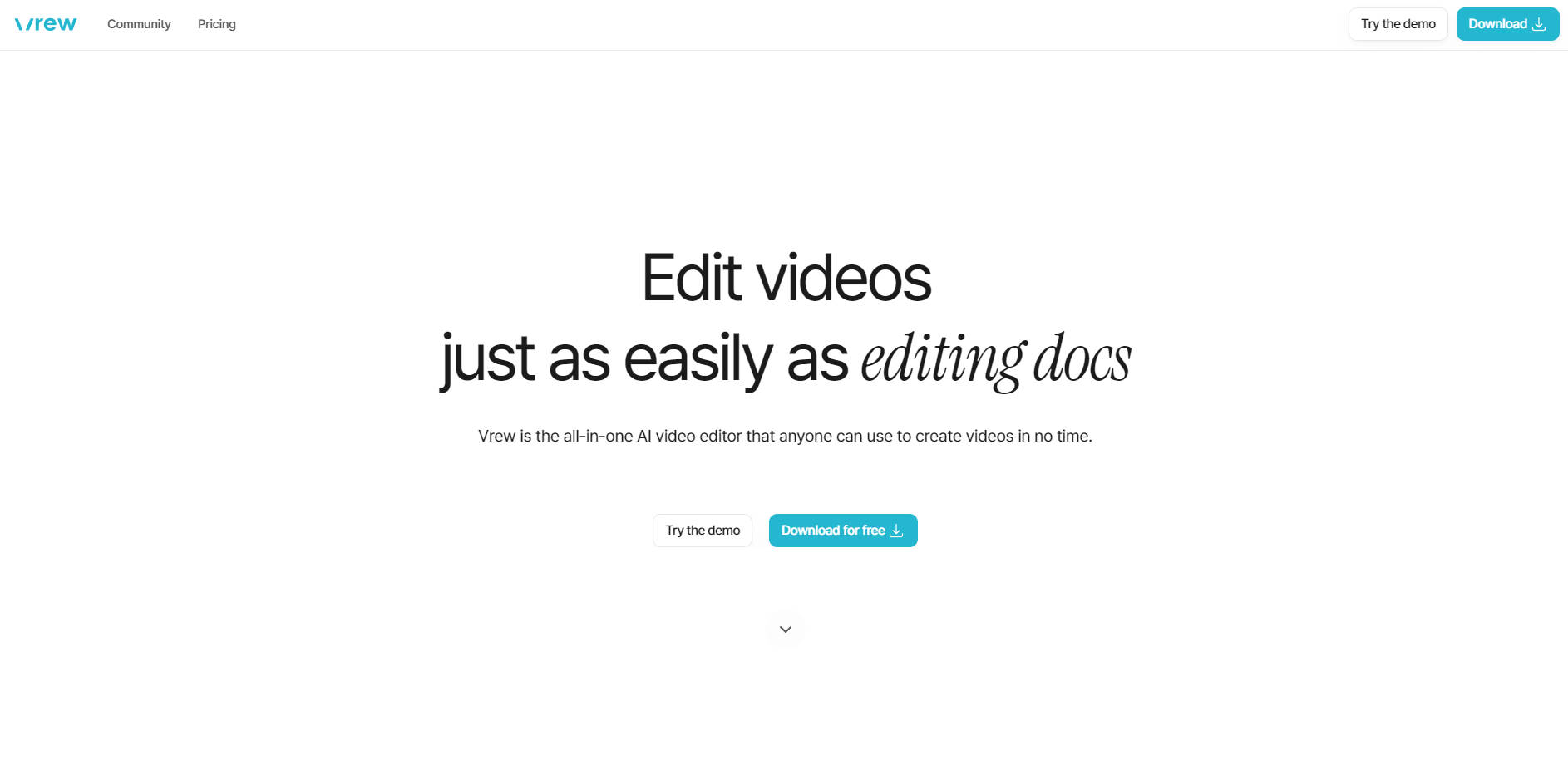
Imagine editing videos as effortlessly as tweaking a text document. That’s exactly what Vrew offers: an AI-powered video editor designed to simplify video creation and editing for everyone—whether you're a beginner or a pro. With Vrew, you can automatically generate subtitles, craft videos using AI-generated voices and images, and even extract viral-worthy clips with a few clicks. Ready to turn hours of video editing into a task you can finish over a coffee break? Let’s dive in!
Key Features:
🎥 Edit Videos Like a Document
No more wrestling with complicated timelines or confusing editing interfaces. Vrew lets you edit your videos as easily as dragging and dropping text—ideal for both newcomers and time-strapped creators.
🌟 Auto-Generated Subtitles
Bid farewell to manually typing subtitles. Simply upload your video, and Vrew will automatically generate and sync subtitles for you—saving you precious time and effort.
🌍 Translate Subtitles in 60+ Languages
Expand your video’s reach by translating subtitles into over 60 languages. Whether you’re targeting global audiences or localized markets, Vrew makes it seamless.
🎨 Custom & Preset Subtitle Styles
Make your subtitles pop with pre-designed styles, or tweak fonts and colors to match your brand or style. Vrew puts creative control right at your fingertips.
🗂 Export Subtitles for Other Software
Need to use your edited videos in other tools like Premiere Pro or DaVinci Resolve? No problem! Vrew lets you export your subtitles for use in other professional video editing software.
🤖 AI-Powered Video Creation
Describe what you want, and let Vrew’s AI generate visuals, music, and even text for you. Just type in the concept, and watch your ideas come to life in video form.
🗣 578 Natural-Sounding AI Voices
Choose from a wide array of AI voices in multiple languages. Whether you're creating a tutorial or a social media post, Vrew offers the right tone and voice for your project.
🖼 AI-Generated Images
Need visuals? Vrew can create realistic or anime-style images that suit your content, making it easier than ever to find the perfect fit for your videos.
✂️ Viral-Clip Extractor
Want to turn a long video into multiple shareable clips for TikTok or Reels? The Viral-Clip Extractor automatically identifies the best highlights, helping you create engaging shorts in minutes.
Use Cases:
1. Teach a Lesson with Zero Hassle
Sarah, a teacher new to video editing, needs to create instructional videos for her students. With Vrew, Sarah simply uploads her video, lets the AI auto-generate subtitles, and exports it in her desired aspect ratio for social media sharing—all within minutes.
2. Create Engaging Social Media Content on the Fly
James, a social media manager, wants to repurpose a long-form YouTube video into short clips for Instagram Reels. Using Vrew's Viral-Clip Extractor, he quickly identifies key moments, adds custom text and preset styles, and exports the clips—saving him hours of manual editing.
3. Make Multilingual Content for a Global Audience
Maria, a YouTuber with international followers, needs subtitles in multiple languages. With Vrew, Maria uploads her video, generates subtitles automatically, and translates them into five different languages, ensuring her message reaches fans worldwide.
Conclusion:
Vrew takes the complexity out of video editing with its AI-powered features, making the process as straightforward as editing a document. Whether you're a novice or a seasoned pro, the time-saving auto-subtitle generation, AI voices, and image generation features make video creation faster and more enjoyable than ever. Say goodbye to tedious, manual editing—try Vrew today and experience video creation like never before.
More information on Vrew.ai
Launched
2020-03
Pricing Model
Free
Starting Price
Global Rank
74968
Follow
Month Visit
787.6K
Tech used
Google Analytics,Google Tag Manager,Framer,Amazon AWS CloudFront,Google Fonts,Gzip,OpenGraph,HSTS
Top 5 Countries
53.31%
23.24%
20.03%
0.46%
0.42%
Korea, Republic of
Japan
United States
Mexico
Taiwan
Traffic Sources
1.39%
0.4%
0.02%
3.81%
48.32%
46.06%
social
paidReferrals
mail
referrals
search
direct
Source: Similarweb (Sep 25, 2025)
Vrew.ai was manually vetted by our editorial team and was first featured on 2025-01-26.
Related Searches
Vrew.ai Alternatives
Load more Alternatives-

-

Need engaging social videos? ViralVideo AI transforms text into captivating TikToks, Reels & Shorts. Drive views, grow your audience, effortlessly!
-

-

-