

What is Yopbox AI?
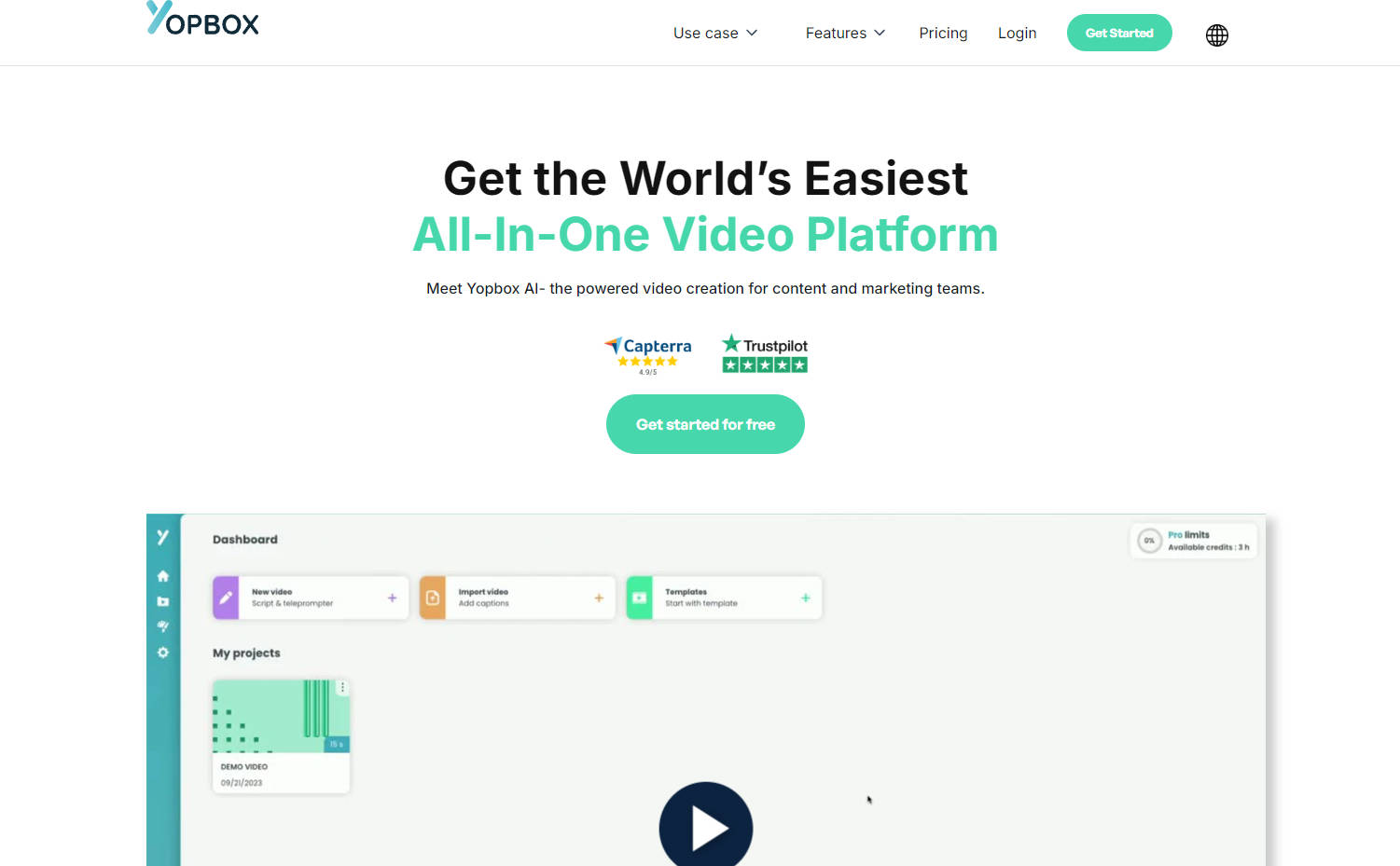
Yopbox is a cutting-edge online video platform that transforms video creation with AI-driven automation. It simplifies editing, enhances video quality, and saves users time and effort. Whether for professional content or casual uploads, Yopbox empowers creators with intuitive tools to produce polished videos effortlessly.
Key Features
Automatic Editing: Yopbox's AI seamlessly edits videos, cutting out silences and optimizing content flow.
Dynamic Captions: The platform generates accurate subtitles, increasing video accessibility and engagement.
Voice Recognition: With AI audio enhancement, background noise is reduced, ensuring clear, professional sound.
Intelligent Prompter: Users can deliver scripts naturally with the on-screen prompter, ensuring flawless presentations.
Brand Integration: Customize videos with logos, colors, and typography to align with your brand identity.
Use Cases
YouTube Content Creators: Weekly video uploads are streamlined with fast, high-quality editing and transcription.
Business Training Videos: Companies can produce informative, engaging training content quickly and cost-effectively.
Marketing Campaigns: Marketers craft consistent, branded video content with minimal production overhead.
Conclusion
Yopbox redefines video production, making professional-grade editing accessible to all. Save time and costs while elevating your video content. Experience the future of video editing—get started with Yopbox for free today.
FAQs
How does Yopbox's AI editing feature work?Yopbox's AI editing feature analyzes your video's audio and visual content, automatically cutting out unnecessary silences and optimizing the flow for a polished, professional finish.
Can Yopbox be used for live video recording as well?While Yopbox excels in post-production editing, it doesn't directly support live video recording. However, you can import recorded live videos into Yopbox for enhancing and refining the final output.
What kind of customization options are available for branding videos on Yopbox?Yopbox offers comprehensive branding tools, allowing users to add logos, select brand colors, and choose custom typography, ensuring that every video reflects your unique brand identity.
More information on Yopbox AI
Launched
2013-06
Pricing Model
Freemium
Starting Price
$89/month
Global Rank
4962023
Follow
Month Visit
<5k
Tech used
Google Tag Manager,Plausible Analytics,Webflow,Amazon AWS CloudFront,Google Fonts,jQuery,Gzip,OpenGraph,HSTS
Top 5 Countries
100%
France
Traffic Sources
2.91%
0.76%
0.15%
8.17%
57.52%
30.48%
social
paidReferrals
mail
referrals
search
direct
Source: Similarweb (Sep 24, 2025)
Yopbox AI was manually vetted by our editorial team and was first featured on 2024-09-16.
Related Searches
Yopbox AI Alternatives
Load more Alternatives-

-

Provide a description or a niche of your desired video, choose a voice and automatically generate the video with AI
-

-

ClipZap.AI - The ultimate AI video editor! Create stunning vids in minutes, with features like AI subtitles, translation, & FaceSwapper. 100% free to start, no CC needed. 1M+ users love it!
-