What is FlowLens ?
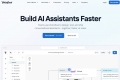
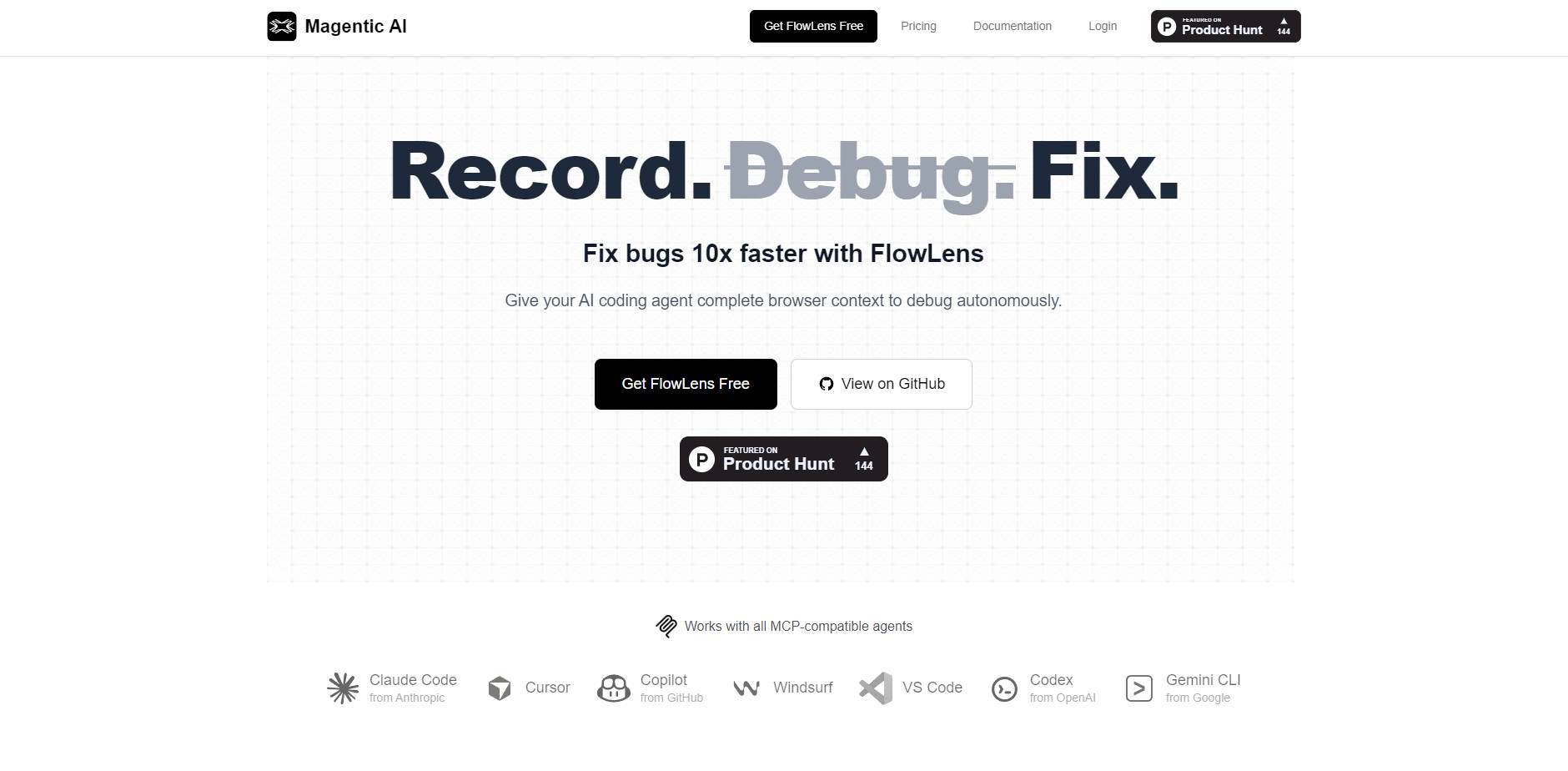
FlowLens is the dedicated bug reporting and debugging solution built for the modern AI-driven development workflow. It addresses the core problem of incomplete context in traditional bug reports, which often forces developers and AI agents into time-consuming back-and-forth investigation cycles. FlowLens automatically captures the complete technical context of a user session—including video, network logs, and user actions—and delivers it in a format specifically optimized for autonomous AI coding agents, allowing you to fix defects up to 10 times faster.
Key Features
FlowLens transforms bug reproduction and reporting from a manual, error-prone process into a single, automated capture, ensuring your team and your AI assistants have the comprehensive data needed for immediate resolution.
🧠 MCP Integration for Autonomous Debugging
FlowLens works seamlessly with all Multi-Context Protocol (MCP)-compatible agents, including Claude Code, Cursor, and GitHub Copilot. This integration is key: it provides AI agents with structured, high-fidelity access to flow data, enabling them to autonomously analyze timelines, correlate frontend behavior with technical events, and suggest fixes without manual prompting or context overloading.
🎥 Full Context Flow Recording
Stop relying on static screenshots and partial console logs. FlowLens captures synchronized video, network activity (full request/response data), console output (errors, stack traces), user interactions (clicks, inputs), and comprehensive storage state (cookies, localStorage). This level of detail ensures the AI or human investigator receives the full picture of the bug’s environment and reproduction steps.
🔒 Privacy-First PII Redaction
Data privacy is handled locally and securely. Automatic PII (Personally Identifiable Information) redaction occurs directly on your machine before any data is encrypted or leaves the browser. You retain control over what gets shared with your team and what data is filtered during capture, ensuring compliance and security.
🔗 One-Link Shareable Context
FlowLens packages the entire bug reproduction session into a single, comprehensive link. This eliminates the need for developers to copy-paste console errors, manually capture screenshots, or write detailed, lengthy prompts. Simply share the link, and the AI agent or team member instantly accesses the full, synchronized context required to begin the fix.
Use Cases
FlowLens is designed to streamline the most frustrating parts of the development lifecycle, turning complex debugging tasks into high-speed, automated processes.
Accelerate AI Agent Performance
When using AI coding agents, context is everything. Instead of providing vague prompts and partial error messages, use a FlowLens link to deliver the AI agent complete, structured data. This allows the agent to immediately analyze the full stack trace, network timelines, and user input sequence, leading to significantly faster root cause identification and more accurate fix suggestions.
Eliminate "Can't Reproduce" Cycles
QA engineers and developers often waste time trying to recreate intermittent or environment-specific bugs. By clicking "record" during the initial bug reproduction, FlowLens captures the exact system information (OS, browser, resolution) and state (storage, navigation events) present when the issue occurred. This guarantees accurate, complete reproduction steps for anyone accessing the flow, instantly resolving the friction of "it works on my machine."
Streamline Team Handoffs and Collaboration
When a bug needs to be escalated or passed between frontend, backend, or QA teams, FlowLens simplifies communication. Team members can be invited to organized projects and access the full technical context via a single link. This unified view reduces back-and-forth questions, speeds up cross-functional investigation, and ensures everyone is working from the same verifiable data set.
Why Choose FlowLens?
FlowLens is fundamentally different from traditional screen recording tools because it transforms passive video capture into actionable, AI-ready data via the Multi-Context Protocol (MCP).
| Differentiator | Traditional Screen Recording | FlowLens (MCP Integration) |
|---|---|---|
| Data Capture | Video only, requires manual log capture. | Synchronized video, network requests, console logs, user actions, and system state. |
| AI Actionability | Zero. Requires human analysis and manual prompt creation. | High. AI agents (like Claude Code, Cursor) autonomously analyze structured flow data. |
| Context Delivery | Multiple files (video, screenshots, text logs). | Single, encrypted, shareable link with full context. |
| Security/Privacy | Relies on manual blurring/editing; PII exposure risk. | Automatic PII redaction happens locally, before data transmission. |
FlowLens is purpose-built to integrate with the modern development stack, ensuring that the valuable context captured during a bug session is not merely recorded, but is immediately consumable and actionable by the AI tools designed to fix your codebase.
Conclusion
Stop wasting valuable engineering hours explaining bugs and start fixing them. FlowLens provides the clarity and complete context necessary to accelerate debugging workflows, enabling your AI agents to perform complex root cause analysis autonomously.
More information on FlowLens
Launched
Pricing Model
Freemium
Starting Price
$11 per user/month
Global Rank
Follow
Month Visit
<5k
Tech used
FlowLens was manually vetted by our editorial team and was first featured on 2025-12-04.