

Click outside to close
What is AniEraser?
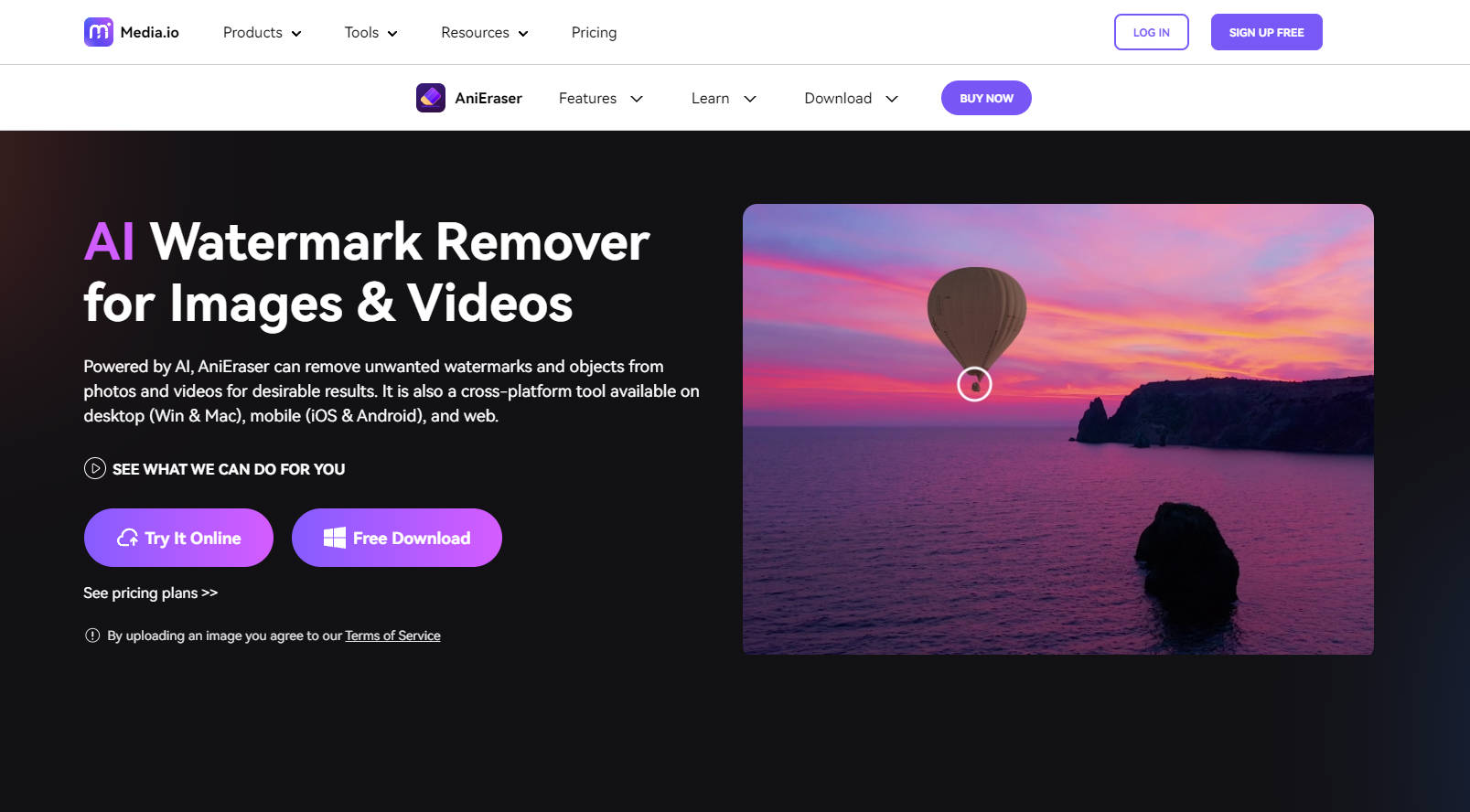
AniEraser is a sophisticated AI-powered tool designed to remove watermarks, unwanted objects, and imperfections from images and videos. Available across multiple platforms including desktop, mobile, and web, AniEraser ensures high-quality results without requiring any technical editing skills. Whether erasing clutter from a photo or enhancing the clarity of an old memory, AniEraser provides users with a seamless and efficient solution for their multimedia editing needs.
Key Features:
🎨 Cross-Platform Compatibility
Enjoy access to AniEraser on Windows, Mac, iOS, Android, and web for versatile use across devices.🧩 Batch Processing
Remove unwanted elements from up to 5 photos or videos simultaneously with the desktop app, making bulk editing effortless.🧹 Advanced Object Removal
Select and eliminate watermarks, objects, texts, and more with precision, thanks to the tool's AI capabilities.📼 Video Editing
AniEraser extends its functionality to video, allowing for the seamless removal of objects and watermarks from clips without quality loss.🖼️ Retouching & Repair
Perfect your images by retouching faces, repairing old photos, and removing blemishes with a simple brush tool.🎯 Customizable Brush Sizes
Tailor the brush size to the specific area you want to edit, ensuring accurate and detailed modifications.🛡️ Quality Preservation
Maintain the integrity of your multimedia files with erasures that leave no trace and preserve the original quality.
Use Cases:
A professional photographer removes distracting elements from a client's portrait, achieving a polished and perfect final image.
A video editor quickly erases unwanted logo watermarks from stock footage to create a clean and branded video for a company.
A hobbyist restores old family photos, wiping away years of damage with AniEraser to preserve cherished memories.
Conclusion:
AniEraser stands out as a versatile and user-friendly multimedia editing tool that empowers users to enhance their images and videos with unparalleled ease. By streamlining the removal of watermarks, objects, and imperfections, AniEraser not only elevates the visual appeal of your multimedia but also saves you valuable time. Experience the efficiency of AniEraser firsthand and unlock a world of possibilities for your digital creations. Try it today and transform your visuals without compromising on quality or originality.
More information on AniEraser
Top 5 Countries
14.66%
11.33%
8.9%
4.79%
4.47%
India (14.66%)
Vietnam (11.33%)
United States (8.9%)
Indonesia (4.79%)
Brazil (4.47%)
Traffic Sources
36.56%
32.87%
28.63%
social (1.42%)
paidReferrals (0.45%)
mail (0.05%)
referrals (36.56%)
search (32.87%)
direct (28.63%)
Source: Similarweb (Sep 24, 2025)
AniEraser was manually vetted by our editorial team and was first featured on 2024-06-17.
AniEraser Alternatives
AniEraser Alternatives-

Magic Eraser is an AI tool that helps users remove unwanted elements from images in a matter of seconds
-

Remove AI video watermarks from Sora, Veo3, Keling instantly with our Mac app. No login, No internet, No upload. Fast, private, professional results in minutes.
-

Free AI Video Watermark Remover. Auto-detects and erases logos from CapCut, TikTok, and YouTube Shorts instantly without blurring.
-

Remove watermarks, logos & objects from photos & videos instantly with Unwatermark AI. Our advanced AI restores pristine quality to your media.
-
A Windows AI image software tool that enables users to quickly remove unwanted objects from photos by a small artificial intelligence algorithm. It supports both JPG and transparent PNG format.