

What is EraseVideo?
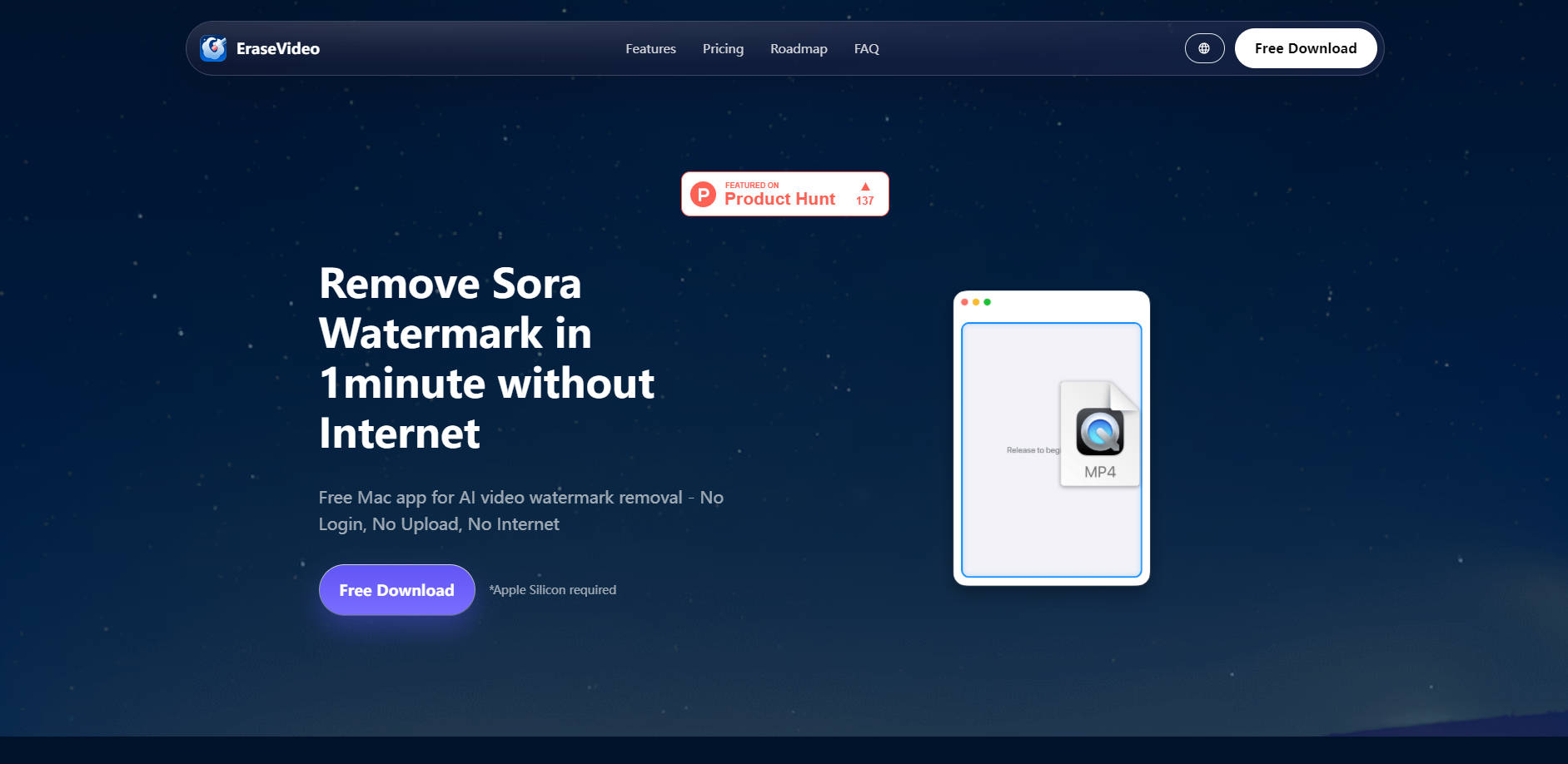
EraseVideo is the dedicated Mac application designed for creators who need to quickly and privately remove proprietary watermarks from advanced AI-generated videos, such as those produced by Sora. It solves the common problem of proprietary branding obscuring professional footage by offering a fast, fully offline, AI-powered solution built specifically for the macOS environment.
Key Features
EraseVideo leverages advanced native processing to deliver results that are significantly faster and more secure than traditional online tools, ensuring your final video output is clean, professional, and ready for deployment.
✨ AI-Powered Smart Watermark Removal
Advanced algorithms automatically detect and erase watermarks without requiring manual selection, blurring, or cropping. This intelligent approach rebuilds the pixels behind the watermark based on the surrounding footage, delivering professional, near-invisible results that maintain the integrity of your original video quality.
🔒 Complete Offline Privacy (100% Local Processing)
Unlike web-based tools, EraseVideo is a native Mac application that runs entirely offline on your device. Your video files are never uploaded, stored, or transmitted to cloud servers, eliminating security risks and ensuring your content remains completely private and secure on your Mac. No internet connection is required for removal jobs.
⚡ Lightning Fast Performance
Built specifically for macOS and optimized for Apple Silicon, the app delivers unparalleled processing speed. Users can typically remove watermarks from a 15-second video in approximately one minute (tested on M1 chips), significantly accelerating post-production workflows compared to the latency and buffering inherent in browser-based solutions.
✅ Free Access, No Registration Required
Start immediately with no login, account creation, or credit card required. EraseVideo offers two free videos per day, allowing you to test the quality and speed before committing to an unlimited usage plan.
Use Cases
EraseVideo integrates seamlessly into demanding creative workflows, providing immediate value through speed and professional output quality.
Integrating AI Footage into Professional Deliverables: Seamlessly incorporate high-quality clips generated by Sora or other platforms into larger client projects or commercial broadcasts without proprietary branding distractions. The smart removal process ensures the final output meets high professional standards without artifacts.
Rapid Content Prototyping and Iteration: When testing and iterating on multiple AI video prompts, quickly process and review the raw output without the slowdown of cloud uploads or manual editing steps. Drag, drop, and get clean results in under a minute, streamlining your creative iteration cycles.
Securing Sensitive Projects: For users working with proprietary or pre-release footage, the 100% local processing guarantees that your video files never leave your Mac. This is essential when handling sensitive material that cannot be transmitted to third-party cloud servers.
Why Choose EraseVideo Over Online Tools?
EraseVideo’s native Mac architecture provides functional advantages that browser-based watermark removers simply cannot match, prioritizing speed, quality preservation, and user privacy.
| Feature | EraseVideo (Mac Native App) | Typical Online Remover (Browser-Based) |
|---|---|---|
| Processing Location | 100% Local (Offline) | Cloud Server Upload Required |
| Privacy & Security | Complete privacy; files never leave your Mac. | Requires sending footage to unknown servers. |
| Speed | Up to 10x faster; near-instant processing. | Limited by upload speed, server queue, and browser processing. |
| Quality Preservation | Maintains original video quality; no file compression. | Often compresses video upon upload or download. |
| File Size Limits | None (limited only by Mac storage). | Strict file size or duration limits often apply. |
Conclusion
EraseVideo provides a necessary, professional-grade tool for creators leveraging the latest in AI video generation. By focusing on high-speed, secure, and quality-driven local processing, it ensures your raw footage is instantly ready for professional deployment.
Explore how EraseVideo can accelerate your workflow. Download the free Mac app today and experience the difference of local, AI-powered removal.
More information on EraseVideo
Launched
Pricing Model
Freemium
Starting Price
$19.9
Global Rank
Follow
Month Visit
<5k
Tech used
EraseVideo was manually vetted by our editorial team and was first featured on 2025-10-22.
EraseVideo Alternatives
Load more Alternatives-

Free AI Video Watermark Remover. Auto-detects and erases logos from CapCut, TikTok, and YouTube Shorts instantly without blurring.
-

Easily remove watermarks from Sora videos with Al and get clean, high-quality results in one click.
-

-

Remove watermarks, logos & objects from photos & videos instantly with Unwatermark AI. Our advanced AI restores pristine quality to your media.
-

AirBrush AI Video Watermark Remover is a powerful online tool. Uses AI to remove watermarks. No installation. Fast, high-quality. Supports MP4/M4V/MOV. Ideal for content creators.