How to use Google's latest Gemini Pro for free
Google promised to open up the Gemini Pro API, and now it's finally here. Starting from today, developers can use the Gemini Pro API to build applications using Google's free web development tool, AI Studio (formerly known as Makersuite). Google also mentioned that they will further optimize the Gemini model based on user feedback in the coming weeks.
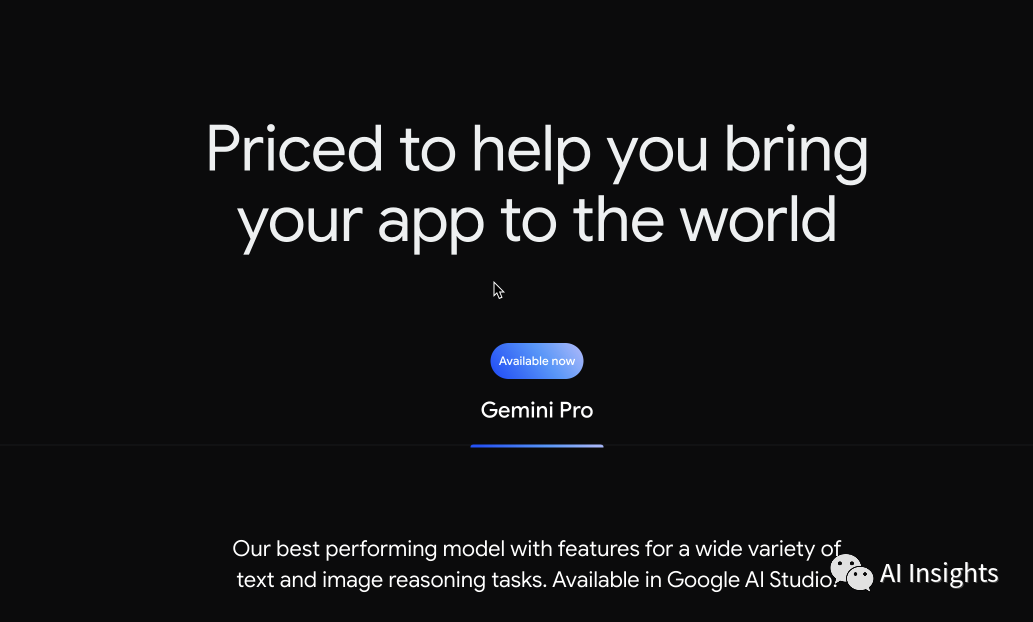
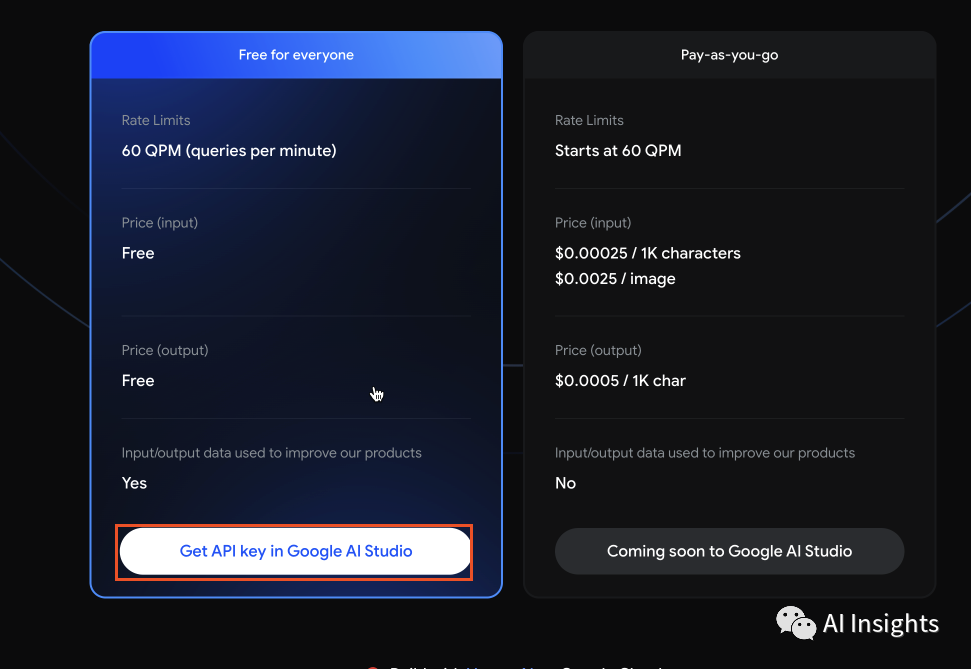
The free version of Gemini Pro allows a maximum of 60 queries per minute. There is also a pay-as-you-go version with fewer limitations, which Google claims to have a competitive price to compete with OpenAI. Currently, the pricing for the paid version of Gemini Pro is $0.00025 per thousand characters, $0.0025 per image, and $0.0005 per thousand characters for output. Additionally, Google will use the inputs and outputs of the free version of Google Pro API to improve the model's capabilities, but they promise not to use the paid version for training and product improvement.
Here is a step-by-step tutorial on how to use the Gemini Pro API for free through Google Cloud's Vertex AI platform.
First, visit the Google Developers Platform: https://ai.google.dev/pricing
We choose the free version.
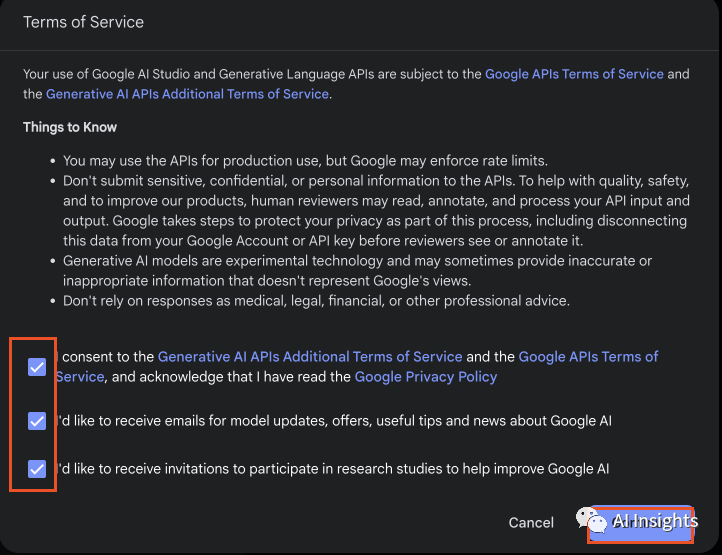
After checking the privacy agreement, click "Continue".
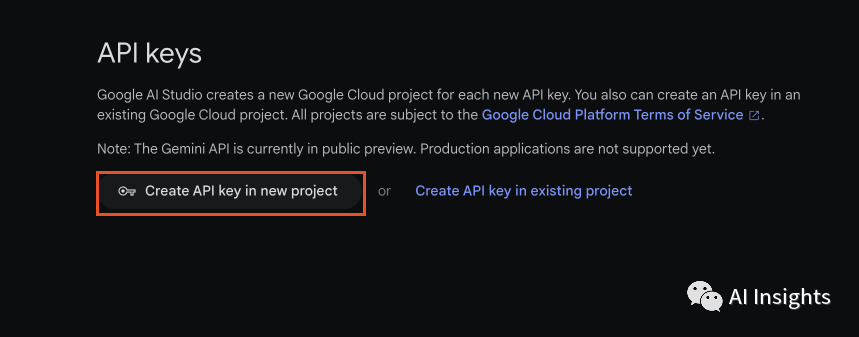
Click to get the API Key.
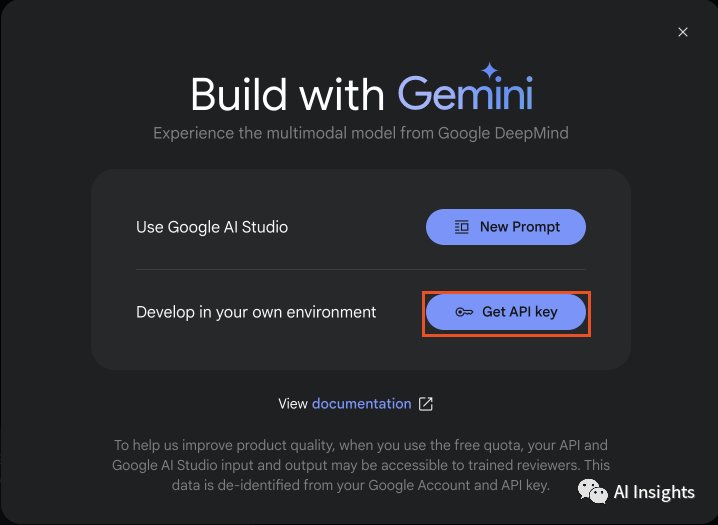
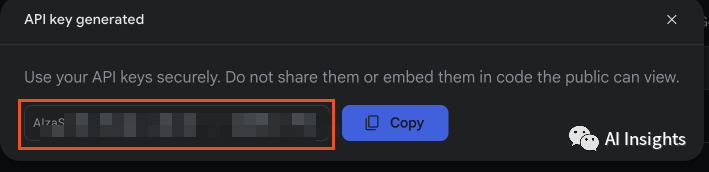
The key generated after clicking can be used in our calling process.
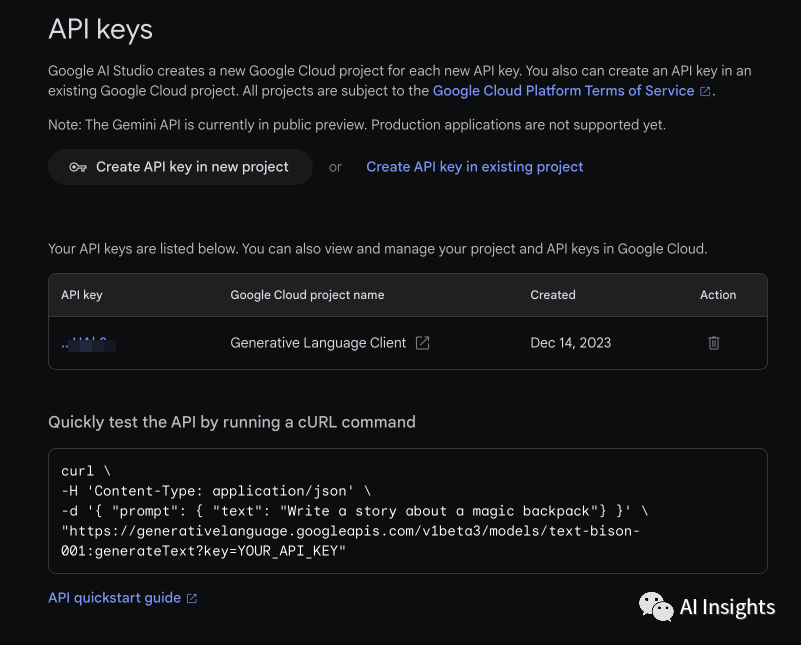
We tested it with our own API Key based on the official demo example and found no issues at all. Now we can happily start using it.