

What is Canva’s AI Thumbnail Maker?
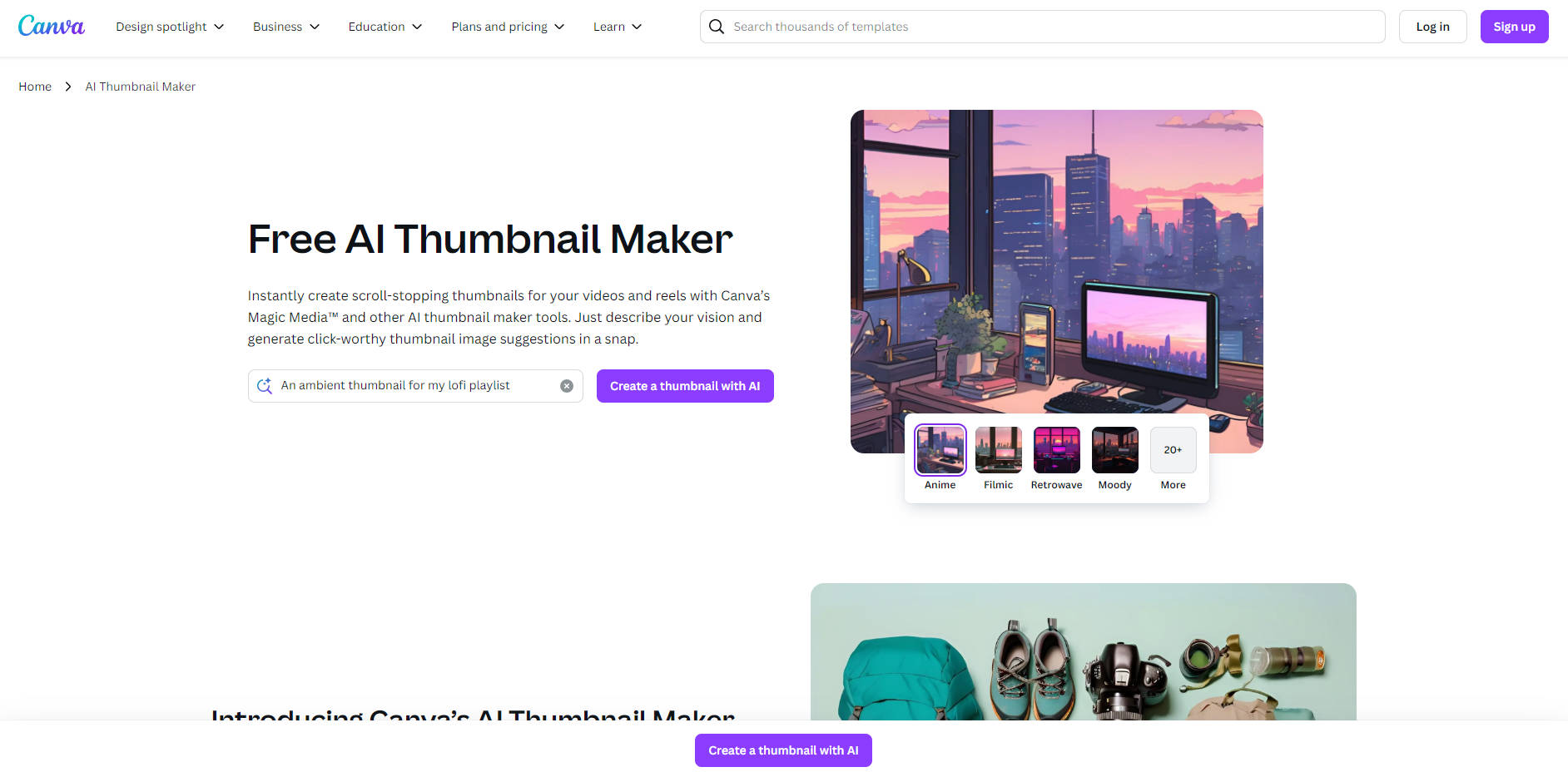
Creating thumbnails that grab attention doesn’t have to be a headache. With Canva’s free AI Thumbnail Maker, you can turn your ideas into stunning visuals in seconds. Whether you’re a YouTuber, marketer, or content creator, this tool helps you design click-worthy thumbnails that stand out in a crowded feed.
Key Features
✨ AI-Powered Thumbnail Generation: Describe your vision in a text prompt, and let Magic Media™ or other AI tools like DALL·E or Imagen generate thumbnail ideas instantly. Perfect for YouTube videos, reels, or social media posts.
🎨 Multiple Art Styles: Choose from photography, digital art, fine art, or pixel art presets to match your video’s vibe. Experiment with styles like Watercolor, Neon, or Retrowave for a unique look.
🖌️ Customizable Edits: Fine-tune your thumbnail with Canva’s editing tools. Use Magic Edit (Pro) to tweak details, enhance images, or add filters to set the perfect mood.
📝 Add Captions and Text: Insert compelling captions or text art to make your thumbnail pop. Pair it with Canva’s AI video generator to kickstart your content creation process.
Who Is It For?
Entrepreneurs: Create branded thumbnails for your social media campaigns to attract more customers.
Marketers: Speed up your workflow by generating eye-catching visuals for ads and promotions.
Designers: Stay ahead of deadlines with polished, pro-level thumbnails that align with your creative vision.
Use Cases
YouTube Creators: Generate thumbnails that reflect your video’s theme, whether it’s a travel vlog, gaming stream, or tutorial.
Social Media Managers: Create engaging thumbnails for Instagram Reels or TikTok videos to boost engagement.
Small Business Owners: Design thumbnails for product demos or promotional videos to drive traffic to your online store.
How It Works
Describe Your Vision: Enter a detailed text prompt (e.g., “A cozy coffee shop with warm lighting for a lofi playlist”).
Choose a Style: Select from preset art styles like photography, digital art, or fine art.
Generate and Customize: Edit your thumbnail with Canva’s tools, add text, and download it in your preferred format.
More information on Canva’s AI Thumbnail Maker
Launched
2001-05
Pricing Model
Free Trial
Starting Price
Global Rank
35
Follow
Month Visit
821.5M
Tech used
Top 5 Countries
15.81%
9.37%
6.38%
5.75%
5.28%
United States
Brazil
Indonesia
Philippines
India
Traffic Sources
0.53%
0.17%
0.07%
2.4%
26.13%
70.7%
social
paidReferrals
mail
referrals
search
direct
Source: Similarweb (Sep 25, 2025)
Canva’s AI Thumbnail Maker was manually vetted by our editorial team and was first featured on 2025-01-19.
Related Searches
Canva’s AI Thumbnail Maker Alternatives
Load more Alternatives-

Create stunning thumbnails effortlessly with Thumbnail AI. Customize pre-designed templates to make unique designs that boost engagement.
-

Increase your YouTube CTR with ThumbnailMaker! Generate professional, stunning, and catchy thumbnails effortlessly using our AI-powered tool.
-

Grow Your Personal Brand on YouTube with Thumbnails That Convert Transform your face into scroll-stopping thumbnails that help your personal brand stand out, boost clicks, and build a loyal audience—no design skills needed.
-

Leverage AI to create high-CTR YouTube thumbnails in seconds. Professional styles & smart references boost views and accelerate channel growth.
-

Boost your YouTube video visibility with VEED's AI Thumbnail Maker. Design eye-catching thumbnails using AI technology effortlessly.