

Click outside to close
What is Canvid?
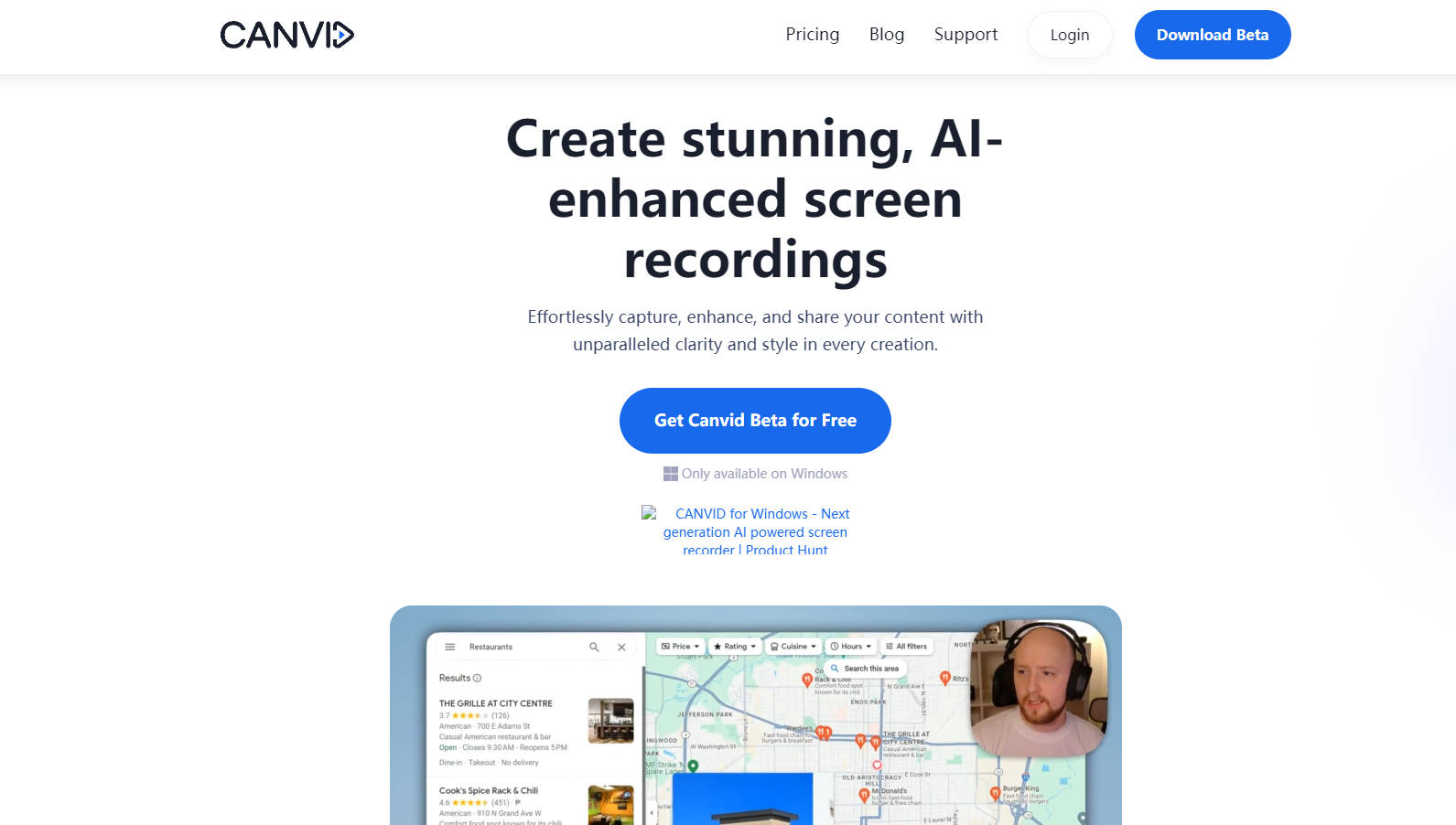
Canvid is a next-generation AI-powered screen recorder designed for Windows, offering a seamless way to capture, enhance, and share content. With its advanced features and user-friendly interface, Canvid caters to content creators, professionals, and individuals looking to create high-quality screen recordings with ease.
Key Features
🖥️ Capture Anything: Record your entire screen, specific windows, or even mobile content (coming soon). Ideal for tutorials, demos, and more.
🔍 Zoom it in: Automatic or manual zoom to highlight key areas in your recordings, perfect for presentations and educational videos.
📥 Export Your Way: Save videos locally, upload to the cloud, or share them with a link. Formats include MP4, GIF, and more, with quality options from standard to stunning 4K.
🎙️ AI Enhanced Voice: AI voice enhancement ensures crystal clear audio, allowing you to speak with confidence.
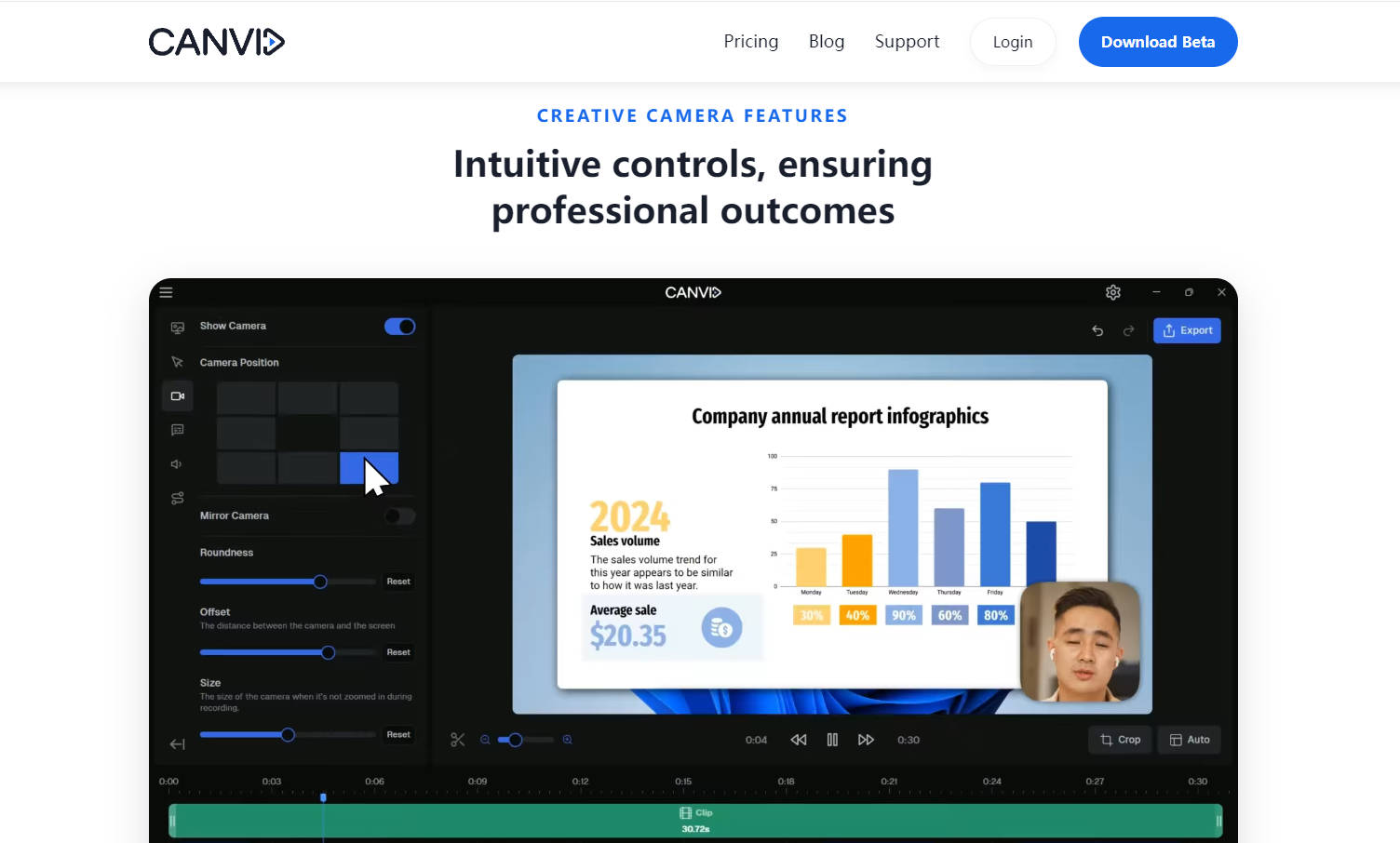
📐 Edit Without Hassle: Crop, change layout, and zoom for polished recordings with minimal effort, perfect for creating impactful content.
📚 Captions in a Click: Automatically generate easy-to-follow transcripts for better learning and improved accessibility.
Use Cases
Content Creators: Level up your YouTube game with professional-looking tutorials combining screen recordings with audio and webcam.
Educators: Create engaging online lectures by recording your screen and adding explanations with audio narration.
Designers & Developers: Showcase designs, capture bug reports, and collaborate effectively through high-quality screen recordings.
Conclusion
Canvid is more than just a screen recorder; it’s a tool that empowers users to create stunning, AI-enhanced screen recordings with ease. Whether you’re a content creator, professional, or individual, Canvid’s intuitive features and AI enhancements make it the go-to tool for all your screen recording needs. Try Canvid today and experience the future of screen recording.
More information on Canvid
Top 5 Countries
24.35%
10%
9.9%
9.27%
8.23%
United States (24.35%)
India (10%)
Nigeria (9.9%)
Russia (9.27%)
United Kingdom (8.23%)
Traffic Sources
16.71%
9.57%
35.85%
36.83%
social (16.71%)
paidReferrals (0.9%)
mail (0.15%)
referrals (9.57%)
search (35.85%)
direct (36.83%)
Source: Similarweb (Sep 24, 2025)
Canvid was manually vetted by our editorial team and was first featured on 2024-05-22.
Canvid Alternatives
Canvid Alternatives-

Create screen recordings & videos effortlessly. Add an instant AI avatar that speaks your script, simplifying video creation without complex editing.
-

ClipVideo AI - Transform images & text into HD videos in minutes. Image-to-Video, Text-to-Video, rapid processing. Ideal for marketers, creators, educators. Easy, efficient, professional-quality video creation.
-

DreamCut is an AI-powered browser-based video editor. Edit on any device, add multilingual voiceovers, generate unique visuals. Cloud storage & collaboration. Ideal for educators, marketers & creators.
-

Elevate your storytelling with high-quality recording, simple editing, and instant sharing. AI-powered tools and rich effects - Your ultimate video solution.
-

Elevate your video editing with Vidio.ai’s AI technology. From In-Video Clip Search to Auto Editing, enhance your videos effortlessly. Try now!