

What is Captioncreator?
Effortlessly generate subtitles for your videos with CaptionCreator. Transcribe your audio or video content quickly and accurately. Translate your content into English or choose from 50+ supported languages.
Key Features:
- Automated Subtitling: Seamlessly transcribe and translate audio or video files into subtitles, saving you valuable time.
- Multilingual Support: Translate videos and audio files into English or select from a wide range of 50+ supported languages, ensuring global accessibility.
- Robust Performance: Robust performance in handling noisy audio, diverse accents, and dialects, ensuring accurate transcriptions across a wide range of conditions.
Use Cases:
- Easily add subtitles to your YouTube videos, improving accessibility and audience engagement.
- Generate transcripts of meetings, interviews, and lectures for effortless note-taking and documentation.
- Translate foreign language videos into your preferred language, breaking down language barriers and expanding your reach.
Conclusion:
CaptionCreator simplifies the process of adding subtitles to your video. It accurately transcribes or translates audio and video files, allowing you to create subtitles for your content effortlessly. Trusted by 1227 users, CaptionCreator is the reliable choice for generating subtitles for videos and audio files in various languages.
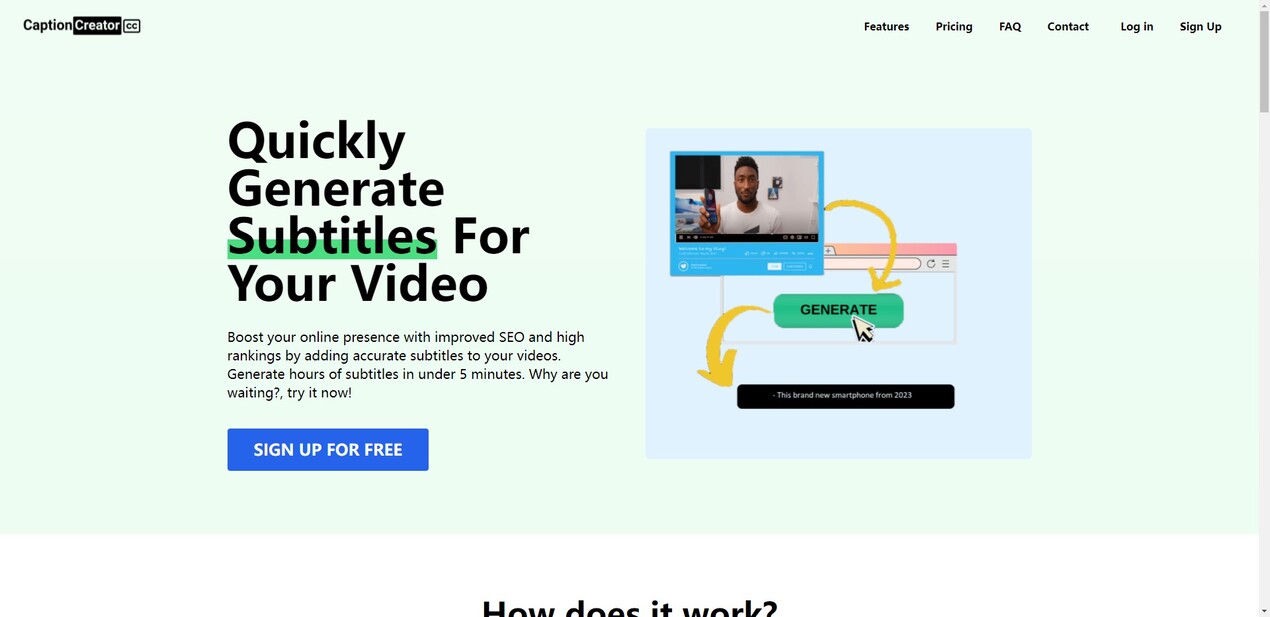

More information on Captioncreator
Launched
2022-12
Pricing Model
Free Trial
Starting Price
Global Rank
2807229
Follow
Month Visit
7.3K
Tech used
Microsoft Clarity,Cloudflare CDN,Nuxt.js,HTTP/3,Paddle
Top 5 Countries
59.19%
12.75%
9.42%
8.48%
8.18%
India
United States
France
Malaysia
Pakistan
Traffic Sources
9.38%
1.55%
0.12%
9.6%
45.18%
34%
social
paidReferrals
mail
referrals
search
direct
Source: Similarweb (Sep 24, 2025)
Captioncreator was manually vetted by our editorial team and was first featured on 2023-05-21.
Captioncreator Alternatives
Load more Alternatives-

-

-

Upload video of any language and get english subtitles automatically. We use OpenAI-Whisper for best-in-class quality for subtitle generation.
-

AI caption generator with automatic transcription and animated emojis, auto subtitle generator for your videos on Instagram, TikTok and YouTube.
-

CaptionKit is a step-by-step iOS app that lets you quickly and effortlessly create AI-powered captions for your videos. With CaptionKit, adding subtitles to any video takes just a few simple steps.