


Click outside to close
What is CodeCompanion.AI?
CodeCompanion is an AI-native coding assistant designed to supercharge your development workflow. Integrated directly into your desktop, it helps you prototype faster, debug smarter, and refactor code with ease. With features like semantic code search, web browsing for documentation, and seamless integration with tools like Git and terminal, CodeCompanion is built to handle projects of any size while keeping your data secure and private.
Key Features:
🧠 Knows Your Codebase
CodeCompanion analyzes your entire project, understanding its structure and dependencies to provide context-aware assistance.🛠️ Integrated Tools
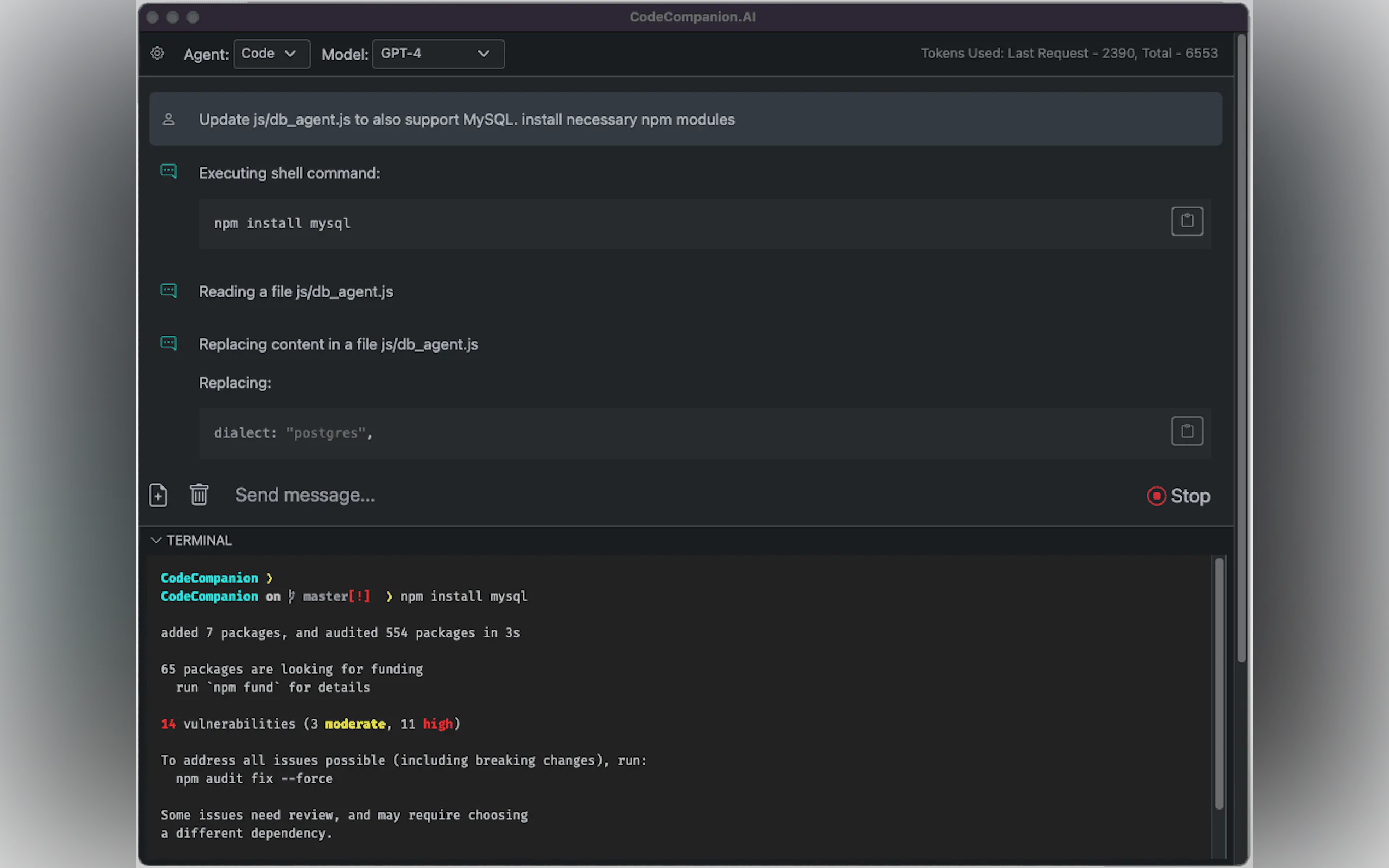
Access a built-in terminal, browser, and Git integration, enabling CodeCompanion to execute shell commands, fix console errors, and streamline version control.🌐 Web Browsing for Documentation
Automatically navigate websites to extract the latest documentation and update your code accordingly, saving you hours of manual research.🔒 Privacy & Security
All data is stored locally on your system, ensuring your code and project details remain private and secure.📂 Works with Any Project Size
Whether you’re working on a small script or a large-scale application, CodeCompanion’s semantic code search and custom instructions adapt to your needs.
Use Cases:
Rapid Prototyping
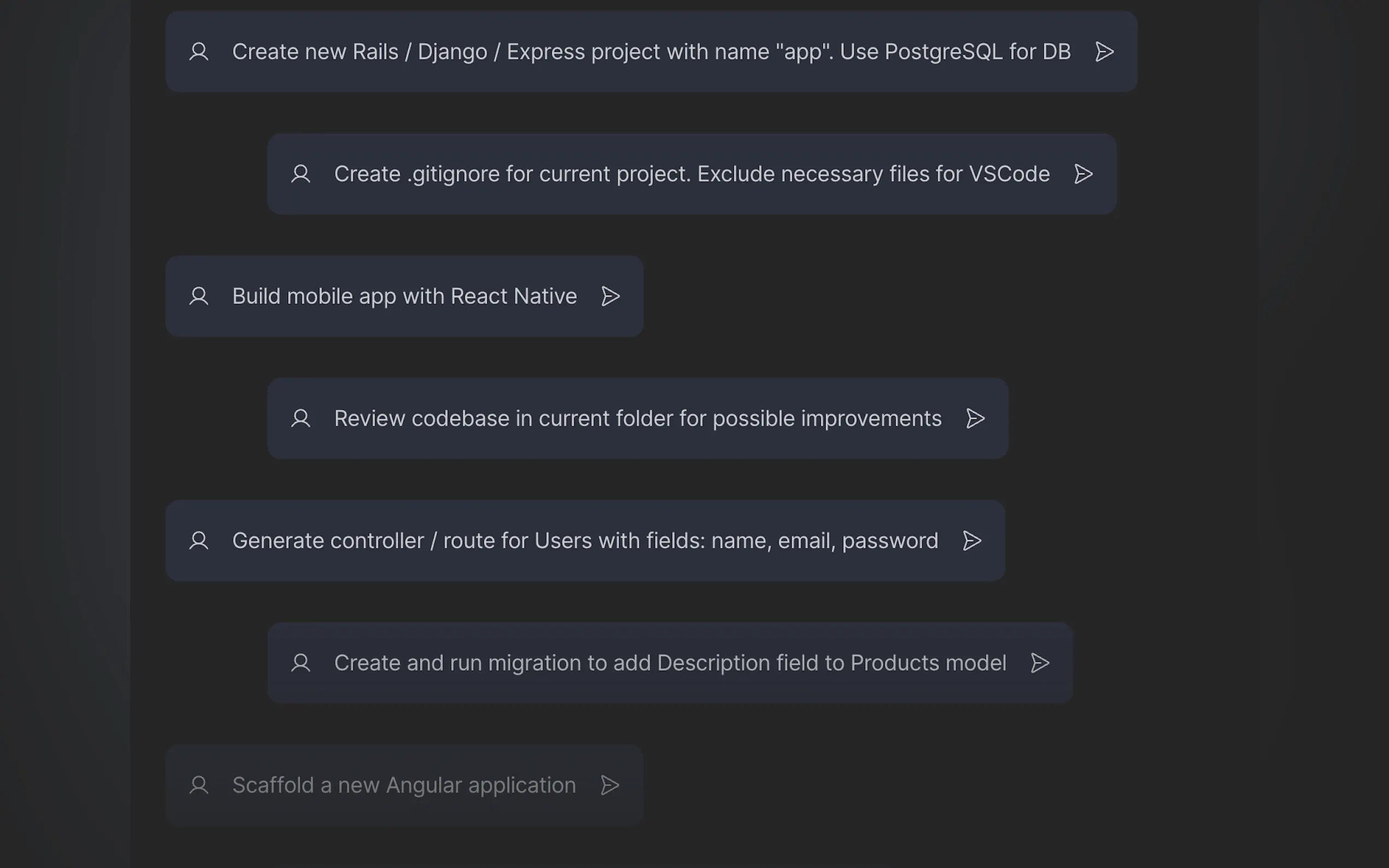
Developers can use CodeCompanion to quickly generate boilerplate code, debug errors, and refactor existing code, cutting down development time significantly.Learning & Onboarding
New developers or those learning a new language can leverage CodeCompanion’s ability to explain code, suggest improvements, and fetch relevant documentation, making the learning curve smoother.Large-Scale Project Management
For teams handling complex codebases, CodeCompanion’s semantic search and project-wide understanding help maintain consistency and reduce time spent navigating files.
Conclusion:
CodeCompanion is more than just a coding assistant—it’s a productivity powerhouse for developers of all levels. By combining AI-driven insights with seamless tool integration, it empowers you to focus on what matters most: building great software. Whether you’re debugging, refactoring, or learning, CodeCompanion is your go-to partner for faster, smarter coding.
More information on CodeCompanion.AI
Top 5 Countries
81.14%
18.86%
United States (81.14%)
India (18.86%)
Traffic Sources
40.79%
32.83%
12.02%
11.82%
mail (0.17%)
direct (40.79%)
search (32.83%)
social (12.02%)
referrals (11.82%)
paidReferrals (1.65%)
Source: Similarweb (Jan 3, 2026)
CodeCompanion.AI was manually vetted by our editorial team and was first featured on 2023-07-20.
CodeCompanion.AI Alternatives
CodeCompanion.AI Alternatives-

CodeMate AI: Full-stack AI coding agent. Debug instantly, optimize code, get context-aware answers. Code faster, smarter, ship sooner.
-

Code Genius is the AI tool that will help you find solutions quickly and avoid repetitive tasks. Use it to improve code quality and chat with an expert coding assistant.
-

Accelerate coding with AskCodi, the AI assistant for developers. Write, fix, test & document code faster in your IDE. Ship better software.
-

A GPT-4 based tutor, enabling you to get real-time help and feedback for your programming problems,
-

CodeBuddy IDE: The AI IDE unifying design & dev. Get smart AI coding help, convert Figma to code seamlessly, & understand your whole project. Build faster.