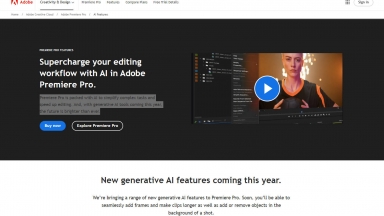
 Adobe Premiere Pro
 CyberCut AI

Adobe Premiere Pro
| Launched | 1986-11 |
| Pricing Model | Free Trial |
| Starting Price | |
| Tech used | Gzip,HTTP/3,OpenGraph,HSTS |
| Tag | Video Editor |
CyberCut AI
| Launched | 2025-01 |
| Pricing Model | Freemium |
| Starting Price | |
| Tech used | |
| Tag |
Adobe Premiere Pro Rank/Visit
| Global Rank | 94 |
| Country | United States |
| Month Visit | 325765568 |
Top 5 Countries
Traffic Sources
CyberCut AI Rank/Visit
| Global Rank | |
| Country | |
| Month Visit |
Top 5 Countries
Traffic Sources
Estimated traffic data from Similarweb
What are some alternatives?
AutoCut - AutoCut AI plugin for Premiere Pro & DaVinci Resolve. Dramatically reduce manual video editing tasks: remove silences, add captions, zoom & B-rolls. Save time, create more.
Cutback - Focus on creativity, not repetitive tasks. Cutback automates video editing in Premiere Pro: rough cuts, multi-cam, transcription & more.
AutoEditor - Create extraordinary short videos with AI-powered captions, B-Rolls and effects for free.
Cutout Video Enhancer - Cutout.pro's AI Video Enhancer. Automatically improve video quality up to 2K. Upscale, sharpen, reduce noise, stabilize. User-friendly for all. Enhance memories or create pro content.