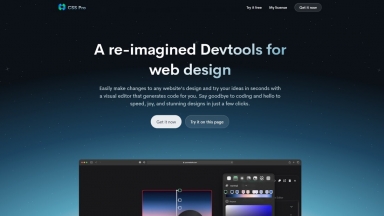
 CSS Pro
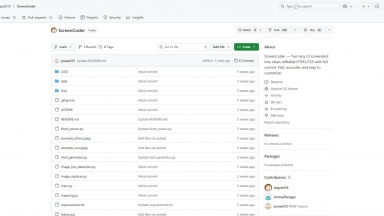
 ScreenCoder
CSS Pro
| Launched | 2016-01 |
| Pricing Model | Free Trial |
| Starting Price | |
| Tech used | Google Analytics,Google Tag Manager,Amazon AWS CloudFront,Netlify,jQuery,Progressive Web App,HSTS |
| Tag | Web Design |
ScreenCoder
| Launched | |
| Pricing Model | Free |
| Starting Price | |
| Tech used | |
| Tag | Code Generation,Design Generators,Prototyping |
CSS Pro Rank/Visit
| Global Rank | 1135064 |
| Country | United States |
| Month Visit | 25151 |
Top 5 Countries
Traffic Sources
ScreenCoder Rank/Visit
| Global Rank | |
| Country | |
| Month Visit |
Top 5 Countries
Traffic Sources
Estimated traffic data from Similarweb
What are some alternatives?
LangCSS - Chat to make fantastic forms, buttons, landing pages and much more. See your creations in real time.
Webstudio AI - Webstudio: Visual web design for designers, code control for developers. Build fast, responsive sites.
Image2Css - Easily convert images into optimized CSS code with Image2CSS. Drag and drop images, choose a CSS style, and generate impeccable code in seconds.
Piny - Piny is a visual editor that runs directly in Visual Studio Code, Cursor and Windsurf. It supports Tailwind CSS, Astro, React and Next.js. All edits happen directly in the code, so there are no abstractions, no cloud services and no lock-in.