

What is ScreenCoder?
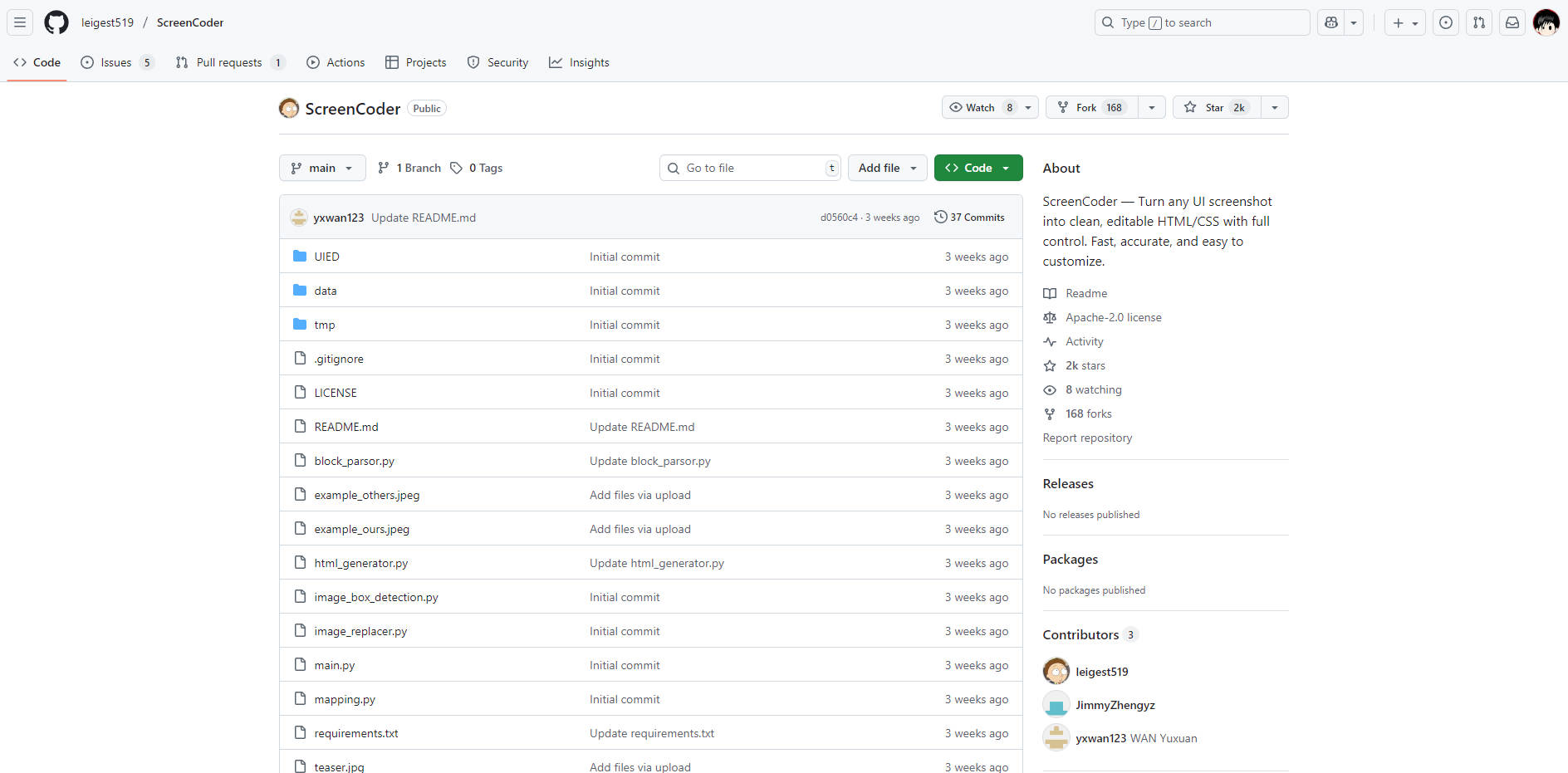
ScreenCoder is an intelligent system that transforms your UI screenshots and design mockups into clean, production-ready HTML and CSS. If you're a developer or designer looking to dramatically accelerate the transition from visual concept to functional code, ScreenCoder automates the most time-consuming parts of front-end development, bridging the gap between design and implementation.
Key Features
🧠 Intelligent Multi-Agent Architecture ScreenCoder goes beyond simple image-to-text conversion. It uses a modular system of AI agents for visual understanding, layout planning, and adaptive code synthesis. This results in code that is not only visually accurate but also semantically structured and easier to maintain.
🔧 Editable & Production-Ready Code You receive well-organized HTML and CSS that’s easy to read and modify. This isn't a locked-in output; it's a professional foundation you can immediately customize, expand, and integrate directly into your projects, saving you hours of manual coding.
🧩 High-Fidelity Component Detection Leveraging a sophisticated UI Element Detection (UIED) engine, ScreenCoder precisely identifies individual components within your screenshot—from buttons and inputs to image containers. It then generates code for each module, ensuring the final layout is a faithful and functional representation of the original design.
🔌 Flexible Model Integration You have the freedom to choose the large language model that best fits your workflow or access requirements. ScreenCoder supports multiple backends, including GPT, Gemini, Qwen, and Doubao, giving you full control over the code generation engine.
Use Cases
Rapid Prototyping: A UX designer needs to test a new interface concept. Instead of waiting for a developer, they can use ScreenCoder to instantly convert their Figma or Sketch mockup into a live HTML/CSS prototype, allowing for immediate user interaction and feedback.
Modernizing Legacy Components: A developer is tasked with rebuilding a section of an older website but lacks the original source code. They can take a screenshot of the existing UI, feed it to ScreenCoder, and receive a clean, modern code base to use as a starting point for the new implementation.
Accelerating Component Development: A front-end developer building a design system can use screenshots of established components to quickly generate the initial boilerplate code. This allows them to focus their time on refining functionality and interactivity rather than on basic layout and styling.
Why Choose ScreenCoder?
Many visual-to-code tools struggle with complex layouts, often producing misaligned or semantically incorrect code that requires extensive rework. ScreenCoder’s modular multi-agent approach directly addresses this challenge, delivering a higher degree of precision.
As demonstrated in qualitative comparisons against baseline methods, ScreenCoder’s output is consistently more:
Visually Aligned: Elements are positioned with greater accuracy, preserving the original design’s spacing and proportions.
Semantically Faithful: The generated HTML structure better reflects the logical hierarchy of the UI, making the code more intuitive and accessible.
This superior accuracy significantly reduces the time you spend on manual corrections, allowing you to move from design to deployment faster.
Conclusion
ScreenCoder offers a powerful, accurate, and flexible solution for automating front-end development from visual inputs. By generating clean, editable, and semantically sound code, it empowers developers and designers to build faster and focus on what matters most: creating exceptional user experiences.
More information on ScreenCoder
Launched
Pricing Model
Free
Starting Price
Global Rank
Follow
Month Visit
<5k
Tech used
ScreenCoder was manually vetted by our editorial team and was first featured on 2025-08-20.
Related Searches
ScreenCoder Alternatives
Load more Alternatives-

Generate frontend code at the speed of light using a screenshot and your favorite frameworks.
-

CodeParrot: AI design-to-code. Convert Figma/screenshots to production-ready UI components, integrated with your codebase. Accelerate frontend development.
-

Transform UI designs into code in seconds with UI2Code AI. Leverage AI for instant conversion of screenshots & Figma files to clean, production - ready code. Supports multiple frameworks, saves time. Ideal for designers & developers.
-
-
Convert screenshots into code with ScreenshotToCode. Generate HTML/Tailwind CSS, React, Vue, or Bootstrap code effortlessly with advanced AI models.