 Jumper
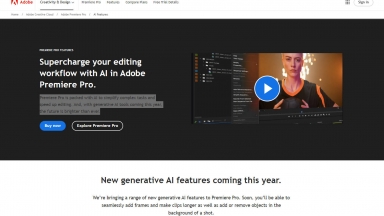
 Adobe Premiere Pro
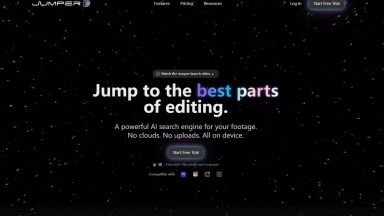
Jumper
| Launched | 2024-03 |
| Pricing Model | Free Trial |
| Starting Price | |
| Tech used | Cloudflare CDN,Svelte(Kit) |
| Tag | Video Editor |
Adobe Premiere Pro
| Launched | 1986-11 |
| Pricing Model | Free Trial |
| Starting Price | |
| Tech used | |
| Tag | Video Editor |
Jumper Rank/Visit
| Global Rank | 10297137 |
| Country | Australia |
| Month Visit | 78 |
Top 5 Countries
Traffic Sources
Adobe Premiere Pro Rank/Visit
| Global Rank | 94 |
| Country | United States |
| Month Visit | 325765568 |
Top 5 Countries
Traffic Sources
Estimated traffic data from Similarweb
What are some alternatives?
Clipster Studio - Turn long videos into viral clips in minutes with Clipster—AI-powered, browser-based editing. Smart, private, and perfect for creators, marketers, and educators.
Crossfade - Crossfade: The AI video editor that dramatically accelerates content creation. Turn raw footage into polished, impactful stories with smart AI.
ChatCut - ChatCut: AI video editing that understands you. Use natural language prompts to instantly edit long-form footage & interviews. Cut hours, not content.
PreenCut - PreenCut: Effortlessly find & extract key moments in video/audio. Use AI & natural language queries to quickly locate content.
FireCut AI - Enhance your video editing process with FireCut - a powerful AI tool. Remove silences, add zooms, detect chapters, and more. Save time and achieve professional-quality edits.