 Revision History
 Brisk Teaching

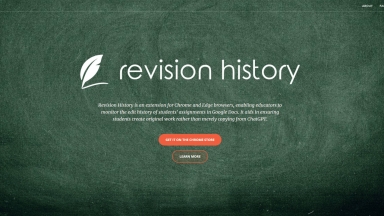
Revision History
| Launched | 2023-08 |
| Pricing Model | Free Trial |
| Starting Price | |
| Tech used | Google Analytics,Google Tag Manager,Microsoft Clarity,Amazon AWS CloudFront,cdnjs,Google Fonts,Bootstrap,jQuery,Amazon AWS S3 |
| Tag | Document Management System,Teacher Assistant,Chrome Extension |
Brisk Teaching
| Launched | 2023-01 |
| Pricing Model | Free Trial |
| Starting Price | |
| Tech used | Google Tag Manager,Webflow,Amazon AWS CloudFront,Google Fonts,jQuery,OpenGraph |
| Tag | Chrome Extension,Online Education |
Revision History Rank/Visit
| Global Rank | 1220081 |
| Country | United States |
| Month Visit | 19887 |
Top 5 Countries
Traffic Sources
Brisk Teaching Rank/Visit
| Global Rank | 69911 |
| Country | United States |
| Month Visit | 639348 |
Top 5 Countries
Traffic Sources
Estimated traffic data from Similarweb
What are some alternatives?
Pointer - Pointer is an AI-powered editor for Google Docs. Real-time edits, format preservation & more. Streamline your writing. Ideal for pros, bloggers & students. Try it now!
Zen Editor - Zen Editor: Distraction-free AI writing, seamlessly integrated with Google Docs. Boost focus, create faster, and keep your data secure in Drive.
Wraith Docs - Boost your productivity with Wraith Docs, the AI assistant for Google Docs. Experience intelligent assistance, document summarization, and language enhancement tools.
ProWritingAid - Your personal writing coach. A grammar checker, style editor, and writing mentor in one package. The best writing depends on much more on good grammar.