

What is Revision History?
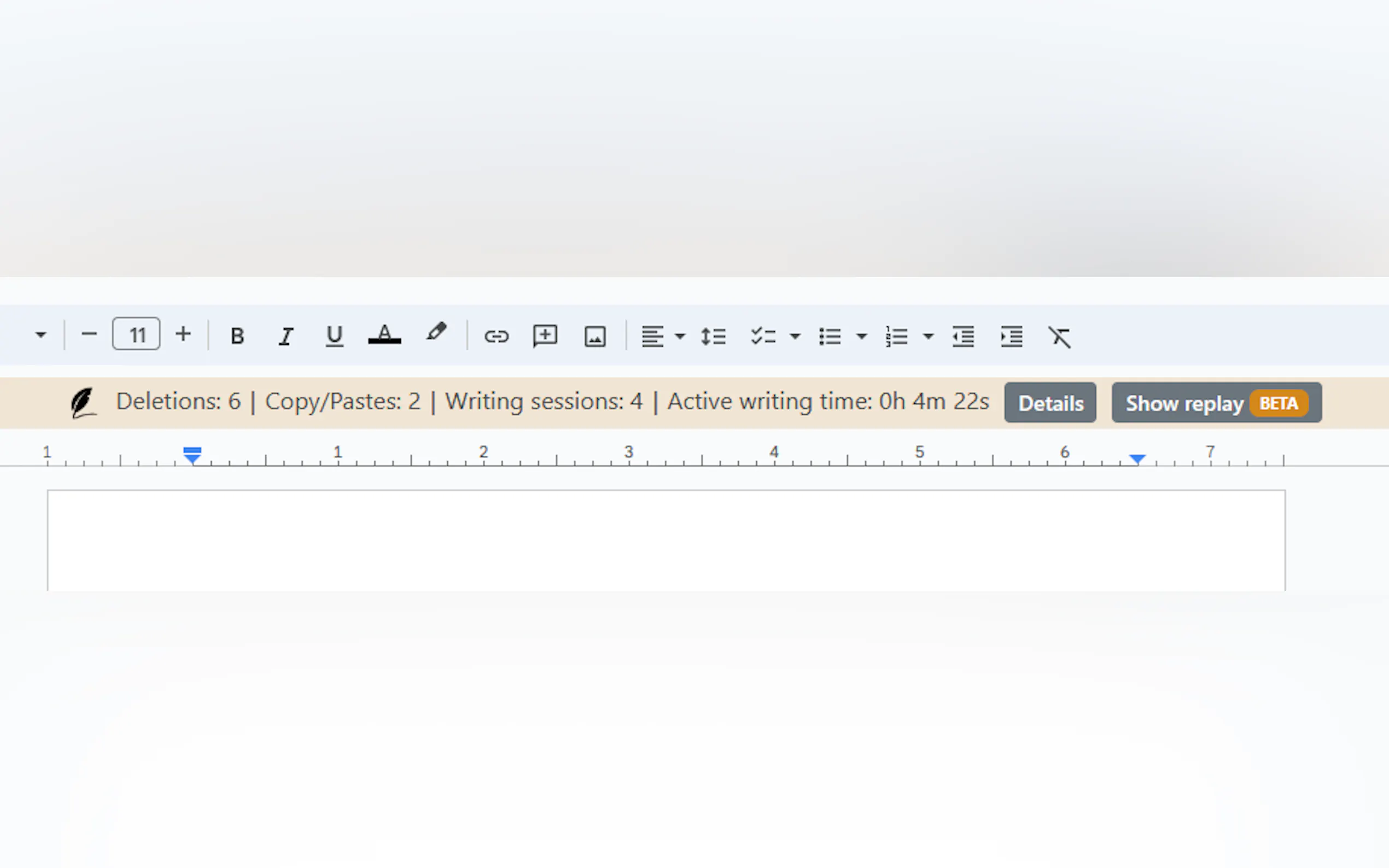
Revision History is an innovative tool designed to empower educators by providing insights into students' writing processes. It allows teachers to track revisions in Google Docs seamlessly, facilitating a deeper understanding of student work and aiding in the feedback process.
Key Features:
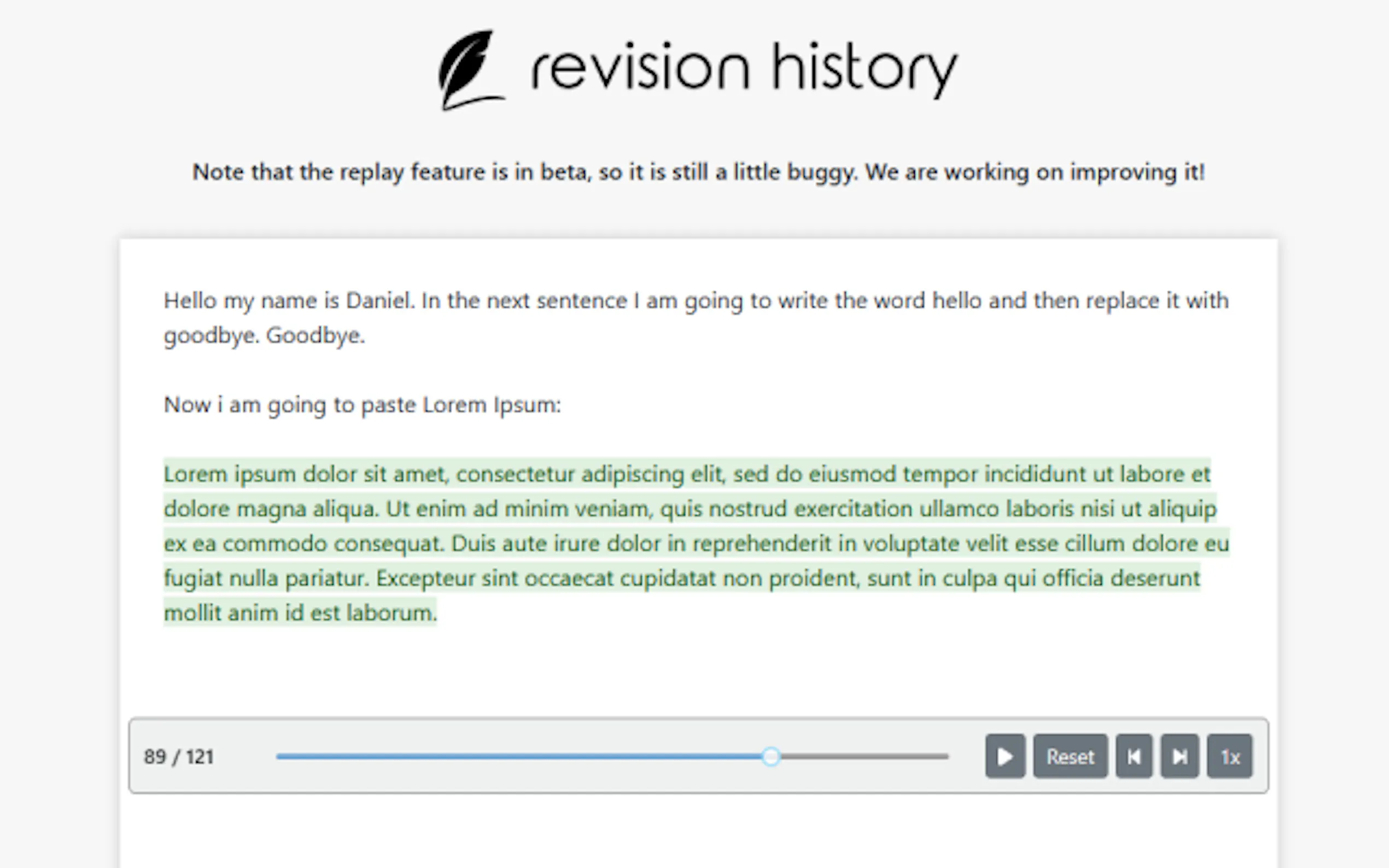
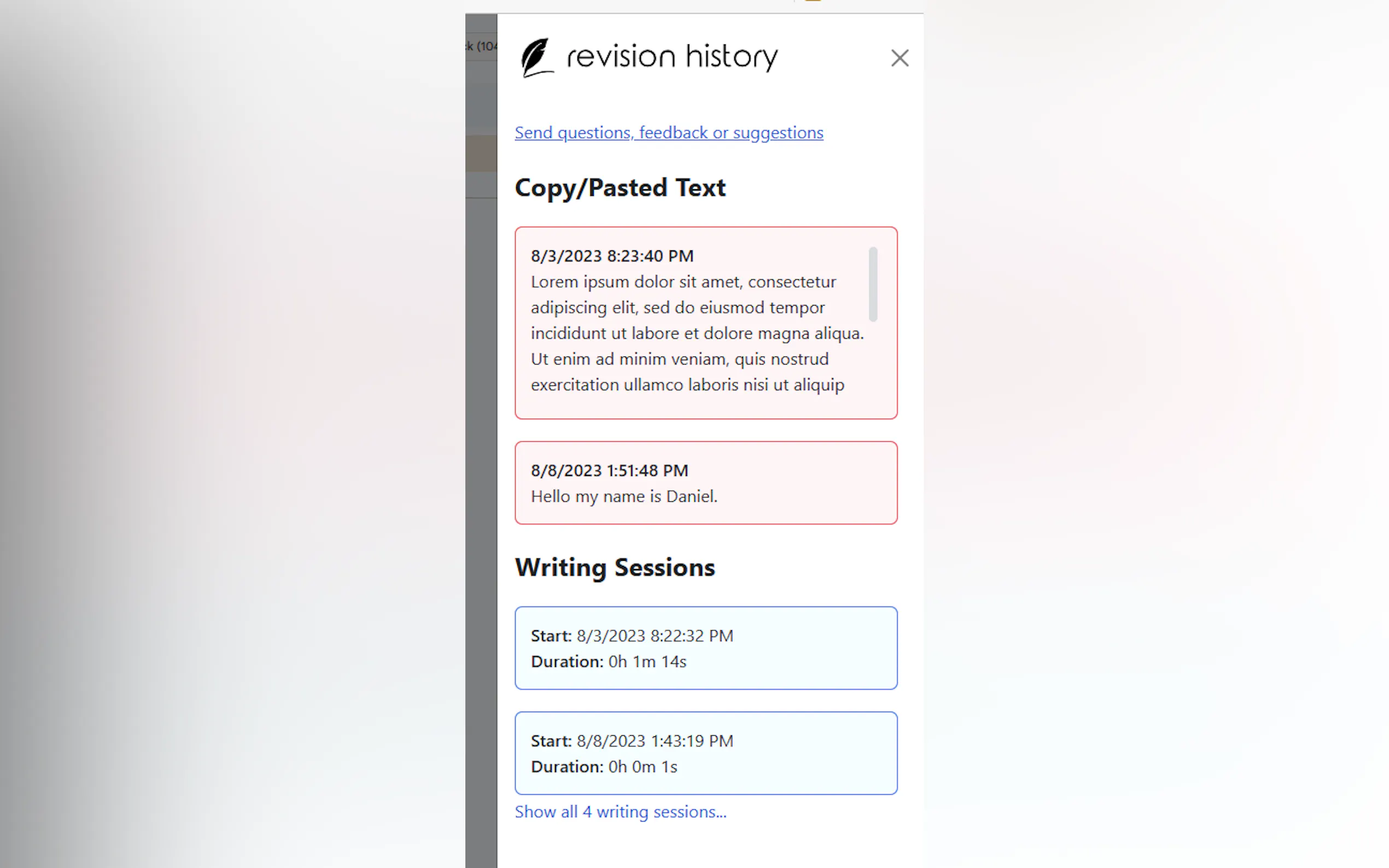
📝 Revision Tracking: Gain visibility into students' drafting and revision stages, enhancing the feedback loop.
🔍 Privacy Protection: Ensures student data privacy by analyzing data locally on the user's computer without sending any information to external servers.
🛡️ Security Assurance: Chrome extension vetted and approved by Google, guaranteeing a safe and reliable user experience.
Use Cases:
Teachers can monitor students' writing progress in real-time, identifying areas for improvement and providing timely feedback.
Facilitates a transparent and accountable writing environment, fostering academic integrity and deterring plagiarism.
Streamlines the grading process by offering comprehensive insights into students' writing habits and strategies.
Conclusion:
Revision History revolutionizes the way educators assess and support student writing, offering a user-friendly interface coupled with robust privacy and security measures. Embrace this tool to enhance pedagogical practices, foster academic integrity, and elevate the quality of feedback provided to students.
FAQs:
What is the cost of Revision History?
The extension is currently in pilot mode and free of charge. Future updates will continue to prioritize accessibility for educational institutions.
Is Revision History compatible with platforms other than Google Docs?
Presently, the tool operates exclusively within Google Docs, providing comprehensive revision insights for documents created and edited within the platform.
How can I install Revision History?
You can find the extension on the Google Chrome Store, ensuring seamless integration with Chrome and Edge browsers for efficient usage.

More information on Revision History
Launched
2023-08
Pricing Model
Free Trial
Starting Price
Global Rank
1220081
Follow
Month Visit
19.9K
Tech used
Google Analytics,Google Tag Manager,Microsoft Clarity,Amazon AWS CloudFront,cdnjs,Google Fonts,Bootstrap,jQuery,Amazon AWS S3
Top 5 Countries
88.76%
4.66%
3.44%
2.84%
0.3%
United States
Australia
New Zealand
Canada
Indonesia
Traffic Sources
12.98%
1.44%
0.09%
4.82%
36.58%
44.09%
social
paidReferrals
mail
referrals
search
direct
Source: Similarweb (Sep 24, 2025)
Revision History was manually vetted by our editorial team and was first featured on 2023-08-23.
Related Searches
Revision History Alternatives
Load more Alternatives-

Brisk Teaching AI: Save hours on prep, personalize feedback, & differentiate instruction. Works where you teach. Privacy-first for educators.
-

-
Zen Editor: Distraction-free AI writing, seamlessly integrated with Google Docs. Boost focus, create faster, and keep your data secure in Drive.
-
Boost your productivity with Wraith Docs, the AI assistant for Google Docs. Experience intelligent assistance, document summarization, and language enhancement tools.
-

Your personal writing coach. A grammar checker, style editor, and writing mentor in one package. The best writing depends on much more on good grammar.