 Snapmark
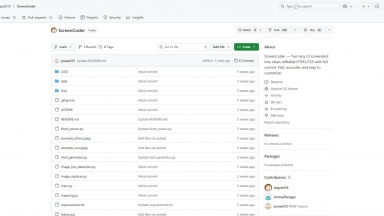
 ScreenCoder
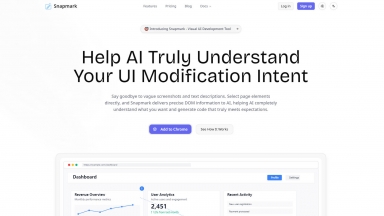
Snapmark
| Launched | 2025-06 |
| Pricing Model | Freemium |
| Starting Price | $9 /month |
| Tech used | |
| Tag | Code Generation,Coding Assistants,Browser Extension |
ScreenCoder
| Launched | |
| Pricing Model | Free |
| Starting Price | |
| Tech used | |
| Tag | Code Generation,Design Generators,Prototyping |
Snapmark Rank/Visit
| Global Rank | |
| Country | |
| Month Visit |
Top 5 Countries
Traffic Sources
ScreenCoder Rank/Visit
| Global Rank | |
| Country | |
| Month Visit |
Top 5 Countries
Traffic Sources
Estimated traffic data from Similarweb
What are some alternatives?
UISnapper - Transform UI screenshots into AI prompts with UISnapper. Build frontends up to 10x faster, accelerating design replication & UI development.
21st.dev - Build beautiful, functional UI faster. Instantly generate multiple production-ready UI component variants with AI, integrated into your IDE.
PixelApps - Create stunning UIs for your apps and websites without designers or Figma. Get brand-based, code-ready UIs, exported to AI tools like Lovable, v0.dev, Cursor and more. Built for developers and builders launching production-ready apps.
Web to MCP - Web to MCP: Developers, generate pixel-perfect UI code 10x faster. Send live web components directly to AI assistants for unmatched accuracy.
Stagewise - Stop describing UI to AI. Use stagewise to visually select elements on localhost, giving your AI dev agent perfect context for faster, accurate frontend changes.