 Stempad
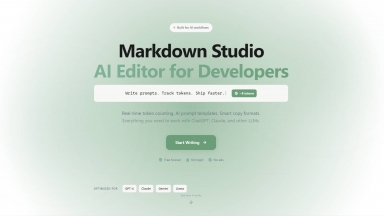
 Markdown Studio
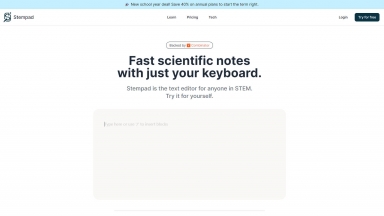
Stempad
| Launched | 2024-01 |
| Pricing Model | Freemium |
| Starting Price | |
| Tech used | Next.js,Vercel,Gzip,OpenGraph,Webpack,HSTS |
| Tag | Text Editors,Note Taking,Documents Assistant |
Markdown Studio
| Launched | |
| Pricing Model | Free |
| Starting Price | |
| Tech used | |
| Tag |
Stempad Rank/Visit
| Global Rank | 986850 |
| Country | India |
| Month Visit | 24524 |
Top 5 Countries
Traffic Sources
Markdown Studio Rank/Visit
| Global Rank | |
| Country | |
| Month Visit |
Top 5 Countries
Traffic Sources
Estimated traffic data from Similarweb
What are some alternatives?
Spell - Spell is an AI-powered platform for creating, editing, and collaborating on documents. It functions like a modern document editor but includes built-in AI capabilities to help you draft content instantly and revise it using simple natural language prompts.
Pad.ws - Pad.ws: Seamlessly blend visual ideation & coding. Online whiteboard + VS Code. Boost your workflow today!
Stenography - Stenography: An AI-powered software for automatic codebase documentation. Powerful API, Stack Overflow suggestions, and more. Simplify coding with Stenography.
ScribeFast - ScribeFast: AI converts handwritten PDFs to LaTeX/Markdown. Save time on transcription! Equations & tables supported.
Craft - Craft: Your unified workspace for notes, tasks & creative docs. Organize, write & brainstorm seamlessly with AI, whiteboards & full offline support.