

Click outside to close
What is Stempad?
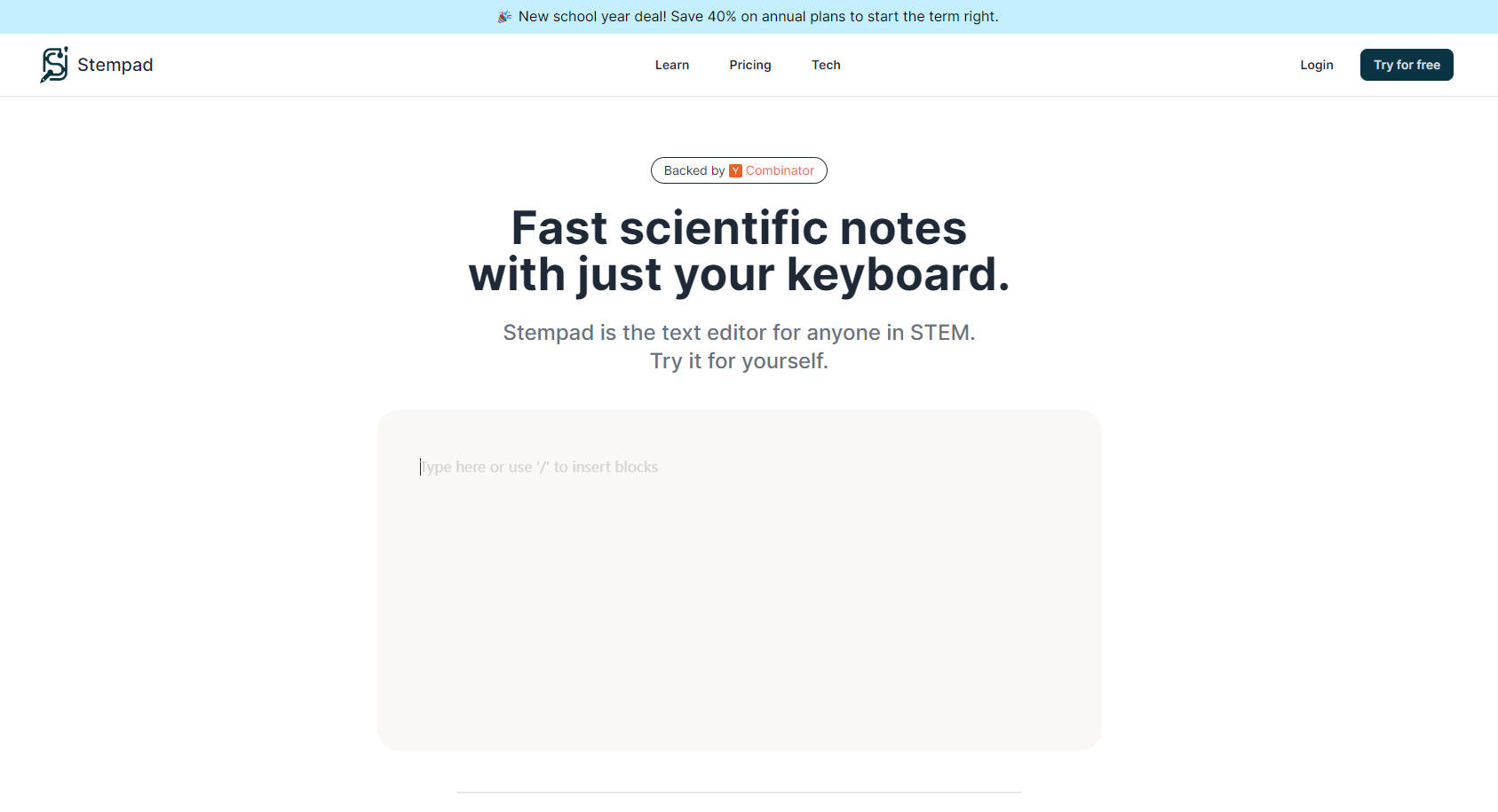
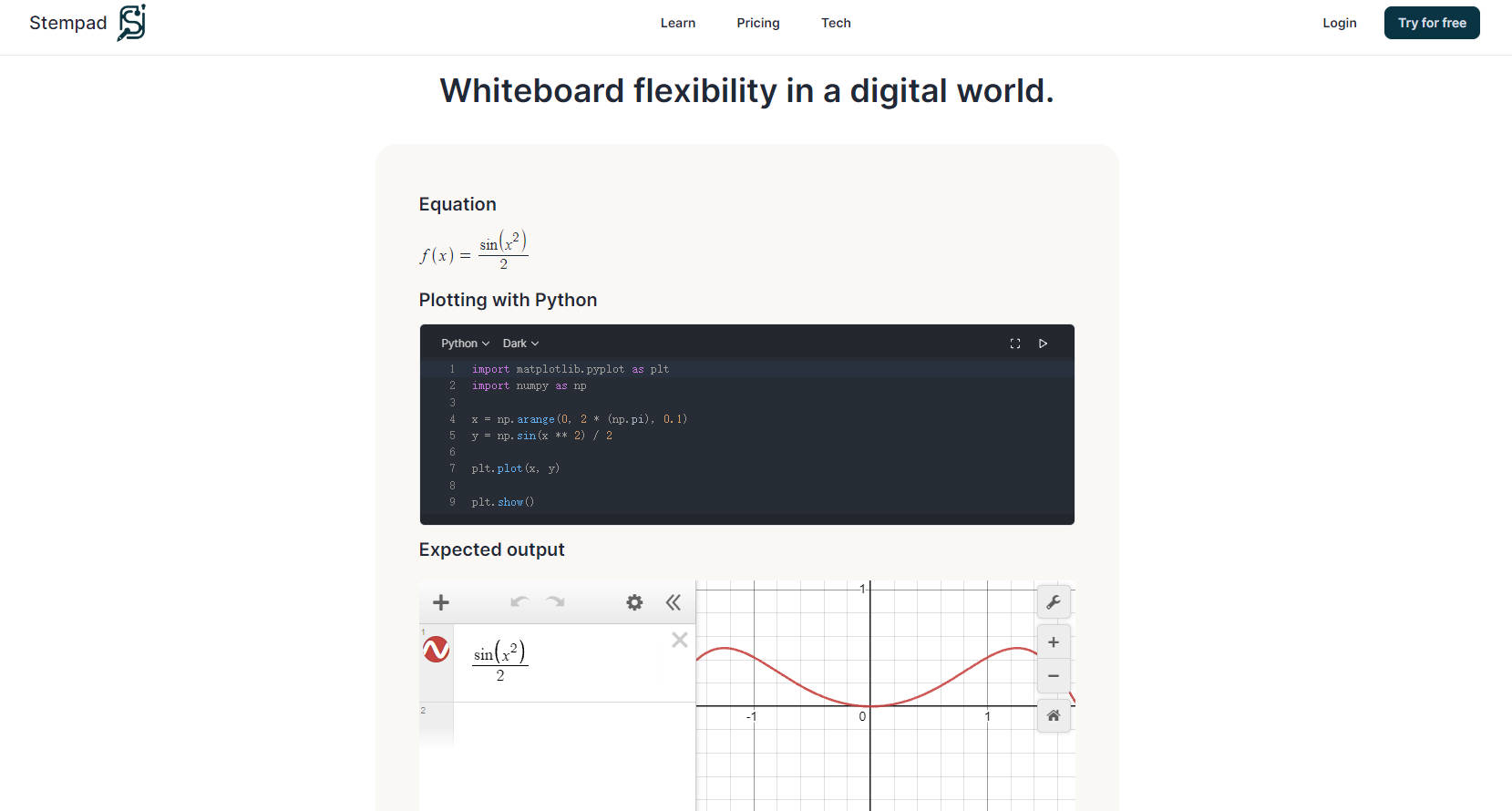
Introducing Stempad, the revolutionary text editor custom-designed for STEM professionals. Backed by renowned Y Combinator, this tool bridges the gap between pen-and-paper scribblings and digital documentations, offering unparalleled flexibility. Stempad seamlessly integrates equation plotting, code syntax highlighting, and even molecule drawing, making it your all-in-one workstation for complex documentation needs.
Key Features:
Scientific Note-taking at Your Fingertips- Write, plot, and format with ease using Stempad's advanced editing features, designed to fluidly convert your ideas into structured scientific documents.
Integrative Block Types for Versatile Use- Choose from a variety of blocks including math, code, molecules, and diagrams to suit your specialized needs within STEM.
Seamless Code & Equation Support- Execute Python scripts within the document, and craft equations that automatically convert to LaTeX for professional publication standards.
Use Cases:
A researcher quickly drafts a complex research paper with integrated data analyses, seamlessly embedding graphs and molecular structures using Stempad.
A professor creates visually engaging lectures and interactive materials for online teaching, merging equations, diagrams, and code snippets in a single document.
A student blends mathematics and physics equations with coded simulations, turning Stempad into an educational powerhouse for collaborative work and presentations.
Conclusion:
Embrace the future of scientific document creation with Stempad - your ultimate companion for STEM productivity. Don't miss the school year deal, saving 40% on annual plans! Transform your notes, assignments, and studies into efficient, organized, and easily accessible digital assets. Begin your streamlined workflow today.
FAQs:
What makes Stempad stand out in scientific document editing?
Stempad distinguishes itself by its integration of advanced features tailored specifically for STEM disciplines, from LaTeX equation rendering to support for coding and molecular drawings.
How can professionals in the STEM field benefit from Stempad?
Professionals benefit from Stempad by gaining a versatile tool that simplifies complex writing tasks, streamlining the process of creating detailed reports, presentations, and educational materials.
What is included in the Stempad Free Plan?
The Free Plan offers access to all basic features including text editing with block support, Scratchpad use for drafts, PDF export, and image upload capabilities for personal and educational use. Enhance your productivity with our comprehensive solution at no cost.
More information on Stempad
Top 5 Countries
35.5%
31.71%
12.2%
5.38%
4.53%
India (35.5%)
United States (31.71%)
Brazil (12.2%)
Canada (5.38%)
Philippines (4.53%)
Traffic Sources
19.15%
6.64%
41.81%
30.59%
social (19.15%)
paidReferrals (1.36%)
mail (0.09%)
referrals (6.64%)
search (41.81%)
direct (30.59%)
Source: Similarweb (Sep 24, 2025)
Stempad was manually vetted by our editorial team and was first featured on 2024-07-30.
Stempad Alternatives
Stempad Alternatives-

Spell is an AI-powered platform for creating, editing, and collaborating on documents. It functions like a modern document editor but includes built-in AI capabilities to help you draft content instantly and revise it using simple natural language prompts.
-

Pad.ws: Seamlessly blend visual ideation & coding. Online whiteboard + VS Code. Boost your workflow today!
-
Stenography: An AI-powered software for automatic codebase documentation. Powerful API, Stack Overflow suggestions, and more. Simplify coding with Stenography.
-

ScribeFast: AI converts handwritten PDFs to LaTeX/Markdown. Save time on transcription! Equations & tables supported.
-

Craft: Your unified workspace for notes, tasks & creative docs. Organize, write & brainstorm seamlessly with AI, whiteboards & full offline support.