
What is Copywork?
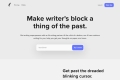
Struggling with writer’s block, a dull vocabulary, or feeling lost in endless writing advice? Copywork is here to help. This web app guides you through a proven method used by literary legends like Hemingway and Franklin: copying great writing to absorb its style, structure, and flow. With Copywork, you’ll develop your unique voice, overcome creative hurdles, and polish your craft—all while staying focused and inspired.
Key Features That Make Copywork Stand Out
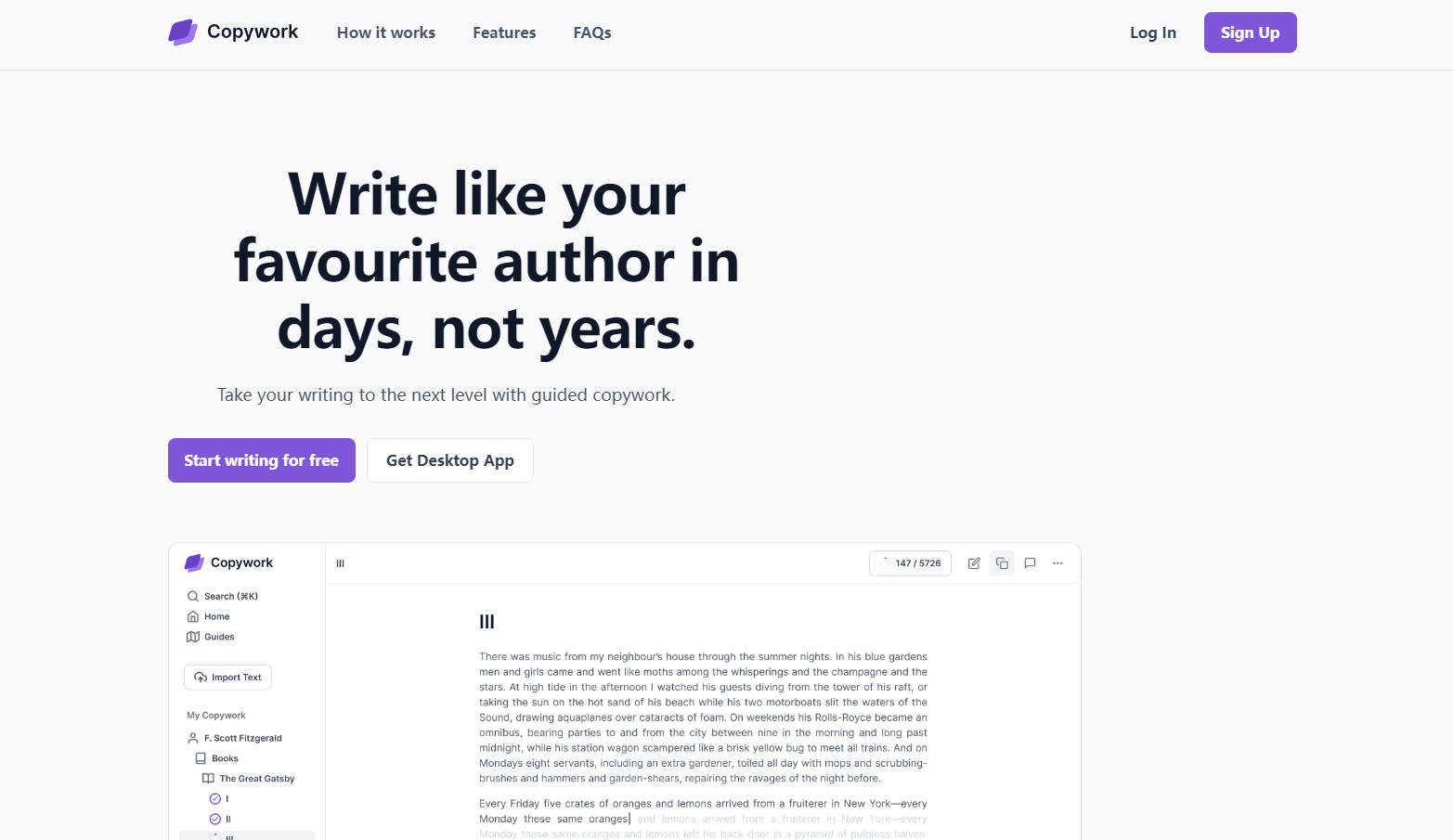
✨ Overlay Editor:Write directly over the original text, eliminating distractions and helping you focus on mimicking the author’s style.
✨ Personalized Roadmaps:Get tailored writing exercises based on your favorite authors and goals.
✨ Seamless Import/Export:Easily upload eBooks or articles and export your work in multiple formats.
✨ Built-In Notes:Capture insights and observations as you copy, turning practice into progress.
✨ Community Feedback:Join a supportive Discord community to share your work and receive constructive feedback.
How Copywork Works in 4 Simple Steps
1️⃣ Choose Your Muse:Pick an author or text you admire—whether it’s Hemingway’s crisp prose or Austen’s witty dialogue.
2️⃣ Upload and Start Copying:Import your chosen text and begin copying word-by-word using the overlay editor.
3️⃣ Absorb and Reflect:Take notes on what you learn about style, structure, and tone.
4️⃣ Write Your Own Piece:Apply your newfound skills to create original work that reflects your unique voice.
Who Is Copywork For?
Copywork is perfect for:
Aspiring writerslooking to develop their style.
Busy professionalswho want to improve their writing efficiently.
Studentsaiming to expand their vocabulary and writing skills.
Anyone stuck in a creative rutand seeking a structured way to grow.
Use Cases
📚 Overcoming Writer’s Block:Staring at a blank page? Copywork helps you start by focusing on the mechanics of great writing.
📝 Improving Technical Writing:Learn clarity and precision by copying concise, well-structured texts.
✍️ Developing a Unique Voice:Mimic multiple authors to discover what resonates with you and shape your own style.
Why Choose Copywork?
Proven Method:Learn from the same technique used by literary giants.
Distraction-Free Environment:The overlay editor keeps you focused on the task at hand.
Flexible and Accessible:Practice offline with the desktop app and explore authors in any language.
FAQ
Q: Do I need to provide my own texts?
A: Yes, due to copyright restrictions, you’ll need to upload or import texts. We provide guides to help you find suitable resources.
Q: Is there a mobile app?
A: Not yet—Copywork is currently available as a desktop app for macOS and Windows.
Q: Can I copy non-English texts?
A: Absolutely! Copywork supports any language, though the editor is optimized for English.
Q: Do I need an internet connection?
A: No, the desktop app works offline, so you can practice anytime, anywhere.
More information on Copywork
Launched
2024-04
Pricing Model
Freemium
Starting Price
Global Rank
Follow
Month Visit
<5k
Tech used
Cloudflare CDN,Next.js,Gzip,HTTP/3,OpenGraph,Webpack
Top 5 Countries
92.91%
7.09%
Greece
Spain
Traffic Sources
6.21%
1.33%
0.28%
13.48%
45.37%
32.08%
social
paidReferrals
mail
referrals
search
direct
Source: Similarweb (Sep 25, 2025)
Copywork was manually vetted by our editorial team and was first featured on 2025-01-22.
Related Searches
Copywork Alternatives
Load more Alternatives-

-

-

WordWriter: AI content & research. Create books, articles, images, & more! Go from idea to impact with powerful AI writing tools.
-
-