

What is DaVinci Resolve?
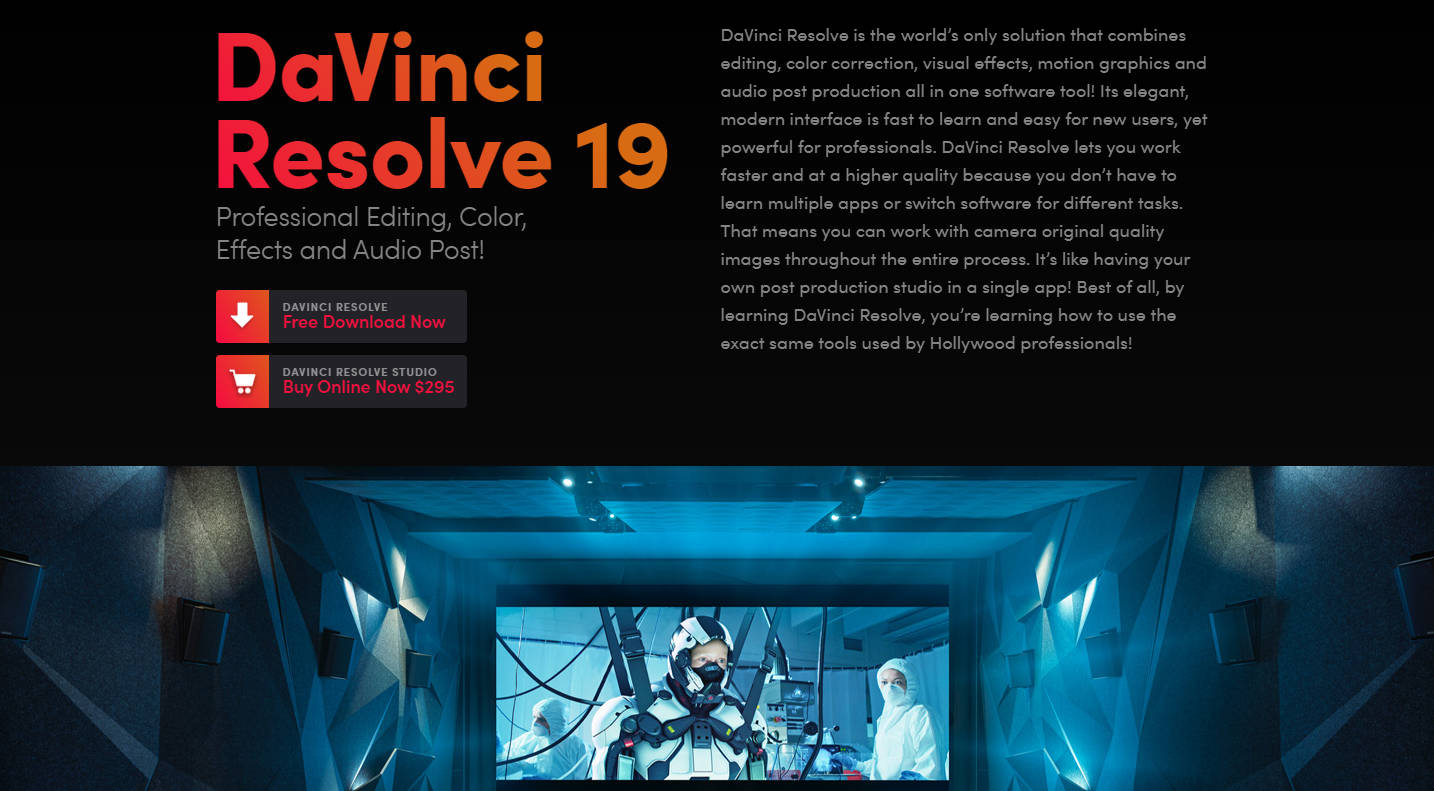
DaVinci Resolve is the world’s only integrated software solution that combines professional editing, color correction, visual effects, motion graphics, and audio post-production into a single, streamlined tool. Designed for everyone from aspiring creators to Hollywood professionals, it eliminates the need to switch between multiple applications, allowing you to work faster and maintain original camera quality throughout your entire workflow. It’s like having an entire post-production studio in one application.
Key Features
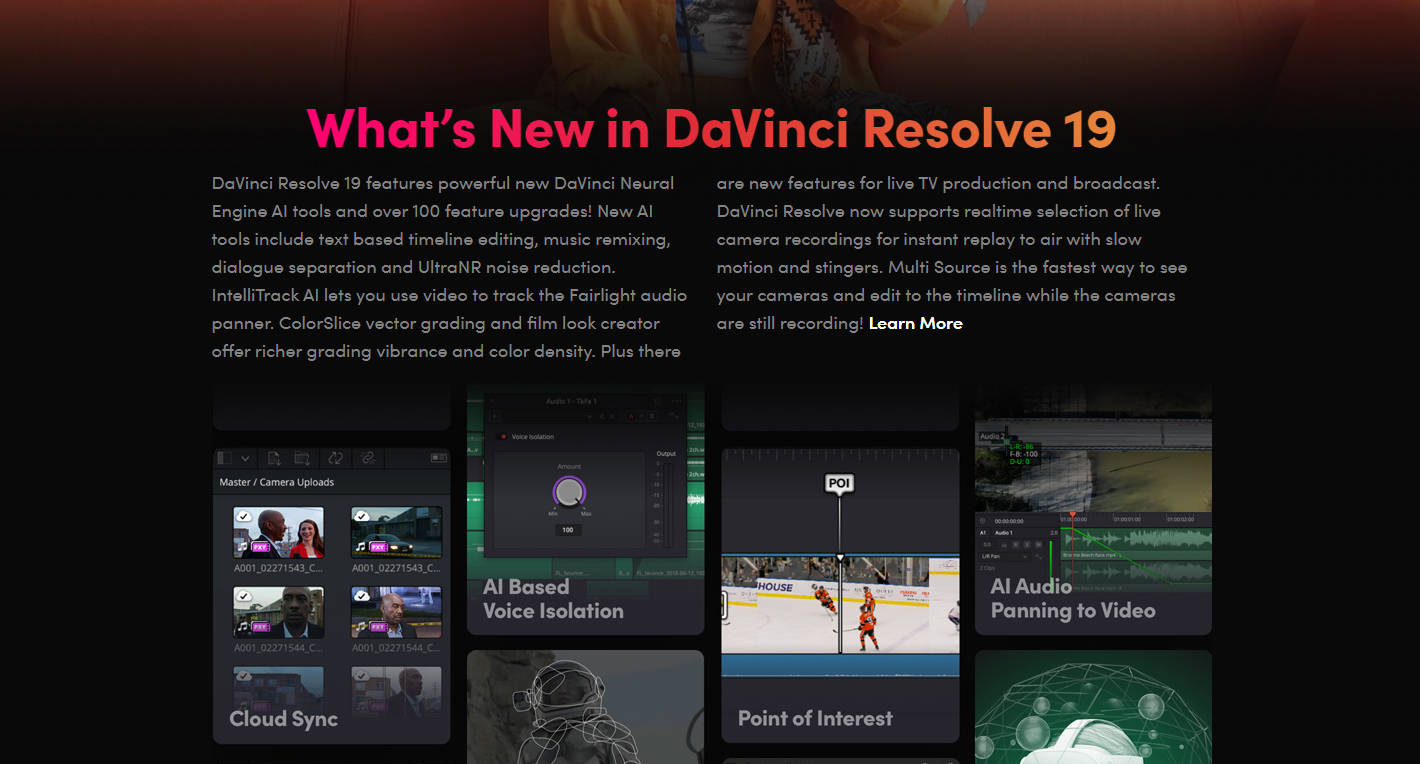
🤖 AI-Powered Workflow Automation The new DaVinci Neural Engine introduces a suite of intelligent tools that handle complex and repetitive tasks for you. Use AI IntelliScript to automatically build a timeline from a text script, create dynamic subtitles that animate as words are spoken, and leverage SmartSwitch to intelligently cut between camera angles in multi-cam interviews based on speaker detection.
🎬 Integrated Professional Toolsets ("Pages") Navigate your entire post-production process with a single click. DaVinci Resolve is organized into dedicated workspaces called "pages": Media, Cut, Edit, Fusion (VFX), Color, Fairlight (Audio), and Deliver. Each page is a self-contained environment with the specific tools you need for that task, providing a logical and uncluttered workflow.
🤝 Real-Time Multi-User Collaboration DaVinci Resolve is the only solution designed for true team collaboration. Editors, colorists, VFX artists, and sound engineers can all work on the same project, at the same time, from anywhere in the world using Blackmagic Cloud. This eliminates the time-consuming process of importing, exporting, and conforming different project files.
🎨 Legendary Color Correction & Image Science Leverage the same tools used by Hollywood's top colorists. DaVinci Resolve features Emmy™ award-winning 32-bit float image processing and patented YRGB color science. This provides an incredibly wide color gamut, perfect for advanced HDR grading, and gives you precise control to achieve stunning, cinematic looks.
Use Cases
For the Independent Content Creator: Imagine shooting, editing, and finishing your entire project without ever leaving one app. You can quickly assemble your story on the Cut page, refine the edit with professional tools on the Edit page, create stunning motion graphics in Fusion, apply a world-class color grade on the Color page, and mix your audio in Fairlight. The result is a more efficient process and a higher-quality final product.
For the Fast-Paced Production Team: Picture an editor assembling a multi-camera interview using the new AI SmartSwitch to automate the initial cuts. Simultaneously, a colorist begins grading approved shots and a sound designer cleans up dialogue—all within the same project file. With Blackmagic Cloud, remote team members can provide feedback directly on the timeline, dramatically accelerating the review and approval cycle.
For the Social Media Professional: When creating vertical content for platforms like TikTok or Instagram, speed and engagement are key. The interface automatically optimizes for vertical resolutions, while AI Animated Subtitles generate perfectly timed, eye-catching captions in seconds. Using the quick export tool, you can deliver your final video directly to your social channels without navigating complex render settings.
Unique Advantages
A Truly Unified Workflow: Unlike traditional workflows that require you to move projects between separate apps for editing, effects, and audio (a process known as "round-tripping"), DaVinci Resolve integrates all these functions natively. This prevents data loss, version control issues, and quality degradation from repeated rendering.
Unmatched Quality and Performance: At its core is the industry-leading DaVinci image processing engine and the legendary Fairlight audio core, capable of processing up to 2,000 tracks in real time. You're not just using an editor with tacked-on features; you're using best-in-class tools for every stage of post-production.
Accessible Professional Power: The free version of DaVinci Resolve is not a limited trial. It’s an incredibly powerful application that allows you to learn and use the exact same high-end tools as industry professionals. This provides a clear, accessible path to mastering your craft before deciding if you need the advanced AI and 3D features of the Studio version.
Conclusion
DaVinci Resolve 20 removes the technical barriers between you and your creative vision. By consolidating the entire post-production pipeline into a single, intelligent application, it empowers you to work more efficiently, collaborate more effectively, and achieve a level of quality previously reserved for high-end studios.
Explore the free version of DaVinci Resolve 20 to experience the future of post-production for yourself!
Frequently Asked Questions (FAQ)
What is the main difference between the free DaVinci Resolve and the paid DaVinci Resolve Studio? The free version of DaVinci Resolve is a complete professional solution for editing, color, VFX, and audio up to Ultra HD resolution at 60 fps. DaVinci Resolve Studio adds the powerful DaVinci Neural Engine for AI features (like text-based editing and Magic Mask), dozens of extra Resolve FX plugins, support for resolutions beyond 4K at up to 120 fps, and advanced tools for stereoscopic 3D and HDR delivery.
Is DaVinci Resolve difficult for beginners to learn? While DaVinci Resolve has incredible depth, it's designed to be approachable. The "Cut" page, for example, offers a streamlined, intuitive interface perfect for new users or those on a tight deadline. As your skills grow, you can move to the "Edit" page and other advanced toolsets without ever having to learn new software.
Do I need special Blackmagic hardware to use DaVinci Resolve? No, you do not. DaVinci Resolve works perfectly with a standard keyboard and mouse. However, for professionals seeking maximum speed and tactile control, Blackmagic Design offers a range of hardware, including editor keyboards, color panels, and audio consoles that integrate seamlessly with the software to enhance your workflow.
More information on DaVinci Resolve
Launched
2000-11
Pricing Model
Freemium
Starting Price
Global Rank
10059
Follow
Month Visit
6M
Tech used
Google Analytics,Google Tag Manager,Typekit,Express,jQuery,Gzip,Webpack,OpenResty
Top 5 Countries
18.98%
7.42%
4.73%
3.94%
3.83%
United States
India
United Kingdom
Germany
Japan
Traffic Sources
1.3%
0.16%
0.02%
3.43%
66.79%
28.31%
social
paidReferrals
mail
referrals
search
direct
Source: Similarweb (Sep 24, 2025)
DaVinci Resolve was manually vetted by our editorial team and was first featured on 2024-08-27.
Related Searches
DaVinci Resolve Alternatives
Load more Alternatives-

Diffusion Studio - AI-powered video editing tool. Streamline content creation with features like Magic Video Trimmer, Auto Captioning & Text-Based Editing. Export fast. Ideal for creators.
-

Edit like a pro with Lightworks. Trusted by Hollywood, our powerful video editing suite scales from beginners to 8K filmmakers.
-

EditingTools.io is a collection of web-based generators, scripts and converters designed for various post-production purposes. Optimized for workflows with Adobe Premiere Pro, Avid Media Composer, DaVinci Resolve and Apple Final Cut Pro X.
-
-