

What is Freepik Background Remover?
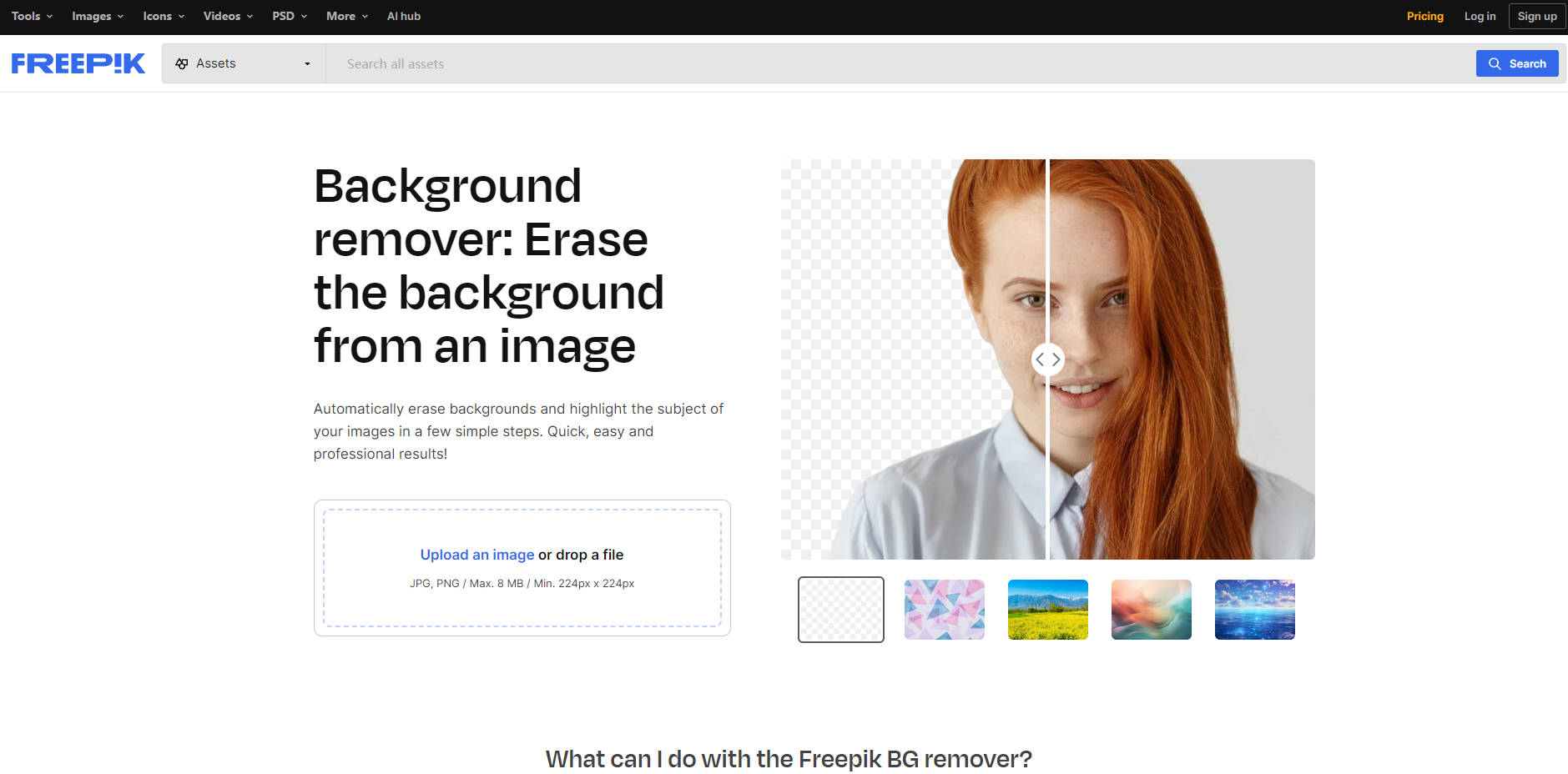
Freepik Background Remover is a powerful tool designed to effortlessly erase the background of any image, highlighting the subject and allowing for clean, professional results. Supporting JPG and PNG formats up to 8 MB and a minimum resolution of 224px by 224px, this tool offers quick and easy background removal, replacement, and soon, AI-generated backgrounds. Ideal for diverse applications—from product photography to marketing graphics—Freepik's Background Remover streamlines the editing process, ensuring consistent, high-quality visuals.
Key Features:
✨ Instant Background Removal: Automatically remove backgrounds with a single click, producing clean and crisp images.
🔄 Background Replacement: Replace backgrounds instantly using Freepik’s vast library of stunning images.
🖼️ Transparent Backgrounds: Create images with transparent backgrounds, perfect for versatile design applications.
🤖 AI-Generated Backgrounds (Coming Soon): Generate unique backgrounds tailored to your needs using AI prompts.
🚗 Customized Car Backgrounds: Enhance car photos by removing distractions and applying custom backgrounds to match various vehicle styles.
🕒 Time-Saving Editing: Significantly reduce editing time with straightforward, efficient background removal and replacement processes.
🔒 Secure and Confidential: Ensures user privacy, treating all images with strict confidentiality during the editing process.
📂 PNG Format for Transparency: Always receive high-quality PNG files that support transparent backgrounds for versatile use.
Use Cases:
E-commerce Product Listings: Quickly remove and replace backgrounds to showcase products professionally on your online store.
Marketing Campaigns: Personalize promotional images by swapping out backgrounds to align with campaign themes.
Photography: Enhance portraits or event photos by removing cluttered backgrounds, focusing purely on the subject.
Conclusion:
Freepik's Background Remover revolutionizes image editing by providing a seamless, user-friendly solution for background removal and replacement. Whether you need transparent backgrounds for design flexibility or customized settings for specific applications like car photography, this tool delivers professional-grade results with minimal effort. Experience the efficiency and creativity boost firsthand by trying Freepik's Background Remover today, and elevate your visual content with ease.
More information on Freepik Background Remover
Launched
2010-08
Pricing Model
Freemium
Starting Price
Global Rank
282
Follow
Month Visit
99.6M
Tech used
Next.js,Google Cloud Platform,Gzip,HTTP/3,JSON Schema,OpenGraph,Progressive Web App,Webpack
Top 5 Countries
12.7%
8.97%
7.2%
6.7%
5.01%
India
Brazil
United States
Indonesia
Russia
Traffic Sources
0.69%
0.04%
0.02%
3.13%
43.44%
52.69%
social
paidReferrals
mail
referrals
search
direct
Source: Similarweb (Sep 24, 2025)
Freepik Background Remover was manually vetted by our editorial team and was first featured on 2024-05-24.
Related Searches
Freepik Background Remover Alternatives
Load more Alternatives-

Remove backgrounds from images effortlessly with AI Image Background Remover. Get clean, transparent images in seconds. Try it for free!
-

Background Removal AI uses advanced AI tech to remove backgrounds instantly. High precision, bulk processing, multiple formats. Ideal for e-commerce, design & personal photos. Make image editing easy
-

Effortlessly remove backgrounds from images with our free online tool. Create professional-looking listings, integrate objects into designs, and more!
-

Remove image backgrounds instantly with Removal.AI. Create transparent or customized backgrounds with advanced AI technology. Try it now!
-

Removerized is a free online tool designed to remove the background of an image.