

What is Grok CLI?
Grok CLI is a powerful, conversational AI command-line interface designed to dramatically accelerate development workflows and system management. Powered by Grok models and leveraging intelligent text editor capabilities, this tool transforms natural language requests into executable file operations and shell commands. If you spend your day in the terminal, Grok CLI is built to eliminate complex manual scripting, allowing you to manage code, configure systems, and automate repetitive tasks simply by describing the desired outcome.
Key Features
Grok CLI functions as an intelligent agent within your terminal, bridging the gap between natural language and complex system operations.
💬 Conversational AI and Bash Integration
Interact with your system using plain English. Grok CLI utilizes the power of Grok-3 and Grok-4 to understand complex instructions, automatically translating your requests into precise Bash commands. This capability lets you execute, debug, and manage shell operations through a simple, conversational interface, drastically lowering the barrier to complex scripting.
🧠 Smart File Operations and Tool Selection
Unlike standard CLI assistants, Grok CLI acts as an intelligent editor. The underlying AI automatically selects and utilizes internal tools to view, create, and edit files across your project structure. This proactive tool selection allows the agent to handle multi-step tasks—such as finding a function, modifying its parameters, and saving the changes—all based on a single prompt, without requiring manual command chaining.
🚀 Morph Fast Apply: Ultra-High-Speed Editing
For developers needing maximum efficiency, Grok CLI offers the optional Morph Fast Apply feature. This dedicated, high-speed code editing model delivers edits at over 4,500 tokens per second with 98% accuracy. This capability is essential for large-scale operations like complex refactoring, multi-line changes, and batch processing where speed is paramount.
🔗 Model Context Protocol (MCP) Tools
Extend Grok CLI’s reach beyond your local file system. Through MCP tools, the CLI can integrate with external services like Linear, GitHub, and other Model Context Protocol servers. This allows you to manage project issues, update status, assign tasks, and access team data directly from your terminal, unifying development and project management workflows.
Use Cases
Grok CLI is optimized for power users and automation specialists, providing tangible benefits across several demanding scenarios:
1. Automated CI/CD and Scripting
Integrate Grok CLI into your CI/CD pipelines or shell scripts using Headless Mode. Instead of writing fragile, long-form scripts for code analysis or file preparation, you can pass a single, descriptive prompt to Grok CLI. For instance, automate the process of checking all new files for dependency imports and inserting a required license header, ensuring consistency and preventing manual errors in automated environments.
2. Complex Refactoring and Batch Editing
Utilize the Morph Fast Apply feature for large-scale, intricate code modifications. If you need to refactor a class name across dozens of files, change the variable naming convention within a specific module, or apply complex, multi-line changes, Grok CLI handles the entire batch operation quickly and accurately (at 4,500+ tokens/sec), significantly reducing manual review and execution time.
3. Unified Project Management
Leverage MCP Tools to manage external project tasks without leaving the terminal environment. You can conversationally request Grok CLI to "Create a new Linear issue for the bug in component X, assign it to Sarah, and set the status to 'In Progress'." This integration streamlines the context switching typically required when coordinating code changes with project status updates.
Unique Advantages
Grok CLI is built on an architecture designed for flexibility, speed, and deep integration, providing clear advantages over standard conversational interfaces.
Verifiable Speed and Accuracy: The optional Morph Fast Apply feature provides a quantifiable benefit: high-speed code manipulation up to 4,500+ tokens/sec at 98% accuracy, a critical factor for professional developers tackling massive codebases.
OpenAI-Compatible API Flexibility: While powered by Grok, the CLI utilizes OpenAI-compatible APIs. This architecture ensures you are not locked into a single provider, allowing you to seamlessly integrate other powerful models (such as GPT-4o, Claude 3.5 Sonnet, or Llama 3.1) based on your specific requirements or cost preferences.
Project-Specific Customization: Tailor the AI agent's behavior to the nuances of your project. By defining a
.grok/GROK.mdfile in your project directory, you can provide Grok with custom instructions, context, coding standards, and architectural knowledge, ensuring its advice and edits are always relevant and aligned with your team’s conventions.
Conclusion
Grok CLI is the essential tool for developers and engineers seeking to maximize efficiency and automation directly from the command line. By combining state-of-the-art conversational AI with deep system and file access, it transforms complex, time-consuming terminal tasks into simple, natural language requests.
Explore how Grok CLI can streamline your development workflow and automate your system management today.
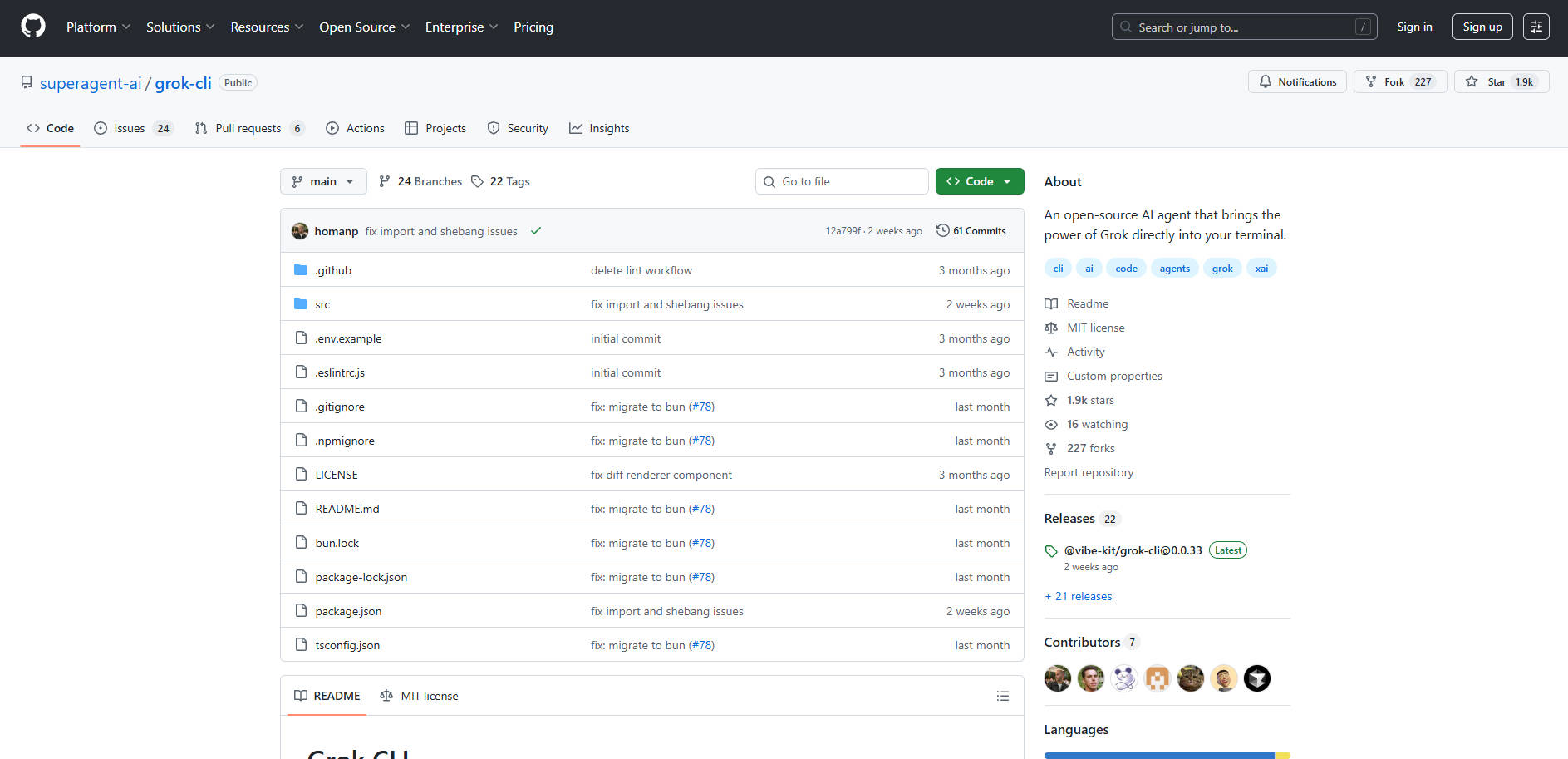
More information on Grok CLI
Launched
Pricing Model
Free
Starting Price
Global Rank
Follow
Month Visit
<5k
Tech used
Grok CLI was manually vetted by our editorial team and was first featured on 2025-10-15.
Grok CLI Alternatives
Load more Alternatives-
GitHub Copilot CLI brings AI-powered coding assistance directly to your command line, enabling you to build, debug, and understand code through natural language conversations.
-

Grok-2, a frontier language model with advanced reasoning capabilities, and its mini version are now released to Grok users on the ? platform.
-

Codex CLI: AI-powered code generation, refactoring, & testing directly in your terminal. Safe, controlled, & open source!
-
-

Cursor CLI brings AI coding directly to your terminal. Empower developers, DevOps, & SREs to generate, refactor, debug, and automate code anywhere.