
What is Hey!?
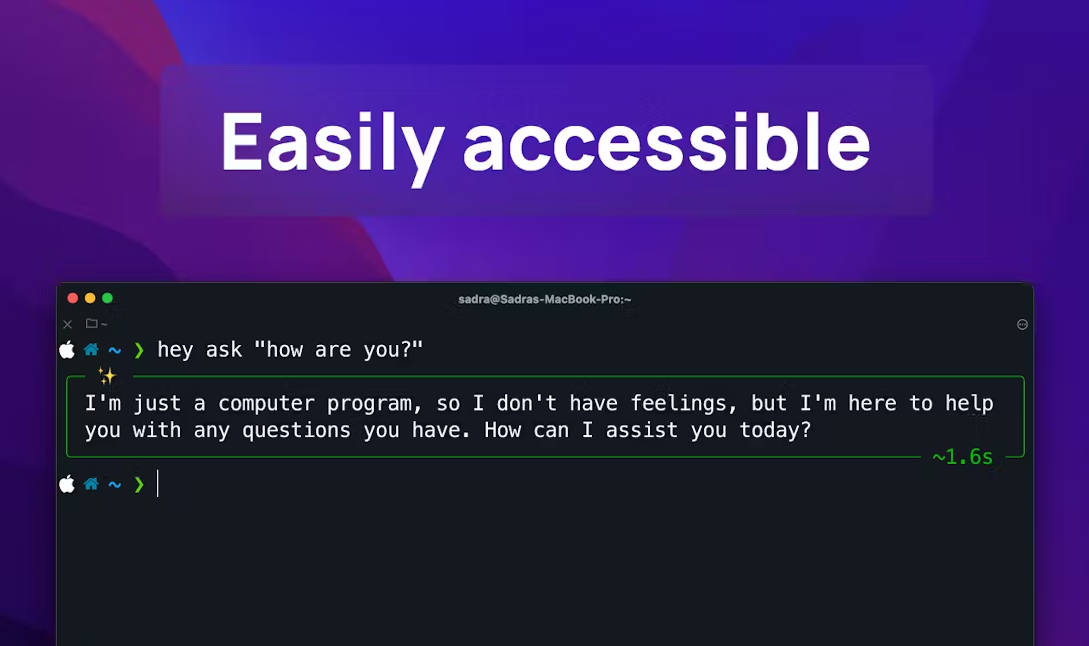
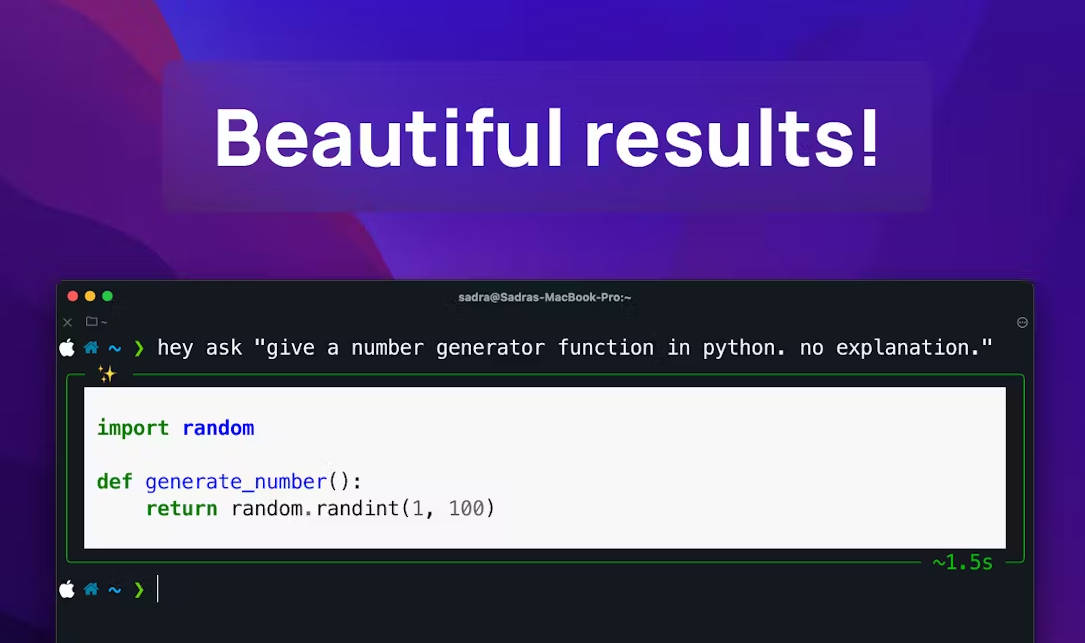
Hey, your AI code companion, transforms solo programming into a collaborative duo by utilizing MindsDB's GPT models to refactor, clean, and solve coding dilemmas. Accessible via the command line, Hey injects ChatGPT-grade intelligence into every coding session, improving efficiency and problem-solving for developers of all stripes.
Key Features
AI-Powered Pair Programming: Hey acts as your silent coding partner, using advanced language models to enhance and fix code sections, enriching solo development sessions.
Intelligent Code Refactoring: Automatically identifies refactoring opportunities, recommending improvements to coding elegance and efficiency while preserving functionality.
Dynamic Problem-solving Insights: Leverages AI to provide contextual solutions, explanations, and suggestions for a variety of coding challenges and scenarios.
Cross-Platform Compatibility: Seamlessly integrates with Unix-like systems, including Linux distros and MacOS, augmenting the coding environment with AI assistance anywhere a command line interface is available.
Secure and Customizable Models: Enables users to tailor GPT model preferences (like 'gpt-4' or 'text-davinci-003') through a secure MindsDB dashboard, enhancing personalization and security.
Use Cases
A software developer struggling with a syntax error finds Hey's code-cleaning capabilities instantly resolves the issue, saving time and enhancing code readability.
During a quick brainstorming session, a computer scientist asks Hey for innovative algorithm improvements, streamlining the development process and accelerating project milestones.
A student learning Python utilizes Hey's contextual help feature to instantly understand complex concepts and receive annotated code suggestions, dramatically boosting their learning curve.
Conclusion
Empower your coding projects with Hey, the AI tool revolutionizing solo programming by transforming it into a smart and efficient duo process. Experience the future of code optimization and problem-solving at your fingertips; it's time to say "Hey" to smarter coding.
FAQs
Q: Is Hey compatible with Windows?A:Currently, Hey is best suited for Unix-like environments such as Linux distros and MacOS due to stability and performance concerns on Windows systems.
Q: How do I get started using Hey?A:Begin by creating a MindsDB account, prepare your desired GPT model, and then install Hey through Python's pip package manager to quickly integrate AI assistance into your coding workflow.
Q: Can Hey understand and interact with my current codebase?A:Yes, Hey can analyze and interact with your code, offering suggestions and fixes directly, enhancing your existing codebase's quality and maintainability.
More information on Hey!
Launched
Pricing Model
Free
Starting Price
Global Rank
Follow
Month Visit
<5k
Tech used
Hey! was manually vetted by our editorial team and was first featured on 2024-08-25.
Related Searches
Hey! Alternatives
Load more Alternatives-

-

-

Tired of copy-pasting? BringYourAI links VSCode to any AI chat. Attach code, debug faster, and generate smarter code. Elevate your dev workflow.
-

-