

What is Image Editor?
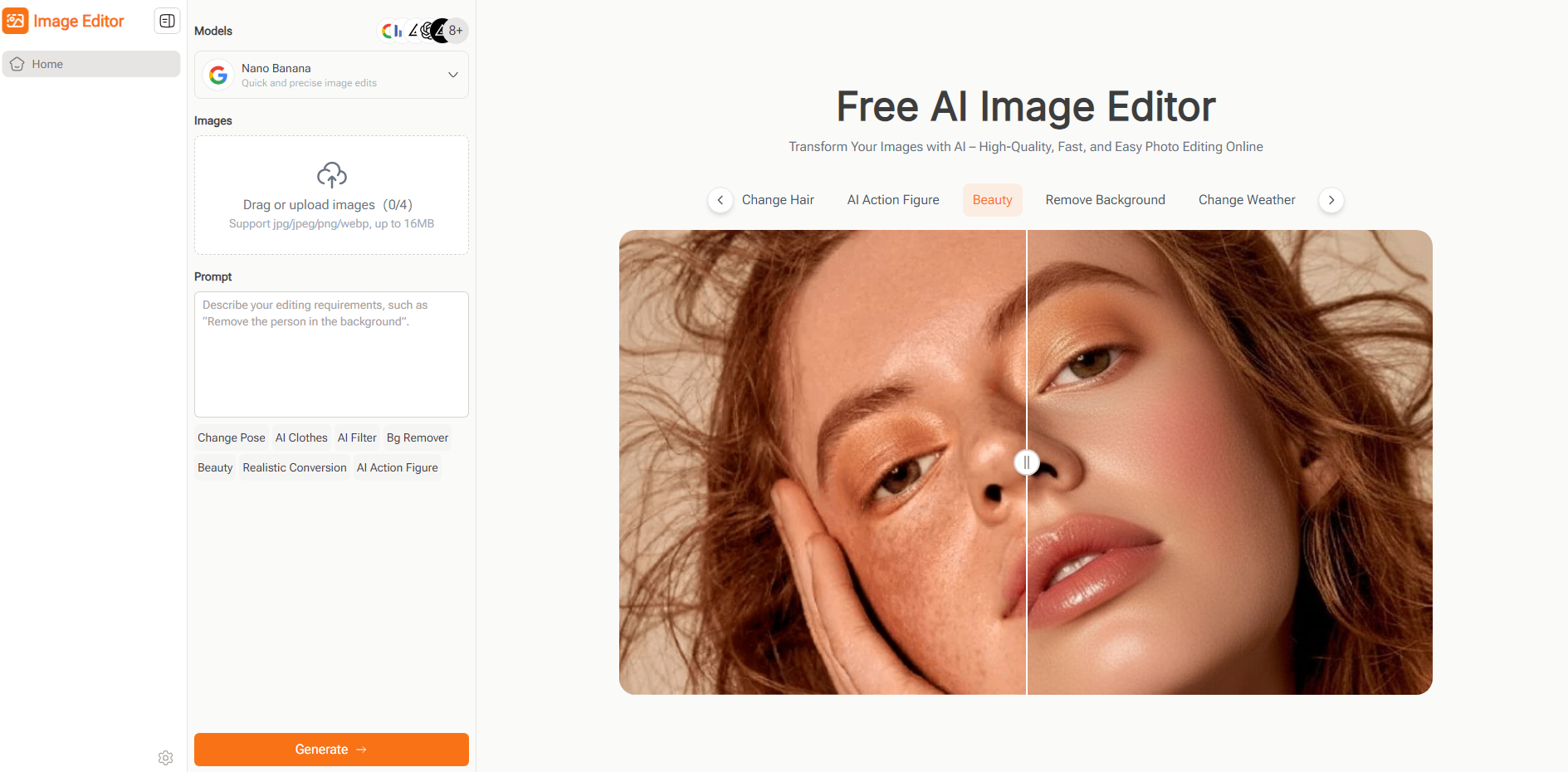
Image Editor is an AI-powered online photo editing tool that lets you transform images simply by writing prompts. Instead of spending hours on manual adjustments, you can describe the edit you want — such as “remove background,” “change shirt color to red,” or “restore photo” — and the editor instantly delivers professional-quality results. No sign-up, no downloads, just fast and intuitive AI editing in your browser.
Features
💬 Prompt-Based Editing – Edit images by typing natural language prompts for quick and precise results.
🔄 AI Image Restoration – Revive old, damaged, or low-quality photos with enhanced clarity and color.
🧹 Object Removal –Instantlyerase unwanted
🌈 Background Removal & Replacement – Isolate subjects and swap backgrounds effortlessly.
🎨 Object Recoloring – Change the color of clothes, products, or objects using simple prompts.
✨ Generative Fill – Expand or add elements to your image with AI-driven creativity.
Change Pose – Adjust human posture naturally in portraits.
💇 AI Hair – Modify hairstyle, length, or color via text prompts.
👗 Switch Clothing – Change outfits in person images.
🌤️ Change Weather – Alter environmental conditions (e.g., sunny to rainy).
🧍♂️ Action Figure – Transform photos into stylized figurine-like renders.
🎭 Generate Style – Apply artistic or thematic visual styles.
📦 Extract Product – Isolate products for e-commerce use.
🌍 Realistic Conversion – Ensure AI edits look photorealistic.
🧠 Multiple AI Models – Choose from models like Nano Banana, Flux Kontext, Seedream, and GPT for different editing strengths.
📦 Hundreds of Pre-Designed Prompts – Apply ready-made templates without writing prompts.
Use Cases
E-commerce & Marketing – Clean backgrounds, recolor products, and polish images with AI prompts for professional product listings.
Social Media Creators – Generate creative edits, remove distractions, or enhance photos quickly for eye-catching posts.
Design & Branding – Align visuals with brand colors by recoloring objects or expanding layouts using generative fill.
Personal Photo Restoration – Repair old family photos, remove scratches, and revive faded colors with just a few clicks.
Education & Research – Clean scanned documents, isolate illustrations, and prepare visuals for reports or presentations.
Edit smarter, not harder — let AI do the heavy lifting while you focus on your vision!
More information on Image Editor
Launched
2025-09
Pricing Model
Free
Starting Price
Global Rank
Follow
Month Visit
<5k
Tech used
Image Editor was manually vetted by our editorial team and was first featured on 2025-09-30.
Image Editor Alternatives
Load more Alternatives-

AIImageEditor.me: Your free, all-in-one AI photo editor. Easily enhance, remove backgrounds, scale, and transform images with 12 powerful tools.
-

-

Imagewith.AI: The AI image editor to upscale, restore, and refine photos. Easily remove objects & backgrounds for professional-grade visuals, fast.
-

-

Experience the easiest image editing ever. AI Photo Editor offers one-click solutions that outperform complex traditional tools.