

What is Lightworks?
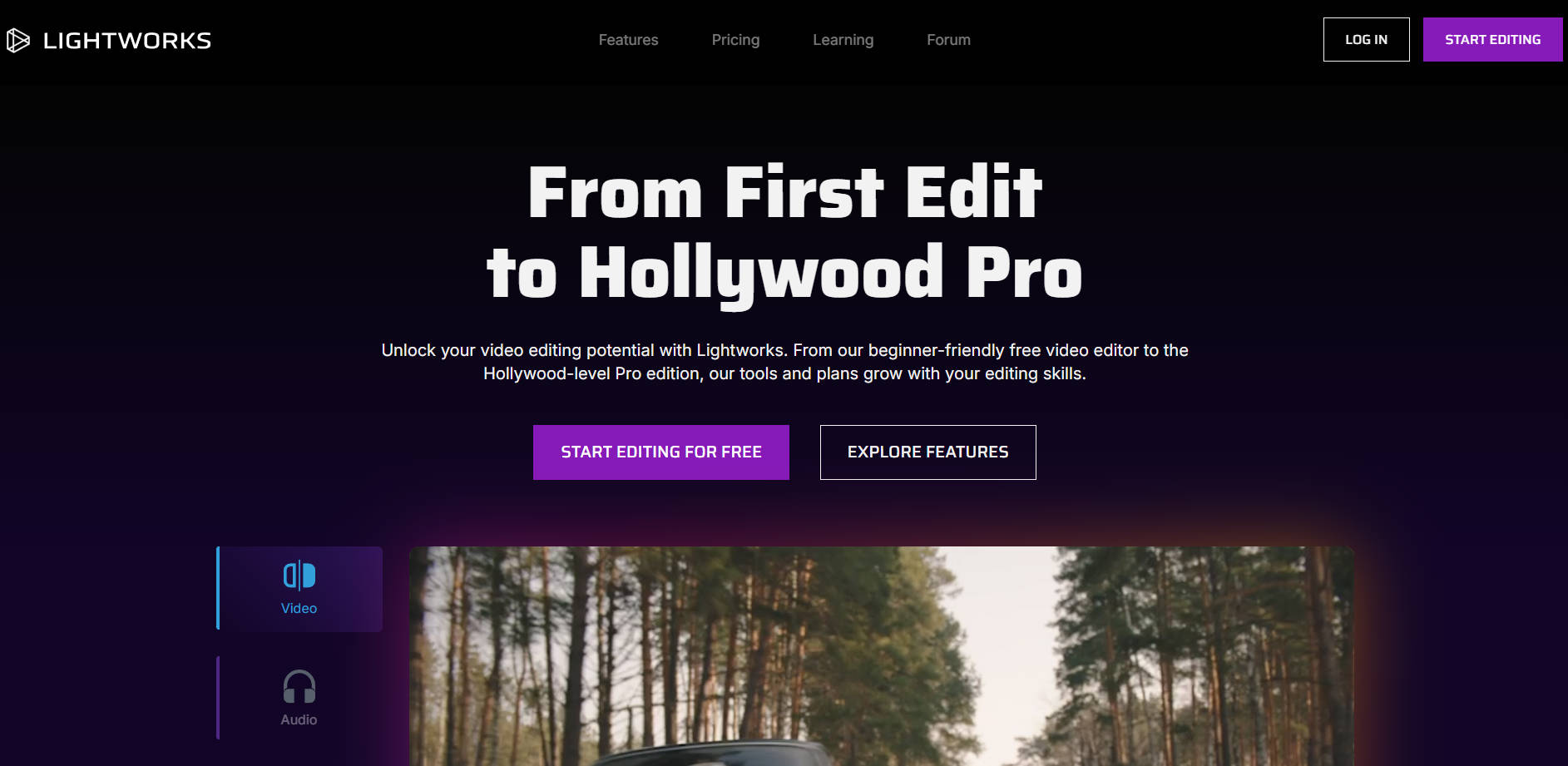
Lightworks is a robust, professional video editing suite designed to scale with your ambition, providing Hollywood-strength tools accessible to everyone from beginners making their first cut to seasoned industry veterans. It solves the critical challenge of finding a single editing platform that provides both intuitive ease of use and the uncompromising performance required for high-end production.
Key Features
Lightworks acts as your creative Swiss Army knife, empowering you with dynamic editing, powerful color correction, and integrated visual effects—all within a highly optimized environment.
- 🎬 Best-in-Class Universal Timeline: The heart of Lightworks is a timeline crafted over 30 years to handle footage of any size, frame rate, and quality with exceptional stability and speed. This ensures your editing experience remains responsive and professional, regardless of your source material.
- ⚙️ Uninterrupted Background Rendering & Exporting: Maintain your creative flow without frustrating pauses. Lightworks allows you to continue editing, refining, and applying effects while rendering or exporting takes place seamlessly in the background.
- 🎨 Maximizing Color with HDR Workflows: Get the absolute most out of your footage by utilizing the full range of color and contrast available. Lightworks supports advanced High Dynamic Range (HDR) workflows, allowing you to achieve cinematic, vibrant color grading that elevates your production quality.
- ✨ Integrated VFX and Motion Graphics Suite: Easily sprinkle professional magic onto your projects. Utilize the enhanced VFX toolset, including video mask effects for precise control over adjustments, and integrate 1,500+ presets from NewBlue TotalFX for advanced titling, transitions, and video filters.
- 🎛️ Customizable Workspace Layouts: Own your edit environment. Lightworks allows you to create, define, and adjust workspace layouts on the fly, ensuring that beginners can start with a clean drag-and-drop interface while professionals can access advanced tools instantly.
Why Choose Lightworks?
Choosing Lightworks means investing in a platform with a proven, three-decade legacy of professional excellence that is uniquely positioned to grow with you, from your first edit to your most ambitious project.
- A Proven Hollywood Legacy: Lightworks isn't just a new contender; it has been the editing choice for Oscar-winning films and legendary editors like Thelma Schoonmaker (editor for Martin Scorsese). This heritage ensures the toolset is robust, reliable, and capable of handling the most demanding cinematic projects.
- Scalable Versions for Every Stage: Whether you need the Free version with essential features like HDR workflows and proxies, the Create version for advanced titling and high-quality exports, or the Pro version for 8K export and DAW workstation compatibility, Lightworks offers a clear path that matches your skill level and budget.
- Deep Workflow Integrations: Streamline your production pipeline with seamless integration across major cloud content platforms (Box, Dropbox, Google Drive) and access a creative marketplace (Pond5, Pexels) directly within your workflow, ensuring all your assets are immediately available.
Conclusion
Lightworks offers a confident blend of professional-grade power and accessible design, making it the definitive platform for editors who demand stability, performance, and creative freedom. Bring your stories to life with a tool trusted by industry legends and supported by a global community of over 2 million creators.
More information on Lightworks
Launched
1999-03
Pricing Model
Freemium
Starting Price
$13.99 / Monthly
Global Rank
219482
Follow
Month Visit
208.8K
Tech used
Top 5 Countries
9.32%
6.44%
5.48%
3.14%
3.11%
United States
Germany
India
United Kingdom
Brazil
Traffic Sources
2.83%
0.87%
0.11%
7.46%
53.36%
35.34%
social
paidReferrals
mail
referrals
search
direct
Source: Similarweb (Dec 16, 2025)
Lightworks was manually vetted by our editorial team and was first featured on 2025-12-16.
Lightworks 代替ソフト
もっと見る 代替ソフト-

-
SwitchLightは、あなたの視覚編集を全く新しい次元に引き上げます。プロの方でも、単にビジュアルを調整することが好きな方でも、ライティングの必要性をすべて満たすワンストップソリューションです。
-

DaVinci Resolve : AIを搭載し、編集、カラー、VFX、オーディオに対応したオールインワンのポストプロダクション。作業を高速化し、シームレスな共同作業を可能にし、映画レベルの仕上がりを実現します。
-

EditingTools.ioは、様々なポストプロダクション用途のために設計された、ウェブベースのジェネレーター、スクリプト、コンバーターのコレクションです。Adobe Premiere Pro、Avid Media Composer、DaVinci Resolve、Apple Final Cut Pro Xとの連携ワークフローに最適化されています。
-

Lightpanel: Lightroom Classicで直接、AIカリング&編集。数分で数千枚の画像をカリングし、スマート編集を適用して、時間を有効活用しましょう。