The Ultimate Guide to the Best AI Video Enhancers of 2023
In the dynamic and ever-evolving world of digital content creation, AI video enhancers have emerged as game-changers. They empower even novices to transform ordinary footage into cinematic quality visuals. As we step into 2023, numerous AI video enhancers have staked their claim in the market, each offering unique features and capabilities. In this comprehensive guide, we'll explore the top AI video enhancers available, comparing their features, pricing, and best use cases to help you find the perfect tool for your video enhancement needs.
What is an AI Video Enhancer?
AI video enhancers are advanced software tools that utilize artificial intelligence (AI) to improve the quality of video footage. They employ machine learning and neural network techniques to automatically analyze and enhance videos. These tools are capable of tasks such as noise reduction, video stabilization, upscaling resolution, color enhancement, and detail recovery. This technology is a boon for content creators, filmmakers, and hobbyists alike, allowing them to achieve professional-grade results with minimal effort.
Top AI Video Enhancers of 2023
Topaz Video AI
Topaz Video AI is a top AI video enhancer that uses machine learning models to upscale and enhance lower-quality videos. It offers features such as noise reduction, recovering lost details, and automatic video stabilization. The program can upscale videos to 8K resolution and provides batch processing for multiple video enhancements. It is best suited for professional video editors and content creators, but may be challenging for hobbyists due to its high price and system requirements.
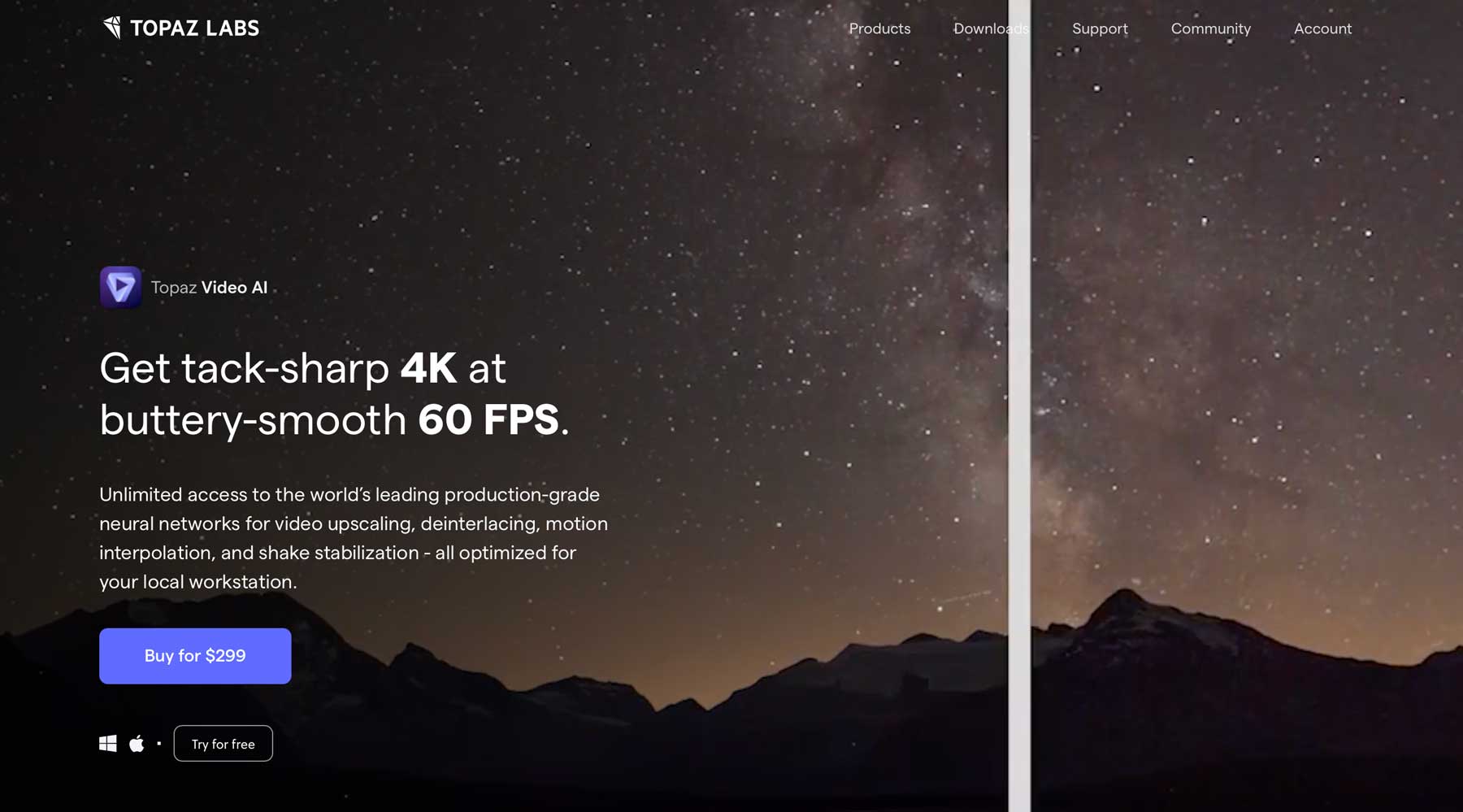
- Price: $299 (One-time fee)
- Key Features: Upscale to 8K, batch video enhancement, automatic video stabilization, motion artifact reduction, detail recovery.
- Best For: Professional video editors and content creators who need batch-processing capabilities and high-quality upscaling.
- Availability: Windows
AVC Labs
AVC Labs is an AI video enhancer that offers a range of tools including noise reduction, blur removal, and restoring lost color and details in videos. It has an intuitive dashboard, making it suitable for beginners and hobbyists. One of its most intriguing features is the AI facial recovery tool, which can remove blur and artifacts on faces and restore pixels to enhance details. It is recommended for film enthusiasts, hobbyists, and those looking to restore old home movies, with pricing options of a monthly subscription or a one-time fee. However, it does not offer bulk video enhancements for professional editors.
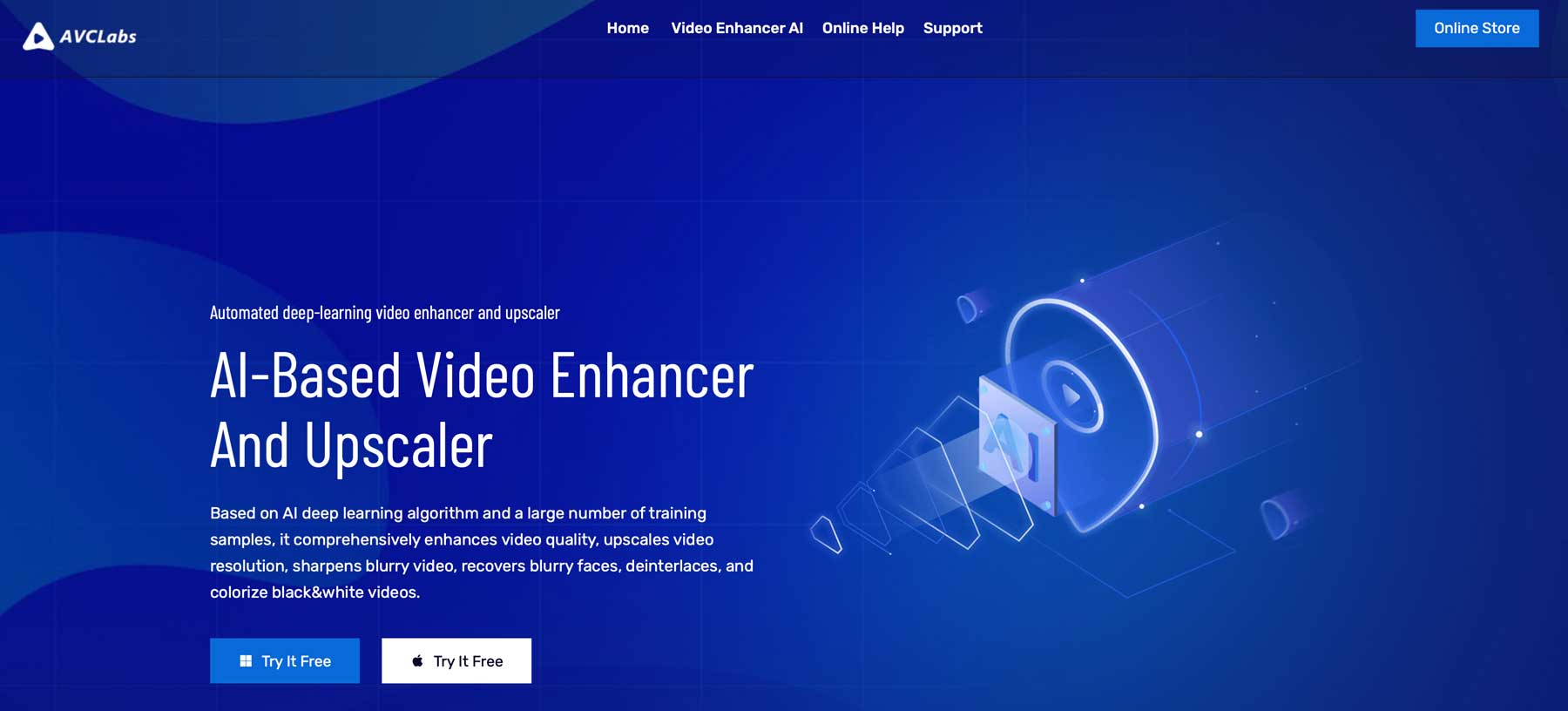
- Price: $39.95/month or $299 (One-time fee)
- Key Features: AI facial recovery, noise and blur removal, AI upscaling up to 4K.
- Best For: Film enthusiasts and hobbyists focused on restoring old home movies or enhancing videos with facial details.
- Availability: Windows
Adobe Premiere Pro
Adobe Premiere Pro is a popular video editing software with significant improvements in the latest version, making it one of the best AI video enhancers. It offers features such as text-based editing, automatic scene edit detection, color enhancement & matching, and more, all using artificial intelligence. Its AI-powered text-based editing tool, auto-reframing feature, and color tone mapping tool are particularly impressive. It is recommended for video editors looking to incorporate AI tools into their workflow, but may be too complex for beginners.
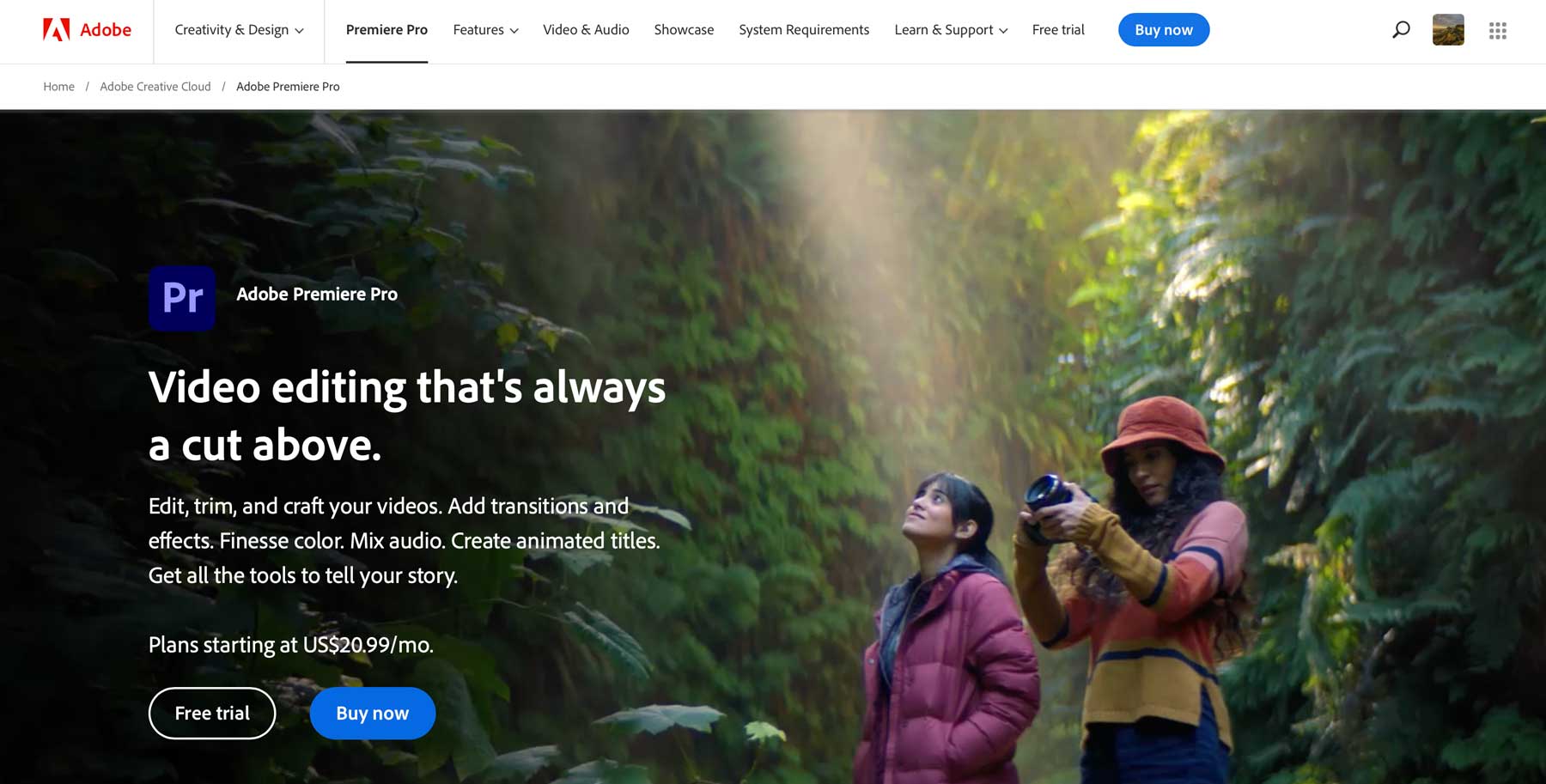
- Price: $20.99/month
- Key Features: Speech-to-text, scene edit detection, color enhancement & matching, text-based editing, auto-reframing for different aspect ratios.
- Best For: Professional video editors seeking AI tools integrated into a comprehensive editing suite.
- Availability: Windows
Wondershare Filmora
Wondershare Filmora is a video editing software with AI tools to enhance videos, including a custom mask tool, enhanced keyframe tool, AI smart cutout, adjustment layers, and AI audio stretch. It also offers over 500K music and sound clips and upcoming features such as text-to-video editing and AI music generation. It is a good choice for enhancing videos with cool effects, and while there is a free version, it has watermarks and is designed to showcase the subscription-worthy features.
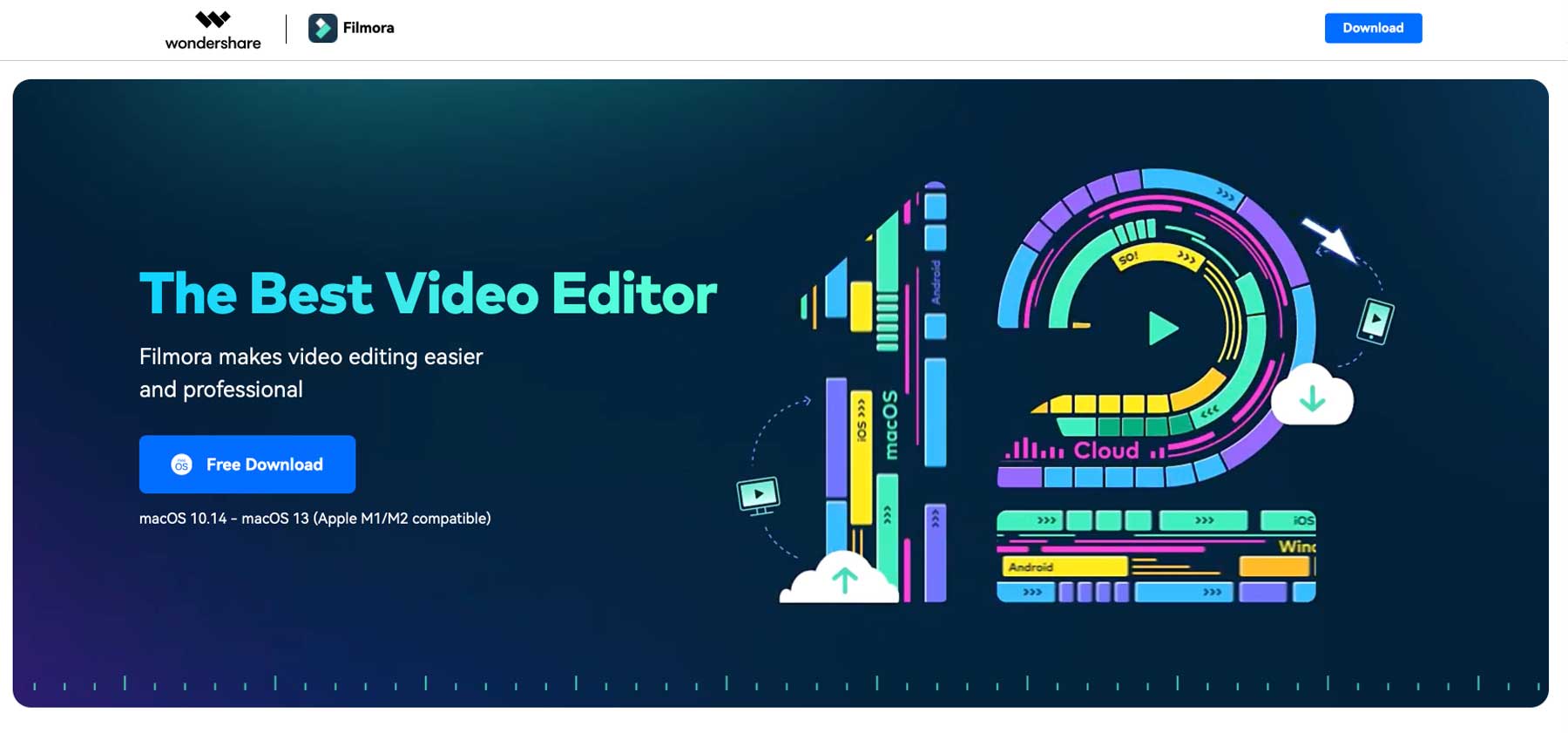
- Price: Starting at $29.99/quarter
- Key Features: Custom draw mask tool, enhanced keyframe tool, AI smart cutout, adjustment layers, AI audio stretch.
- Best For: Users looking for an easy-to-use tool to enhance videos with creative effects.
- Availability: Windows, Mac
PixOp
PixOp is a cloud-based AI video enhancer known for its noise reduction, automatic color grading, and frame rate conversion features. It supports a wide range of video formats and has upcoming features like Face Forward for enhancing faces in videos.
- Price: $1.15 per minute of video enhancement
- Key Features: Cloud-based platform, automatic color grading, wide range of video format support, frame rate conversion.
- Best For: Those preferring a cloud-based solution for transforming low-quality videos into high-resolution content.
- Availability: Online platform
Veed
Veed is a web-based platform known for its screen-recording and AI video editing capabilities. It offers a user-friendly interface for adding effects, overlays, and animations, as well as enhancing video quality using AI-powered tools. Key features include progress bars, color grading filters, speed adjustment, audio removal, and more. Users can also adjust brightness, contrast, saturation, and frame rates, as well as remove and replace audio.
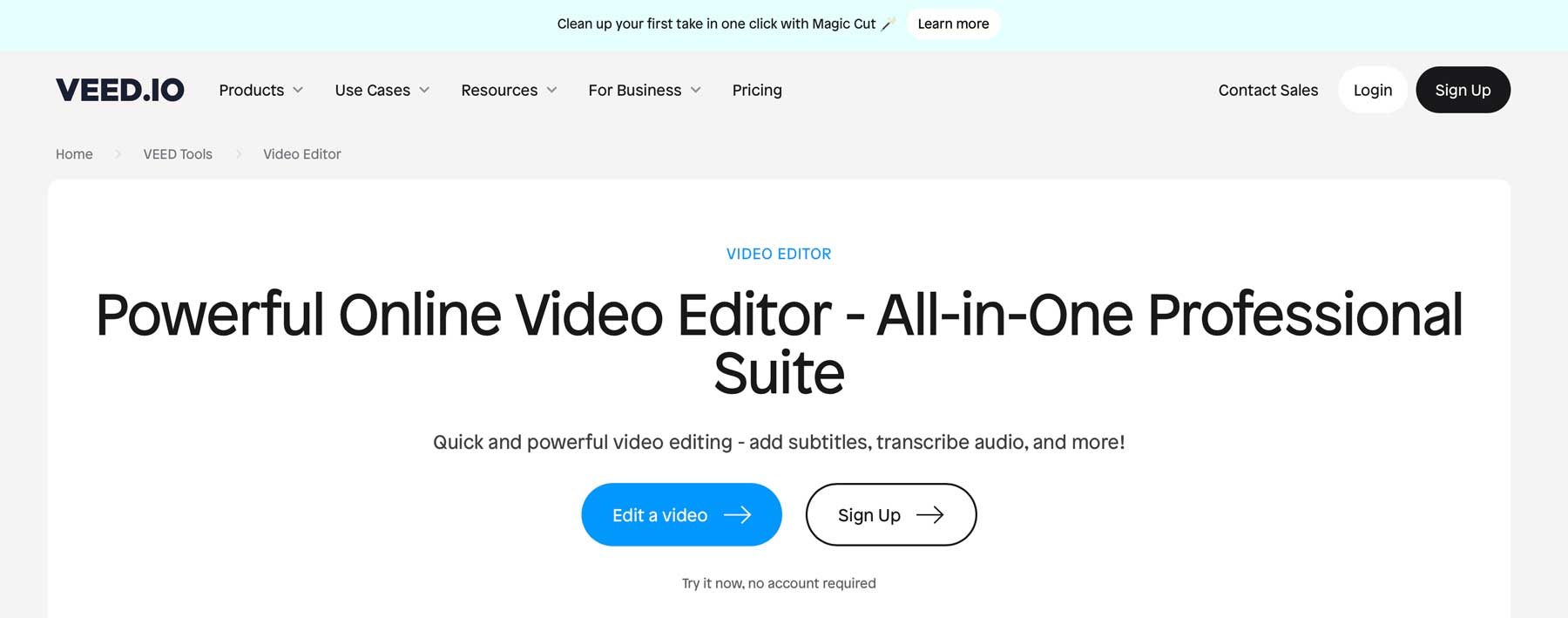
- Price: Free, plans starting at $30/month
- Key Features: Add progress bars, filters for color grading, video effect creation, speed and frame rate adjustment, audio removal and addition.
- Best For: Beginners without video editing experience who need a user-friendly interface for basic enhancements.
- Availability: Online platform
HitPaw
HitPaw is an AI video enhancer that requires you to download their software on a local computer. It is available in macOS and Windows and can automatically upscale videos up to 8K resolution, reduce noise, eliminate blur, colorize black & white videos, and enhance animated and human faces. The proprietary AI repairs animated and human faces in videos and provides an animation model designed to repair and restore animated videos like old cartoons. It is best for beginners and offers 4 AI-powered tools for denoise, animation, face, and colorize. The downside is that it may cause lag on slower computer systems.
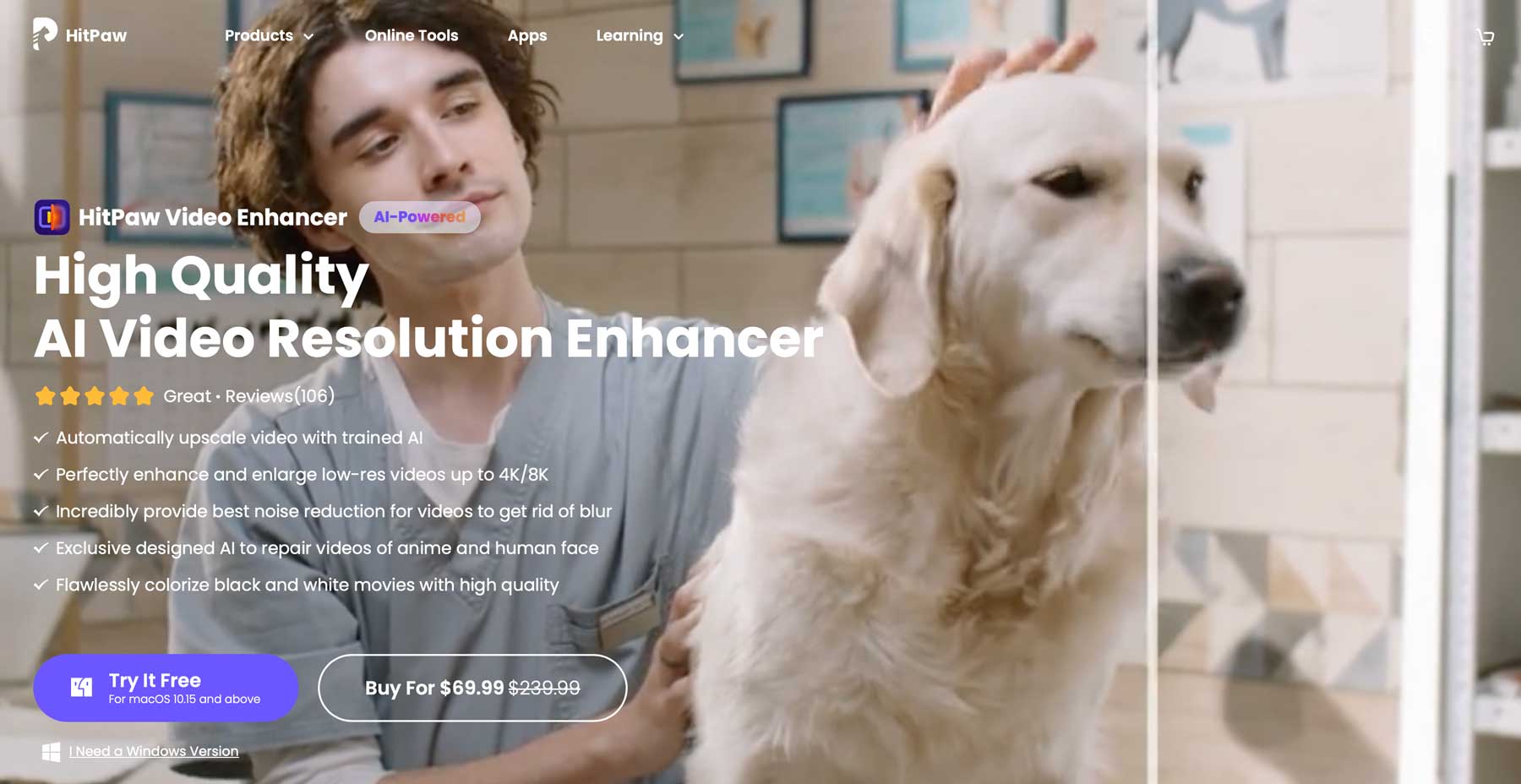
- Price: $69.99 (One-time fee)
- Key Features: Enlarge videos up to 8K resolution, colorize black & white videos, automatic upscaling, face enhancement.
- Best For: Beginners looking for a straightforward tool to upscale and enhance videos easily.
- Availability: Windows, Mac
Remini AI
Remini AI is a powerful video enhancer that can remove blur, noise, and pixelation in videos with one click. It allows users to upscale their videos up to two times their original size and enhance photos as well. The tool also offers API integration for developers and a web-based interface for those without a powerful GPU. Additionally, it has a mobile app for on-the-go enhancements. It is best for enhancing video files with a one-click process, but may not be justified for the price if AI headshot generation or text-to-image tools are not needed.
- Price: Free trial, plans starting at $9.99/week
- Key Features: Enhance & upscale up to 2X, remove noise and blur, one-click enhancement.
- Best For: Users needing quick, one-click enhancements and those interested in enhancing photos as well as videos.
- Availability: Online platform
DVDFab Video Enhancer AI
DVDFab offers an AI Suite of four tools: Video Enhancer AI, Photo Enhancer AI, Smoother AI, and Enlarger AI. These tools are designed to enhance video quality up to 4k, improve photo appearance, upscale old and low-resolution videos, and increase video frame rates up to 60 FPS. The tools use AI models to achieve these enhancements, such as upscaling images, removing noise, and sharpening edges.
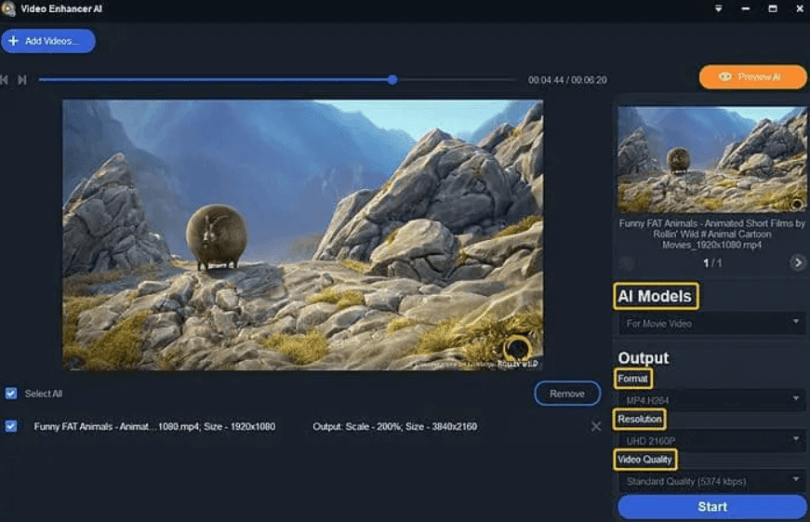
- Price: Free trial, with plans of $59.99/month, $79.99/year, or $99.99 lifetime.
- Availability: Windows
Aiseesoft Video Enhancer
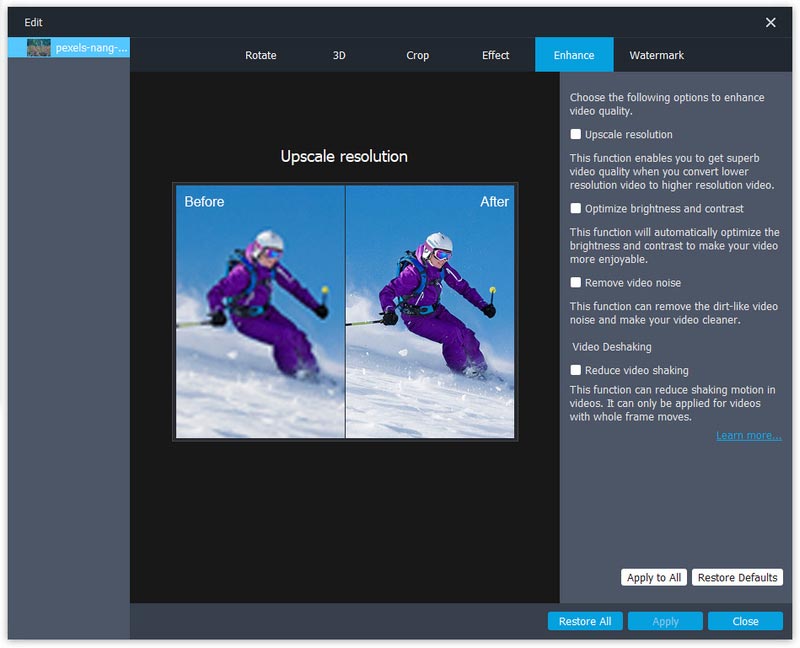
Aiseesoft Video Enhancer is a software with three powerful tools to enhance and edit video files, including upscaling resolution, optimizing brightness and contrast, and removing video noise. It also offers features such as video stabilization, rotation, flipping, cutting, merging, adjusting brightness/contrast/saturation/hue/volume, cropping, and adding watermarks. The interface is user-friendly and the software can be useful for improving old or grainy videos.
GDFLab - Video Upscaler
GDFLab is an AI video enhancer online software that allows users to edit both images and videos. The app is widely used across various fields and offers a full free trial, online accessibility, compatibility with both Windows and Mac, and the ability to upscale videos to 4K resolution. The pricing depends on the size of the video or photo being enhanced.

Conclusion
Choosing the right AI video enhancer depends on your specific needs, expertise level, and budget. Whether you're a professional seeking advanced features or a beginner looking to spruce up personal videos, there's an AI tool out there that fits your requirements. The AI revolution in video enhancement is continually evolving, offering increasingly sophisticated tools to make video enhancement more accessible and effective than ever before.
Frequently Asked Questions About AI Video Enhancers
1. What Exactly Does an AI Video Enhancer Do?
AI video enhancers use advanced algorithms and machine learning techniques to analyze and improve the quality of video footage. These tools can perform a variety of tasks such as upscaling resolution, reducing noise and blur, stabilizing shaky footage, enhancing colors, and recovering lost details. They automate complex editing processes, making it easier to transform average-looking videos into high-quality, professional-grade visuals.
2. Are AI Video Enhancers Suitable for Beginners?
Absolutely! One of the key advantages of AI video enhancers is their user-friendliness. Many of these tools are designed with intuitive interfaces that make them accessible to users with little to no video editing experience. Beginners can leverage these tools to achieve significant improvements in their video projects without the steep learning curve typically associated with traditional video editing software.
3. Can AI Video Enhancers Improve Old or Low-Quality Videos?
Yes, AI video enhancers are particularly adept at breathing new life into old or low-quality footage. They can upscale resolution, enhance colors, and remove artifacts that are common in older videos. This makes them ideal for restoring vintage footage, converting standard definition to higher resolutions, or improving the clarity and visual appeal of any low-quality video.
4. How Do AI Video Enhancers Compare to Traditional Video Editing Software?
AI video enhancers are more focused on improving video quality through automated processes, whereas traditional video editing software offers a broader range of manual editing features. AI tools are generally faster and easier to use for specific enhancement tasks, while traditional software provides greater control and flexibility for comprehensive video editing. Many professionals use a combination of both to achieve the best results.
5. What Should I Consider When Choosing an AI Video Enhancer?
When selecting an AI video enhancer, consider the following factors:
- Your specific needs: Assess the kind of enhancements you need for your videos (e.g., noise reduction, upscaling, stabilization).
- Ease of use: Look for a user-friendly interface, especially if you're a beginner.
- Price: Consider your budget. Some tools offer one-time purchases, while others have subscription models.
- Compatibility: Ensure the software is compatible with your operating system.
- Features: Different enhancers offer unique features. Choose one that aligns with your enhancement goals.
- Quality of output: Some tools may offer higher quality enhancements than others, so it's worth checking out reviews and sample outputs.