

Click outside to close
What is Narakeet?
Tired of spending hours recording, editing, and syncing audio for your projects? Narakeet simplifies the process, allowing you to create professional-quality voiceovers and narrated videos in just a few clicks. Whether you’re crafting training materials, marketing content, or YouTube videos, Narakeet handles the heavy lifting so you can focus on your message.
Key Features
🎙️ Text-to-Speech in 100 Languages
Choose from over 800 natural-sounding voices to create audio in multiple languages. Perfect for global audiences or multilingual projects.
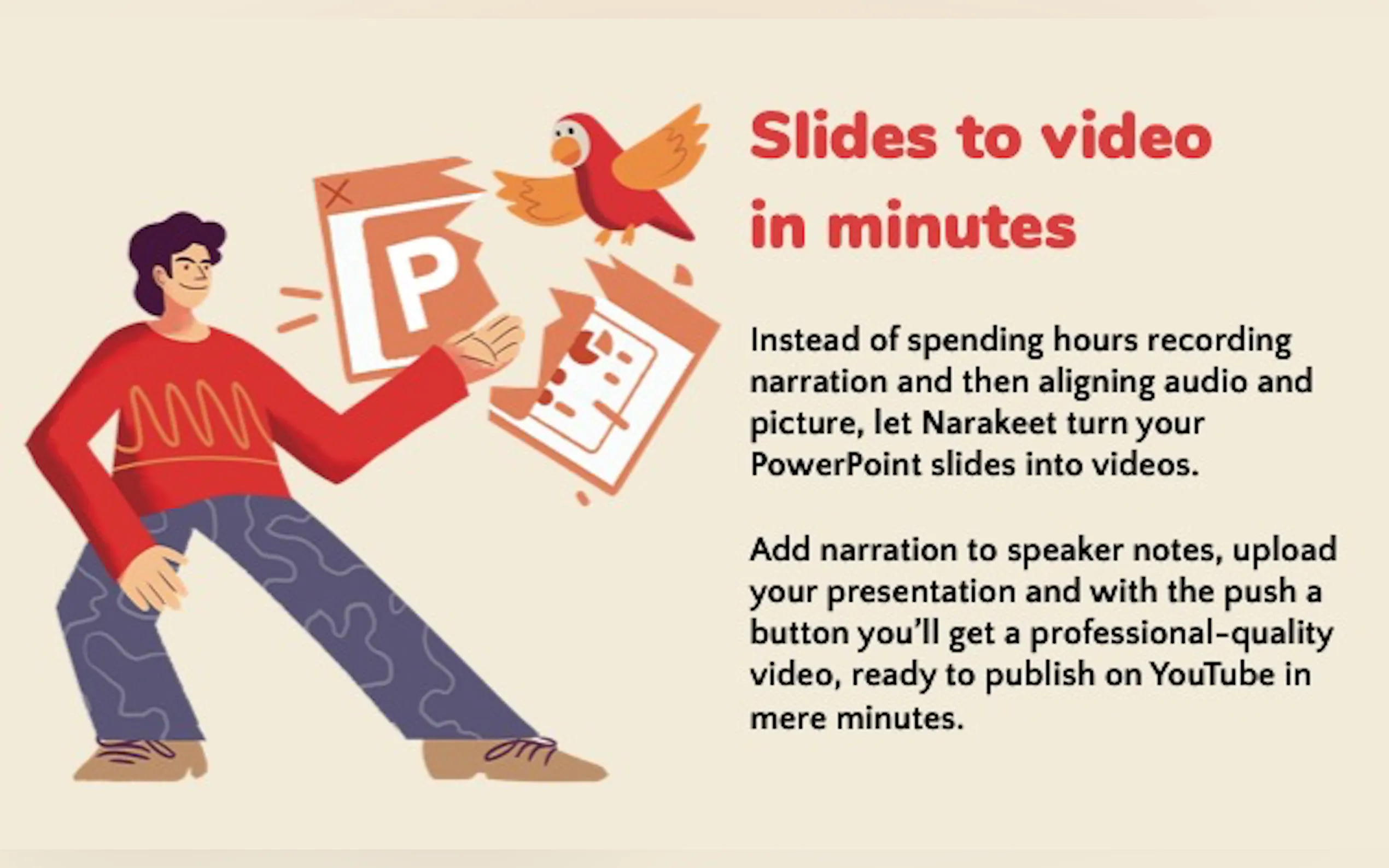
📽️ Slides to Video
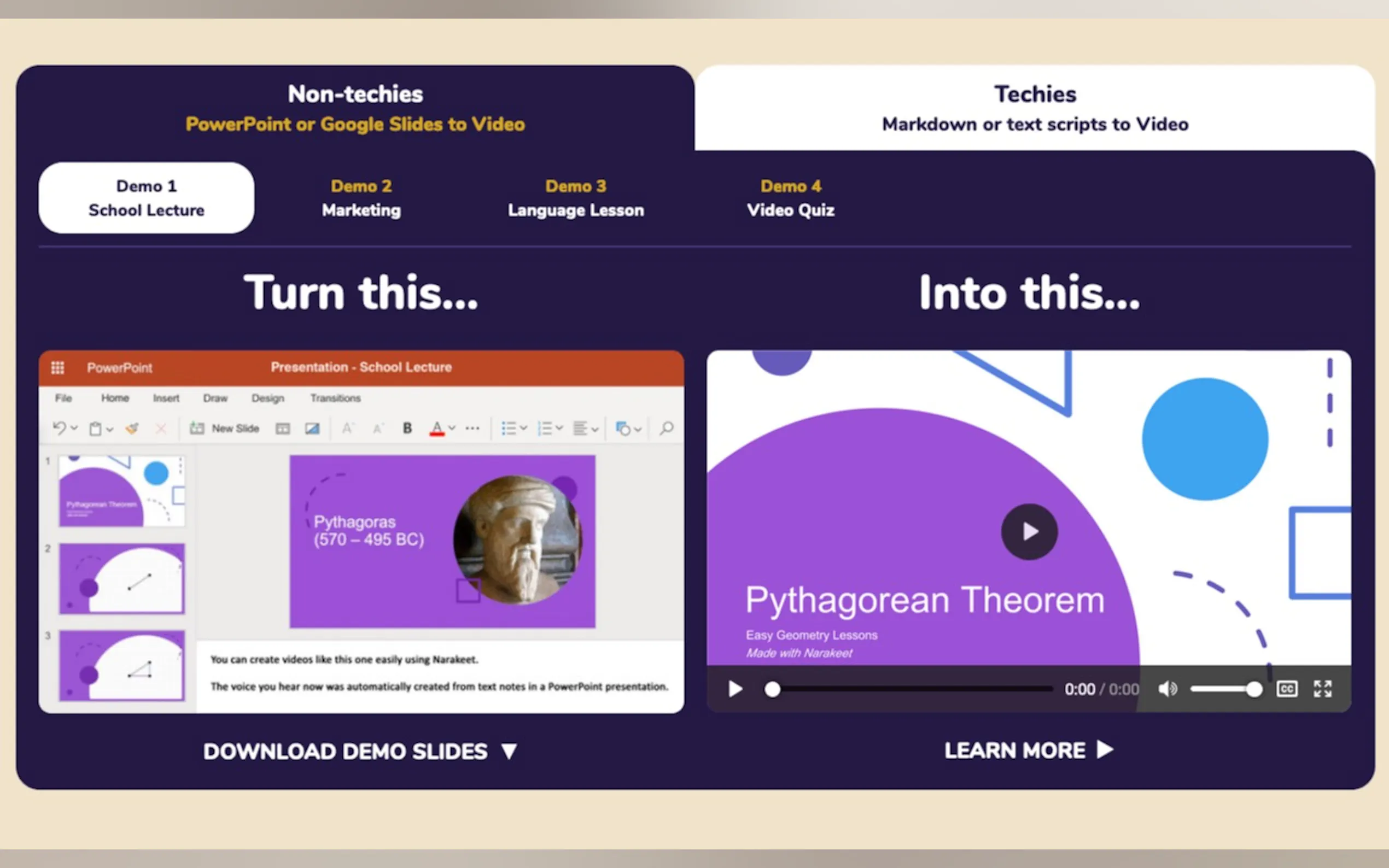
Convert PowerPoint, Google Slides, or Keynote presentations into engaging videos with synchronized voiceovers.
🎧 Subtitles to Audio
Upload subtitle files (SRT or WebVTT) to generate perfectly timed audio tracks for dubbing or alternative language tracks.
🛠️ Video Scripting with Markdown
Script your entire video using Markdown, embedding images, videos, and screen recordings for seamless production.
⚙️ Automation and API Integration
Automate video production for multiple versions or integrate Narakeet into your workflows using the API or command-line tools.
Use Cases
1️⃣ Corporate Training
Create consistent, multilingual training videos for your team without the hassle of recording and editing.
2️⃣ Marketing Videos
Produce high-quality product demos and promotional content for global markets using localized voiceovers.
3️⃣ YouTube Content
Generate narrated videos with subtitles and captions to engage your audience and improve accessibility.
Why Choose Narakeet?
Save Time:Skip the tedious process of recording and editing voiceovers.
Global Reach:Access 800 voices in 100 languages for localized content.
Professional Results:Achieve polished audio and video without expensive tools or expertise.
Flexible Pricing:Pay only for what you use, starting at 0.05 USD per minute.
FAQ
Q: Can I use Narakeet for commercial purposes?
A: Yes, commercial users receive full usage rights for the recordings.
Q: How secure are my uploaded files?
A: All files are transferred and stored encrypted, ensuring your data remains private.
Q: Can I add my own voice recordings?
A: Absolutely! You can upload pre-recorded audio files or integrate custom branded voices from services like Amazon Polly.
More information on Narakeet
Top 5 Countries
10.35%
9.41%
6.04%
4.1%
3.8%
India (10.35%)
United States (9.41%)
Vietnam (6.04%)
Turkey (4.1%)
Mexico (3.8%)
Traffic Sources
4.44%
62.61%
31.67%
social (0.93%)
paidReferrals (0.32%)
mail (0.04%)
referrals (4.44%)
search (62.61%)
direct (31.67%)
Source: Similarweb (Jan 3, 2026)
Narakeet was manually vetted by our editorial team and was first featured on 2023-03-07.
Narakeet Alternatives
Narakeet Alternatives-

Narrai: A user-friendly mobile app. Use AI to create voiceovers for videos, with features like video upload/recording, AI narrator selection, automatic script & voice generation, background music. Ideal for personal, social media, or business videos. Make your videos stand out!
-

Create realistic AI voices for commercial use. Discover 500+ natural text-to-speech voices with full commercial license & multi-language support.
-
Create realistic Text to Voice and Video content is seconds! Choose from 900+ voices in 142 languages, download in MP3 or WAV formats.
-

Ekly: AI video voiceovers in 30+ languages. Update easily, pay-as-you-go. Studio quality, global reach!
-

The AI Voice-Over Generator that Sounds Human. Realistic voices. Natural intonations. The best AI voice-over that captivates your audience.