

What is Ogilvy?
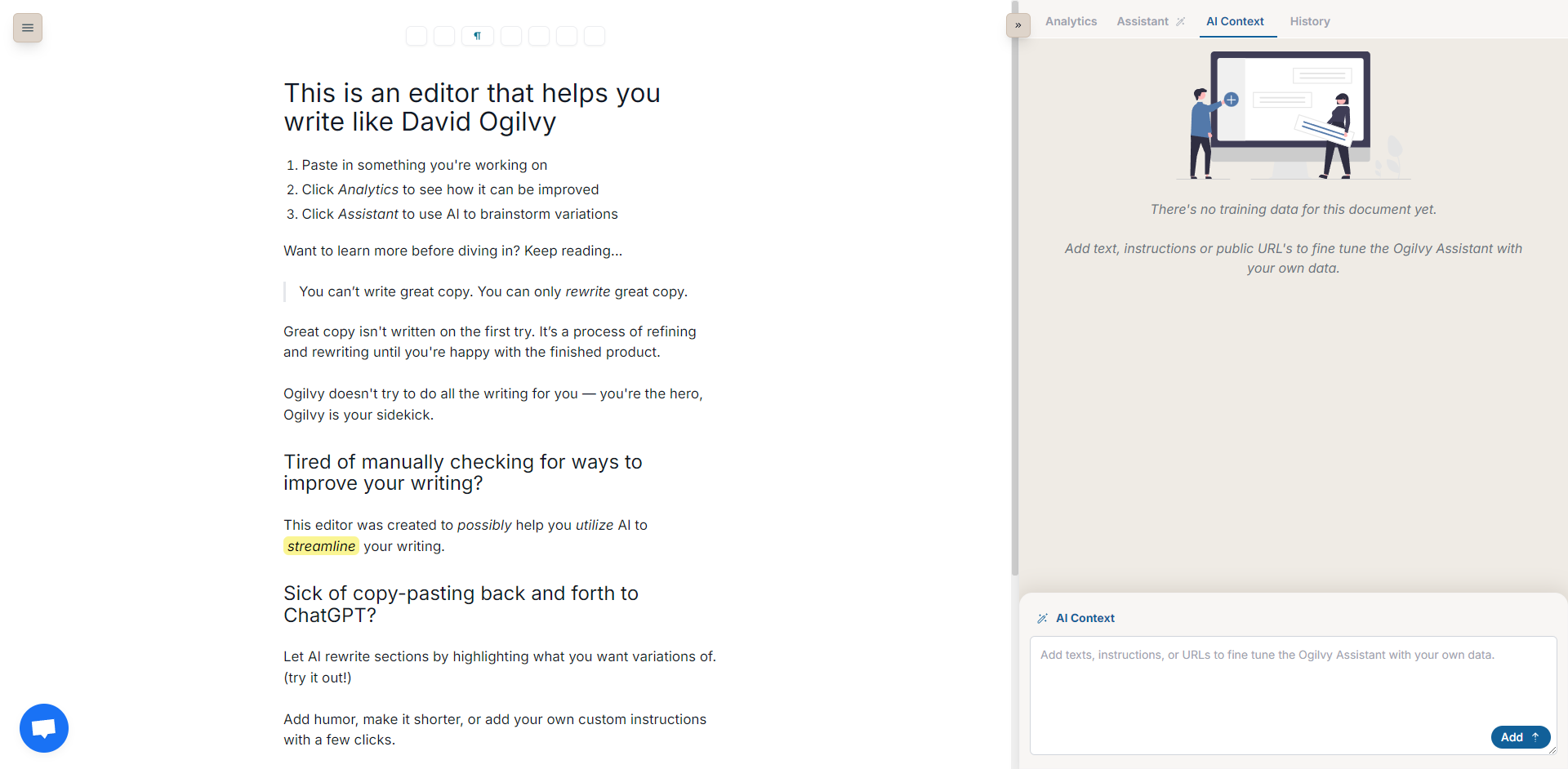
You know great copywriting isn’t just about getting words down; it’s about refining, polishing, and ensuring every phrase lands perfectly. But constantly switching between your editor and separate AI tools breaks your flow and wastes valuable time. Ogilvy works alongside you, directly within your writing space, providing AI assistance and insightful feedback exactly when you need it, without disrupting your creative process. Think of it as your helpful sidekick, enhancing your skills, not replacing them.
Key Features to Sharpen Your Copy
✨ Work Seamlessly in One Place: Keep your focus sharp. Create, edit, and refine your copy within a single, integrated editor, eliminating the need to juggle multiple applications or constantly copy-paste.
🤖 Get AI-Powered Suggestions: Stuck on a phrase or need a fresh perspective? Highlight any section of your text, and Ogilvy’s AI will offer variations and improvements, helping you discover more effective ways to express your ideas.
📊 Receive Actionable Writing Insights: Understand your copy better. Ogilvy analyzes your text, providing clear metrics on reading time, difficulty level, and word count. It also flags complex words or jargon that might hinder clarity.
🎭 Adjust Tone and Style Instantly: Tailor your message effortlessly. Whether you need to inject a bit of humor or adopt a more formal tone, Ogilvy allows you to modify your writing’s style with simple commands to better connect with your specific audience.
How Ogilvy Helps You Succeed
Drafting a Sales Email: You've written a draft but feel the closing could be stronger. Highlight the call-to-action, and Ogilvy suggests several alternatives. You pick one that feels more compelling and check the email's overall reading time to ensure it's concise.
Polishing a Blog Post: Before publishing, you run your article through Ogilvy. It highlights a few jargon terms you hadn't noticed and flags a couple of sentences as difficult to read. You make quick edits based on the feedback, improving accessibility for a wider audience.
Creating Social Media Captions: You need several variations of a caption for A/B testing. You write one version and use Ogilvy's AI suggestions to quickly generate different options, playing with tone and phrasing for each platform.
Write Better, Faster, and Smarter
Ogilvy brings AI assistance directly into your writing workflow, helping you refine your copy with greater ease and insight. It respects your role as the writer, offering tools to enhance clarity, adjust tone, and overcome creative blocks without forcing you out of your editor. Start improving your copywriting process today.
More information on Ogilvy
Launched
2024-04
Pricing Model
Free Trial
Starting Price
Global Rank
Follow
Month Visit
<5k
Tech used
Cloudflare CDN,Google Fonts,Nuxt.js,Vercel,Gzip,HTTP/3,OpenGraph,HSTS
Ogilvy was manually vetted by our editorial team and was first featured on 2025-04-07.
Related Searches
Ogilvy Alternatives
Load more Alternatives-

-
-

-
-

Write emails, docs & more faster with Compose AI, your AI writing assistant. Get personalized autocomplete, instant text generation & 1-click replies. Save time!