

What is Photopea?
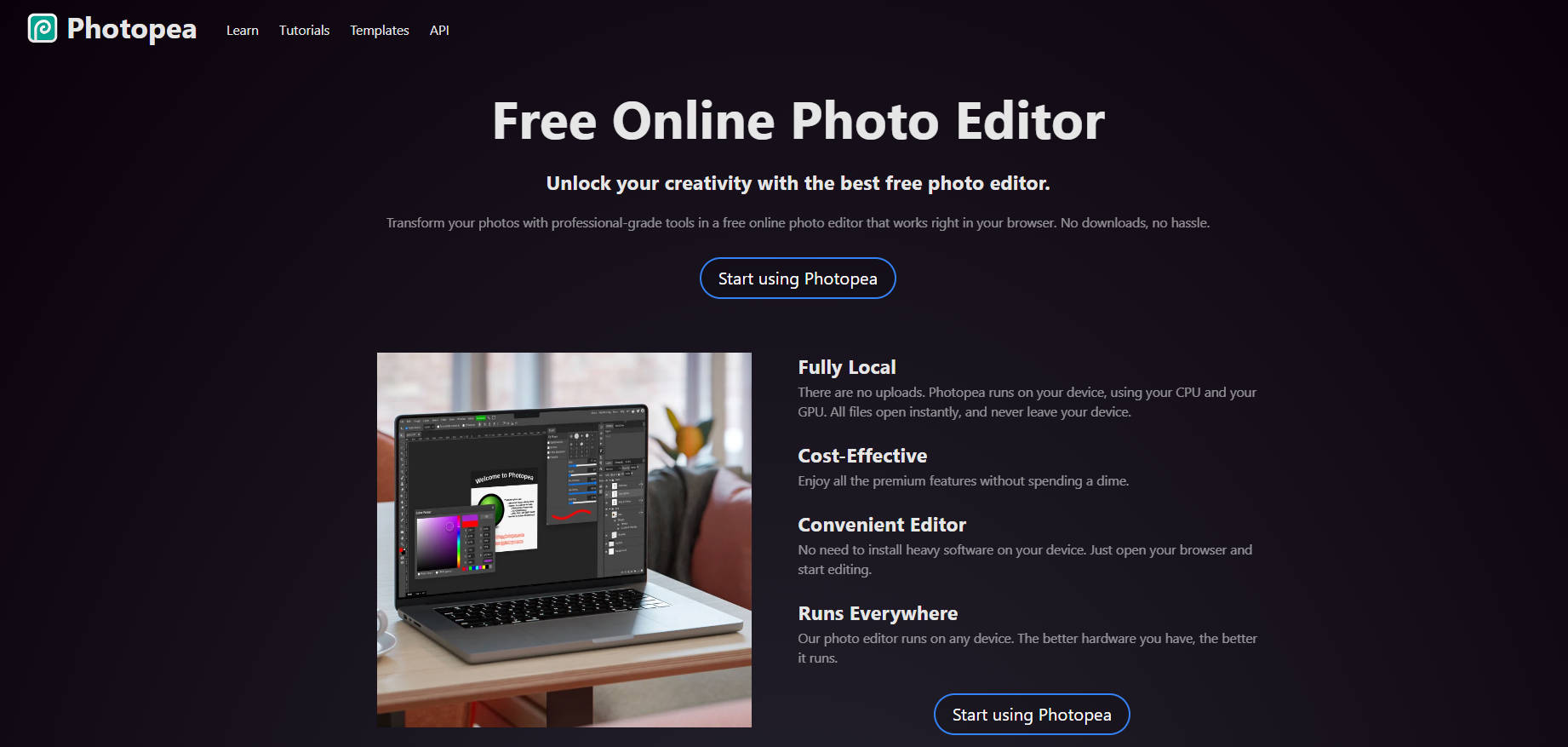
Photopea is a powerful, free online image editor that rivals Adobe Photoshop in functionality. Accessible directly through your web browser, it supports a wide array of file formats, including PSD, AI, and PDF. Its interface mirrors Photoshop's, making it easy for experienced users to transition seamlessly. Whether you need to edit photos, create graphics, or design web layouts, Photopea provides the tools you need without the cost or software downloads.
Key Features:
Layer Support🍰: Edit images non-destructively using layers, just like in Photoshop. This allows for flexibility and makes it easy to experiment with different effects.
Advanced Selection Tools🎯: Precisely select specific areas of your image using a variety of tools like lasso, magic wand, and quick selection.
Brushes & Filters🖌️: Explore a wide range of brushes for digital painting and artistic effects. Apply filters to enhance images or create unique styles.
Text Tool🔤: Add and customize text within your images. Adjust fonts, sizes, colors, and styles to create eye-catching typography.
Vector Graphics Support↗️: Design and manipulate scalable vector graphics that retain their quality at any size, ideal for logos and illustrations.
PSD Compatibility🎨: Seamlessly open, edit, and save files in Photoshop's native PSD format, ensuring compatibility with professional workflows.
Use Cases:
Social Media Content Creation: A social media manager needs to quickly create engaging visuals for various platforms. Photopea allows them to crop, resize, retouch photos, and add text overlays without needing expensive software.
Website Banner Design: A small business owner wants to design a new banner for their website. Using Photopea, they can create a visually appealing banner with text, images, and graphics, all within their browser.
Student Photo Editing Project: A student needs to edit photos for a school project. Photopea provides them with all the necessary tools to adjust colors, remove blemishes, and enhance their images, making it a valuable resource for educational purposes.
Conclusion:
Photopea is a game-changer for anyone who needs powerful image editing capabilities without the cost or hassle of traditional software. Its comprehensive features, user-friendly interface, and browser-based accessibility make it a versatile tool for both beginners and experienced users. Try Photopea today and unlock your creative potential!
FAQs
Do I need to create an account to use Photopea?
No, Photopea is completely free to use without registration. You can simply visit the website and start editing immediately.
Can I use Photopea on my mobile device?
Yes, Photopea is web-based and works on any device with a browser, including smartphones and tablets. However, a larger screen may provide a better editing experience.
What file formats can I export my work in?
Photopea supports a wide range of export formats, including common image formats like JPEG, PNG, GIF, as well as PSD, PDF, and SVG.
Is my work automatically saved in Photopea?
Photopea utilizes your browser's local storage for temporary saving. However, it's recommended to manually save your work regularly to prevent data loss.
Does Photopea offer tutorials or support resources?
Yes, Photopea has a comprehensive documentation section and YouTube channel with tutorials covering various features and techniques.
More information on Photopea
Launched
2012-11
Pricing Model
Free
Starting Price
Global Rank
4512
Follow
Month Visit
17.2M
Tech used
Gzip,Progressive Web App,Nginx
Top 5 Countries
19.02%
6.86%
4.57%
3.44%
3.37%
United States
India
United Kingdom
Spain
Mexico
Traffic Sources
0.28%
0.06%
0.01%
3.24%
29.57%
66.84%
social
paidReferrals
mail
referrals
search
direct
Source: Similarweb (Sep 24, 2025)
Photopea was manually vetted by our editorial team and was first featured on 2024-11-24.
Related Searches
Photopea Alternatives
Load more Alternatives-

Edit Photo: Free online tool for hassle-free image editing. No popups, ads, or account creation. Edit photos easily with privacy and flexibility.
-

Pixlr is a versatile online suite of AI-powered photo editors, image generators, and design tools. Accessible via web browsers, mobile apps, and desktop, it provides powerful yet easy-to-use tools for enhancing photos, creating visuals from text, and designing graphics for both beginners and experienced users.
-

Pixelfox AI: Free online photo editor. Remove objects, change backgrounds, enhance images & more with AI. Easy, powerful, and no downloads!
-

-

AIImageEditor.me: Your free, all-in-one AI photo editor. Easily enhance, remove backgrounds, scale, and transform images with 12 powerful tools.