

What is Pictura?
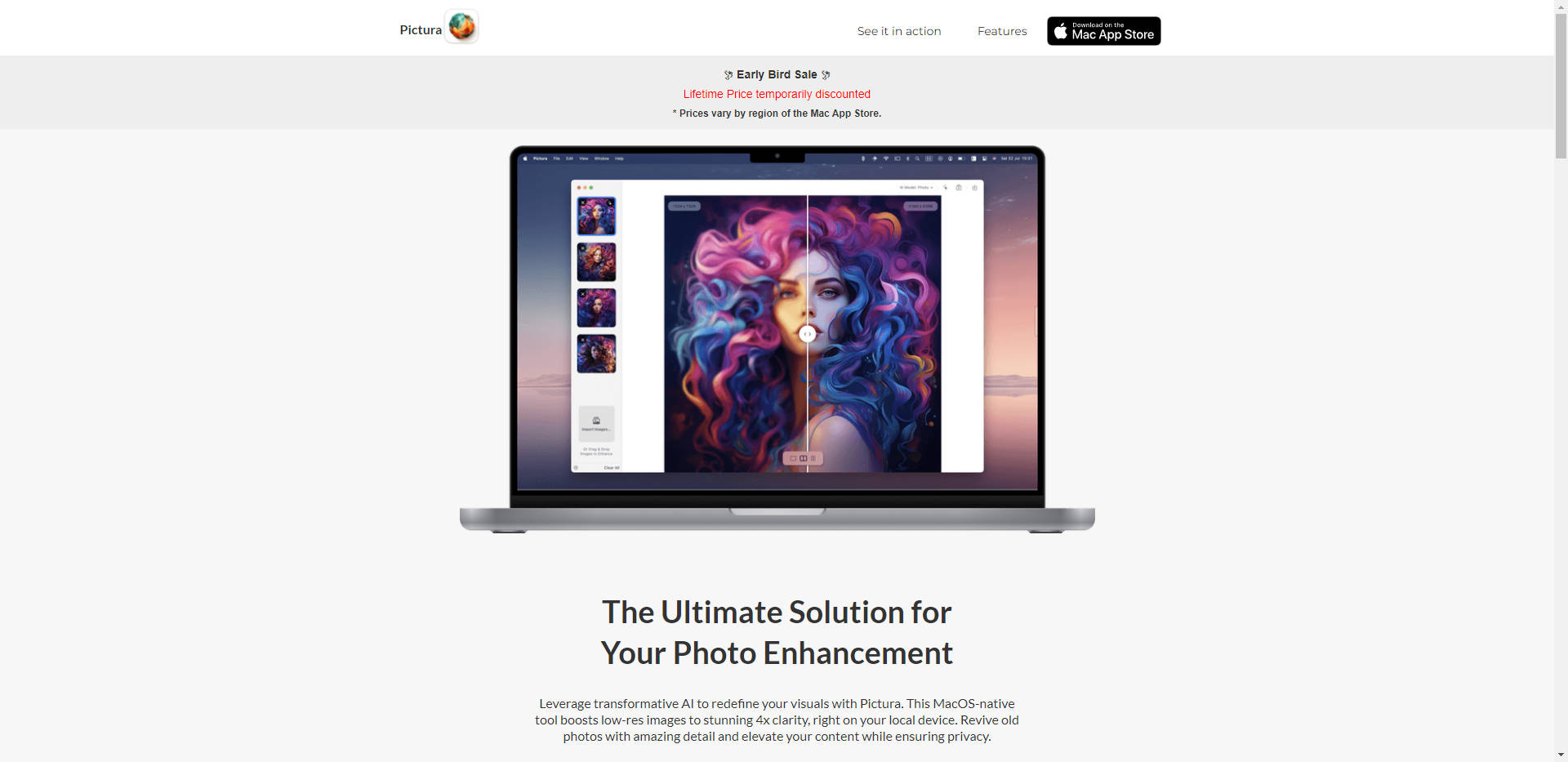
Pictura🕊 offers a revolutionary AI-driven solution for photo enhancement on MacOS, providing users with unparalleled clarity and detail in their images. With its native integration, Pictura simplifies the enhancement process while ensuring privacy and security.
Key Features:
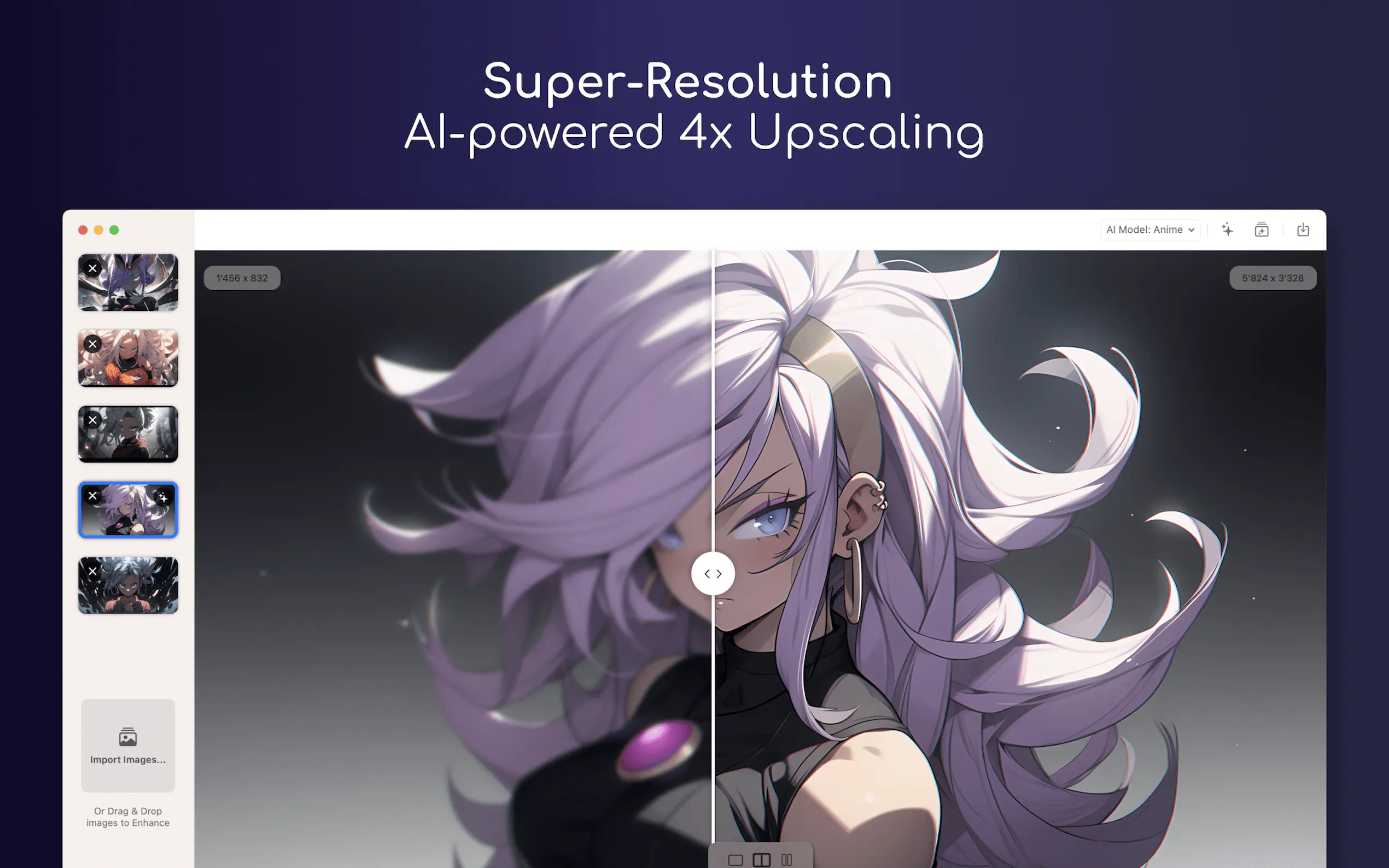
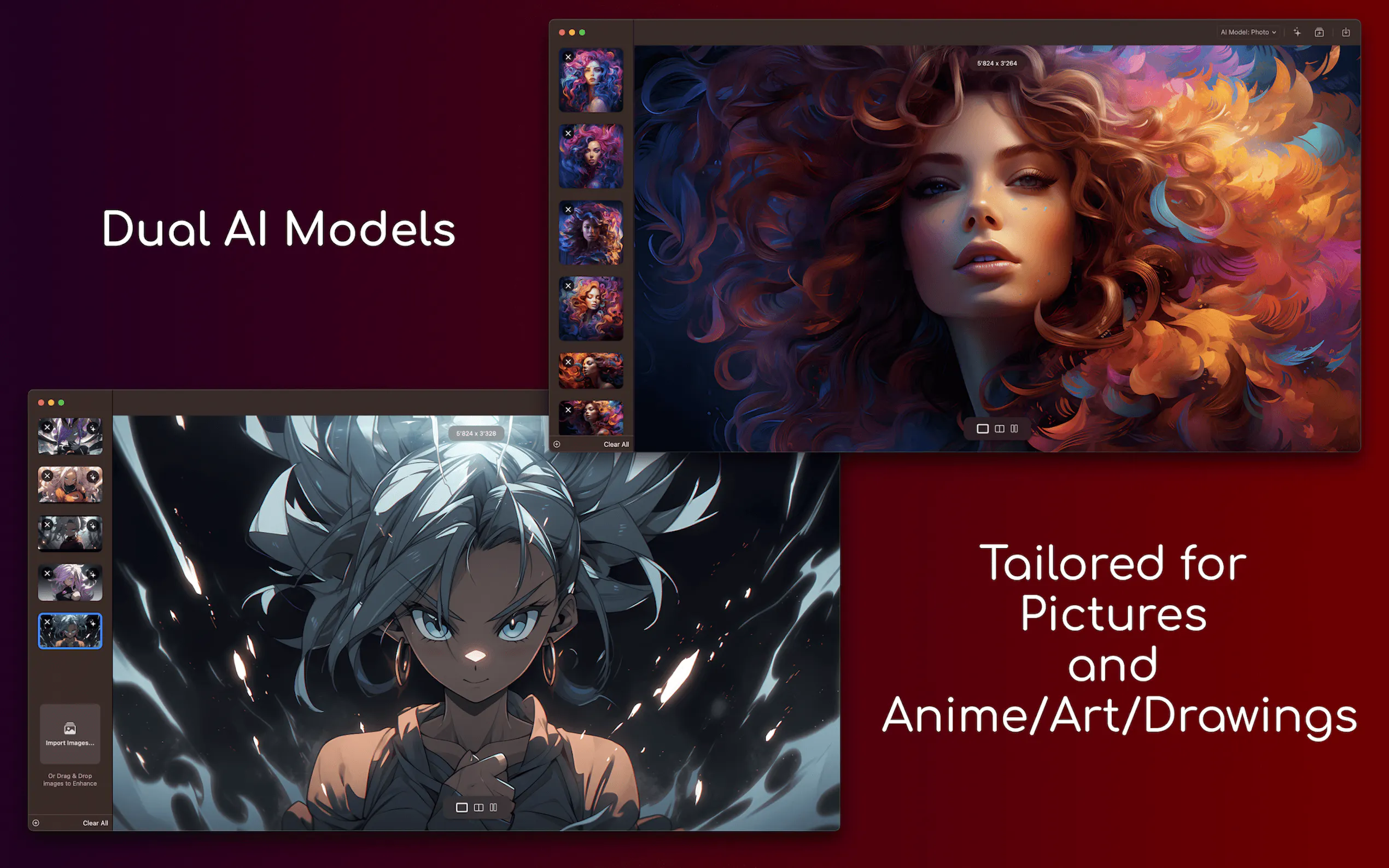
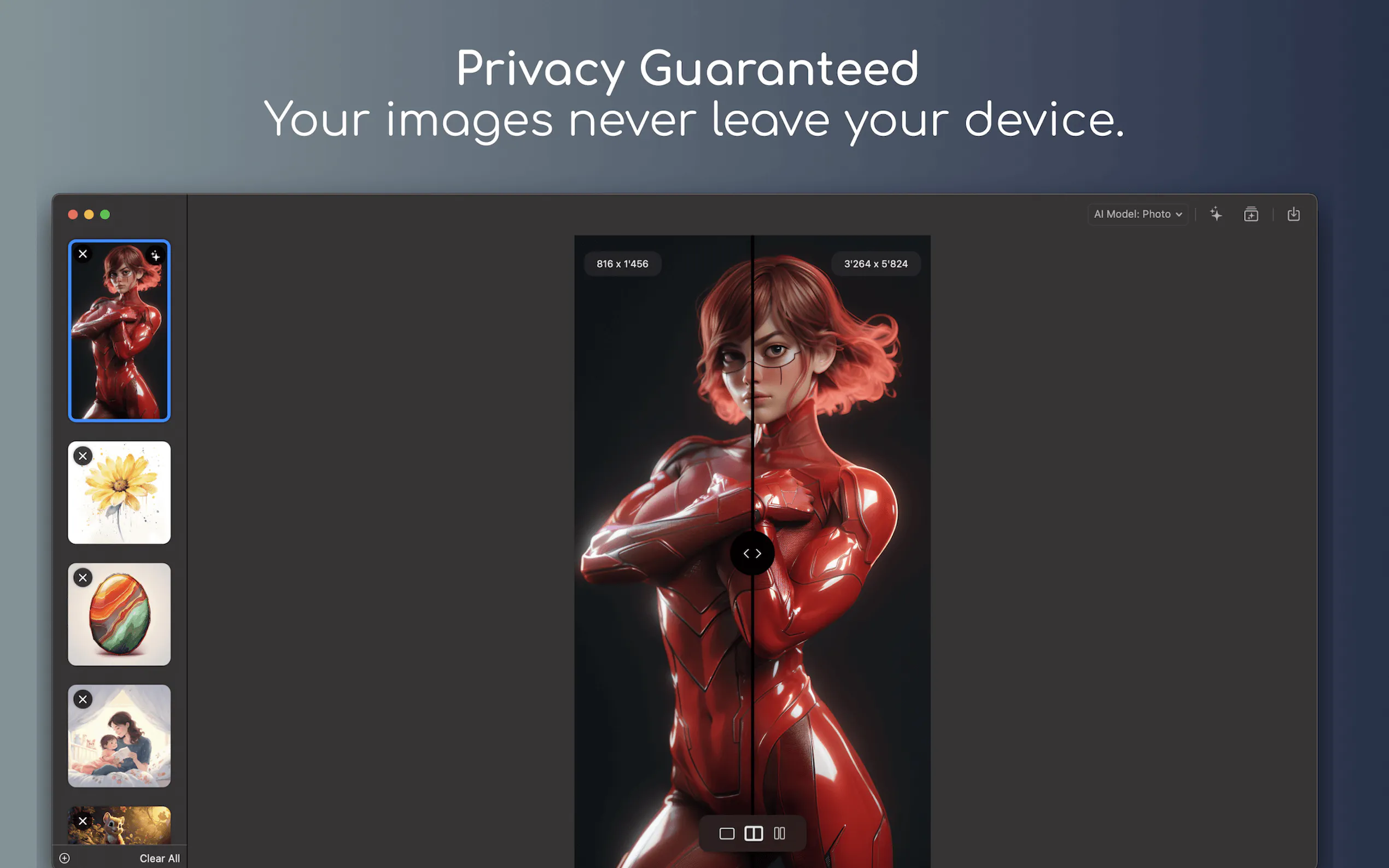
🎨 Comprehensive AI Models: Pictura offers dedicated AI models for both photos and anime, guaranteeing exceptional results tailored to each genre.
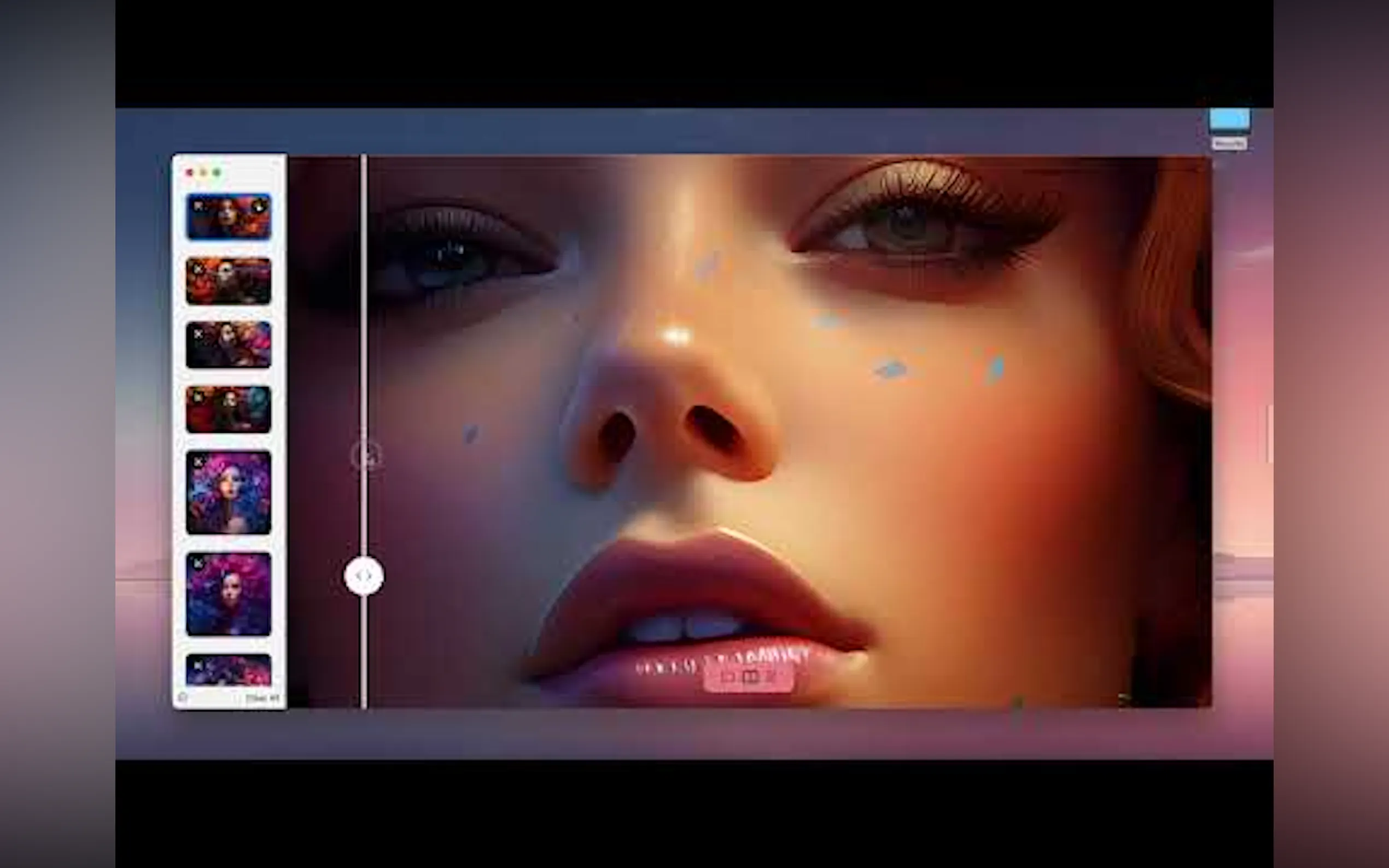
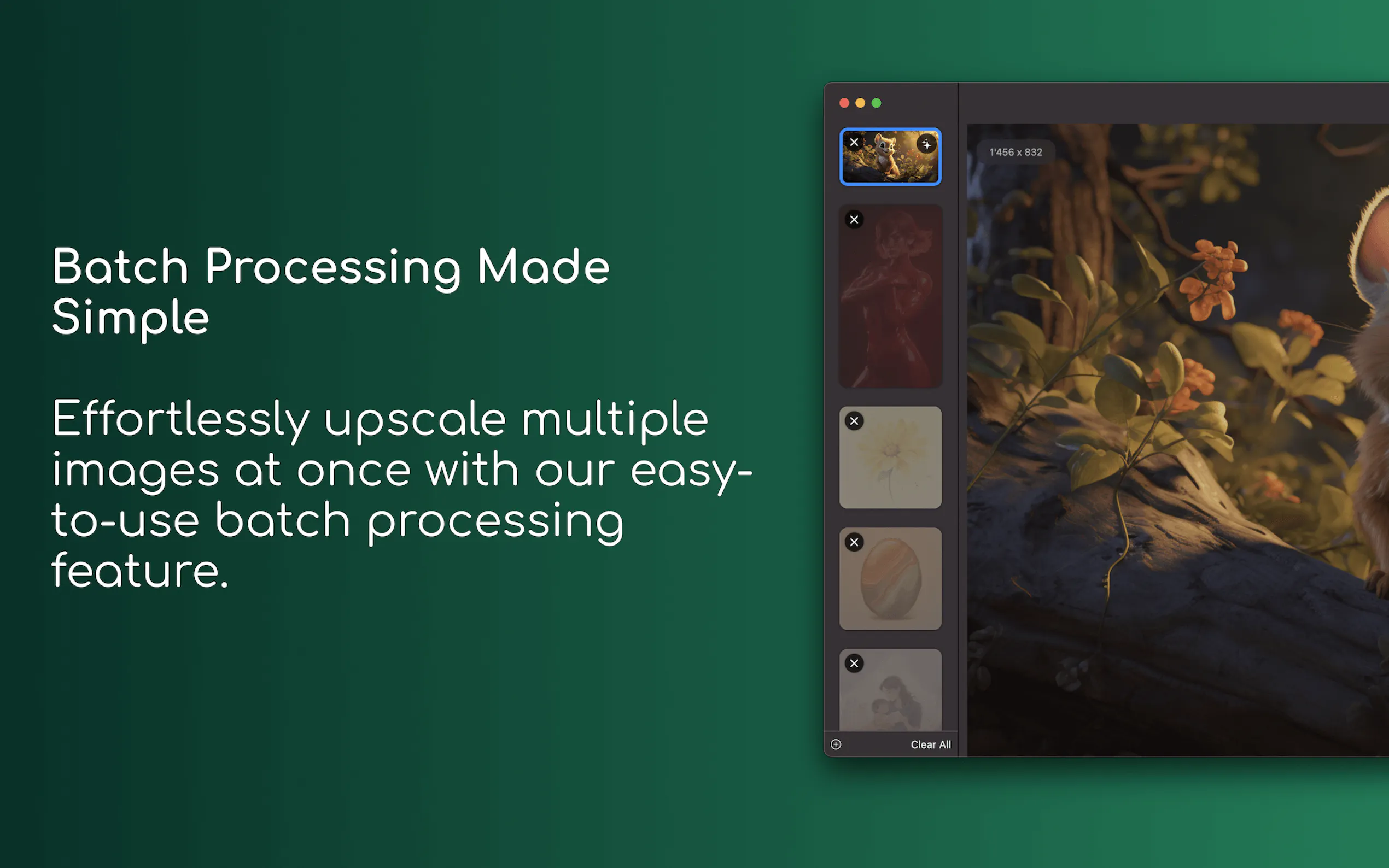
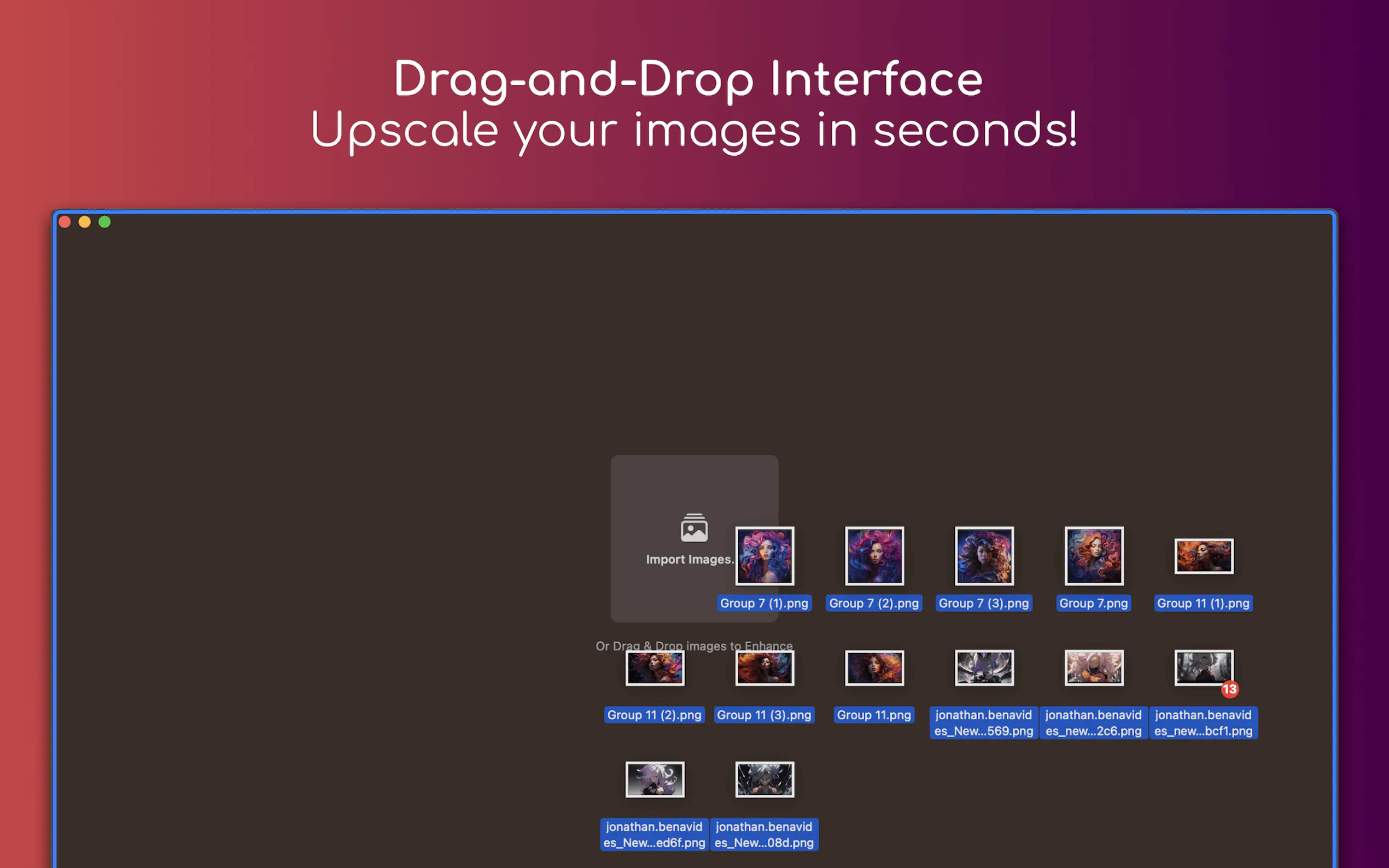
🖼️ Instant Enhancement: Seamlessly boost image resolution with a simple drag-and-drop interface, enhancing workflow efficiency.
🔒 Secure Encryption: Safeguard your enhanced photos directly on your Mac, ensuring privacy and confidentiality.
Use Cases:
Professional Photography: Professional photographers can swiftly enhance their images without compromising on quality, maintaining the integrity of their work.
Artistic Expression: Anime enthusiasts and digital artists can elevate their creations with Pictura's specialized AI model, enhancing visual elements with precision.
Everyday Enhancement: From personal photo albums to social media posts, users can effortlessly enhance their everyday visuals, preserving memories with stunning clarity.
Conclusion:
Elevate your visual content effortlessly with Pictura🕊. Whether you're a professional photographer, digital artist, or everyday user, Pictura's intuitive interface and powerful AI models ensure unparalleled image enhancement. Don't miss out on the Early Bird Sale - unlock the full potential of your photos today!
FAQs:
How does Pictura ensure privacy for user photos?Pictura encrypts and stores enhanced images directly on your Mac, providing a secure environment for your visual assets.
Can Pictura handle bulk image enhancement?Yes, Pictura simplifies the enhancement process with its drag-and-drop feature, allowing users to enhance multiple images efficiently.
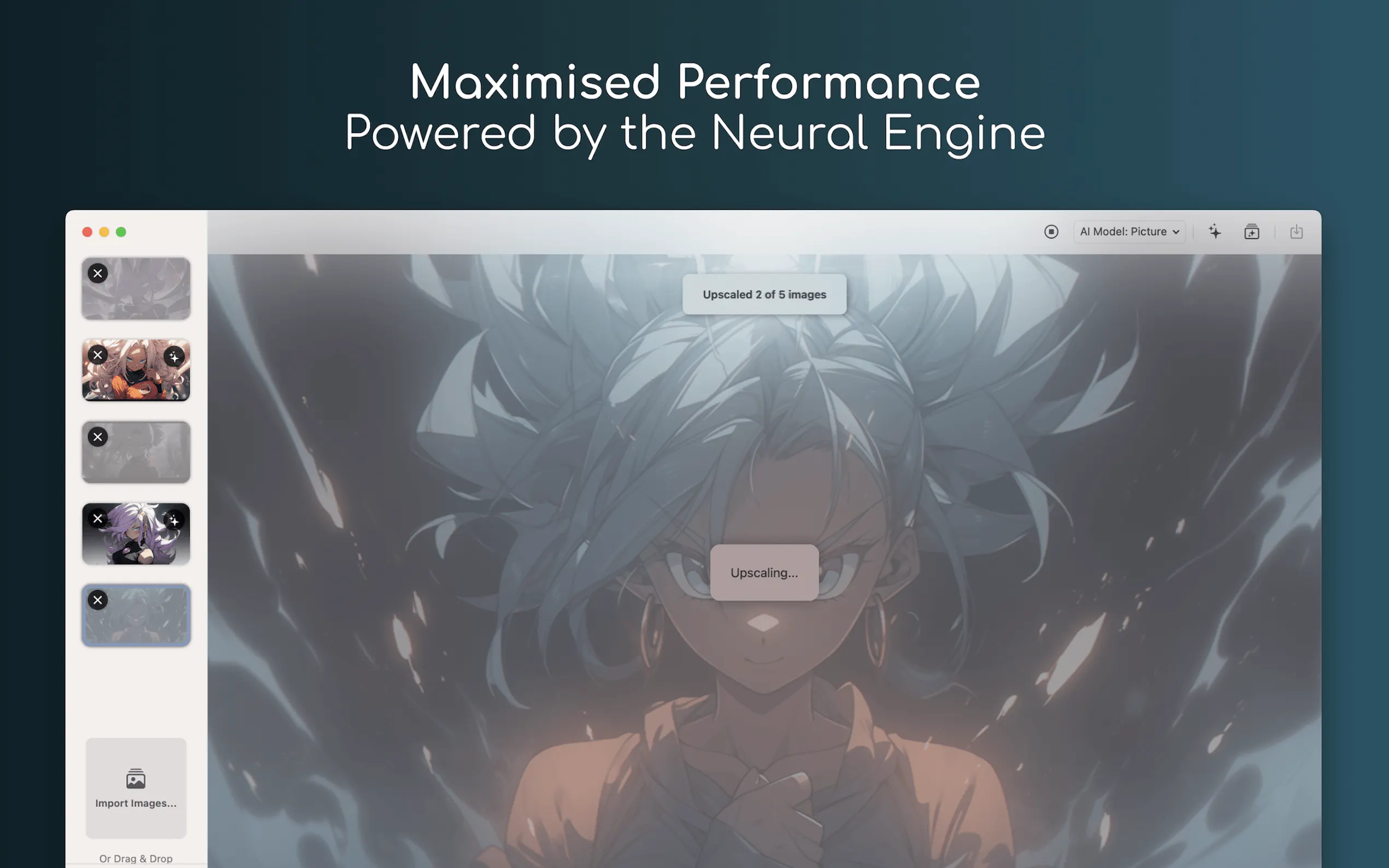
Is Pictura compatible with Apple Silicon?Absolutely, Pictura is optimized for Apple Silicon, harnessing the unmatched power of Mac's Neural Engine for seamless performance and reliability.
More information on Pictura
Top 5 Countries
83.49%
9.78%
6.73%
United States
India
Japan
Traffic Sources
6.06%
0.75%
0.06%
67.74%
13.8%
11.49%
social
paidReferrals
mail
referrals
search
direct
Source: Similarweb (Sep 24, 2025)
Pictura was manually vetted by our editorial team and was first featured on 2023-08-21.
Related Searches
Pictura Alternatives
Load more Alternatives-

-

-

-

Elevate your photos to professional standards with PicassoPix. Its AI-based image editing toolkit simplifies complex tasks, enhances clarity, brightness, contrast, and color. With upscaling capabilities and transformative features, achieve stunning results effortlessly.
-

Enhance your image quality online for free with our advanced AI technology. Enlarge your images up to 10x and 12K for significant clarity improvement.